





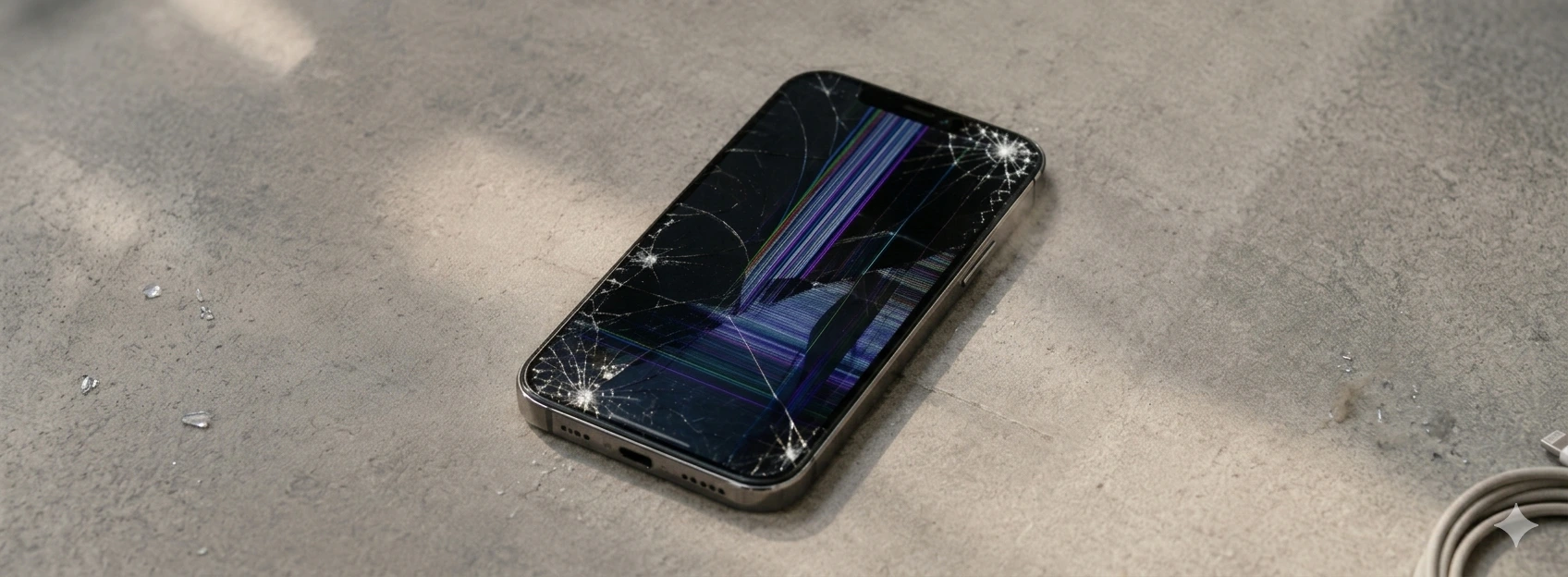




iPhone touch screen fails: causes and solutions
If your iPhone's touchscreen fails in certain areas, you know how frustrating the user experience can be. This problem affects models from the iPhone X to the latest iPhone 17 Pro Max, compromising device functionality and user interaction. At iServices, we understand the importance of a responsive screen and present a comprehensive guide to identify common causes and the best solutions for this issue.
Localized touchscreen failure can arise for various reasons, from physical damage to software issues. If you've noticed that some areas of your screen don't respond to touch or exhibit ghost touches, this article is for you. We will explain in detail what might be causing these failures and how you can resolve them, ensuring your iPhone returns to its optimal performance.
Causes of iPhone Touchscreen Failure in Certain Areas
Physical Screen Damage
One of the most frequent causes for the touchscreen to fail in specific areas is physical impact. Falls, bumps, or excessive pressure can damage the screen's glass or digitizer (the touch-sensitive layer), resulting in unresponsive areas.
Internal Connection Problems
The flex cable connecting the screen to the motherboard may be improperly seated or damaged. This can happen after a poorly executed repair, or due to impacts affecting internal components, causing localized touchscreen failures.
Manufacturing Defects or Natural Wear and Tear
Some models may exhibit problems related to manufacturing defects, which affect touchscreen operation over time. Furthermore, natural wear and tear from daily use can deteriorate the sensitive layer, causing failures in certain areas.
Software Issues
Although less common, errors in the iOS operating system or failures in specific applications can cause irregular touchscreen response. In these cases, the failure is not related to hardware but rather to the software that controls touch.
Solutions Table
| Cause | Recommended Solution | Complexity |
|---|---|---|
| Physical screen damage | Screen replacement by iServices technicians | High |
| Internal connection problems | Reseat or replace internal cables | Medium |
| Manufacturing defects or wear and tear | Diagnosis and possible screen replacement | Medium/High |
| Software issues | iOS update or system restore | Low |
| Dirt or debris on the screen | Careful screen cleaning with an appropriate cloth | Very low |
Step-by-Step Solutions
Screen replacement by iServices technicians
- 1. Schedule a visit to one of our 76 stores in Portugal.
- 2. Our technicians perform a full diagnosis to confirm physical damage.
- 3. We proceed with screen replacement using original components, ensuring quality.
- 4. We test touchscreen functionality in all areas before handing over the iPhone.
- 5. We offer a warranty for the repair performed.
Reseat or replace internal cables
- 1. Turn off your iPhone and take it to an iServices store to prevent further damage.
- 2. Technicians carefully open the device to access the screen connection.
- 3. They check the condition of the flex cable and reseat it correctly or proceed with replacement.
- 4. They reassemble the iPhone and test the touchscreen to confirm the issue is resolved.
Diagnosis and possible screen replacement due to wear or defect
- 1. Contact iServices for a detailed diagnosis of your iPhone model.
- 2. If wear or defect is identified, we recommend screen replacement.
- 3. Technicians perform the repair with original parts to ensure the device's longevity.
- 4. After the repair, test the touchscreen to ensure full functionality.
iOS update or system restore
- 1. Back up your data to iCloud or your computer.
- 2. Update iOS to the latest version via your iPhone settings.
- 3. If the problem persists, proceed with a system restore via iTunes or Finder.
- 4. Check if the touchscreen responds correctly after the update or restore.
Careful screen cleaning
- 1. Turn off your iPhone before starting the cleaning.
- 2. Use a dry microfiber cloth or one slightly dampened with distilled water.
- 3. Clean the screen with gentle, circular motions, avoiding chemical products.
- 4. Test the touchscreen to confirm if dirt was interfering with the response.
Why does my iPhone's touchscreen fail only in certain areas?
This localized failure can be caused by physical damage to the screen's digitizer, problems with the internal flex cable connection, or even specific hardware defects. It can also result from accumulated dirt or software failures affecting touch response.
Can I repair the iPhone touchscreen myself?
Repairing an iPhone screen requires technical knowledge and specific tools. At iServices, we recommend contacting our specialized technicians to ensure the repair is done safely, quickly, and with a warranty.
How long does screen repair with touchscreen failures take?
At iServices stores, most screen repairs are completed on the same day, with express delivery available. The exact time depends on the diagnosis, but we strive to return your functional iPhone as quickly as possible.
Does touchscreen repair affect my iPhone's warranty?
If the repair is carried out by authorized technicians, such as those at iServices, using compatible and quality components, we offer a warranty on the service performed, preserving the safety of your device.
Need Professional Help? iServices Is Here for You
If your iPhone's touchscreen fails in certain areas and you need a quick and effective solution, iServices has the answer. With several stores, we provide specialized technical assistance for all models, from the iPhone X to the iPhone 17 Pro Max.
Our experienced technicians perform accurate diagnostics and guaranteed repairs, using original or certified parts to ensure the best quality. Additionally, we offer express deliveries so you can get back to using your iPhone without delays.
Don't hesitate to visit one of our stores or check our services on the iservices.pt website. At iServices, we are always ready to help your iPhone work like new again, with complete confidence and safety.
Recommended Products
View all
 36 Months
 36 Months

€19.95
36 Months




Other Articles
See more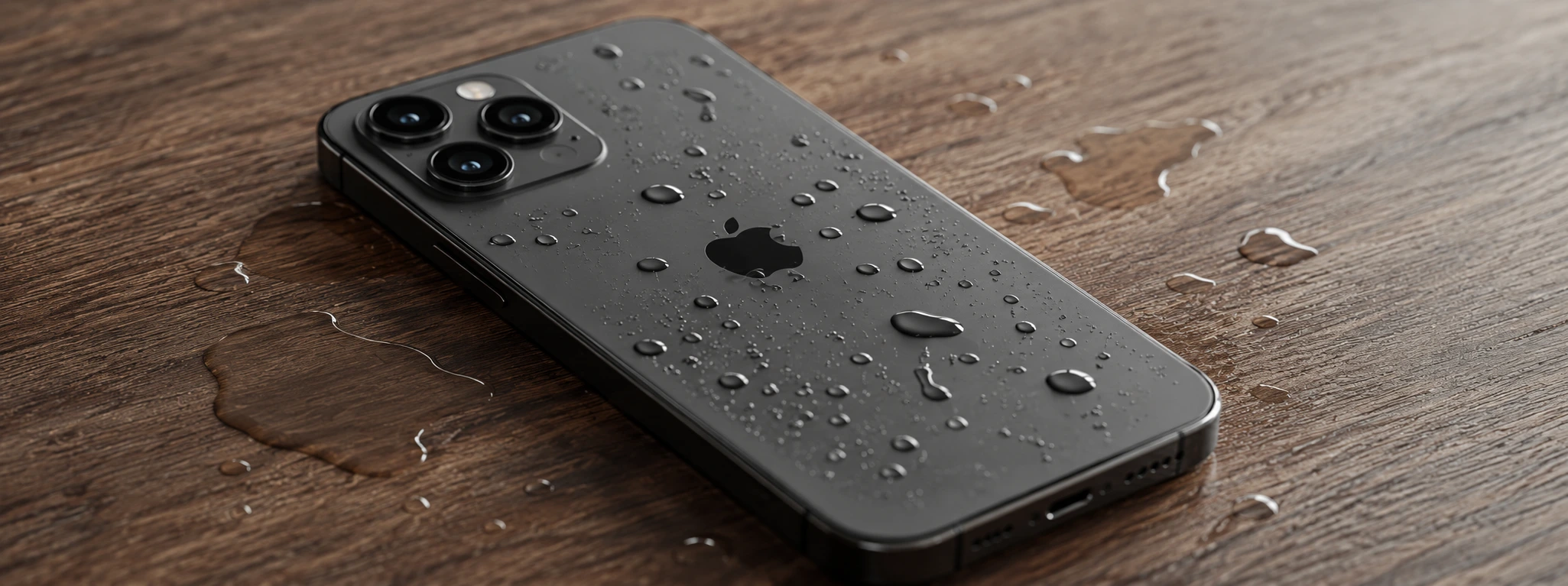
iPhone Sensors Affected by Humidity: Causes and Solutions
Learn how humidity affects iPhone sensors and discover effective solutions for iPhone X to iPhone 17 Pro Max models at iServices.
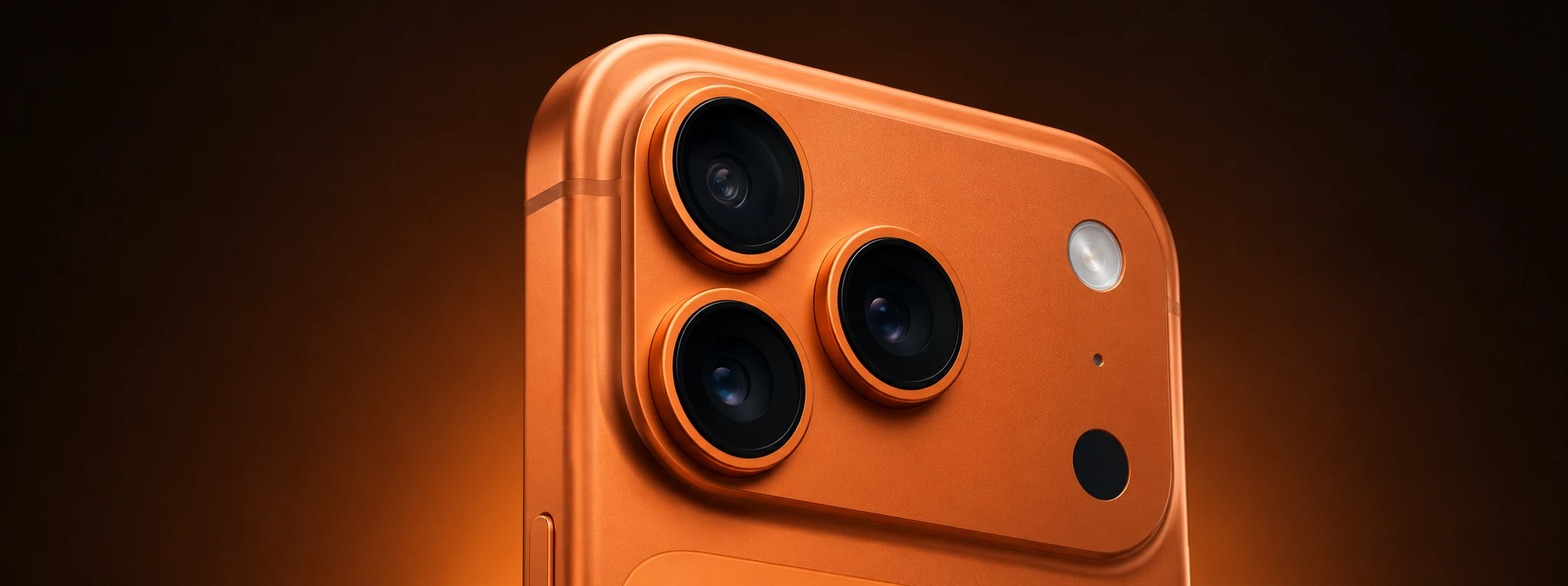
Spots on iPhone camera photos: Causes and solutions
Learn how to remove spots from iPhone camera photos and discover the causes and solutions for models from the iPhone X to the iPhone 17 Pro Max.
iPhone turns off by itself: causes and solutions
Is your iPhone turning off by itself? Discover common causes and effective solutions. Rely on iServices for expert technical support.
