





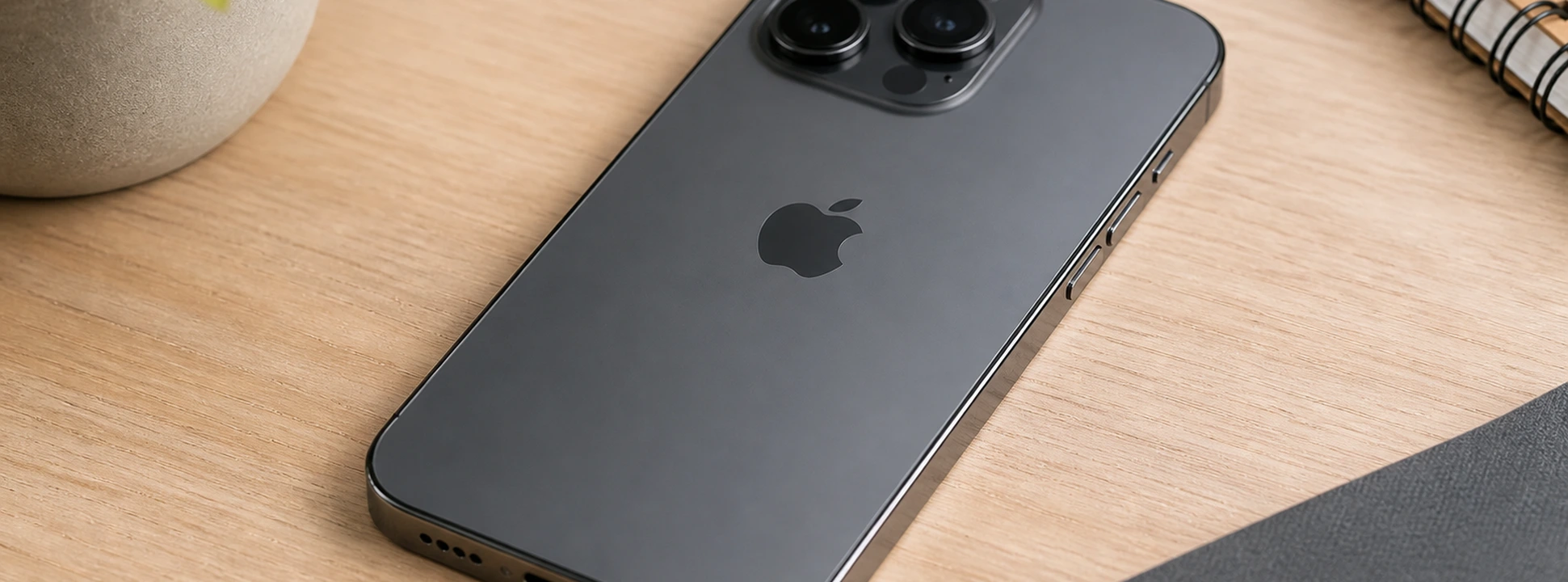




iPhone's silence button doesn't work: causes and solutions
The iPhone's silent (mute) button is an essential feature for many users, allowing them to quickly silence their phone without having to go into system settings. However, some users of models from the iPhone X to the latest iPhone 17 Pro Max have reported problems with this button, which simply stops working or responds intermittently. This issue can be frustrating, especially when you urgently need to put the device into silent mode.
At iServices, we understand the importance of a properly functioning phone, so we've gathered the most common causes for the iPhone's silent button not working, as well as practical solutions you can try before seeking technical assistance. If you need professional help, our specialized technicians are available at any of our stores to ensure a fast and effective repair.
Causes of the iPhone Silent Button Not Working?
Physically Damaged Silent Button
Daily use, drops, or contact with liquids can damage the iPhone's silent button. When the button is impacted or accumulates dirt, it may stop working correctly or get stuck, preventing you from changing the device's sound mode.
Software Issues and Incorrect Settings
Sometimes, the problem isn't with the button itself, but with a temporary iOS operating system glitch or an incorrect configuration. Incomplete updates, bugs, or custom settings can interfere with the silent button's function.
Third-Party App Interference
Some applications can control the iPhone's volume and sound mode, causing conflicts with the physical silent button. These applications can change settings without the user realizing it, leading to the impression that the button is not working.
Internal Phone Hardware Issues
In more severe cases, there may be an internal problem with the logic board or components connected to the silent button, requiring specialized technical intervention to repair or replace damaged parts.
Solutions Table
| Cause | Recommended Solution | Complexity |
|---|---|---|
| Physically damaged button | Cleaning or replacement of the button at iServices | Medium |
| Software issues | Restart and update iOS | Low |
| Incorrect settings | Restore sound settings | Low |
| App interference | Uninstall suspicious apps | Low |
| Internal hardware issues | Diagnosis and repair at iServices | High |
Step-by-Step Solutions
Cleaning or replacement of the silent button
- 1. Turn off your iPhone to prevent electrical damage.
- 2. Use a small, dry brush to remove dirt around the button.
- 3. If the button remains stuck or doesn't work, go to an iServices store for evaluation.
- 4. Our technicians can replace the silent button with an original one, maintaining the warranty.
Restart and update iOS
- 1. Press and hold the side button and one of the volume buttons until the power off slider appears.
- 2. Slide to power off your phone and wait 30 seconds.
- 3. Turn your phone back on.
- 4. Go to Settings > General > Software Update and check for available updates.
- 5. Install the update to fix any potential bugs.
Restore sound settings
- 1. Go to Settings > Sounds & Haptics.
- 2. Check if the “Change with Buttons” option is enabled.
- 3. If necessary, go to Settings > General > Reset > Reset All Settings.
- 4. Confirm to restore settings without deleting personal data.
Uninstall suspicious apps
- 1. Review recently installed applications or apps that control sound/volume.
- 2. Tap the app and select “Uninstall”.
- 3. Restart your iPhone to confirm if the silent button is working again.
Diagnosis and repair at iServices
- 1. Visit your nearest iServices store for an in-person diagnosis.
- 2. Our technicians will perform a detailed analysis of the button's hardware.
- 3. A quote and timelines for repair or replacement will be provided.
- 4. We guarantee express delivery and specialized technical assistance.
Why does my iPhone's silent button stop working after an iOS update?
After an update, temporary bugs may arise that affect system functionalities, including the silent button. It is recommended to restart your iPhone and ensure the update was installed correctly. If the problem persists, it may be necessary to restore system settings or contact technical support.
How can I tell if the silent button is physically damaged?
If the button doesn't change position when pressed, if it gets stuck, or if it doesn't respond to touch, it's a sign of physical damage. Other symptoms include difficulty putting the phone in silent mode or intermittent sound changes. In these cases, inspection by specialized technicians is the best solution.
What to do if the silent button works, but the iPhone doesn't go silent?
This could be related to sound settings or apps that alter the phone's behavior. Check sound and notification settings, disable Bluetooth (which can send sound to external devices), and uninstall recent apps that control audio.
Can I repair the iPhone silent button at home?
Cleaning the button area can be done at home with care, but technical repairs, such as button replacement, require specific tools and advanced knowledge. To avoid further damage, we recommend seeking iServices for a professional diagnosis.
Need Professional Help? iServices Is Here for You
If your iPhone's silent button is not working correctly, do not hesitate to contact iServices. With several stores spread across Europe, we offer a fast, safe, and guaranteed repair service, ensuring that your phone works like new again. Our specialized technicians are prepared to diagnose and repair any problem, from simple software failures to complex hardware damage.
Furthermore, iServices provides express deliveries for added convenience and technical assistance throughout the country. Visit our website at iservices.pt to find your nearest store or to schedule a diagnosis. Trust iServices to take care of your iPhone with professionalism and proven experience.
Recommended Products
View all
 36 Months
 36 Months

€19.95
36 Months




Other Articles
See more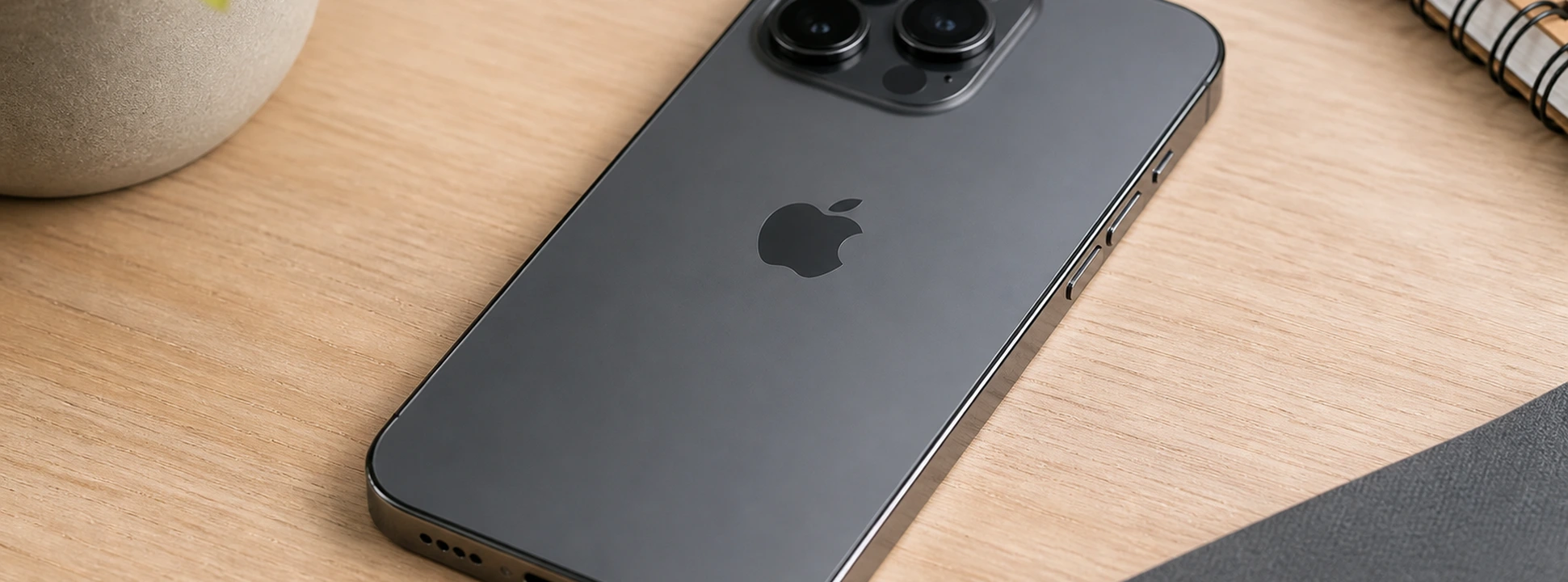
iPhone buttons stiff or stuck: causes and solutions
iPhone buttons stiff or stuck? Discover effective causes and solutions for models from iPhone X to iPhone 17 Pro Max at iServices, repair specialists.
Compra agora: iPhone 17 Pro já disponível na iServices
iPhone 17 Pro disponível na iServices! Aproveite o melhor preço e 3 anos de garantia. Escolha a sua cor entre Laranja Cósmico, Azul Escuro ou Prateado.
