





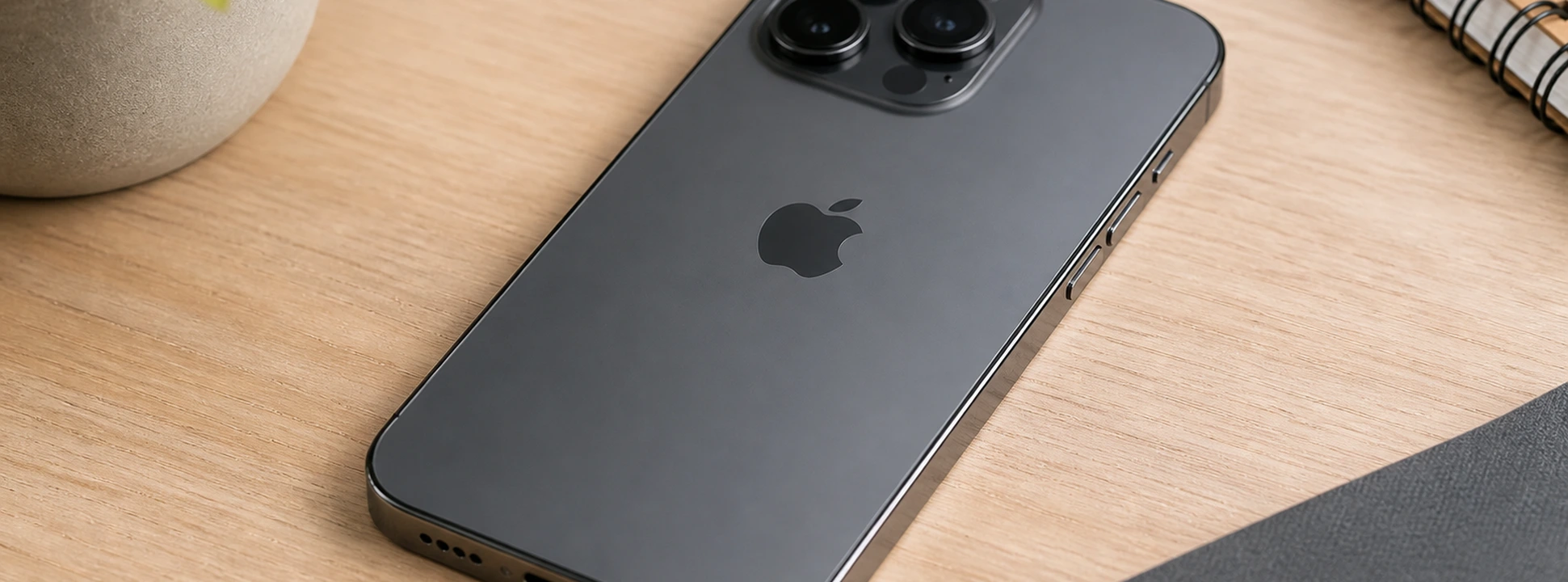




iPhone Touch ID Failure: Causes and Solutions
Touch ID has been an essential feature on iPhones since the iPhone 5s, providing a quick and secure method of unlocking the device. However, many users encounter problems when the iPhone's Touch ID fails, preventing easy access to the phone or the use of authentication in applications. From older models like the iPhone X to the latest ones like the iPhone 17 Pro Max, this feature can malfunction for various reasons.
At iServices, we understand the frustration that an inoperative Touch ID can cause. Therefore, in this article, we have gathered the main causes of the problem and recommended solutions so that you can quickly resolve this situation. If the problem persists, our specialized team is ready to help with excellent technical assistance at any iServices store.
Causes of iPhone Touch ID Failure
Dirty or Damaged Sensor
Touch ID works through a biometric sensor that reads fingerprints. If the screen or sensor is dirty, wet, or damaged due to drops or impacts, recognition may fail.
Outdated Settings or Software
The iPhone's operating system is essential for the proper functioning of Touch ID. An outdated iOS version, or software errors, can prevent the sensor from operating correctly.
Poorly Registered Fingerprint
If the fingerprint was registered incorrectly or incompletely, the sensor may not recognize the finger, resulting in authentication failure.
Internal Hardware Problems
Internal damage, such as failures in the connection of the Touch ID sensor to the motherboard, can cause malfunctions. These problems usually require specialized technical intervention.
Table of Solutions
| Cause | Recommended Solution | Complexity |
|---|---|---|
| Dirty or damaged sensor | Clean the sensor and screen, replace the button | Low |
| Outdated software | Update iOS | Low |
| Poorly registered fingerprint | Delete and register a new fingerprint | Medium |
| Internal hardware problems | Diagnosis and repair at iServices | High |
| Incorrect settings | Reset Touch ID settings | Medium |
Step-by-Step Solutions
Clean the Sensor and Screen
- 1. Use a soft, lint-free cloth slightly dampened to clean the Touch ID button and the screen.
- 2. Make sure your hands are clean and dry before using Touch ID.
- 3. Test the sensor to check if the problem persists.
Update iOS
- 1. Connect your iPhone to a stable Wi-Fi network.
- 2. Go to "Settings" > "General" > "Software Update".
- 3. If an update is available, tap "Download and Install".
- 4. After the update, restart your phone and test Touch ID.
Delete and Register New Fingerprint
- 1. Go to "Settings" > "Touch ID & Passcode".
- 2. Enter your passcode when prompted.
- 3. Delete registered fingerprints by tapping on each one and selecting "Delete Fingerprint".
- 4. Tap "Add Fingerprint" and follow the instructions to register a new fingerprint.
- 5. Test Touch ID to confirm functionality.
Reset Touch ID Settings
- 1. In "Settings", select "General" > "Transfer or Reset iPhone".
- 2. Choose "Reset" and then "Reset All Settings" to restore settings without erasing data.
- 3. Reconfigure Touch ID as needed.
Diagnosis and Repair at iServices
- 1. If the previous solutions do not resolve the issue, go to an iServices store.
- 2. Our specialized technicians will perform a complete diagnosis.
- 3. We offer fast repair, including Touch ID button replacement, with warranty.
- 4. You can also opt for express deliveries for greater convenience.
Why did my iPhone's Touch ID suddenly stop working?
Touch ID can stop working due to dirt on the sensor, software failure, incorrect fingerprint registration, or physical damage to the button. It is important to check each of these aspects to identify the cause.
Can I use Touch ID if the iPhone screen is broken?
If the Touch ID button is intact and functional, it is possible that it will continue to work even with a broken screen. However, screen damage can affect the overall functionality of the phone, so we recommend prompt repair.
Does Touch ID work with a case or screen protector?
Yes, Touch ID usually works with cases and screen protectors, as long as they do not cover the button's sensor. It is recommended to use compatible accessories to avoid interference.
Does replacing the Touch ID button affect iPhone security?
The Touch ID button is paired with the iPhone's motherboard for security reasons. Replacing it with a non-original button may cause the sensor to stop working correctly. At iServices, we guarantee repairs that comply with Apple's security standards.
Need Professional Help? iServices Is Here for You
If your iPhone's Touch ID fails and simple solutions haven't resolved it, iServices is at your disposal to ensure effective and secure repair. With several stores spread across Europe, we offer fast service, with express deliveries and warranty on all interventions.
Visit an iServices store near you for a free diagnosis and trust our specialized technicians to restore your Touch ID's functionality. Also, check our official website for more information and to schedule repairs. At iServices, we take care of your phone as if it were our own.
Recommended Products
View all
 36 Months
 36 Months

€19.95
36 Months




Other Articles
See more
Weak iPhone network signal: How to diagnose and fix
Discover how to solve the problem of a very weak network signal on the iPhone with the effective solutions and specialized technical support from iServices.
iPhone Front Camera Black: Causes and Solutions
iPhone front camera black? Discover common causes and effective solutions for models from iPhone X to iPhone 17 Pro Max with iServices.
iPhone Refurbished vs. Used, what is the best option in 2026?
Refurbished iPhone vs. second-hand iPhone: discover the most important differences, the risks, the warranty, and which offers the best value for money in 2026.
