






iPhone screen black with the phone on: what to do?
If your iPhone screen is black, but the phone seems to still be on, it can be a frustrating and worrying situation. This problem can occur in various models, from the iPhone X to the latest iPhone 17 Pro Max, and has several possible causes that affect screen operation without turning off the device. At iServices, specialists in mobile phone repairs, we help identify and resolve these situations so you can go back to using your iPhone with complete normalcy.
Understanding why your iPhone screen turns black even when it's on is crucial for applying the correct solution. In many cases, it's not necessary to replace the phone, but rather to perform an appropriate technical intervention, which can range from a simple restart to repairing the screen or internal components. In this article, we present the most common causes, recommended solutions, and answers to the most frequent questions to help you.
What causes the black screen when the iPhone is on
Software or operating system problem
An error in the iOS operating system can cause the screen to darken without turning off the phone. This can happen after a failed update, an application crash, or a system conflict, leaving the screen unresponsive, although the device remains active in the background.
Defective or incorrectly connected screen
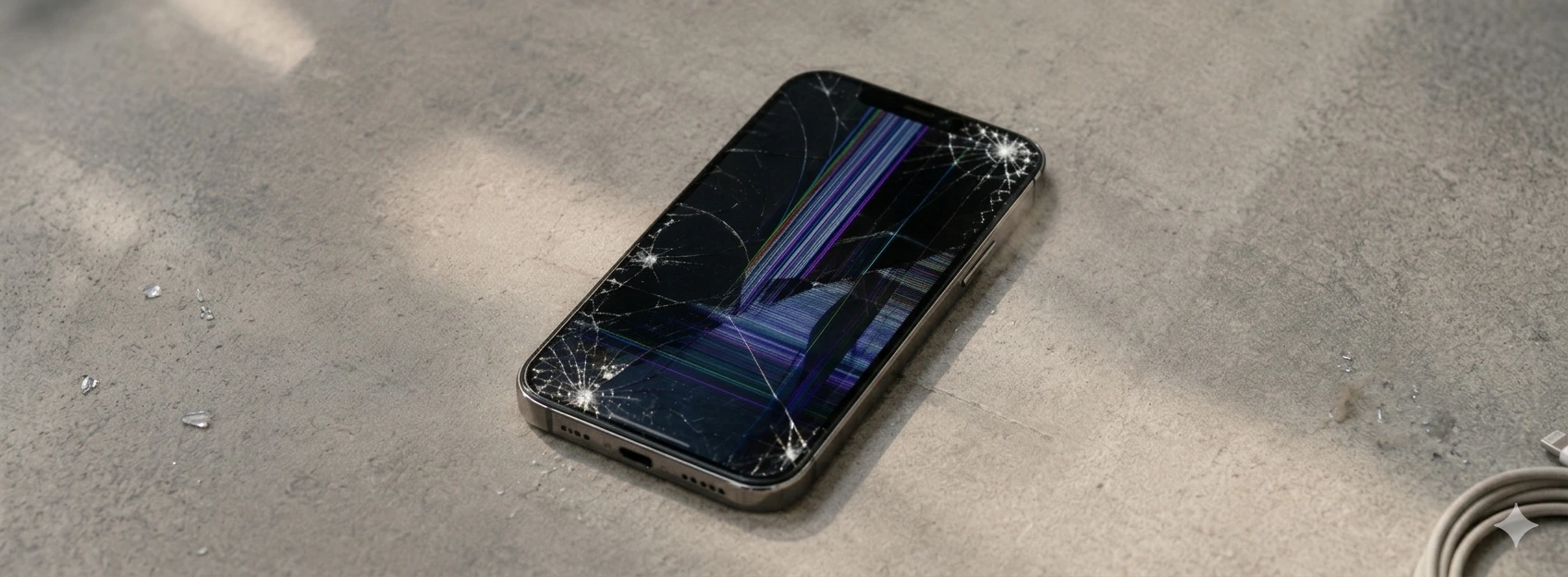
If the screen is damaged, for example due to drops or impacts, or if the connection between the screen and the motherboard is loose or faulty, the screen may not display an image. In these cases, the phone is on but the screen remains black.
Battery or power supply issues
A problematic battery or a fault in the power supply circuit can cause the phone to function partially, with the screen unlit. The device may be receiving enough power to keep the system on, but insufficient for the screen to function correctly.
Faulty proximity sensor
The proximity sensor, which automatically turns off the screen when the phone is held to the ear, can become blocked or faulty. This can cause the screen to remain off even when the phone is away from the face.
Solutions Table
| Cause | Recommended Solution | Complexity |
|---|---|---|
| Software issue | Restart iPhone or restore iOS | Low |
| Defective screen or bad connection | Screen replacement or connection check | Medium |
| Battery problems | Battery replacement or circuit check | Medium-High |
| Faulty proximity sensor | Sensor repair or replacement | Medium |
| Internal physical damage | Full diagnosis and specialized repair | High |
Step-by-Step Solutions
Restart or restore iPhone (Software problem)
- 1. Quickly press and release the volume up button.
- 2. Quickly press and release the volume down button.
- 3. Press and hold the side button until the Apple logo appears.
- 4. If the problem persists, connect the iPhone to a computer and use iTunes to restore the operating system.
Check and replace the screen (Defective screen or bad connection)
- 1. Take your iPhone to an iServices store for diagnosis.
- 2. Our technicians will open the device and check the screen connections.
- 3. If necessary, the screen will be replaced with an original or reconditioned one with a warranty.
- 4. Test the screen's operation after repair.
Replace battery or repair power supply circuit (Battery problems)
- 1. Our team will assess the condition of the battery and internal circuits.
- 2. If the battery is degraded, it will be replaced with a new one with a warranty.
- 3. If there are circuit failures, technicians will perform the necessary repairs.
- 4. Check the phone's operation after the intervention.
Repair or replace the proximity sensor (Faulty sensor)
- 1. Test the sensor with the help of a specialized technician.
- 2. If it is faulty, the component will be replaced.
- 3. Confirm that the screen turns on and off correctly during calls.
Why does my iPhone screen turn black but the phone is on?
The screen can turn black due to software problems, failures in the screen or its connections, battery problems, or issues with the proximity sensor. The phone remains on because the internal system continues to function, but the screen does not display an image.
How can I force restart my iPhone to try and resolve the black screen?
For models from iPhone X to iPhone 16 Pro Max, you should quickly press and release the volume up button, then the volume down button, and finally press and hold the side button until the Apple logo appears.
Can the black screen problem be related to an iOS update?
Yes, a failed update or software incompatibilities can cause this problem. Restoring iOS via iTunes may be necessary to resolve system errors.
Is it worth trying to repair the black screen at home?
We do not recommend it. Opening the iPhone without technical knowledge can worsen the problem. At iServices, we offer professional diagnostics and secure repairs with a warranty.
Need Professional Help? iServices Is Here for You
If your iPhone screen is black but the phone remains on, do not hesitate to seek professional help. At iServices, we have several stores where our specialized technicians perform accurate diagnostics and quick repairs so you can go back to using your iPhone without worries. We guarantee original or rigorously tested parts, complete technical assistance, and express deliveries for greater convenience.
Visit us at one of our stores or contact us through the website to schedule your service. iServices is your go-to for mobile phone repairs, with a warranty and quality you can trust nationwide. Count on us to bring your iPhone back to life.

 Gratis levering, verwacht maandag!

 36 Months
 36 Months
 36 Months


Other Articles
See more
Complete guide: iPhone back cover replacement
iPhone back glass replacement with specialized assistance from iServices. Repair your iPhone X to iPhone 17 Pro Max with warranty and express delivery.

iPhone 17 Pro Max vs iPhone 18 Pro Max, what are the differences?
iPhone 17 Pro Max vs iPhone 18 Pro Max: discover the differences between the two Apple smartphones in terms of performance, cameras, battery, design and which one you should buy.
iPhone has no service? Here is how to fix it
Learn how to fix iPhone "No Service" issues with practical steps covering models from iPhone X to the latest iPhone 17 Pro Max.
