







Apps crashing on iPhone: How to fix the problem
As an iPhone user, from the iPhone X to the latest iPhone 17 Pro Max, you have probably encountered the inconvenience of apps closing on their own. This problem can be frustrating, especially when you are using the app for important tasks or leisure. At iServices, we understand how these types of glitches can affect your daily experience with your phone, and we want to help solve this problem.
Apps that close unexpectedly can be caused by various factors, ranging from software problems and lack of storage space to potential hardware faults. In this article, we explore the main causes of this problem and present effective solutions that you can apply to enjoy your iPhone without interruptions again. Should you require professional support for any reason, iServices is ready to help with reliable technical assistance across the country.
An app closes on its own on the iPhone: the causes
Software errors or bugs in the app
Often, apps close on their own due to internal errors or incompatibilities with the version of iOS installed on your iPhone. This often happens after an update to the operating system or the app itself.
Insufficient storage space on the iPhone
When the iPhone's storage is nearly full, the operating system may close background apps to free up memory, which leads to unexpected shutdowns.
Problems with RAM memory
If the iPhone is running too many apps at the same time, the RAM can become temporarily exhausted, forcing the system to close some apps to ensure the overall operation of the device.
Corrupted settings or excessive cache
Corrupted temporary data or accumulated cache can interfere with the correct operation of apps, leading to automatic shutdowns.
Table of solutions
| Cause | Recommended solution | Complexity |
|---|---|---|
| Software errors or bugs | Update iOS and apps | Low |
| Insufficient storage space | Free up storage space | Low |
| Problems with RAM memory | Close background apps | Low |
| Corrupted settings/cache | Restart iPhone and clear cache | Medium |
| Hardware problems | Technical diagnosis and repair | High |
Step-by-step solutions
Update iOS and apps
- Open the "Settings" app on your iPhone.
- Select "General" and then "Software Update".
- If an update is available, tap "Download and Install".
- To update apps, open the App Store, tap your profile picture, and select "Update All".
Free up storage space
- Go to "Settings" > "General" > "iPhone Storage".
- Check which apps and files take up the most space.
- Delete photos, videos, or apps that you do not use.
- Consider transferring content to a cloud storage service.
Close background apps
- On iPhone X or newer, swipe up from the bottom and pause in the middle of the screen; on iPhone 8 or older, double-press the Home button.
- Swipe up on the apps you want to close.
- Repeat this for all background apps that may be consuming memory.
Restart iPhone and clear cache
- Press and hold the side button and the volume button until the power-off slider appears.
- Turn off the iPhone and wait 30 seconds.
- Turn the device back on.
- To clear the cache of specific apps, you can reinstall the app: press and hold the icon until the "Remove App" option appears, then reinstall it from the App Store.
Technical diagnosis and repair at iServices
If the problem persists after applying all the previous solutions, there may be a hardware fault. Our specialized technicians can perform a full diagnosis to identify defects such as problems with the internal memory or the processor, and carry out the necessary repairs to ensure the perfect operation of your iPhone.
Why do apps close on their own on my iPhone after an update?
After an update of iOS or the app itself, temporary incompatibilities or bugs may arise, causing apps not to work correctly. Updating to the latest versions and restarting the device usually solves the problem.
How do I know if the problem is caused by a lack of storage space?
If your iPhone is running low on free space, it is likely that the system is closing apps to free up memory. You can check the available storage via "Settings" > "General" > "iPhone Storage".
Does closing background apps help prevent them from closing on their own?
Yes, closing apps you are not using can free up RAM, which helps prevent unexpected shutdowns, especially on older models like the iPhone X.
When should I seek technical assistance for this problem?
If you have already tried updating the system, freeing up space, and restarting the iPhone, but the apps keep closing on their own, there may be a hardware problem. In that case, we recommend visiting an iServices store for a professional diagnosis.
Do you need professional help? iServices is there for you
At iServices, we understand how important it is for an iPhone to function perfectly in your daily life. If your apps are still closing on their own after following our recommendations, visit one of our stores for a full diagnosis and an effective repair.
We guarantee quality, speed, and safety in all services, with express deliveries and warranties on repairs. Count on us to restore your iPhone to the performance it deserves. Visit iservices.pt to find the nearest store and learn more about how we can help.

 Gratis levering, verwacht overmorgen!



 36 Months
 36 Months
 36 Months
Other Articles
See more
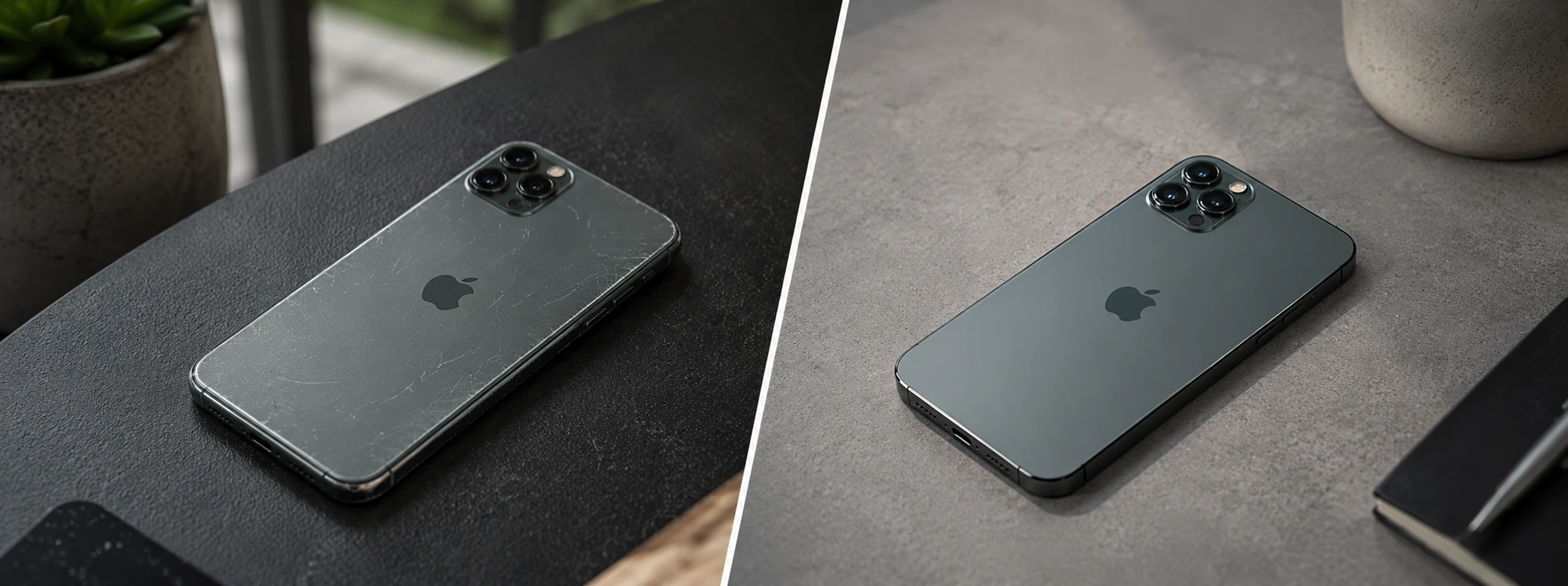
iPhone Refurbished vs. Used, what is the best option in 2026?
Refurbished iPhone vs. second-hand iPhone: discover the most important differences, the risks, the warranty, and which offers the best value for money in 2026.
iPhone shuts down with 20% battery: causes and solutions
Discover why your iPhone turns off at 20% battery or more. Effective solutions for iPhone X to iPhone 17 Pro Max. Get your battery tested at iServices!

Maintaining a Refurbished Item: Essential Tips and Care
Learn the best tips to have with a refurbished product. These are precautions that aim to extend the lifespan of this equipment.
