


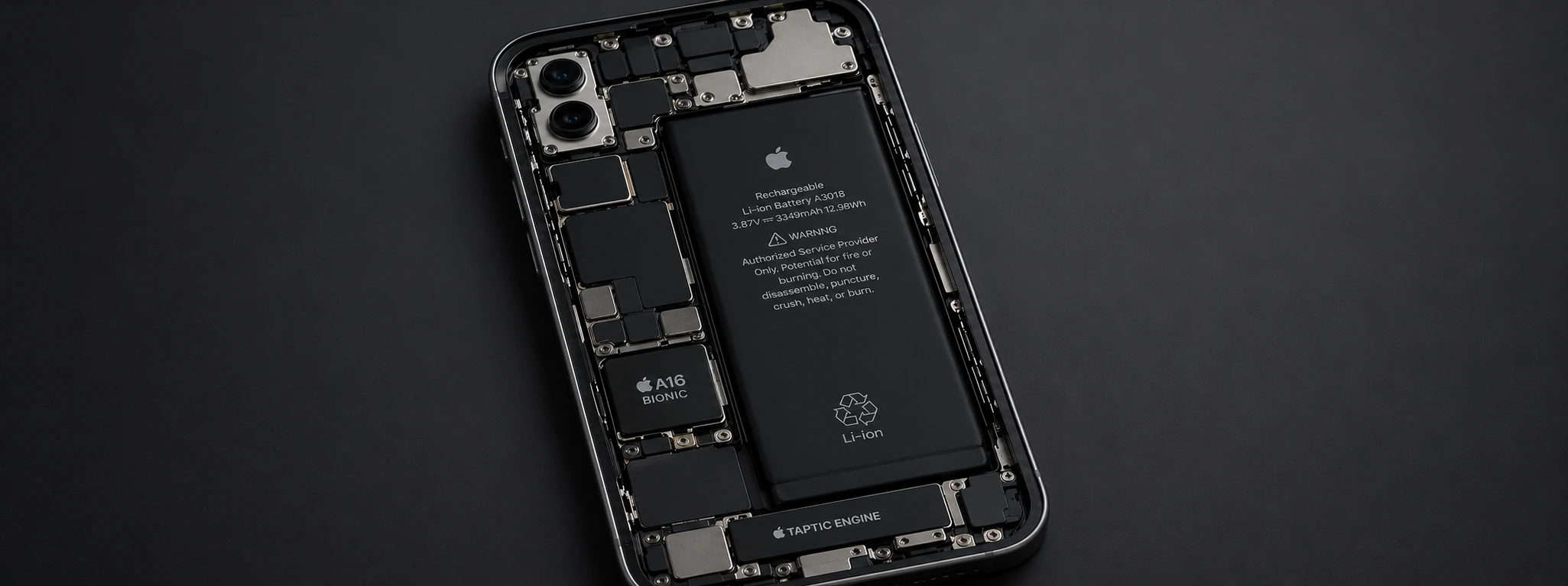




iPhone restarts due to battery issue: causes and solutions
If your iPhone, from the iPhone X to the latest iPhone 16 Pro Max, has been restarting on its own, it's likely that the problem is related to the battery. This is one of the most common and frustrating problems faced by users, which can affect the device's performance and your daily experience. At iServices, we understand the importance of your phone's stable operation, which is why we explain the causes of this problem and the best solutions to resolve it.
Newer iPhone models incorporate advanced power management technology, but the battery is a component that undergoes natural wear and tear over time. This can cause power supply failures, leading to unexpected device restarts. If you notice your iPhone turning off and on by itself, do not hesitate to seek specialized help to avoid further damage.
In this article, we address the most frequent causes of automatic restart problems due to the battery, present a table with recommended solutions, and explain step-by-step how to proceed to restore your iPhone's performance.
What causes the iPhone to restart on its own?
Degraded or aged battery
With daily use, the iPhone battery undergoes charge cycles that reduce its total capacity. When it is very degraded, it cannot maintain a stable charge, which can cause sudden shutdowns and automatic restarts.
Power circuit issues
Besides the battery, the internal circuit responsible for power supply can have failures. Physical damage, humidity, or overheating can affect the stability of the device's power supply.
Poorly optimized software updates
Sometimes, an iOS update can contain bugs that interfere with battery management, causing random restarts. In these cases, the problem may be temporary, but it still hinders normal operation.
Apps that consume a lot of power
Applications with high energy consumption, especially when poorly optimized, can overload the battery and the system, leading to unexpected restarts due to insufficient power.
Solutions Table
| Cause | Recommended Solution | Complexity |
|---|---|---|
| Degraded or aged battery | Battery replacement at iServices | Medium |
| Power circuit issues | Specialized technical diagnosis and repair | High |
| Poorly optimized software updates | Update or restore iOS via iTunes | Medium |
| Apps that consume a lot of power | Close or uninstall problematic apps | Low |
| Incorrect system settings | Factory reset | Medium |
Step-by-Step Solutions
Battery replacement at iServices
- 1. Schedule a visit to one of our stores or use the express delivery service.
- 2. Our specialized technicians perform a complete diagnosis.
- 3. If degradation is confirmed, we replace the battery with a new one with a warranty.
- 4. We test the device to ensure the problem is resolved.
Specialized technical diagnosis and repair
- 1. If you suspect internal power circuit issues, bring your phone to an iServices store.
- 2. We perform an in-depth hardware analysis.
- 3. We proceed with the repair or replacement of damaged components.
- 4. We guarantee technical assistance with original parts and post-repair support.
Update or restore iOS via iTunes
- 1. Connect your iPhone to a computer with iTunes installed.
- 2. Back up your data.
- 3. Update the system to the latest version or restore the device to factory settings.
- 4. Check if the restart problem persists after the process.
Close or uninstall problematic applications
- 1. Go to the settings menu and check battery usage per app.
- 2. Identify the apps that use the most power.
- 3. Close background apps or uninstall those causing instability.
- 4. Monitor iPhone performance to confirm improvement.
Factory reset
- 1. Perform a complete backup of your data.
- 2. Go to “Settings” > “General” > “Transfer or Reset iPhone” > “Erase All Content and Settings”.
- 3. After the reset, set up the iPhone as new or restore the backup.
- 4. This procedure eliminates configuration errors that can cause restarts.
Why does my iPhone restart on its own when the battery is almost full?
This behavior may indicate that the battery is internally damaged and is not correctly measuring the charge level. Battery replacement is the recommended solution to restore device stability.
Can an iOS update solve the restart problem?
Yes, an update or even an iOS restore can fix bugs that cause restarts. However, if the battery is degraded, the problem may persist and require technical intervention.
How can I tell if my iPhone's battery is degraded?
On the iPhone, you can check battery health in “Settings” > “Battery” > “Battery Health”. If the maximum capacity is very low or a recommended service message appears, it's a sign that you should replace the battery.
Is it safe to replace the iPhone battery at an unauthorized store?
At iServices, we guarantee original parts, certified technicians, and a warranty after repair. Avoid inexperienced stores to avoid compromising your phone's safety and performance.
Need Professional Help? iServices Is Here for You
If your iPhone restarts on its own due to battery issues, do not hesitate to seek help from our specialists. With several stores across the country, iServices offers reliable technical assistance, rigorous diagnostics, and quick repairs.
We offer a warranty on replacements and an express delivery service so that your phone can work like new again as quickly as possible. Visit an iServices store near you or consult our website to schedule your appointment. We are ready to restore your iPhone's stability and the performance it deserves.
 36 Months
 36 Months
€226.33
 Free delivery, expected the day after tomorrow!

€1,379.00
- Free delivery, expected the day after tomorrow!



 36 Months

€229.95
- Free delivery, expected the day after tomorrow!

Other Articles
See more
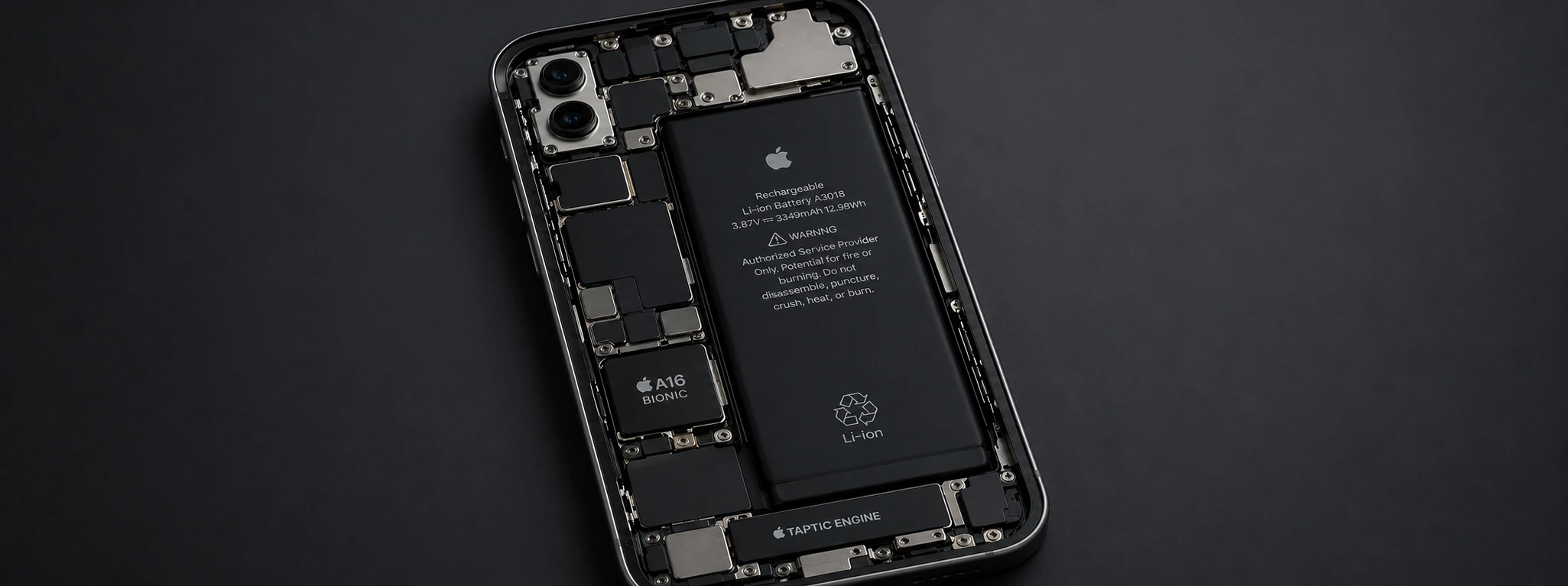
When should I replace the iPhone battery?
Find out when you should replace your iPhone battery and how iServices can help with fast repairs and warranty throughout Portugal.
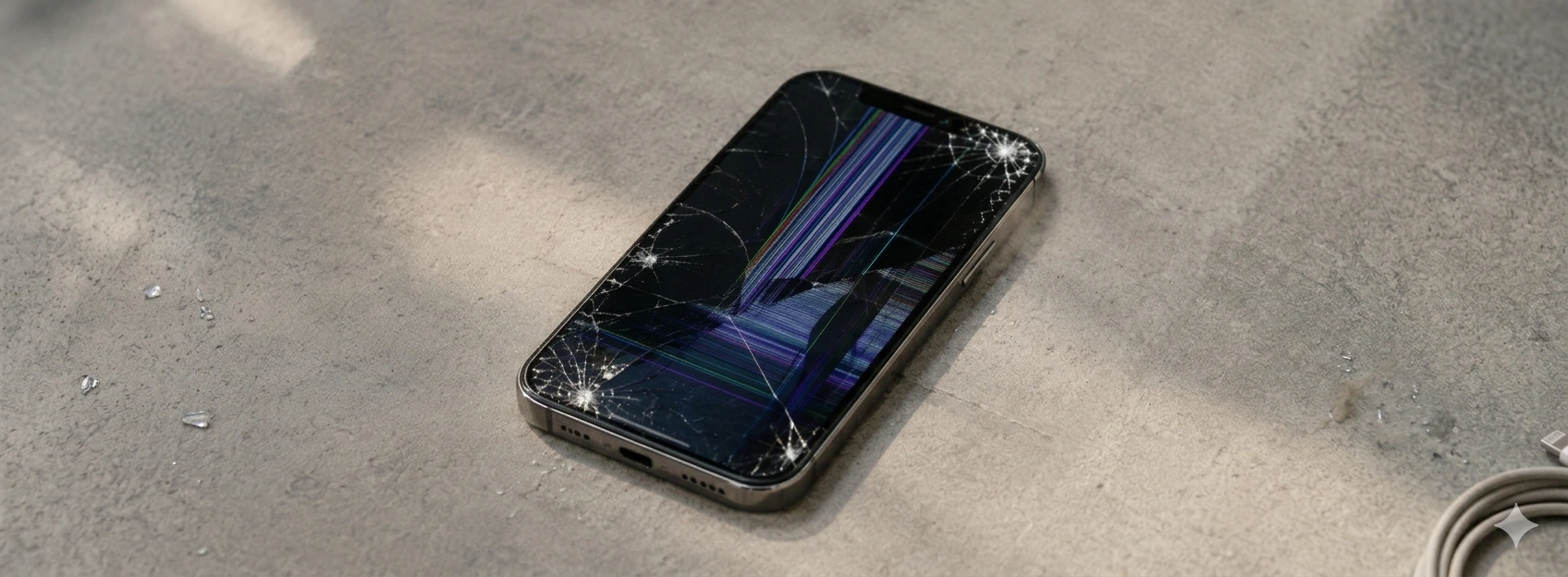
Green Lines on the iPhone Screen: Causes and Solutions
Learn how to fix green lines on the iPhone screen, from iPhone X to iPhone 17 Pro Max, with practical solutions and assistance from iServices.
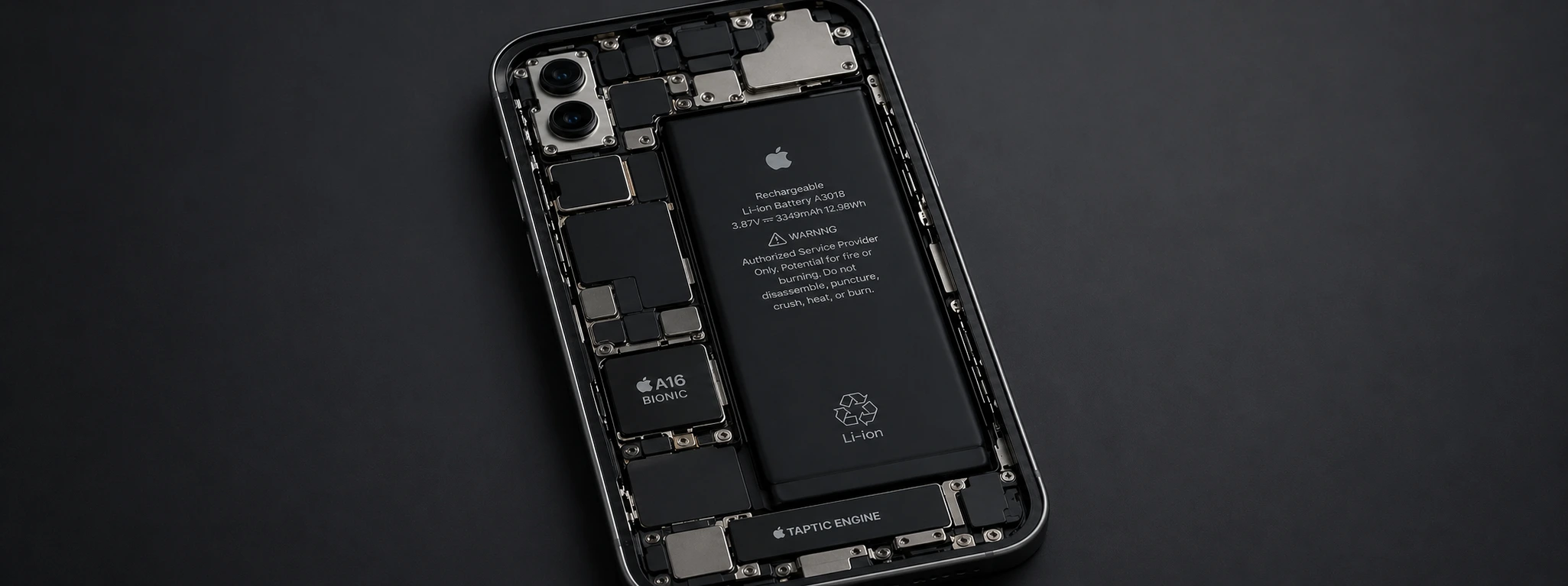
Non-Genuine Battery Message on iPhone: Causes and Solutions
Non-original battery message on iPhone? Discover the causes, solutions, and how iServices can help with diagnosis and guaranteed repair.
