





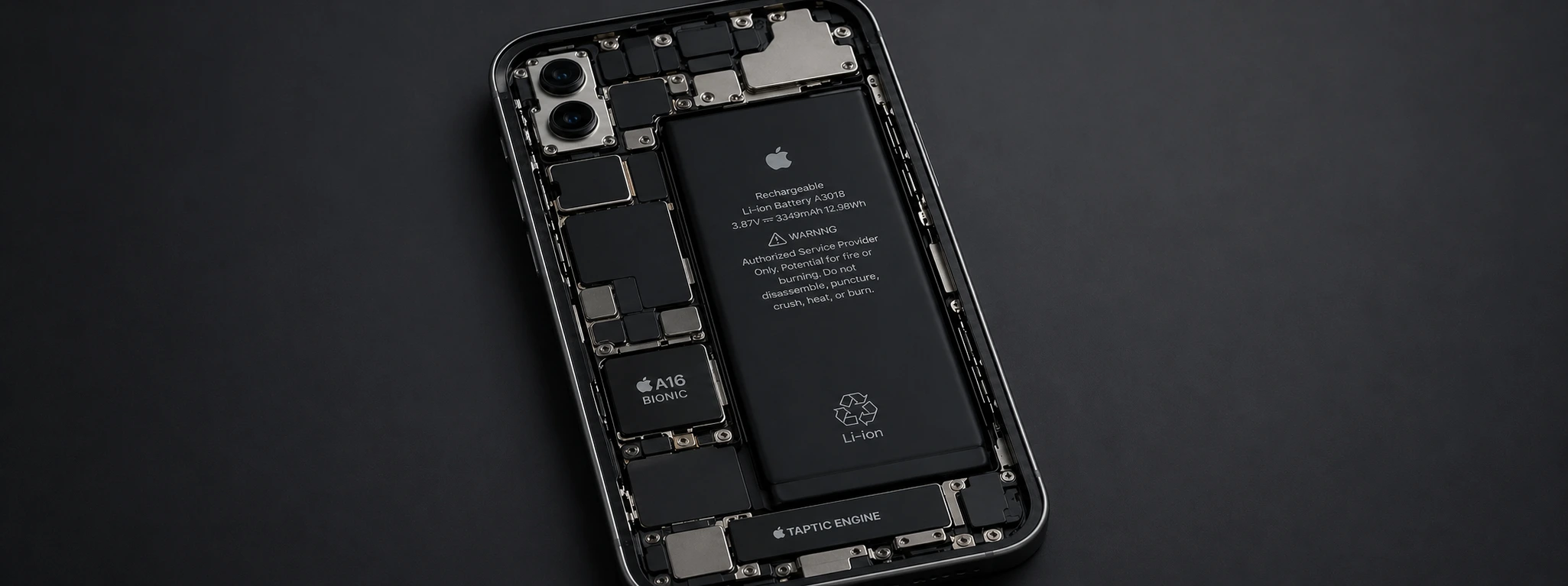




Non-Genuine Battery Message on iPhone: Causes and Solutions
If you own an iPhone, from the iPhone X to the latest models like the iPhone 17 Pro Max, you may have already encountered the "non-genuine battery" message appearing on the screen. This notification can cause concern, affecting the perceived quality of your device and, sometimes, its performance. At iServices, specialists in mobile phone repairs, we explain the main causes of this warning and how you can solve the problem with us or by yourself.
This message was introduced by Apple to alert users when the installed battery has not been replaced with an original part or one not recognized by the iOS system. In addition to influencing the phone's performance, it can also limit some functionalities related to battery health and charging. Fortunately, there are several solutions that allow you to restore your iPhone's normal operation.
Causes of the Non-Genuine Battery Message on iPhone
Battery Replaced with Unauthorized Part
The most common cause for the non-genuine battery message is the battery being replaced with a component not certified by Apple. Often, batteries of dubious origin or generic ones are installed, which triggers the warning in the iOS system.
Incorrect Battery Installation
Even if the battery is genuine, an incorrect installation can cause communication errors between the hardware and software, leading to the message appearing. Loose or damaged connections are typical examples.
iOS Update and Battery Recognition
Some iOS operating system updates are stricter in verifying installed hardware. It's possible that, after an update, the iPhone starts indicating the battery as non-genuine, even if it had functioned correctly before.
Defective or Damaged Battery
If the battery is damaged, even if it's original, the iPhone may identify that its capacity or integrity is compromised, showing the non-genuine warning to alert the user.
Table of Solutions
| Cause | Recommended Solution | Complexity |
|---|---|---|
| Unauthorized Battery | Replacement with iServices original battery | Medium |
| Incorrect Installation | Review and reinstallation by qualified technician | Low |
| Recent iOS Update | Update system or restore iPhone | Medium |
| Damaged Battery | Urgent diagnosis and replacement | High |
| Software Problem | Reset settings or system restore | Medium |
Step-by-Step Solutions
Replacement with Original Battery
- 1. Visit an iServices store for a complete diagnosis.
- 2. Confirm the need for battery replacement.
- 3. Perform the replacement with an official battery, guaranteed by iServices.
- 4. Test the device to ensure the message has disappeared.
Battery Review and Reinstallation
- 1. Turn off the iPhone.
- 2. Open the device with the correct tools.
- 3. Check the battery connections, ensuring they are firm and undamaged.
- 4. Reinstall the battery and close the phone.
- 5. Turn on the iPhone to confirm the problem is resolved.
iOS Update or Restore
- 1. Back up your data to iCloud or iTunes.
- 2. Go to Settings > General > Software Update and install the latest version.
- 3. If the problem persists, proceed to restore the iPhone via iTunes.
- 4. Restore your data after reinstalling the system.
Diagnosis and Replacement of Damaged Battery
- 1. Take the iPhone to an iServices store for technical evaluation.
- 2. Confirm the battery status.
- 3. If necessary, take advantage of immediate replacement with an original part.
- 4. Ensure the phone functions without error messages.
Reset Settings or Restore
- 1. Go to Settings > General > Transfer or Reset iPhone > Reset > Reset All Settings.
- 2. If it doesn't resolve the issue, perform a full restore via iTunes.
- 3. Test the device to confirm the absence of the message.
Why does the iPhone say the battery is not genuine?
The iPhone indicates that the battery is not genuine when it detects a component that has not been certified by Apple. This can happen due to replacements with generic parts, incorrect installation, or even due to system updates that reinforce hardware verification.
Can I ignore the non-genuine battery message?
While it is possible to ignore the message, it is not recommended. A non-genuine battery can affect the performance, autonomy, and even the safety of your iPhone. Furthermore, it can limit important functionalities, such as battery health monitoring.
How to know if my battery is original?
You can check the battery status in iPhone Settings, under Battery > Battery Health. If the non-genuine battery indication is present, it is a sign that the component is not official. For accurate confirmation, we recommend a diagnosis by specialized technicians.
What is the importance of replacing the battery at an authorized store?
Replacing the battery at an authorized store, such as iServices, guarantees the use of original parts, correct installation, and maintenance of the device's warranty. Furthermore, it avoids future problems related to incompatibilities or hardware damage.
Need Professional Help? iServices Is Here for You
If your iPhone displays the non-genuine battery message, do not hesitate to seek professional help. At iServices, we have several stores across Europe, where our specialized technicians perform complete diagnoses and replacements with original Apple parts.
We offer warranty on all repairs, express deliveries for greater speed, and technical assistance nationwide, ensuring that your phone works like new again. Visit our website at iservices.pt to find your nearest store or schedule your appointment. Trust iServices to take care of your iPhone with the quality and security it deserves.
Recommended Products
View all
 36 Months
 36 Months

€19.95
36 Months




Other Articles
See more
iPhone 17 Pro Max vs iPhone 18 Pro Max, what are the differences?
iPhone 17 Pro Max vs iPhone 18 Pro Max: discover the differences between the two Apple smartphones in terms of performance, cameras, battery, design and which one you should buy.
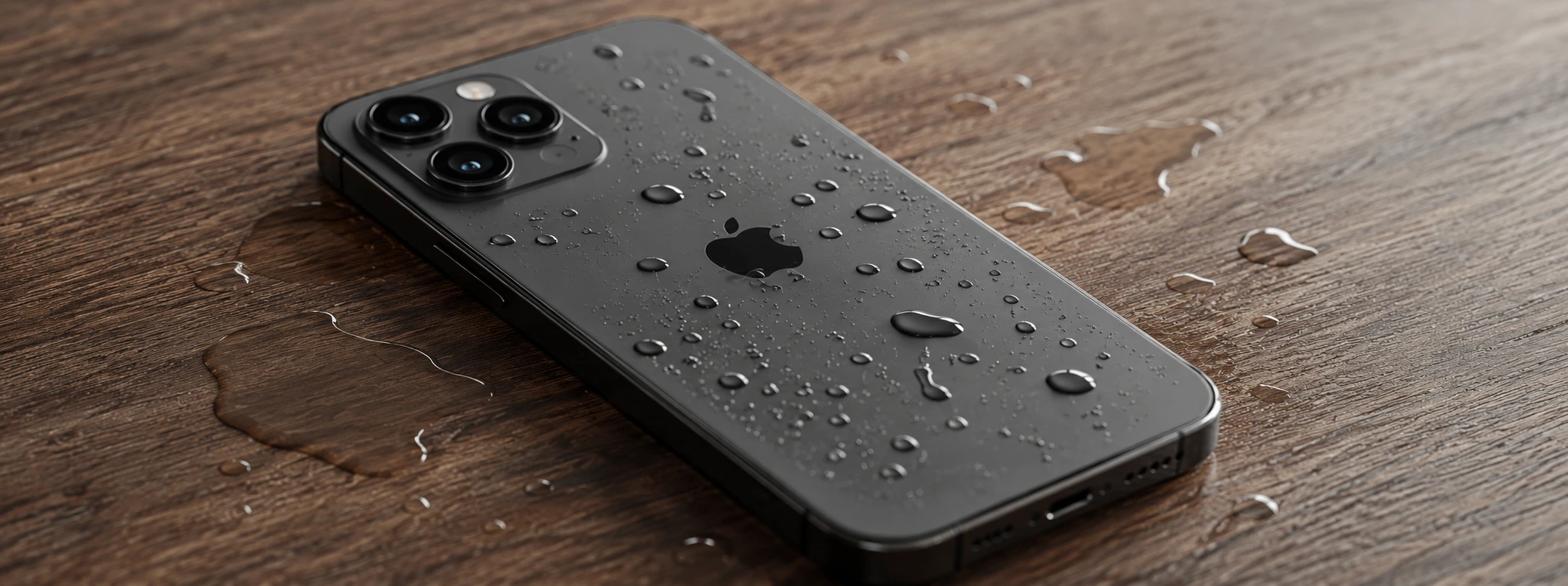
Water in the iPhone charging port: How to identify and fix
Learn how to identify and resolve issues caused by water in your iPhone's charging port with helpful tips and expert support.
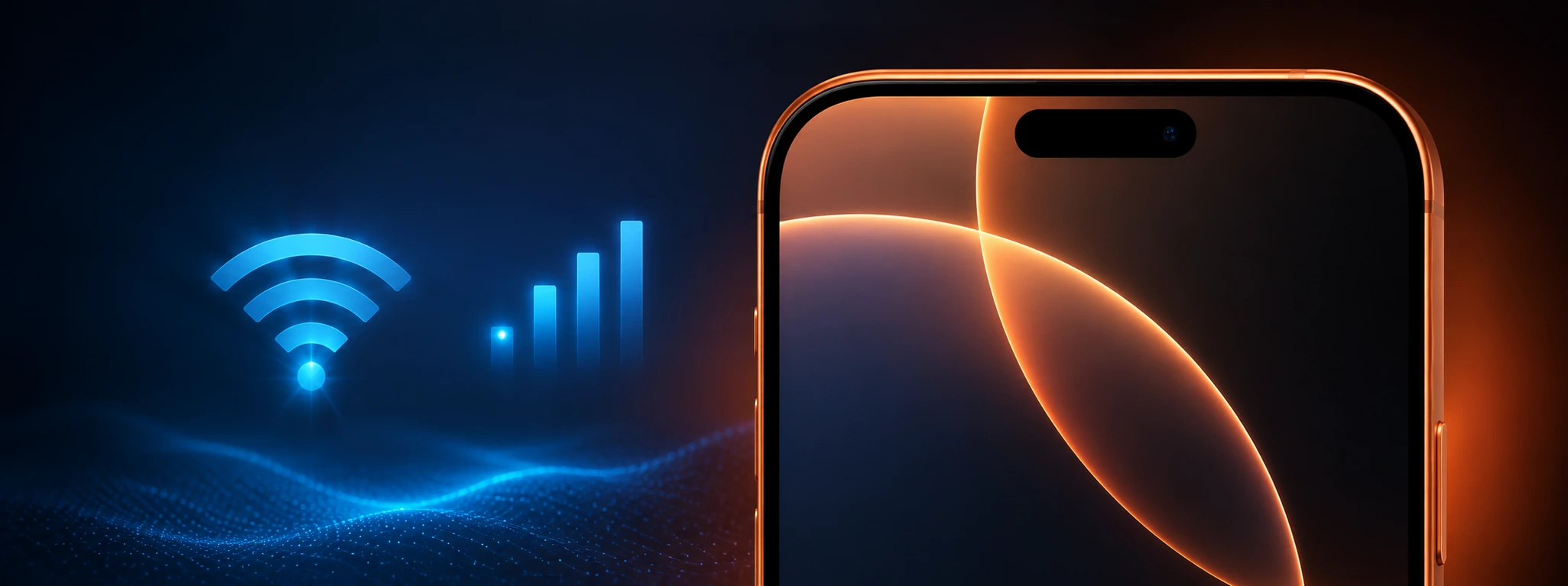
iPhone mobile data not working: How to fix it
Discover how to fix it when mobile data is not working on the iPhone, with effective solutions for models from the iPhone X to the iPhone 17 Pro Max.
