





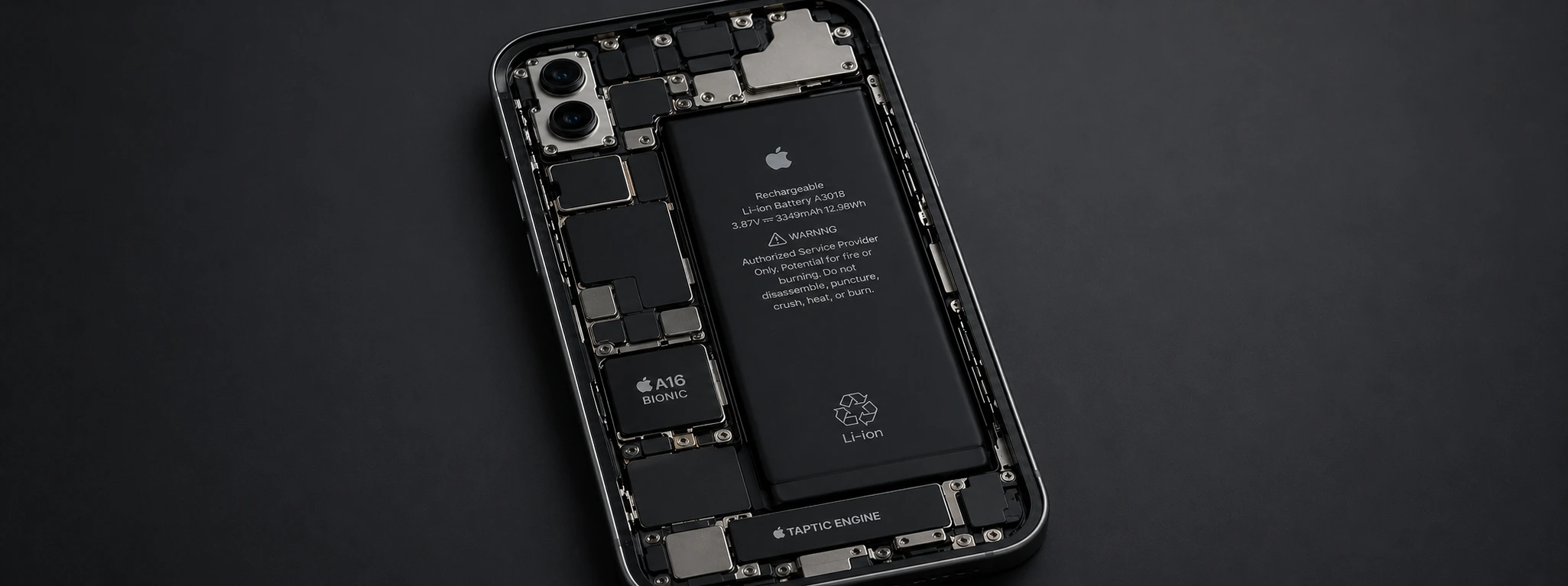




iPhone battery drains overnight: Essential Causes and Solutions
If you've already noticed your iPhone's battery draining overnight, you're not alone. This issue is common across various models, from the iPhone X to the latest iPhone 17 Pro Max. The loss of charge while the device is inactive can be frustrating and point to problems ranging from system settings to faulty batteries.
At iServices, specialists in phone repairs, we understand the importance of an iPhone with a reliable battery for your daily life. In this article, we'll explain the main causes of overnight discharge and present practical solutions to ensure your iPhone maintains its charge when not in use.
Causes of an Empty iPhone Battery Overnight
Apps running in the background
Many apps continue to perform tasks in the background, such as updates, notifications, or location tracking, even when you're not using your phone. This constant consumption of resources can quickly drain the battery overnight.
System settings and notifications
Some iOS settings, such as automatic updates, location services, and notifications, can lead to unexpected power consumption. If these features are not managed correctly, they can keep the screen or processor active for extended periods.
Degraded or defective battery
Over time, iPhone batteries lose capacity and efficiency. Older models or models that have gone through many charging cycles may drain quickly, even at rest, and require replacement to restore autonomy.
Software issues and updates
Errors in the operating system or poorly installed updates can cause bugs that increase battery consumption overnight. In these cases, the system may fail to engage power-saving mode or unnecessarily maintain active processes.
Table of Solutions
| Cause | Recommended Solution | Complexity |
|---|---|---|
| Apps running in the background | Close apps and restrict background refresh | Low |
| System settings and notifications | Adjust location and notification settings | Low |
| Degraded or defective battery | Replace battery at an iServices store | Medium |
| Software issues and updates | Update iOS or restore factory settings | Medium-High |
| Screen settings and brightness | Reduce brightness and activate Dark Mode | Low |
Step-by-step Solutions
Close apps and restrict background refresh
- 1. Open iPhone Settings.
- 2. Select "General" then "Background App Refresh".
- 3. Disable the option for apps that don't need constant updating.
- 4. In the multitasking menu, swipe up on apps to close them completely.
Adjust location and notification settings
- 1. Go to "Privacy" in Settings.
- 2. Select "Location Services" and deactivate it for non-essential apps.
- 3. Go to "Notifications" and limit permissions for less important apps.
Replace battery at an iServices store
- 1. Visit one of the 76 iServices stores in Portugal or contact us via the website.
- 2. Our technicians will perform a free diagnosis.
- 3. If necessary, we will replace the battery with a warranty, ensuring maximum safety and quality.
Update iOS or restore factory settings
- 1. Perform a complete backup of your iPhone via iCloud or iTunes.
- 2. Go to "Settings" > "General" > "Software Update" and install the latest version.
- 3. If the problem persists, after backing up, choose "Reset Factory Settings" via "Settings" > "General" > "Reset".
Reduce brightness and activate Dark Mode
- 1. In screen settings, manually reduce brightness or activate auto-brightness.
- 2. Activate Dark Mode to reduce power consumption of the OLED screen, present in iPhones from the X onwards.
Why does my iPhone battery drain so quickly, even when not in use?
The battery can be consumed by background apps, location services, notifications, or software issues. Additionally, a degraded battery loses its capacity to hold a charge adequately.
How do I know if my iPhone battery needs to be replaced?
In iPhone settings, under "Battery" and "Battery Health," you can check the maximum capacity. If it's significantly below 80% or if the device shuts down unexpectedly, it's a sign that the battery needs to be replaced.
Can I do anything to improve my iPhone's overnight autonomy?
Yes. Close background apps, limit background refresh, adjust notifications and location services, and activate Low Power Mode. These measures help reduce power consumption.
How long does it take to replace the battery at an iServices store?
At iServices, battery replacement is quick and efficient, usually performed on the same day of the visit, thanks to our specialized team and available stock in one of our stores spread across the country.
Need professional help? iServices is here for you
If your iPhone battery continues to drain overnight, even after trying the solutions above, it's time to seek specialized help. At iServices, we have an extensive network of stores in Europe, ready to perform a thorough diagnosis and provide the best possible repair.
Our certified technicians guarantee fast service, with express deliveries and warranty on all interventions. Visit an iServices store near you or consult our website iservices.pt to book your appointment. Trust iServices to restore your iPhone's autonomy and performance, with the quality only a leading company in phone repairs can offer.
Recommended Products
View all
 36 Months
 36 Months

€19.95
36 Months




Other Articles
See more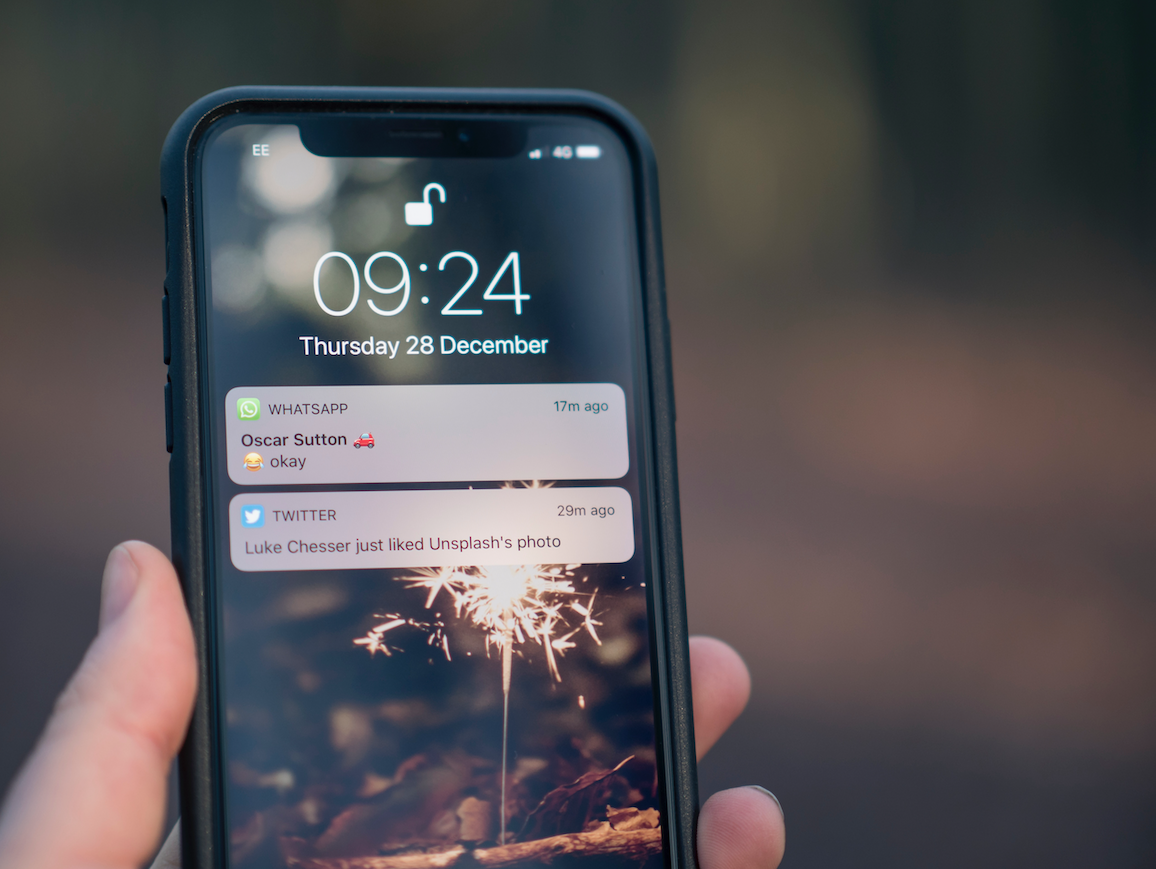
Learn how to enable LED notifications on your iPhone.
There are situations where we do not want or cannot have the cell phone with sound or vibration, but we still want to be notified of an important call or notification. Learn how to enable iPhone LED for notifications.

iPhone Storage Full and Not Responding? Expert Tips
Is your iPhone storage full and unresponsive? Discover how to fix it on models from iPhone X to 17 Pro Max.

Apple can't keep up with iPhone SE orders
As we've already mentioned, the iPhone SE didn't have the best start in terms of orders.
