





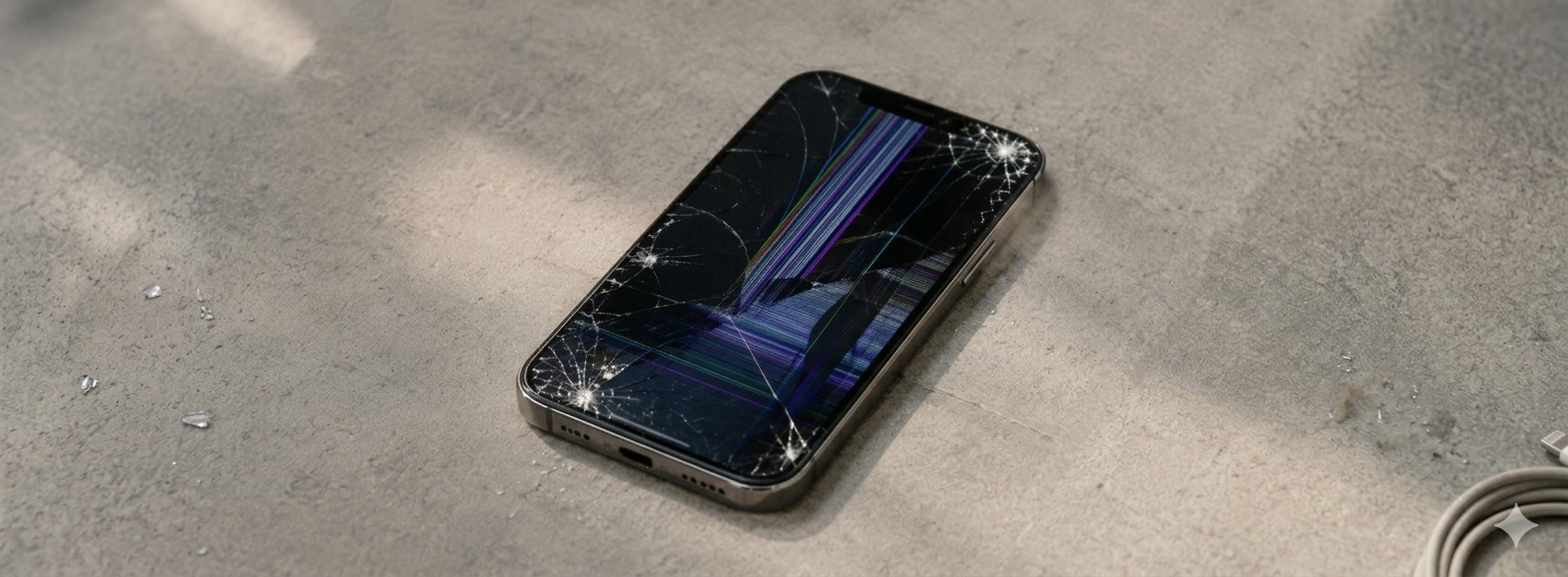




iPhone Screen with Burn-in (Image Retention): How to fix
The burn-in problem on the iPhone screen is an issue that has concerned many users, especially on models from the iPhone X up to the latest iPhone 17 Pro Max. Burn-in, or image retention, occurs when a static image remains on the OLED screen for too long, leaving a ghost mark that affects viewing quality. This phenomenon can compromise the user experience and content viewing, becoming an urgent matter for those who depend on their mobile phone for work or leisure.
At iServices, we understand the importance of keeping your iPhone screen in perfect condition, which is why we present this detailed article where we explain the causes of burn-in, provide practical solutions, and indicate when professional repair is essential. With several stores in Europe, we guarantee specialized technical assistance and express deliveries so you can once again enjoy your device with full quality.
Prolonged Use of Static Images
When a graphic element or interface remains fixed on the screen for a long period, the pixels responsible for that image can become overloaded, causing uneven degradation. This situation is very common in applications with navigation bars or fixed icons, especially on mobile phones with OLED screens present since the iPhone X.
Excessive Brightness and Screen Settings
Keeping the screen brightness at maximum for prolonged periods accelerates pixel wear. This practice, combined with frequent exposure to static content, increases the risk of burn-in, as pixels have to work more intensely, losing uniformity over time.
Software or Operating System Failures
Some iOS versions may have bugs that keep static graphic elements on the screen, even when they shouldn't be visible. These problems can contribute to burn-in, as the system does not properly manage the screen to prevent image retention.
OLED Screen Defects
Sometimes, burn-in results from manufacturing defects or natural wear of the OLED screen, where certain pixels lose the ability to respond uniformly. This can happen even in relatively new iPhones, especially if the device has suffered a drop or exposure to extreme temperatures.
Solutions Table
| Cause | Recommended Solution | Complexity |
|---|---|---|
| Prolonged Use of Static Images | Change usage habits and activate dynamic screen mode | Low |
| Excessive Brightness and Screen Settings | Adjust automatic brightness and reduce luminosity | Low |
| Software or Operating System Failures | Update iOS and restart the device | Medium |
| OLED Screen Defects | Screen replacement by specialized technicians | High |
| Persistent burn-in after attempts | Professional diagnosis and repair at iServices | High |
Step-by-Step Solutions
Change Usage Habits and Activate Dynamic Screen Mode
- 1. Avoid leaving static images or the same application open for long periods.
- 2. Use dynamic screen mode (Dynamic Island and iOS features that change the arrangement of elements).
- 3. Activate dark mode, which reduces pixel wear on OLED screens.
Adjust Automatic Brightness and Reduce Luminosity
- 1. Go to Settings > Display & Brightness on your iPhone.
- 2. Activate Automatic Brightness so that the device adjusts luminosity according to ambient light.
- 13 Manually reduce brightness to comfortable levels, avoiding excessive exposure.
Update iOS and Restart the Device
- 1. Check for iOS updates in Settings > General > Software Update.
- 2. Install the available update to fix any screen-related bugs.
- 3. Restart the iPhone to apply the changes and clear background processes.
Screen Replacement by Specialized Technicians
- 1. If burn-in is visible and persistent, contact iServices for a complete diagnosis.
- 2. Our technicians will assess the screen's condition and recommend replacement if necessary.
- 3. The replacement will be carried out with original parts, guaranteeing quality and durability.
Professional Diagnosis and Repair at iServices
- 1. If the previous solutions do not resolve the issue, schedule a visit to an iServices store.
- 2. Detailed diagnosis identifies the exact cause of the problem.
- 3. Repair is performed with warranty, technical assistance, and express delivery options.
What exactly is burn-in on the iPhone screen?
Burn-in is a ghost mark that becomes visible on the OLED screen due to prolonged exposure to static images. This phenomenon occurs when certain pixels lose the ability to display colors and brightness uniformly, leaving a residual image that can be annoying to the user.
Can I avoid burn-in on my iPhone?
Yes, you can significantly reduce the risk by using dark mode, avoiding leaving static images for too long, activating automatic brightness, and regularly updating iOS. These steps help extend the screen's lifespan and maintain image quality.
Does burn-in affect all iPhone models?
Burn-in is more common in models with OLED screens, such as the iPhone X, XS, 11 Pro, 12 Pro, 13 Pro, 14 Pro, and 17 Pro Max. Models with LCD screens are less likely to experience this problem due to the different screen technology.
How much does it cost to replace an iPhone screen for burn-in?
The cost varies depending on the iPhone model and the extent of the problem. At iServices, we offer transparent and competitive quotes, with original parts and warranty. You can check our website iservices.pt or visit one of our stores to get a personalized quote.
Need Professional Help? iServices Is Here for You
If your iPhone has screen burn-in and home solutions haven't been enough, don't hesitate to seek help from iServices. With several stores, we are always close to you to perform an accurate diagnosis and offer the appropriate repair.
At iServices, we ensure the use of original parts and guarantee service quality, so that your mobile phone once again has an impeccable screen. Additionally, we offer express deliveries and specialized technical assistance, providing you with convenience and confidence. Visit our website iservices.pt to locate the nearest store and schedule your appointment. We are ready to restore your iPhone's visual quality it deserves.
Recommended Products
View all

 36 Months
 36 Months

€19.95
36 Months




Other Articles
See more
iPhone battery worn out: Signs and What To Do
Learn to recognize if your iPhone's battery is worn out and discover what you can do to extend its lifespan and ensure the best performance.
iPhone screen with water spots: causes, solutions
Learn how to resolve water stains on your iPhone screen, from iPhone X to iPhone 17 Pro Max, with effective solutions and professional assistance at iServices.

People Can't Hear Me on iPhone Calls: Causes and Solutions
Is your iPhone microphone acting up? Learn how to identify if it's a software or hardware issue and how to fix it to get back to clear calls.
