





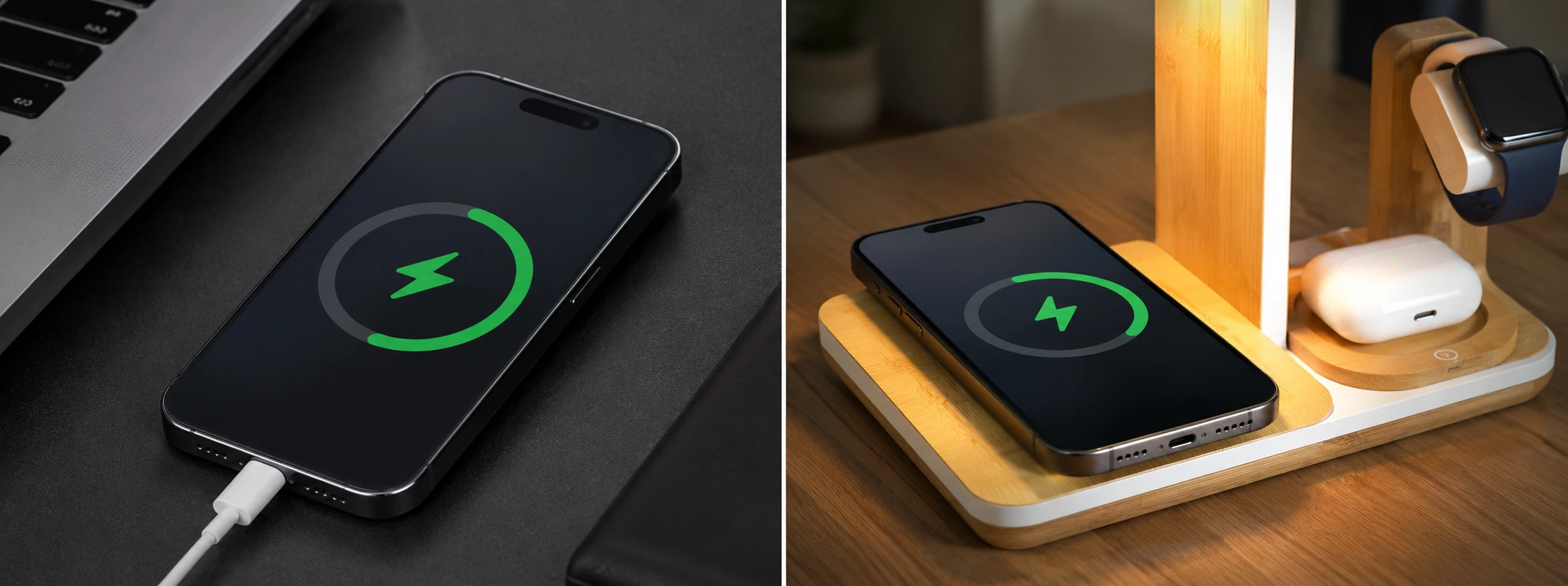




iPhone Gets Very Hot While Charging: Causes and Solutions
The phenomenon of an iPhone overheating while charging is a cause for concern for many users, especially those who own recent models like the iPhone X, iPhone 12, iPhone 14, or even the latest iPhone 17 Pro Max. This issue can not only affect the phone's performance but also compromise battery life and, in extreme cases, cause internal damage.
At iServices, we understand the importance of safe and efficient charging. In this article, we will explain the main causes of excessive iPhone heating during charging and present practical solutions so you can keep your device in optimal condition. Whether you want to take care of your equipment or seek professional help, we have the answers you need.
What causes an iPhone to heat up when charging?
Using the iPhone While Charging
When you use your phone while it is charging, especially for demanding tasks like gaming, video streaming, or video calls, the processor works intensely. This effort, combined with charging, generates additional heat, causing the iPhone to heat up more than usual.
Non-Original or Damaged Chargers and Cables
Using chargers or cables that are not certified by Apple can lead to irregular electrical power, causing overheating. Additionally, damaged or low-quality accessories may not regulate voltage well, compromising charging safety.
Hot Environment or Lack of Ventilation
Charging the iPhone in environments with high temperatures or on surfaces that retain heat, such as cushions, blankets, or inside very tight cases, prevents heat dissipation. This thermal buildup can cause the device to overheat.
Hardware Issues, such as a Degraded Battery
Over time, iPhone batteries can degrade, losing efficiency and generating more heat during charging. In some cases, damaged internal components can also cause overheating, requiring specialized technical repair.
Solution Table
| Cause | Recommended Solution | Complexity |
|---|---|---|
| Using the iPhone while charging | Avoid using the phone while it is charging | Low |
| Non-original chargers and cables | Use Apple-certified chargers and cables | Low |
| Hot environment or lack of ventilation | Charge in cool places and without cases | Low |
| Degraded battery | Replace the battery at a technical service center | Medium/High |
| Internal hardware issues | Diagnosis and specialized repair at iServices | High |
Step-by-Step Solutions
Avoid Using the iPhone While Charging
- Close resource-heavy applications before starting to charge.
- Avoid gaming, videos, or video calls until the process is complete.
- If possible, turn on airplane mode to reduce device activity.
Use Apple-Certified Chargers and Cables
- Check if the charger and cable have MFi (Made for iPhone) certification.
- Do not use damaged or dubious accessories.
- Purchase original or certified accessories at iServices.
Charge in Cool Places and Without Cases
- Remove the iPhone case during charging for better heat dissipation.
- Place the phone on a flat, hard, and cool surface, like a desk.
- Avoid charging the iPhone in environments with temperatures above 35ºC.
Replace Battery at Technical Service Center
- If your iPhone overheats even with basic care, schedule a diagnosis with us.
- Our technicians will assess the battery health and recommend replacement if necessary.
- Replacement is performed with original, warrantied parts, ensuring optimal performance.
Specialized Diagnosis and Repair at iServices
- If you suspect internal issues, bring your iPhone to one of our stores.
- We will perform a complete diagnosis to identify faulty components.
- We execute safe and effective repairs with a warranty and nationwide support.
Why does my iPhone heat up a lot when it is charging?
Excessive heating usually occurs due to intensive use during charging, the use of non-certified accessories, a hot environment, or battery issues. The iPhone is designed to dissipate heat, but these situations can compromise that balance.
Is it dangerous to keep using the iPhone if it heats up a lot while charging?
Yes, continuous use under overheating conditions can degrade the battery and other internal components, reducing the phone's lifespan and, in extreme cases, permanently damaging the equipment.
How can I know if my iPhone's battery needs to be replaced?
You can check the battery status in the iPhone settings under "Battery" > "Battery Health". If the maximum capacity is below 80% or if you notice slow performance and heating, replacement is recommended.
What are the risks of using non-original chargers?
Non-certified chargers can provide unstable power, cause overheating, damage the battery, and even cause irreparable damage to the phone. It is always advisable to use certified accessories to ensure safety and efficiency.
Need Professional Help? iServices Is Here for You
If your iPhone heats up significantly during charging and basic solutions do not work, iServices is ready to help. In our stores, we offer a fast and professional diagnosis and repair service with a warranty on all interventions. Our specialized technicians guarantee safe solutions for your iPhone, using original parts and state-of-the-art equipment.
Additionally, we offer express delivery for those who prefer not to travel, as well as technical assistance. Visit our website to locate the nearest store or schedule your appointment. Trust iServices to keep your iPhone working perfectly and safely.
Recommended Products
View all

 36 Months
 36 Months

€19.95
36 Months




Other Articles
See more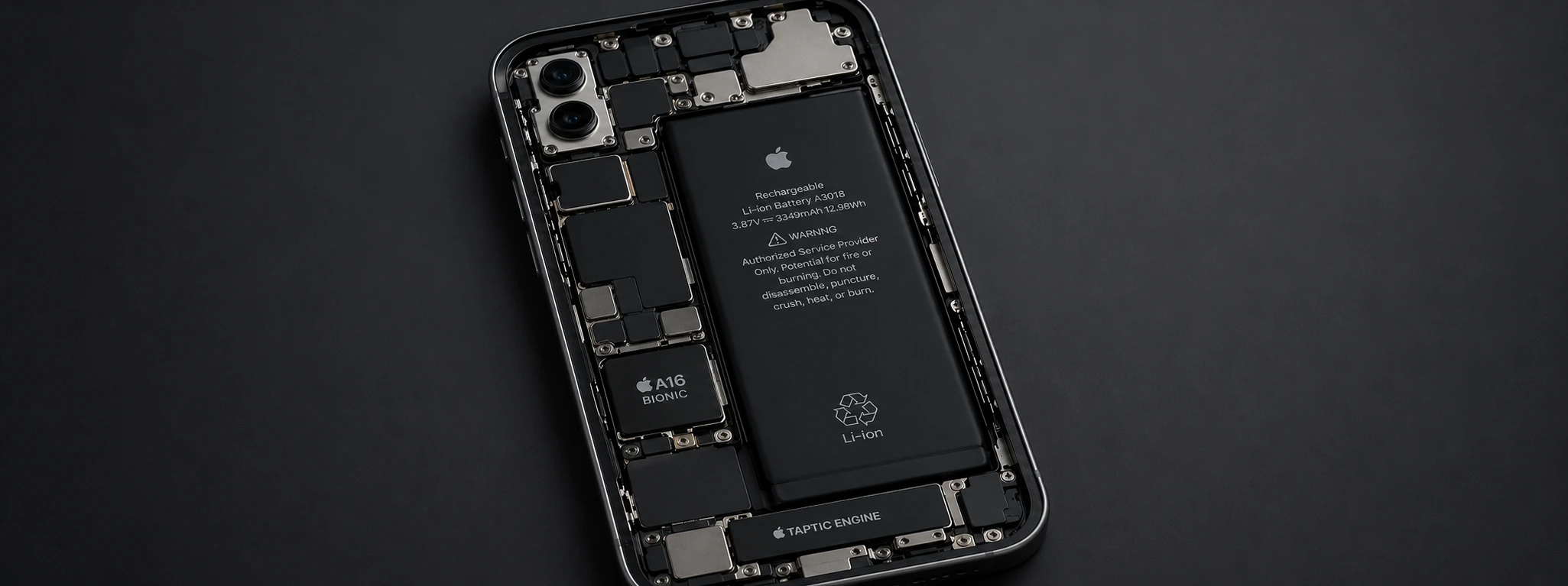
iPhone battery drains in the cold: causes and solutions
Is your iPhone battery draining due to the cold? Discover the causes, effective solutions, and how iServices can help extend your iPhone's battery life at low temperatures.

iPhone Earpiece Volume Too Low? Practical Solutions
Is your iPhone earpiece volume low? Discover common causes and effective solutions for all models from iPhone X to 16 Pro Max at iServices.
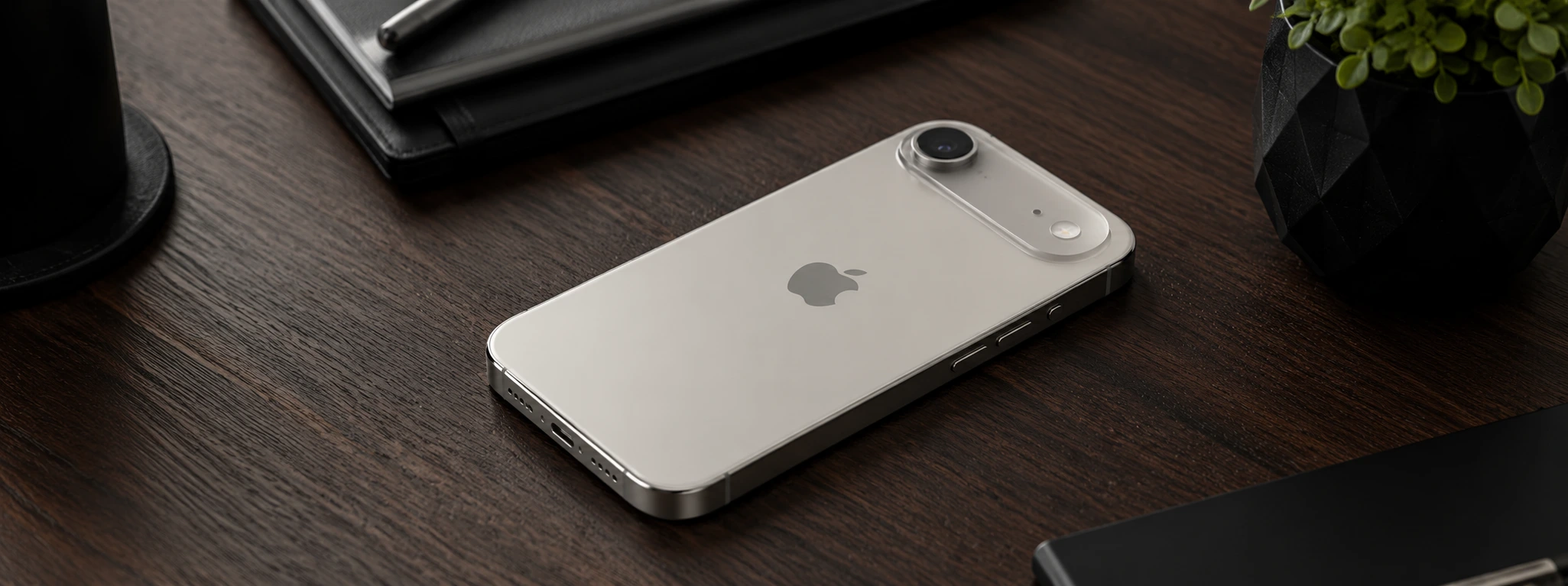
iPhone Air 2: Discover the new features of Apple's latest model
The iPhone Air 2 is coming and with potential major innovations in the battery, a second camera on the back and various features that could surprise.
