


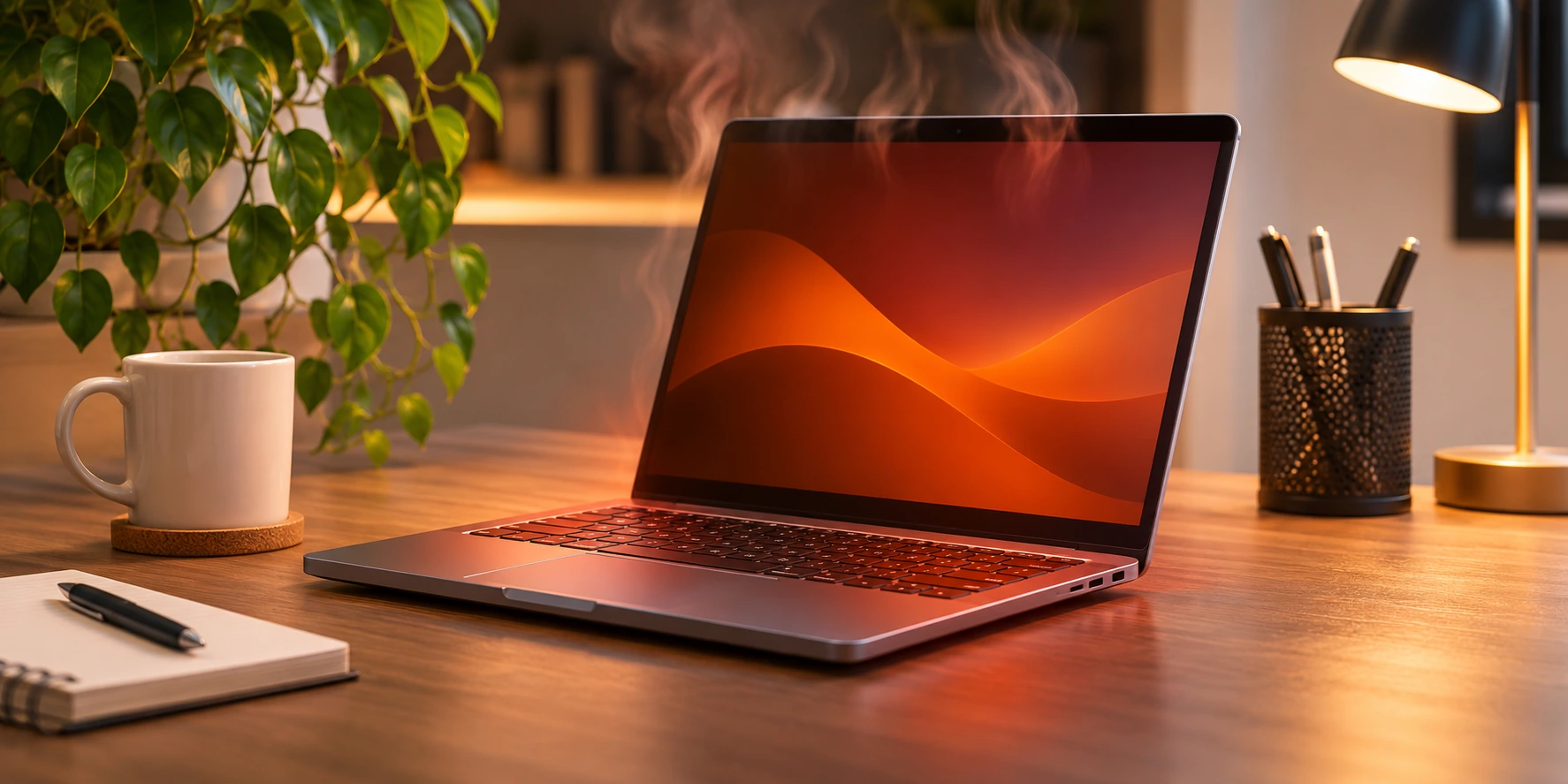




Is the computer getting too hot? Discover the causes
Is your computer running unusually hot, with the fan constantly spinning at full speed or the system slowing down? These are classic signs that your computer is overheating.
It is completely normal for a laptop or desktop computer to warm up during demanding tasks such as gaming, photo or video editing, or running multiple heavy applications simultaneously. However, frequently reaching excessively high temperatures may point to an underlying issue that requires attention.
Common Causes of Computer Overheating
Dust buildup
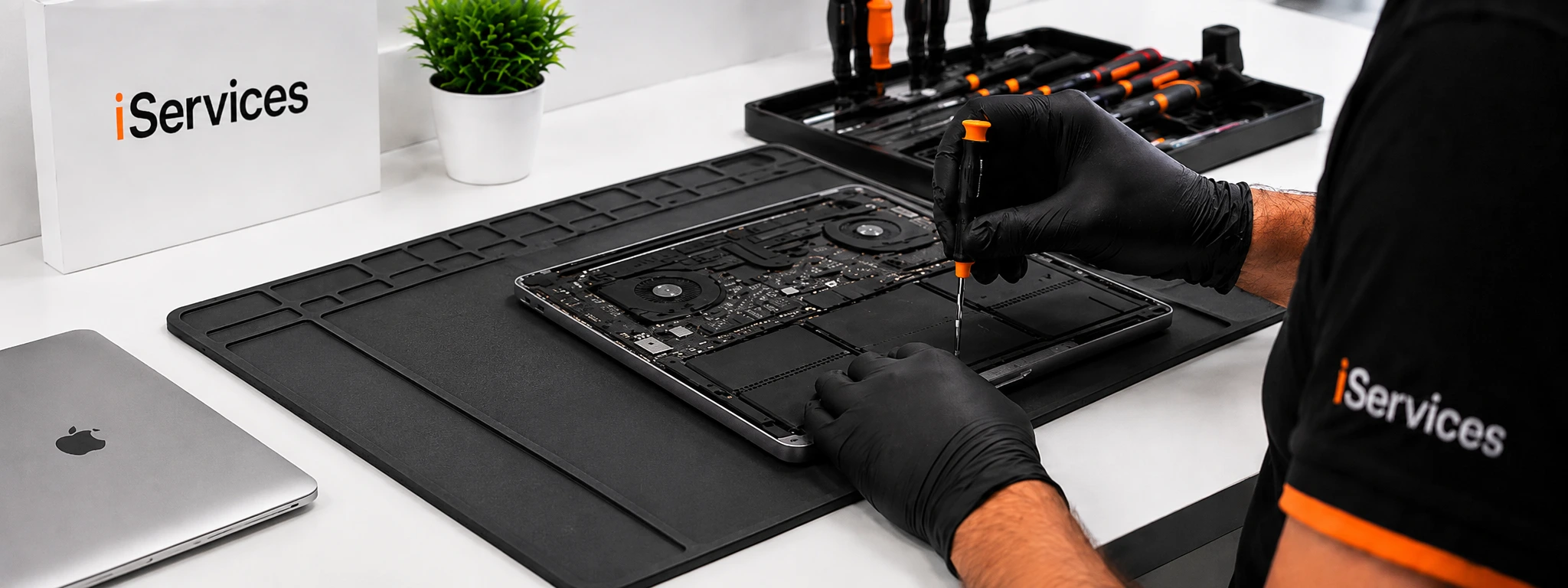
Over time, dust and debris accumulate inside cooling fans and air vents. When airflow becomes restricted or blocked, your computer struggles to dissipate heat, forcing internal components to operate at dangerously high temperatures. A thorough internal cleaning helps restore proper, efficient ventilation.
Blocked air vents
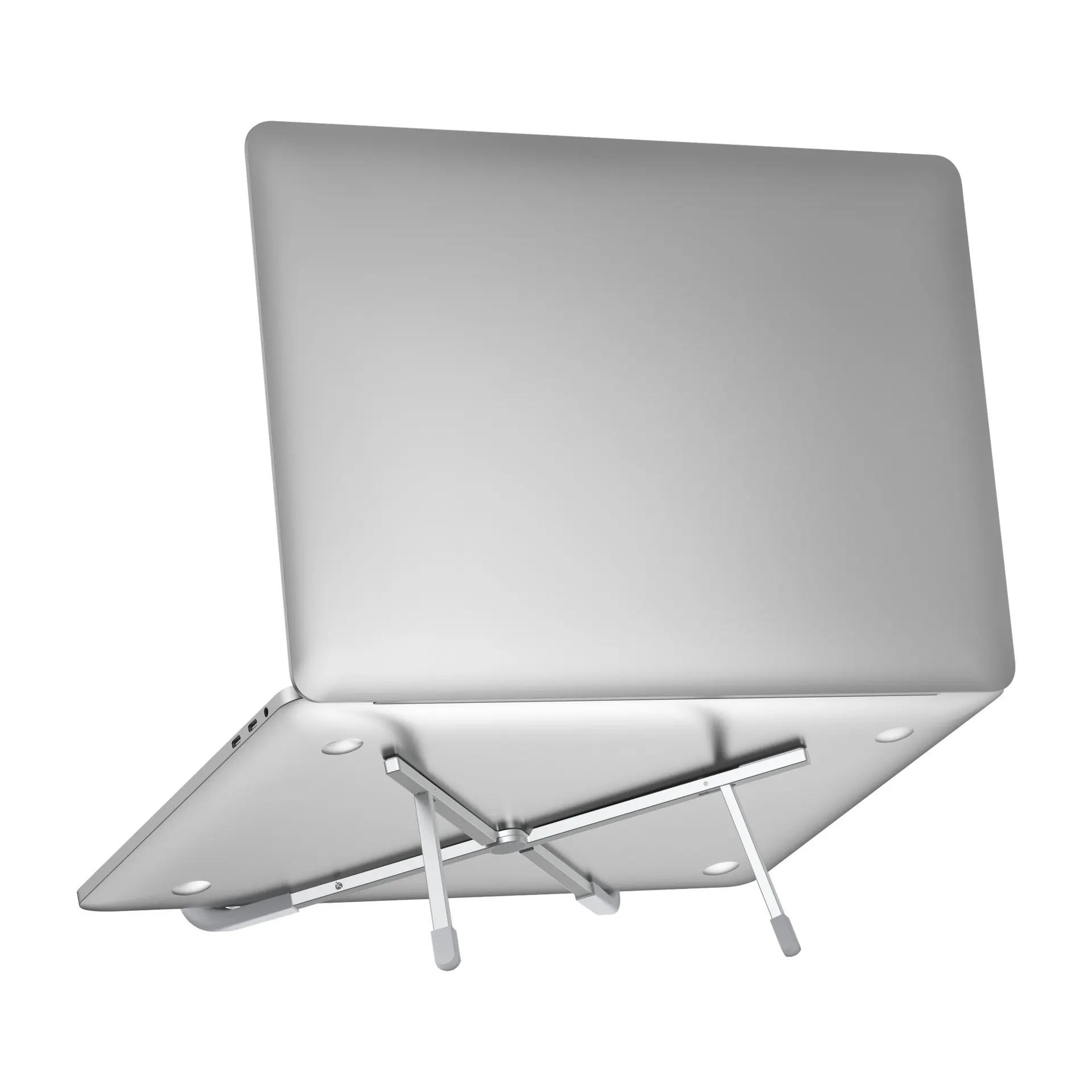
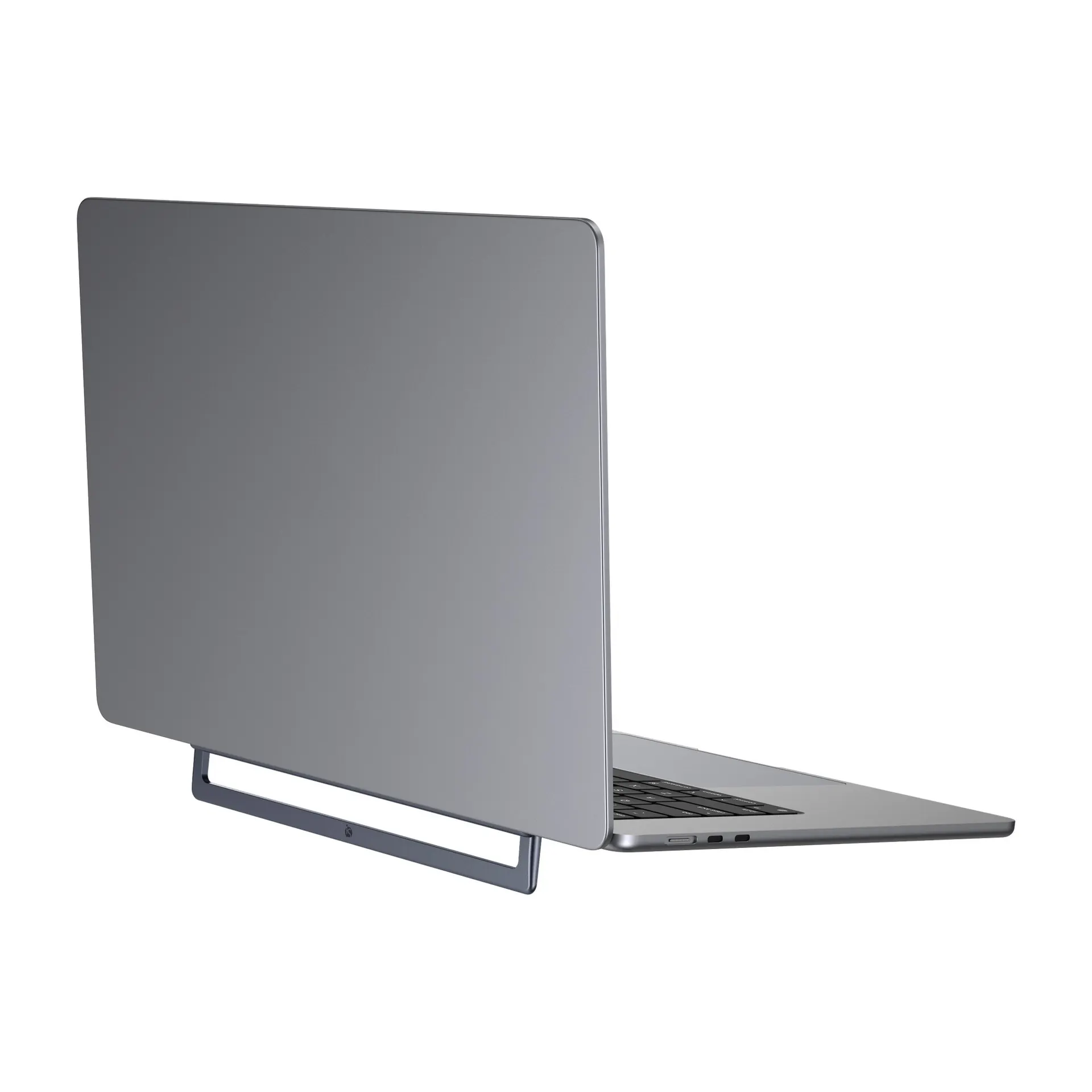
Using a laptop on a bed, couch, or pillow blocks vital intake and exhaust vents. Whenever possible, place your computer on a flat, hard surface with plenty of clearance for air circulation—a simple habit that makes a major difference in device temperature.
Faulty or worn-out cooling fan
A damaged, obstructed, or heavily worn fan can no longer cool your computer effectively. Warning signs include unusual grinding or rattling noises, fans running non-stop at maximum speed, or complete silence even when the chassis feels hot. In these cases, a professional technical inspection is essential.
Too many programs running at once
Overheating isn't always caused by hardware—pushing your CPU and GPU by running numerous programs simultaneously or in the background generates extra heat. Open your computer's Task Manager or Activity Monitor to check if any apps are consuming excessive system resources.
Degraded thermal paste
Thermal paste transfers heat away from the processor into the cooling heatsink. Over the years, however, it dries out and loses thermal conductivity. When this happens, your computer can hit high temperatures even during basic everyday tasks. Replacing dried thermal paste is strongly recommended and should be carried out by an experienced technician.
Environmental factors
Hot weather, direct sunlight, or using your computer in a poorly ventilated room also contribute to heat buildup. Never leave a laptop inside a parked car or in direct sun, and always keep it away from external heat sources.
What Happens If Your Computer Overheats?
When your computer detects dangerously high temperatures, it automatically throttles performance to protect internal components—making the system noticeably sluggish. In extreme cases, overheating can trigger system freezes, unexpected restarts, or sudden shutdowns. That is why you should never ignore persistent overheating, especially during light workloads.
Is your computer still overheating?
If you have already cleared all air vents, closed unnecessary background apps, and the issue persists, it is time to seek professional technical support.
At iServices, we offer specialized computer repair services, with an expert technical team in every store ready to inspect your cooling system, fans, and internal components. Identifying the root cause of overheating early prevents more severe hardware damage and extends your device's lifespan.
If your computer is running hotter than it should, visit an iServices store today for a free diagnostic assessment and quote.
€39.95
 Free delivery, expected the day after tomorrow!
 36 Months



€59.95
- Free delivery, expected the day after tomorrow!
€14.95
- Free delivery, expected the day after tomorrow!
€19.95
- Free delivery, expected the day after tomorrow!
€39.95
- Free delivery, expected the day after tomorrow!
Other Articles
See more
5 signs that your computer needs repair
Discover the 5 signs that your computer is indicating it needs technical assistance. Also know when to seek help to prevent more serious problems.

Battery dead? The computer charger from iServices solves it
Is your battery dead? Discover the universal charger from iServices: compatible with various brands, practical and ideal for never being offline.

Maintaining a Refurbished Item: Essential Tips and Care
Learn the best tips to have with a refurbished product. These are precautions that aim to extend the lifespan of this equipment.