





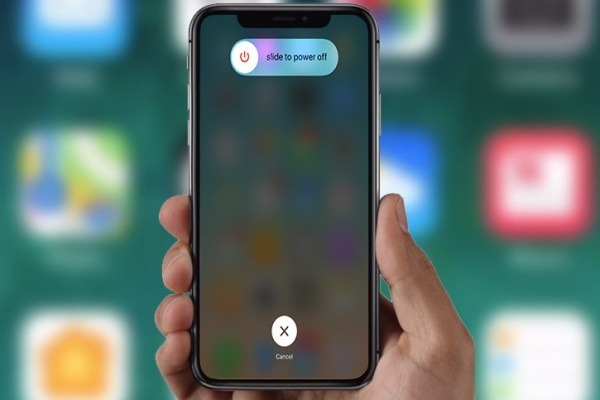




How to reboot new iPhones?
With the arrival of the iPhone X, which no longer has the home button, the process of rebooting your iPhone will undergo changes again, and it doesn't seem to be any easier than the method used so far.
In previous iPhones it was enough to press 2 buttons to restart the equipment, when the operating system would freeze and stop responding (which is rare). In the specific case of the iPhone 7, the last time Apple had changed this process, it was simply pressing the "Volume Down" and the "Power" button.
Now with the new iPhones 8 and X, we have a new change, and to reboot you will have to:
- Quickly press and release the volume up button
- Quickly press and release the volume down button
- Press and hold the power button until the Apple logo appears
The brand did not provide any explanation for this change, but it is speculated that it may be an attempt to prevent users from "accidentally" reboot the iPhone when they were just trying to turn it off (and accidentally pressing 2 buttons).
Recommended Products
View all
 36 Months
€1,539.18
36 Months

 36 Months

 36 Months

€39.95

Other Articles
See more
Apps to read books - See the 9 best
Discover the apps that we think are the best for reading books on your smartphone and tablet.

Wat is het verschil tussen een smartwatch en een smartband?
Many question what the difference is between a smart bracelet and a smartwatch. iServices knows the answer and gives it to you in a detailed article.
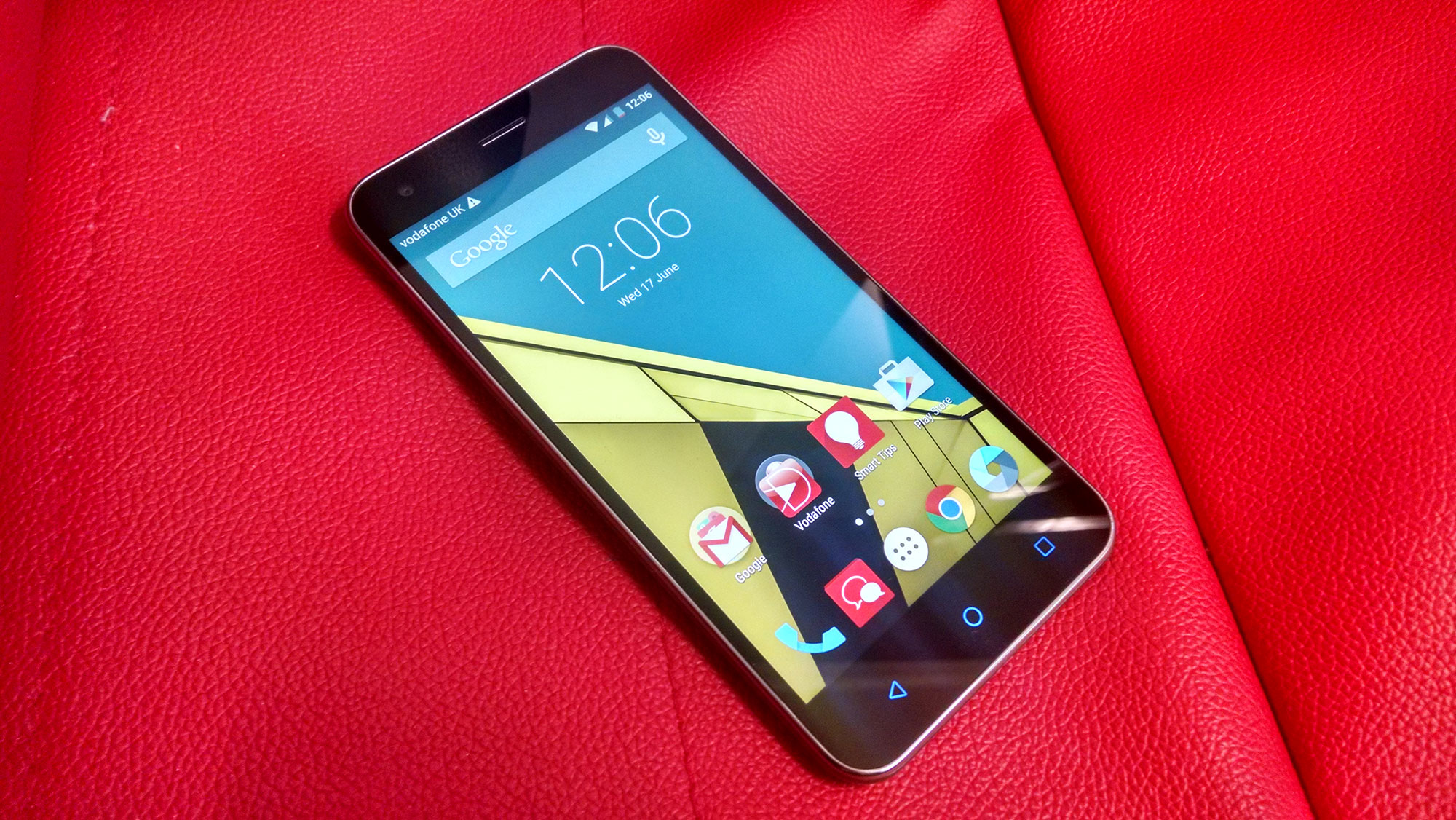
Tem um Android com plano da Vodafone? Agora já pode comprar na Google Play com tarifário.
Vodafone announced this week that from now on its users with android devices will be able to make purchases on Google Play, using the balance of their SIM card.
