





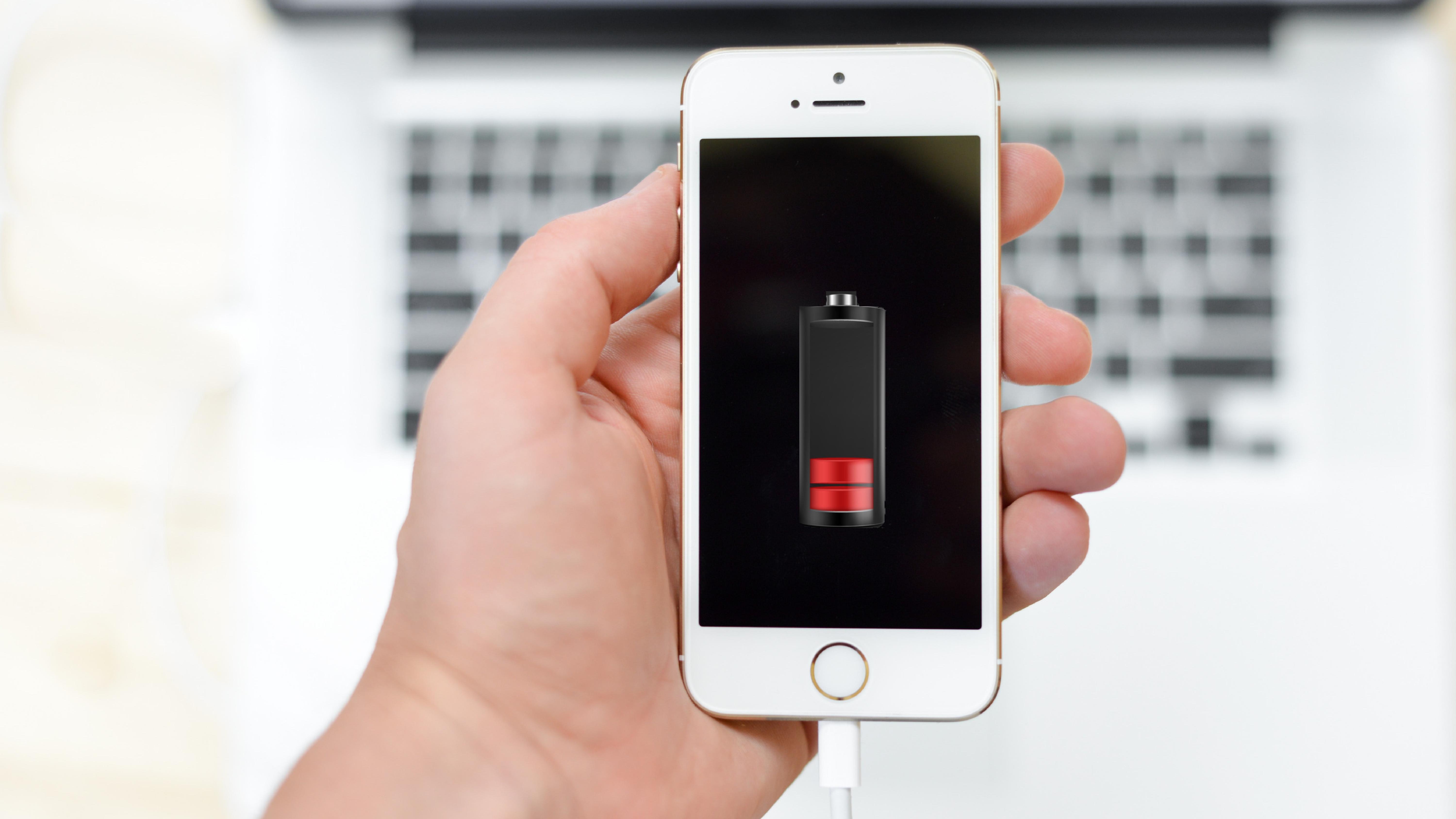




Tips to save battery? We help!
Having a smartphone is synonymous with having a multitude of options at hand. Nowadays, our cell phone brings us food, shopping, clothes, we still use it to wake up, to remind us of a meeting, or even to capture the best moments.
Unfortunately, the great Achilles heel of these small devices remains being the battery.
At iServices we went to discover the best tips so you can give your smartphone battery more performance. Discover everything we have for you:
- Put a dark background image. It may seems unimportant, but the more brightness you need for your screen, the more battery you will spend. Then opt for dark background image that does not need so much light.Keep your smartphone out of the sun. I'm sure you've already realized how much your cell phone heats up in the sun, this process, in addition to slowing down the cell phone, spends much more energy on your equipment.
- Keep Wi-fi, Bluetooth Mobile Data and Location turned off. Use these options only when necessary, if your smartphone is always with these features on, you will be in constant effort and spend energy in vain.
- Turn off notifications. How many notifications do you get on your phone that are really important?See which notifications you don't need and turn it off in the app's settings. If your phone is constantly receiving notifications (like emails), it will be draining battery.
- Uninstall Apps you don't use. You certainly don't use all the applications you have on your phone, review how many you've installed and leave only the ones you really need. In addition to saving battery, it is also improving the performance of your smartphone.
- Turn off automatic updates. Whenever your smartphone connects to a Wi-Fi network, it will update applications. This feature, in addition to being unnecessary, uses up a lot of battery on your smartphone. Update your apps at night before bed manually.
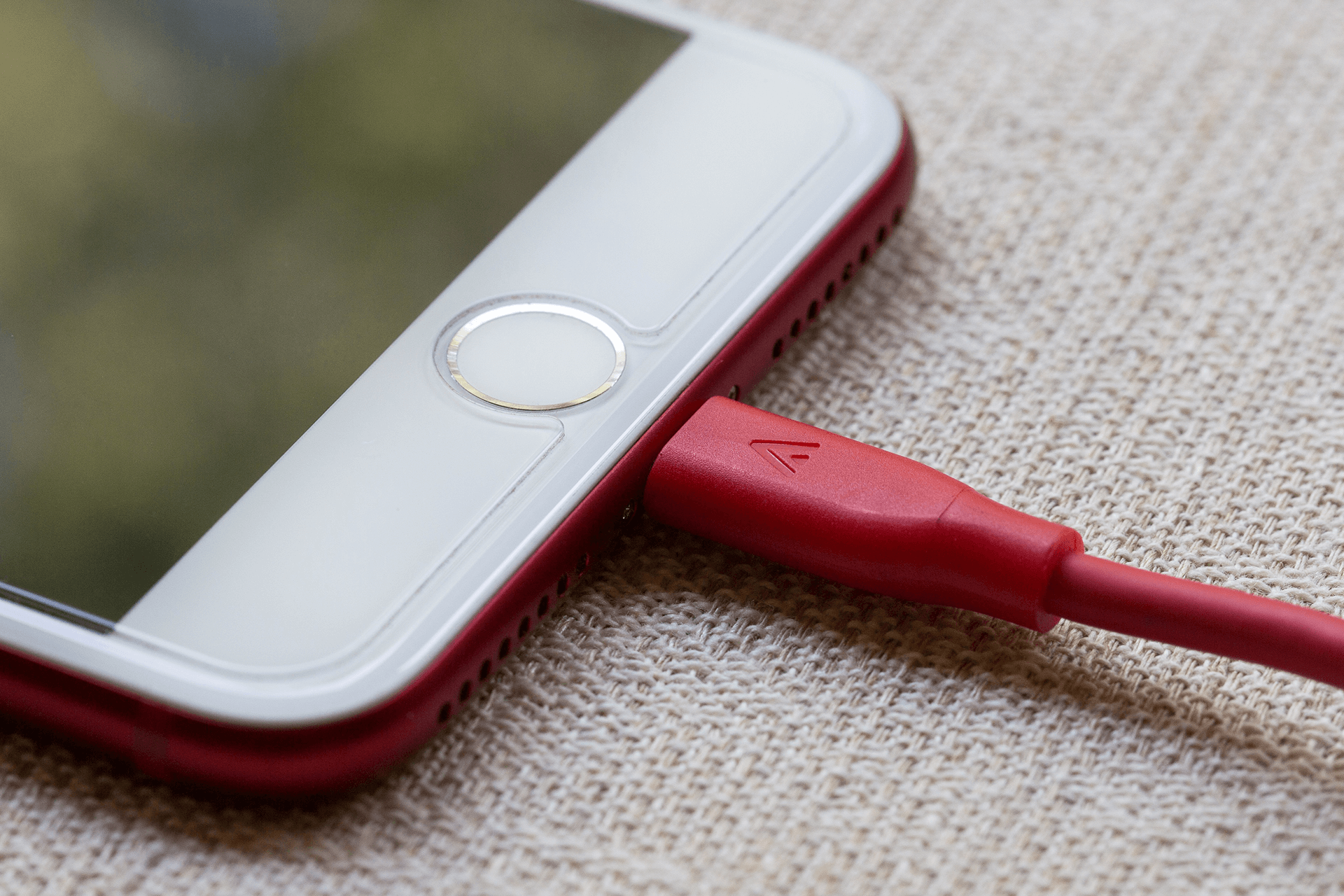
- Close background applications. Many times after using an App, we think that it was closed the moment we left it, but most of the time this is not the case. Always make sure you have all applications closed, save battery!
- Activate energy saving mode. The energy saving mode is automatically activated when our smartphone has a battery of 20% or less, however this can be a measure that is always active on your smartphone!
- Turn off your smartphone's vibration mode. The phone's vibration is already more than essential when in silent mode, but if it is active for all notifications, calls and messages, it will end up using up a lot of battery on the phone. Do we really need the vibe that much?
- Reduce screen lock time. If your screen takes longer than 30 seconds to freeze after disuse, battery consumption is excessive and unnecessary.
- Avoid consuming your smartphone battery until it reaches less than 20%. Although it was considered a myth for a long time, the fact that we charge the cell phone many times, or that the battery is less than 20%, greatly reduces its performance.
- SOS mode! If you really need battery for a certain moment and you are low on battery, put your phone in Airplane Mode, this feature uses the least battery, battery, however it does not receive SMS, calls and does not allow the use of the internet. Use only in case of battery SOS.
- Purchase a power bank.The simplest way to guarantee that you will never run out of battery, is to buy a powerbank or an auto charger. This way you will be able to charge your mobile phone anywhere and anytime.
These are the tips we bring you to make your battery last longer. If you've tried everything and your battery still doesn't keep up with your rhythm or you're completely addicted, come visit us at iServices we replace your battery on time in 20 minutes!
Recommended Products
View all
 36 Months

 36 Months

 36 Months

€39.95


Other Articles
See more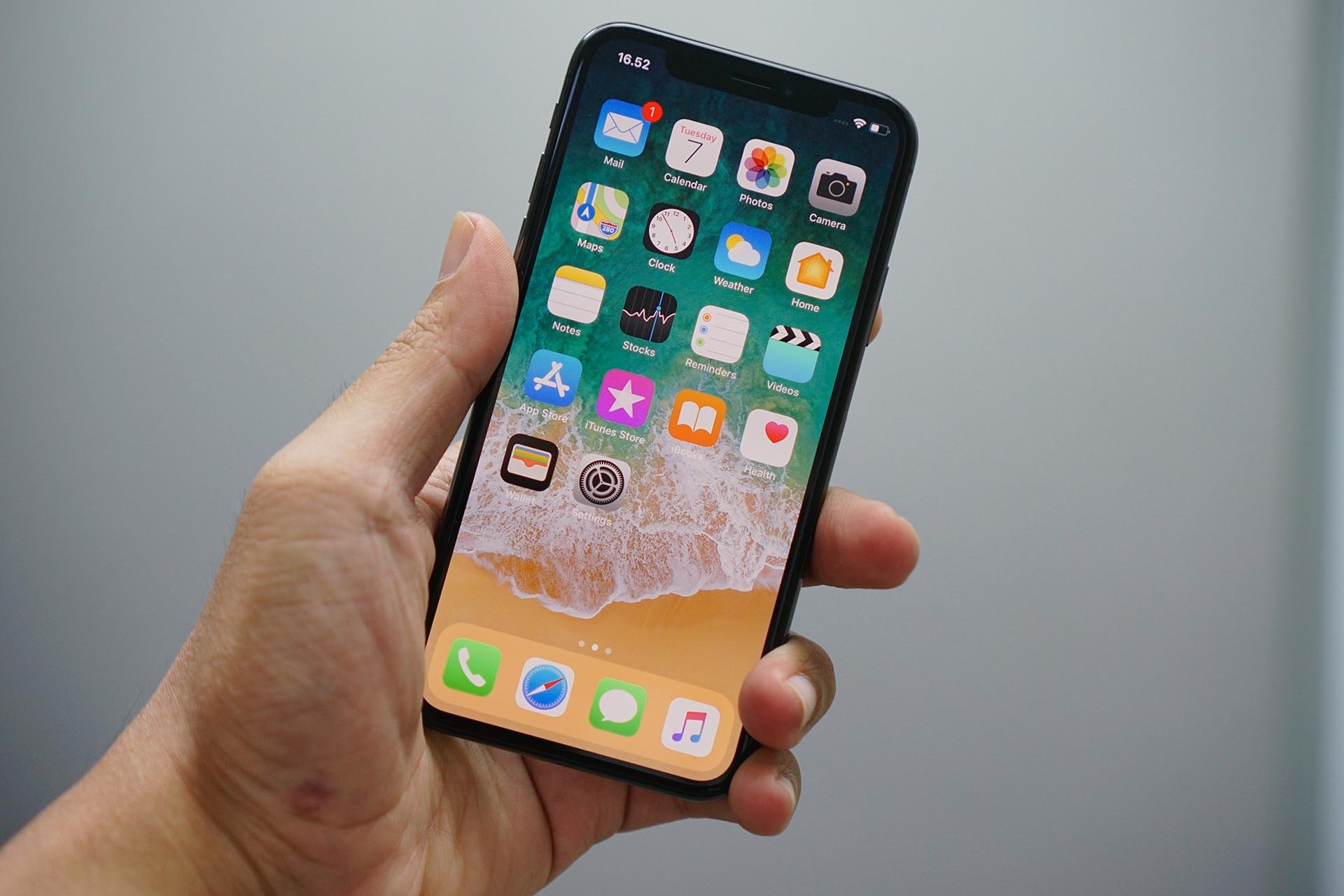
Already know how to record iPhone or iPad screen?
Did you know that you can record a video from your iPhone screen? iServices explains how you can get all your favorite videos from your iPhone screen. Know all the steps and save your favorite videos in the iPhone gallery.
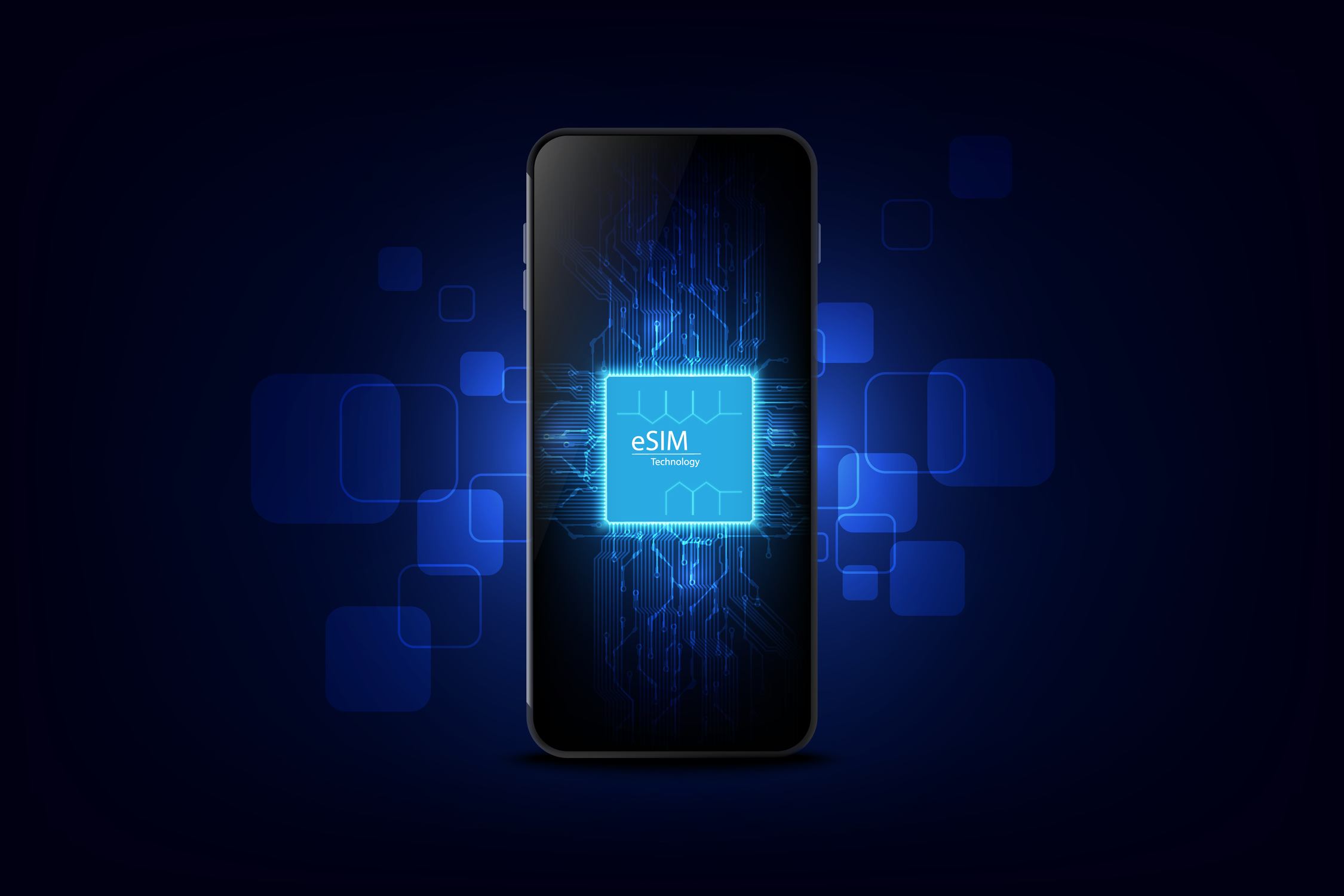
What is the eSIM? All answers and clarifications
Do you know what an eSIM is? Learn about this technology on our blog
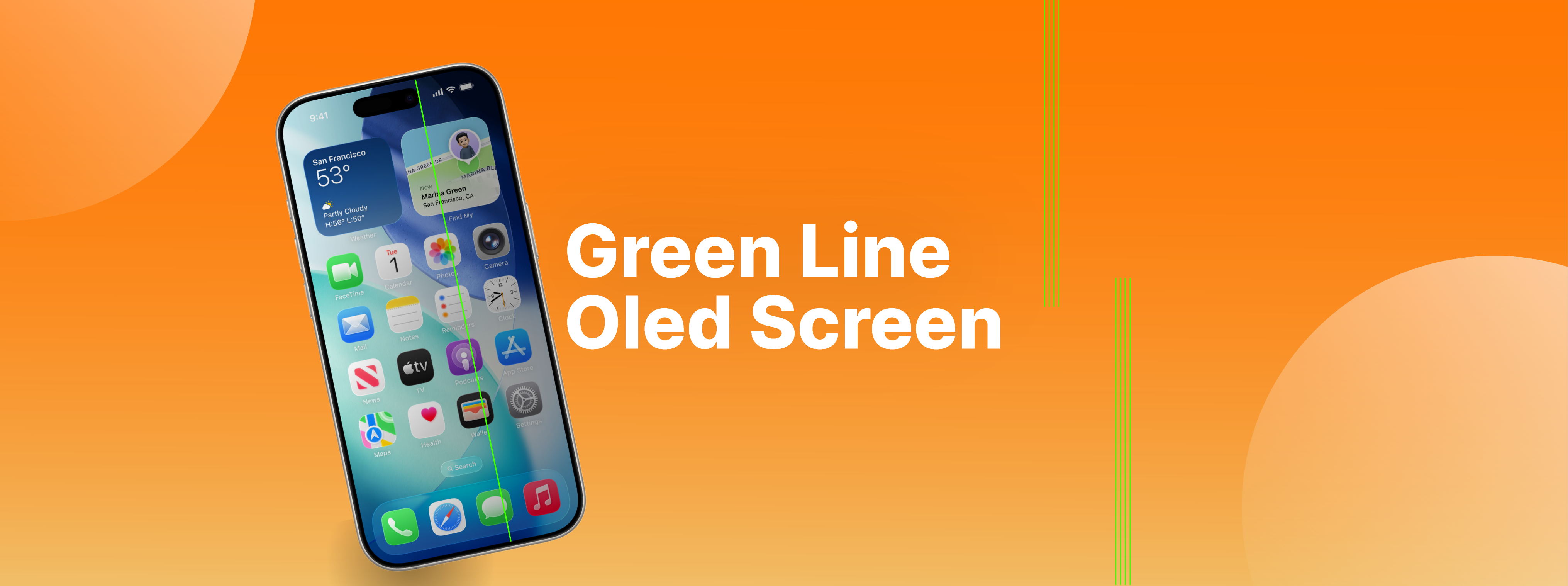
Mystery of the green line on OLED screens
Do you know what the green line that may appear on your smartphone's OLED screen means? iServices explains the causes and solutions.
