





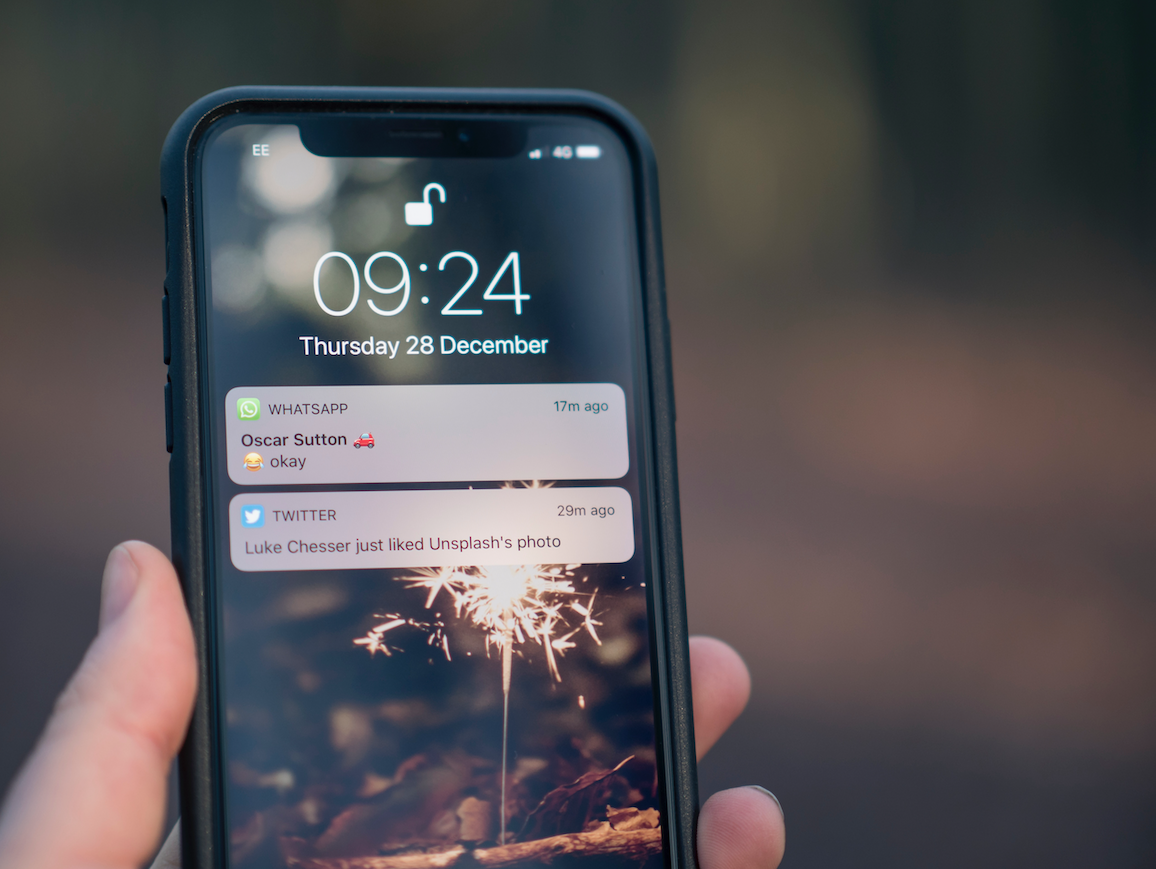




Learn how to enable LED notifications on your iPhone.
There are situations where we don't want - or can't - have the cell phone with sound or vibration, but we still want to be notified of an important call or notification. The iPhone allows you to activate a light alert for this type of situation. So whenever you receive a notification or call the camera flash will start blinking. To enable LED Flash warnings, go to Settings > Accessibility > Audio/Visual > LED Flash for Alerts.
Recommended Products
View all
 36 Months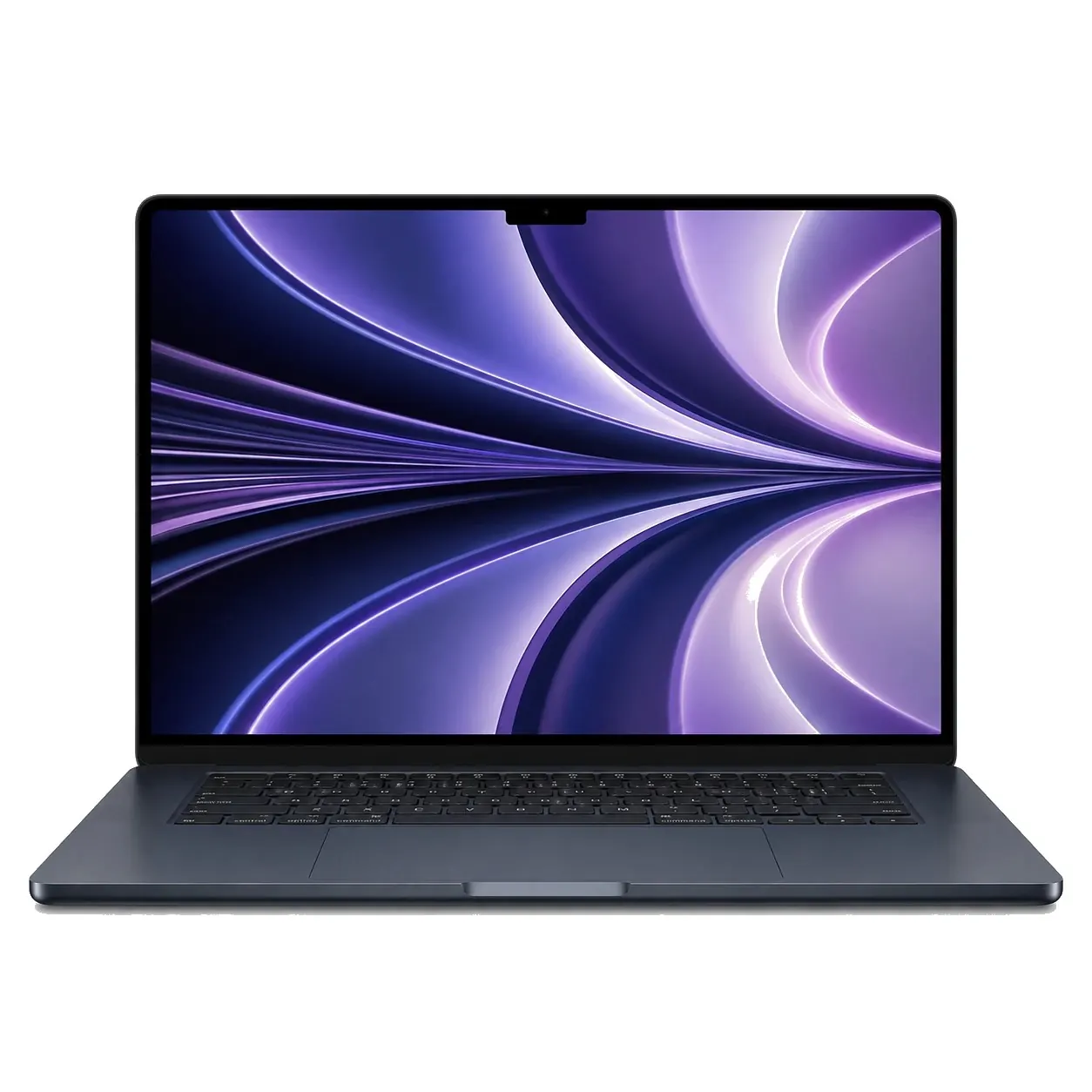
€1,539.18




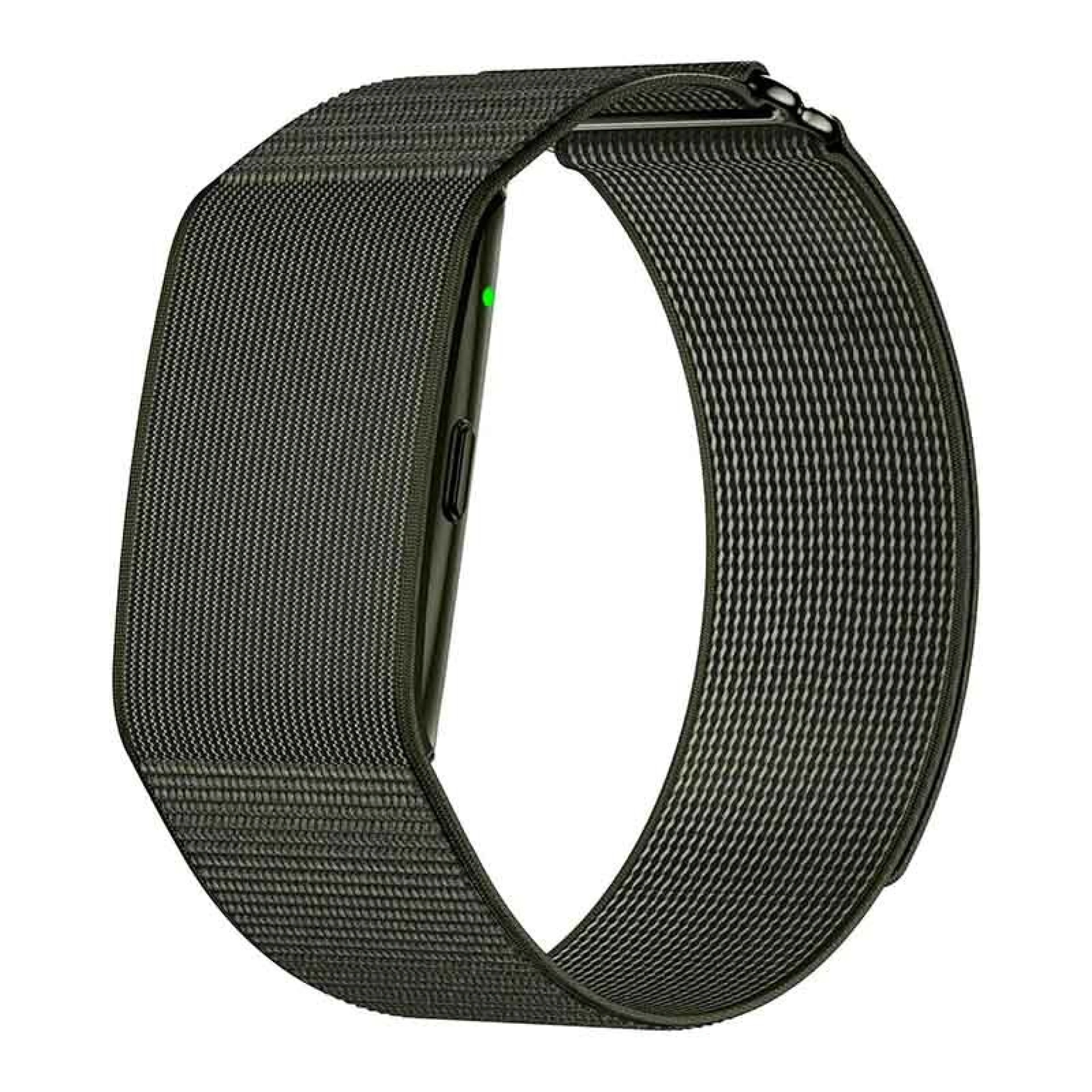
€39.95

Other Articles
See more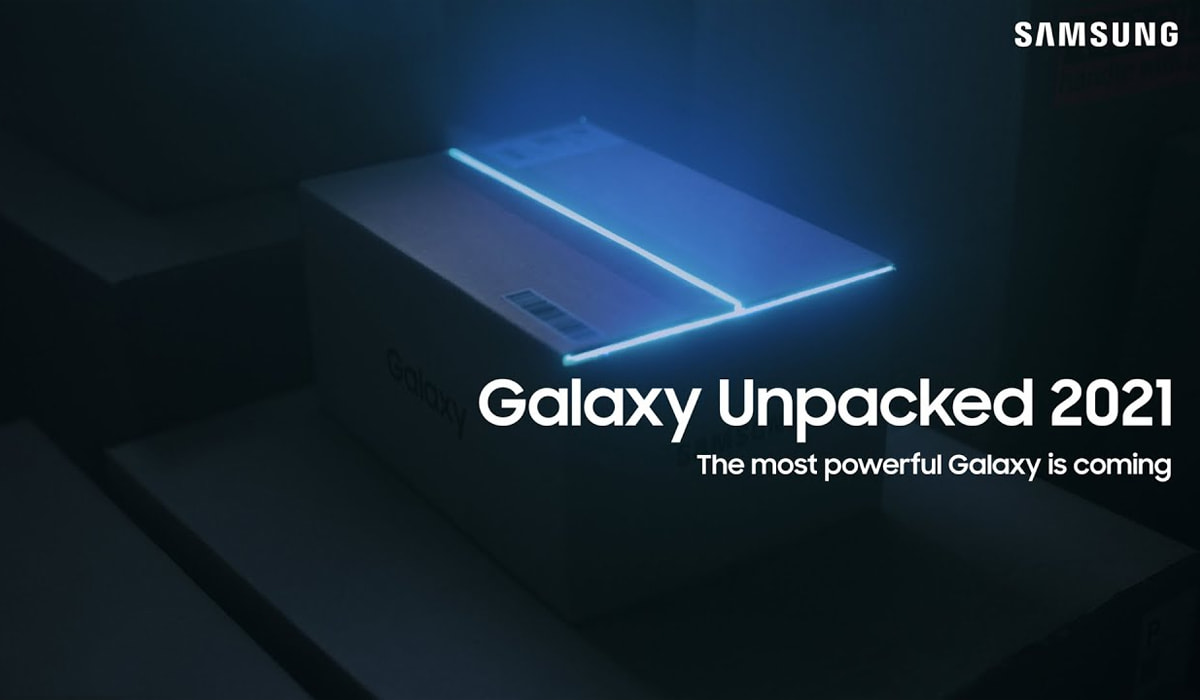
Samsung Unpacked 2021: All the news
Samsung's Galaxy Unpacked was this August 11th and iServices tells you what you can expect from the South Korean for the rest of this year.

6 alternatives to Spotify to listen to your music
Spotify is the leading music streaming app, but there are good alternatives. See our list to listen to music, but also Podcasts.

Sora, the ChatGPT of videos, has arrived in Europe!
OpenAI has created Sora, a new artificial intelligence tool that transforms text into high-definition videos. You know more with iServices.
