









Running out of space to upgrade to ios 11?
We have detected more and more iPhone users having difficulties in upgrading to IOS 11 due to lack of flash memory or even a slow iPhone due to lack of free space on the device.
In order to free up flash memory check the following:
- Settings - General - Information - Available
After obtaining the available memory space, check:
- Settings - General - iPhone Storage - Add up all headings
If the value is different (most of the time it is) just make a backup copy and reset the factory settings. When you pass the backup, your iPhone will be updated to IOS 11 and with some GB's available for your photos and videos.
When you pass the backup, your iPhone will be updated to IOS 11 and with some GB's available for your photos and videos.
Recommended Products
View all
 36 Months

 36 Months

 36 Months

€39.95


Other Articles
See more
5 Tips to Speed Up Your Smartphone
Is your smartphone slowing down? We suggest some quick, simple and easy tips to speed up your phone.
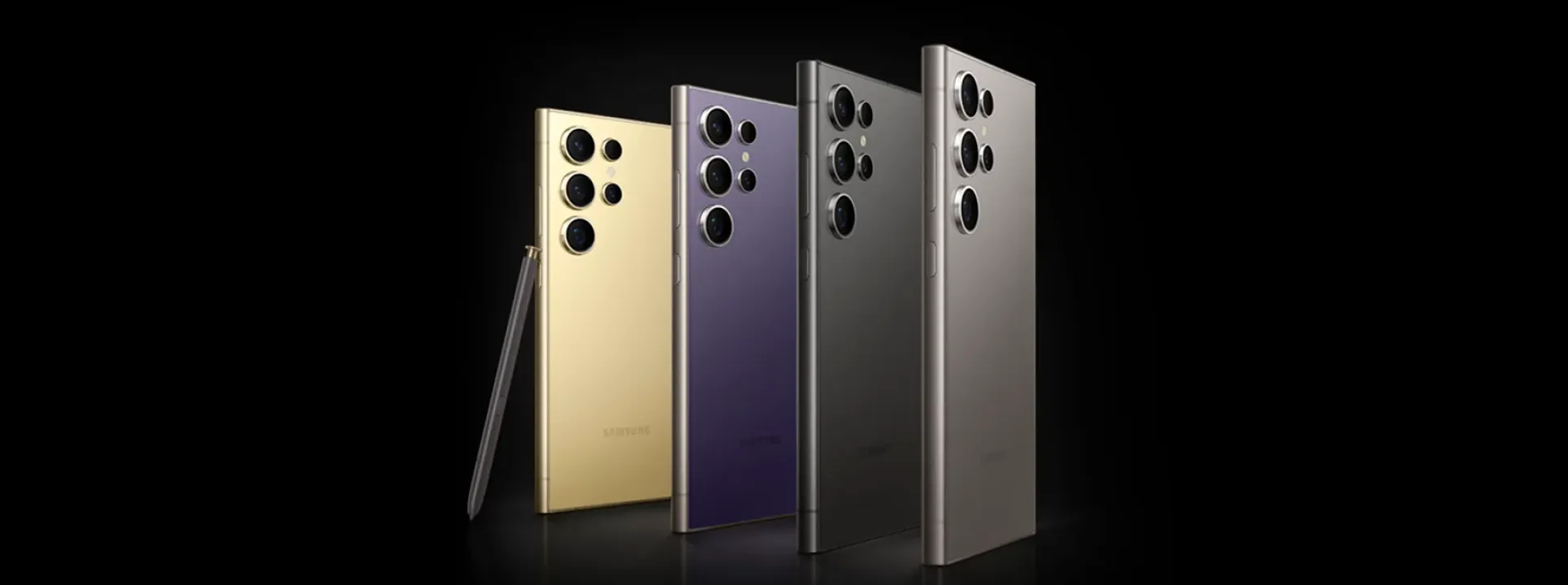
What makes the Samsung S24 Ultra so amazing? Here's the answer!
The Samsung S24 Ultra is the first smartphone to use AI with the help of Qualcomm's processor and has everything it takes to be the phone of the year.

Quer evitar dissabores enquanto está a pilotar um drone? Saiba tudo o que tem de cumprir.
novas leis drones portugal
