









How to find your lost iPhone even if it's turned off
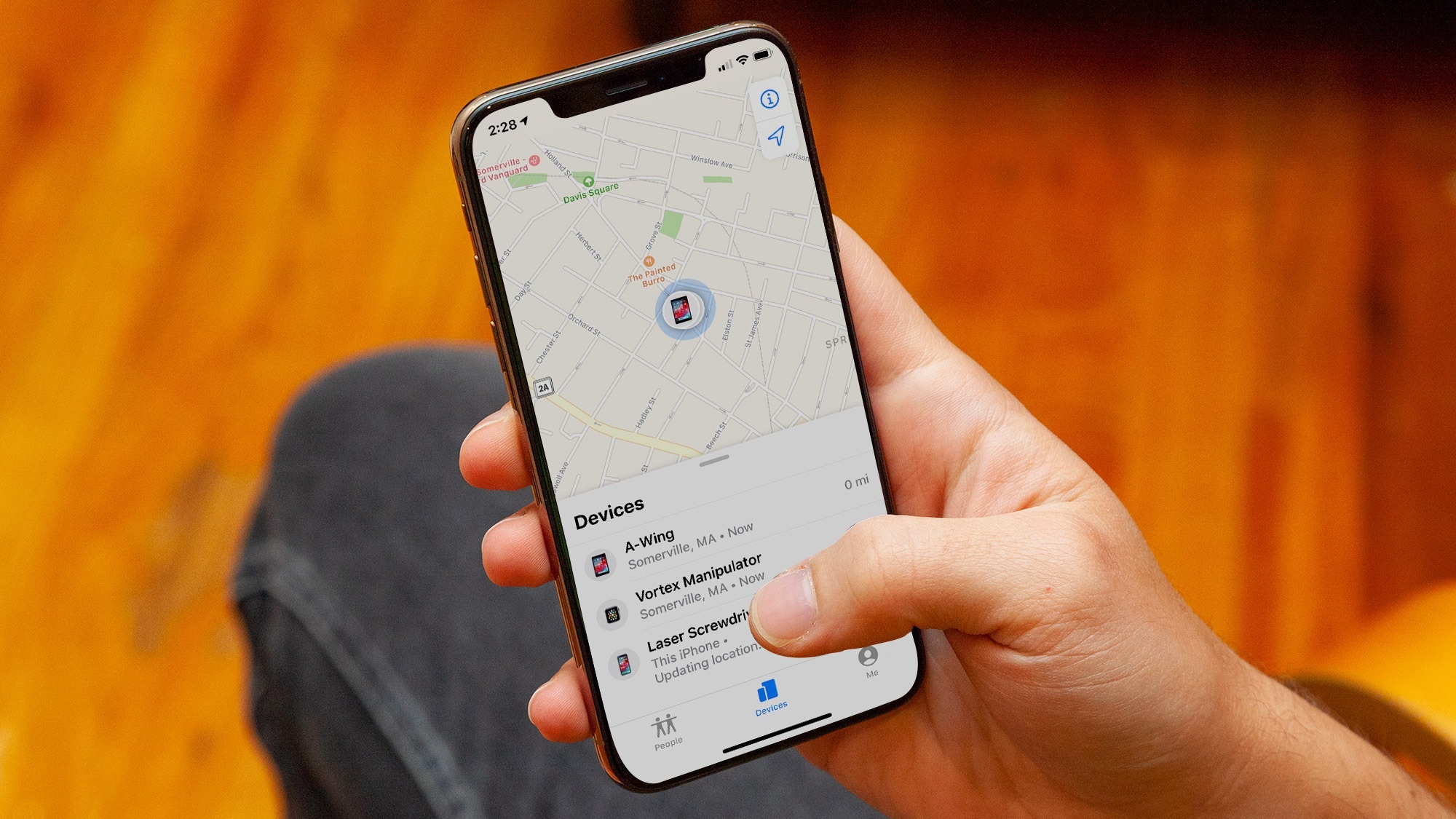
With the recent iOS15 update, Apple has further improved the Find My feature. This feature allows you to find, locate and erase lost Apple devices. Some iPhones with iOS15 show that they remain traceable even if they are turned off (which is usually the first thing a thief will do!).
How does offline tracking of iPhones work?
This new feature is based on Ultra Wideband (UWB) technology, which is part of Apple's U1 chip. Only the iPhone 11 and newer models (except the second generation iPhone SE) have the U1 chip, so only these devices work with Find My when turned off. The Apple Watch Series 6 also has the U1 chip, but the feature is unique to iPhones, so far. The user who has an older iPhone or even any model of iPad, will still be able to use Find My when their device is offline, but not completely turned off.
According to Apple, compatible devices can also be located in Find My when in power reserve mode. In other words, tracking works even if the iPhone runs out of battery, just like Express Transit with Apple Pay. It's almost as if this feature turns the iPhone into an AirTag. Therefore, in practice, this feature of the iPhone to work as if it were an Air Tag, which uses very little battery, being able to transmit the location of the device via bluetooth to other Apple devices, thus allowing its location.
How to activate the Find My feature?
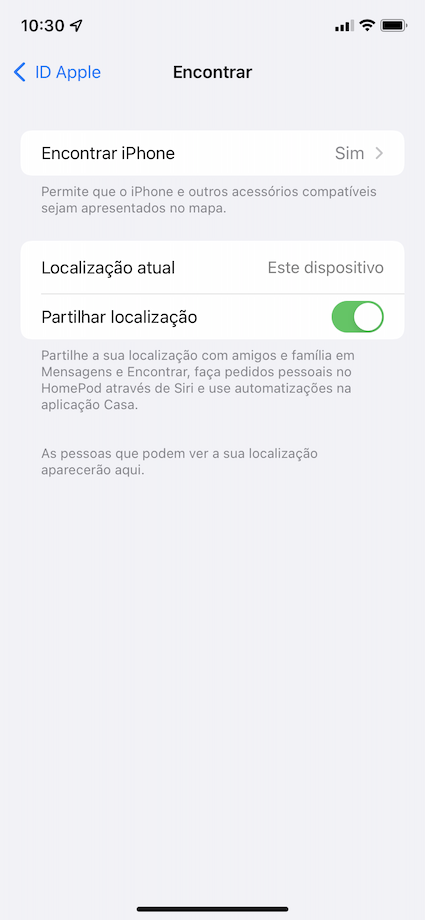
Step 1. Open iPhone "Settings" and tap your name to open Apple ID.
Step 2. Tap "Find" and then "Find iPhone".
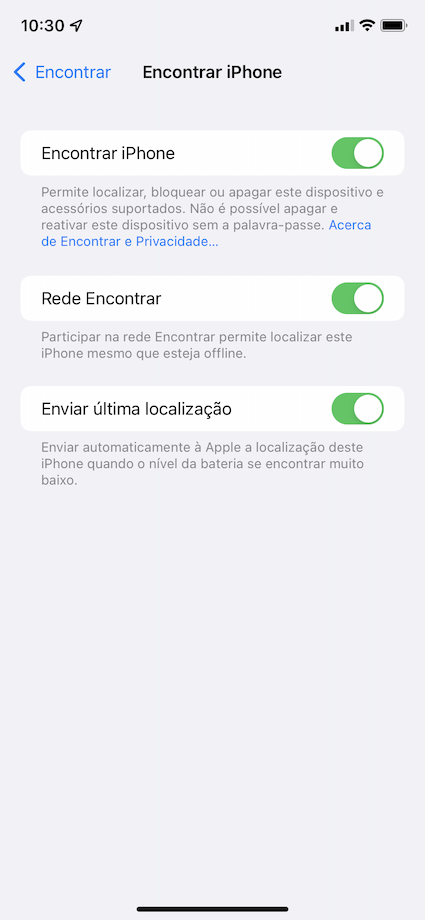
Step 3. Activate the "Net Find" and enable "Send Last Location". From there, the user has a few hours to find the iPhone.
Unfortunately, due to technology limitations, only some iPhone models can be located when turned off. They are: iPhone 11; iPhone 11 Pro; iPhone 11 Pro Max; iPhone 12 Mini; iPhone 12; iPhone 12 Pro; iPhone 12 Pro Max; iPhone 13; iPhone 13 Mini; iPhone 13 Pro and iPhone 13 Pro Max.
If you need help activating this feature, you already know that you can count on the support of technicians at any of the iServices Stores!
Recommended Products
View all
 36 Months

 36 Months

 36 Months

€39.95
Other Articles
See more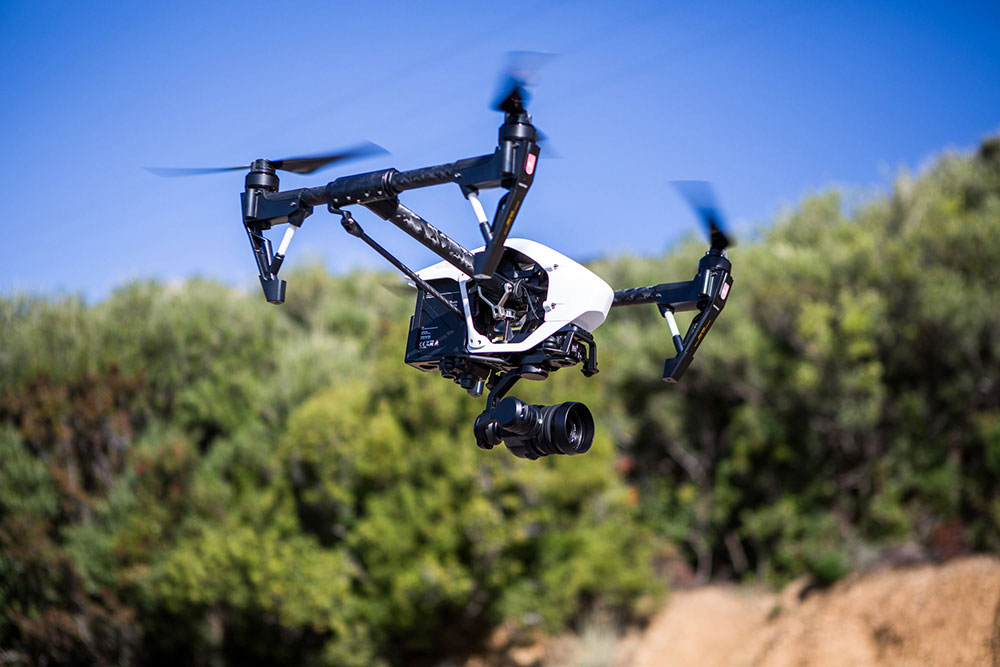
Quer evitar dissabores enquanto está a pilotar um drone? Saiba tudo o que tem de cumprir.
novas leis drones portugal
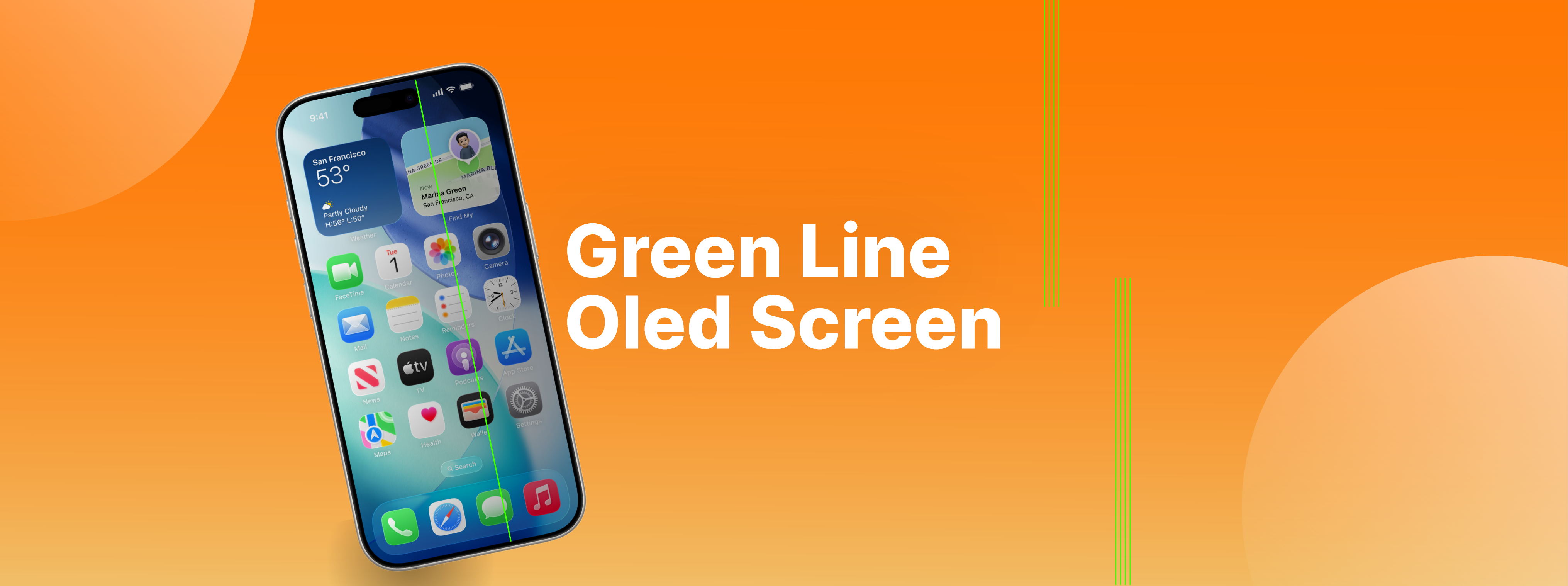
Mystery of the green line on OLED screens
Do you know what the green line that may appear on your smartphone's OLED screen means? iServices explains the causes and solutions.
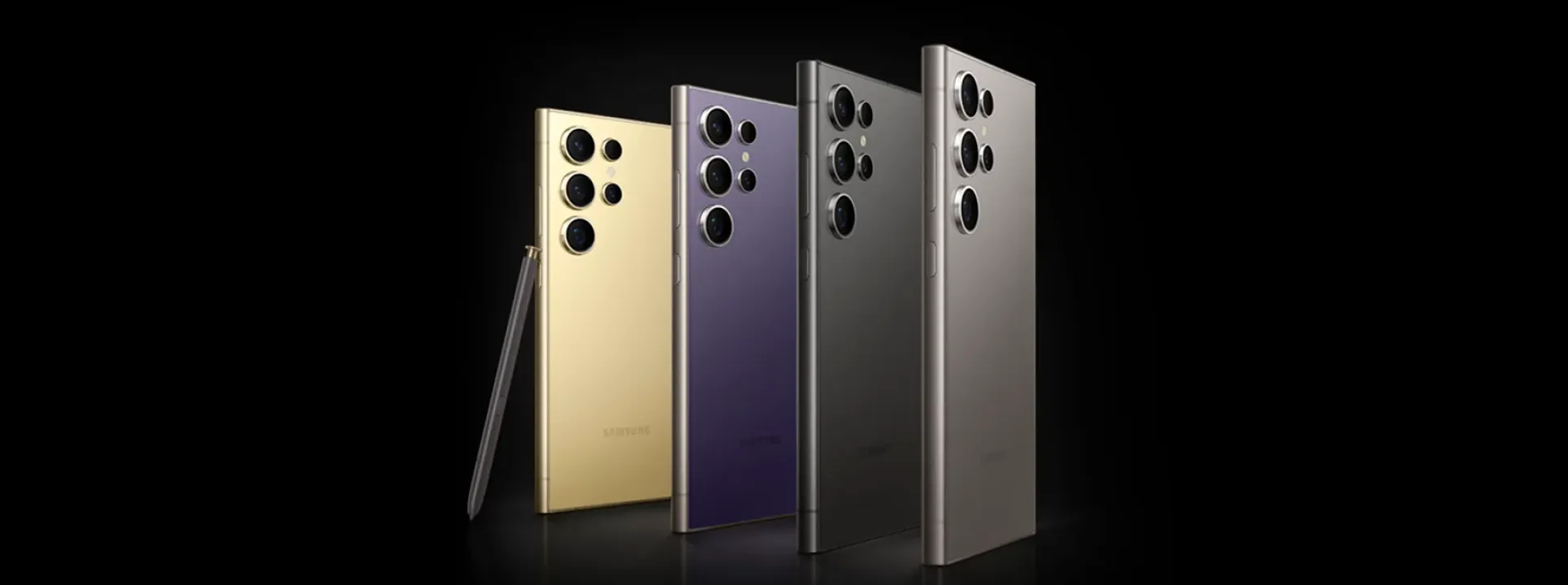
What makes the Samsung S24 Ultra so amazing? Here's the answer!
The Samsung S24 Ultra is the first smartphone to use AI with the help of Qualcomm's processor and has everything it takes to be the phone of the year.
