





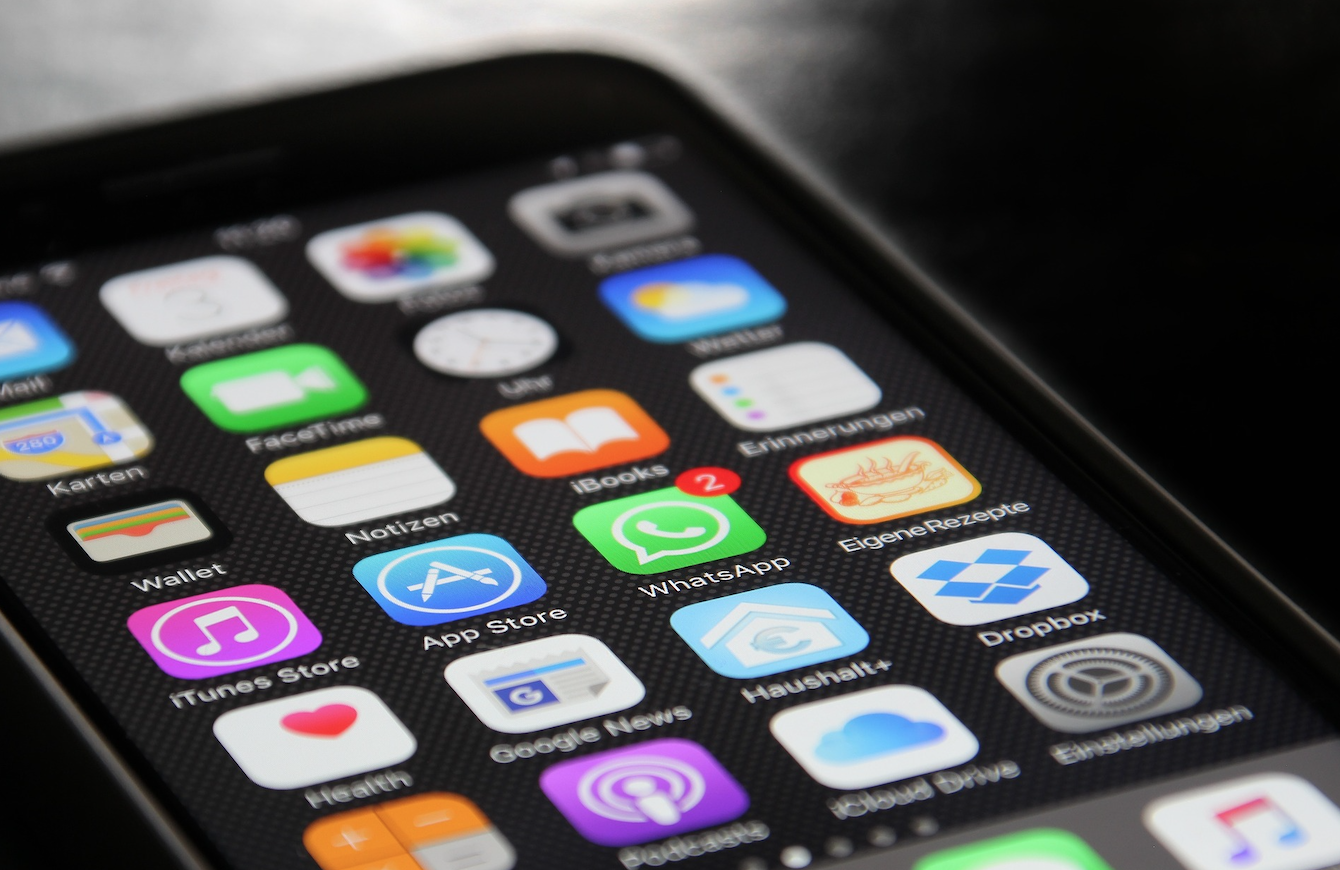




Want to hide apps you don't use on your iPhone?
There are around 30 apps that come standard with iOS 9.3. If it's true that some we use every day, others we only open once or twice.
Although we cannot erase them from the iPhone, we can hide them. To hide, just go to Settings > General > Restrictions > Enable restrictions (you'll have to enter your iPhone's restrictions code) and then you can disable the applications you want to hide.
Recommended Products
View all
 36 Months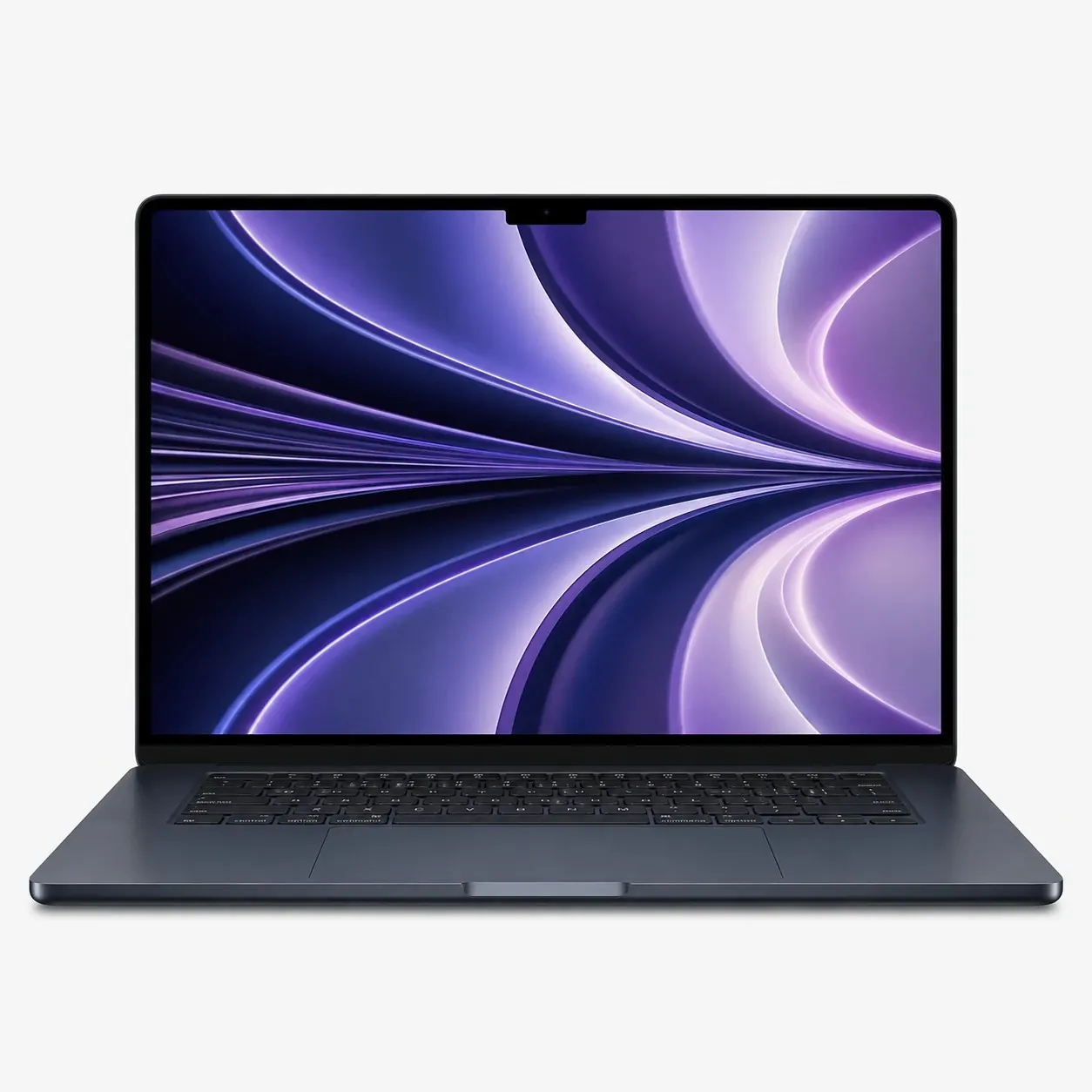
€1,539.18
36 Months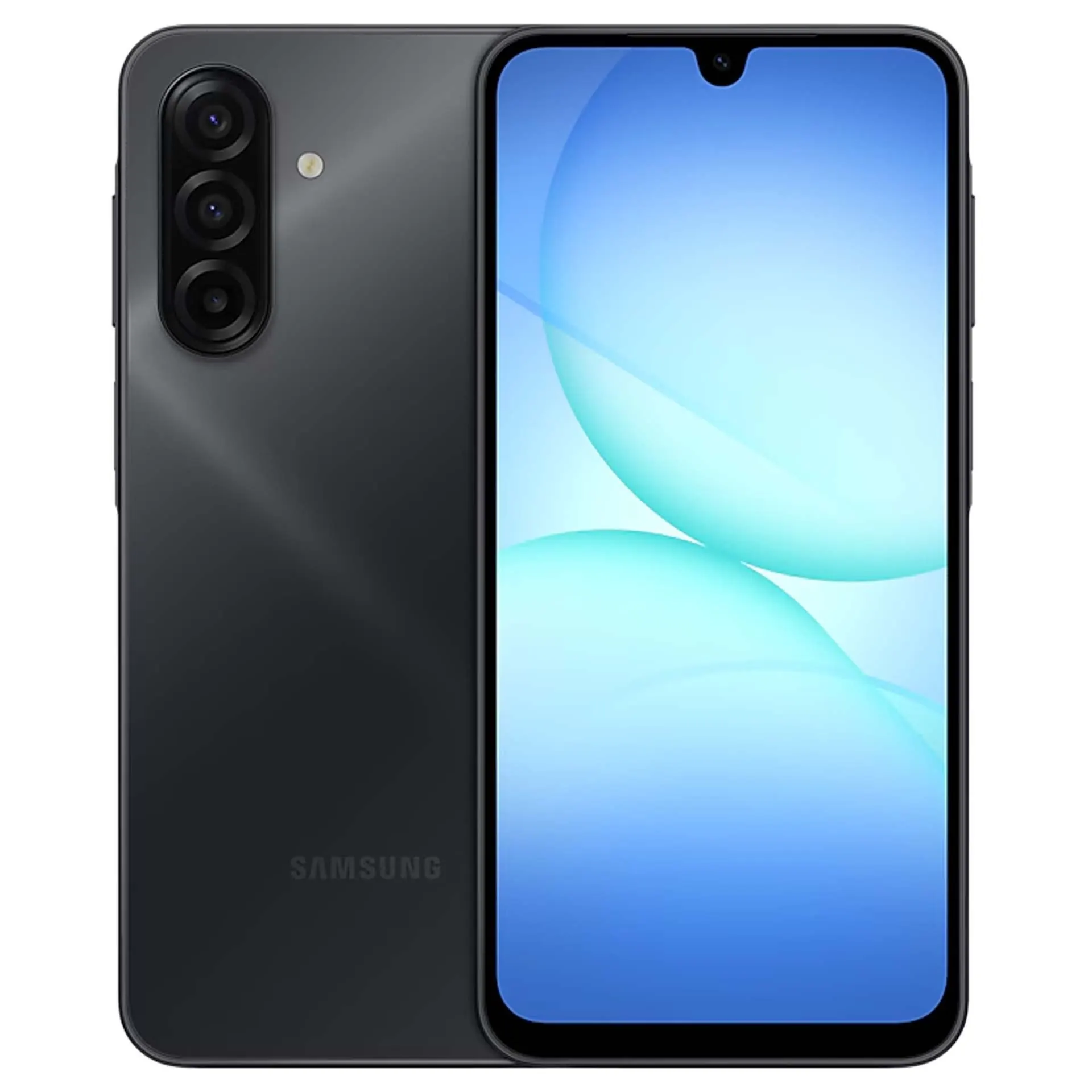

 36 Months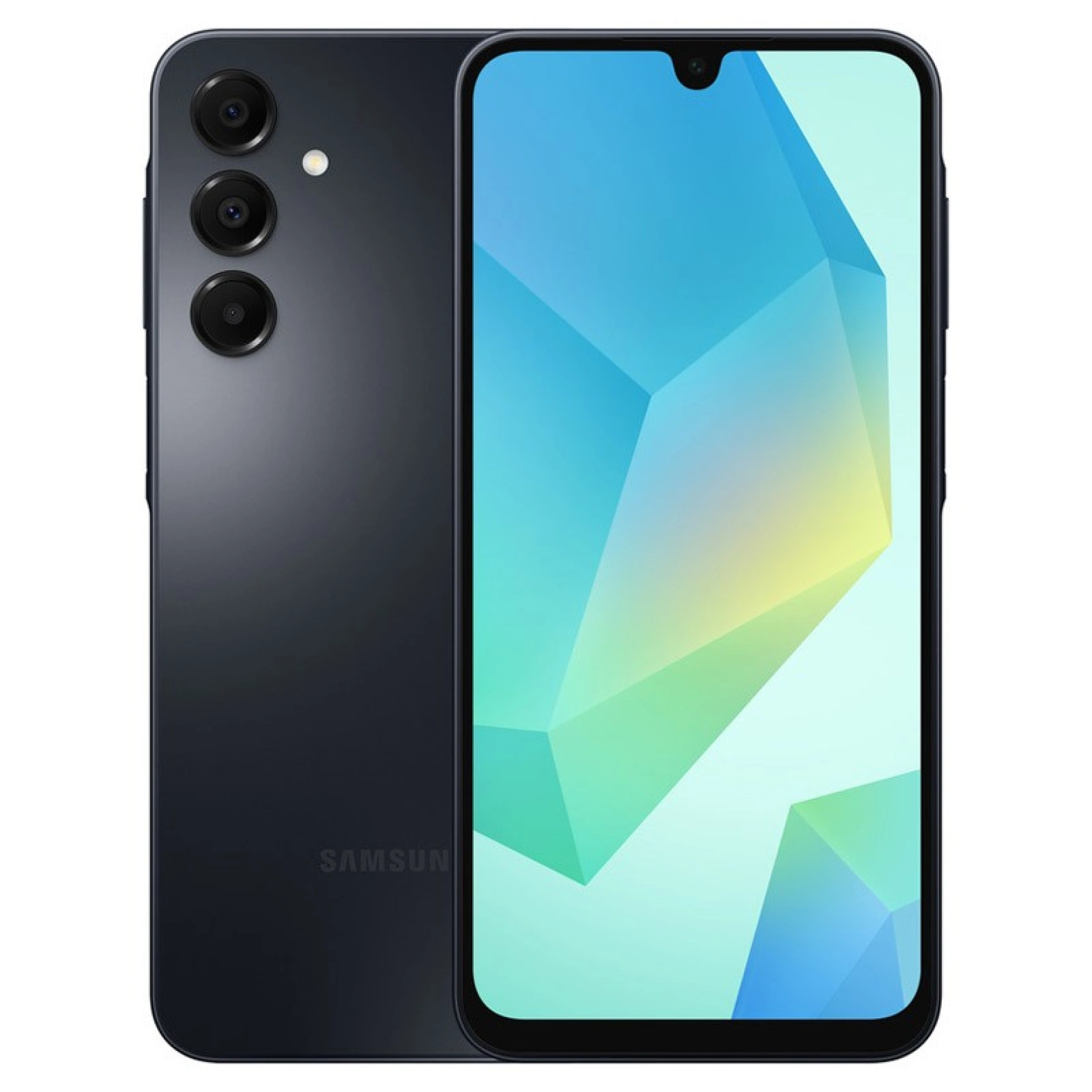

 36 Months

€39.95
Other Articles
See more
iServices opens its 13th store in Portugal
2019 has just started and iServices is already full of news. In addition to the awards already won, the Five Star Award and the PME Excellence Award, iServices is preparing to open its 13th store in Portugal!
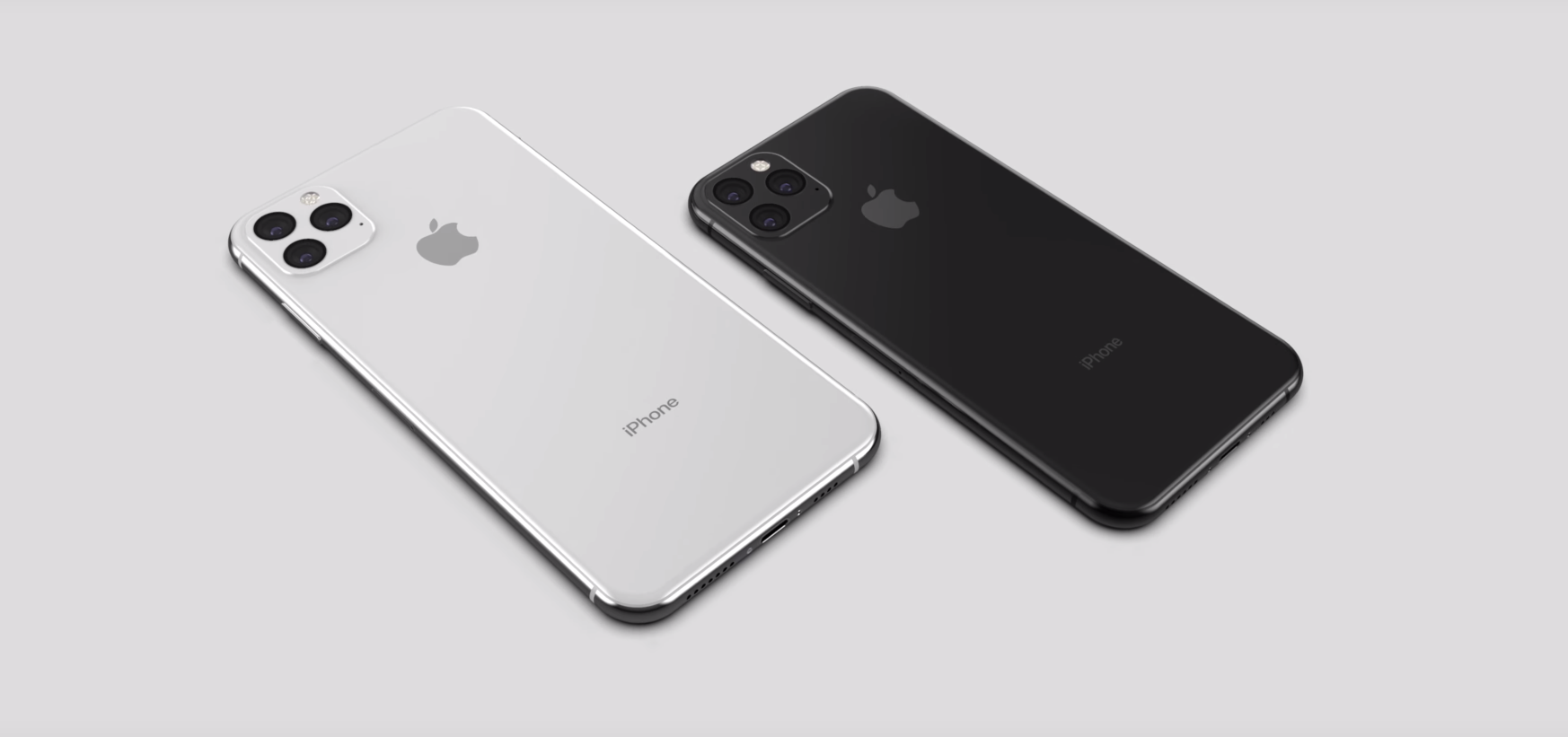
O número XI da Apple, começou a contagem decrescente!
The first rumors about the iPhone XI have arrived! For now, we still don't have many surprises, but something new is coming that promises to revolutionize Apple's concept of photography. Come and discover everything we already know!
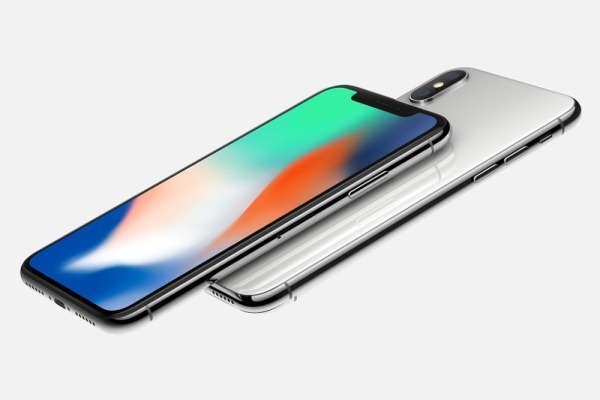
The new iPhone X has two batteries
The new iPhone never ceases to amaze, not only in terms of appearance and features, but also in terms of its interior layout. The equipment is
