










iPhone Face ID Stopped Working After a Fall: How to Fix It?
Face ID is one of the most advanced and convenient features on iPhones, from the iPhone X to the latest iPhone 17 Pro Max. This facial recognition system offers security and ease of use, but it can stop working correctly after the phone is dropped. If your iPhone suffered an impact and Face ID stopped responding, it is essential to understand the possible causes and available solutions to restore this functionality.
At iServices, specialists in smartphone repairs in Portugal, we understand the importance of Face ID in our customers' daily lives. Therefore, we present a comprehensive guide explaining why Face ID might stop working after an accident and how to proceed to resolve the issue safely and quickly.
Causes for Face ID Failure After a Drop
TrueDepth Sensor Damage
Face ID works thanks to the TrueDepth sensor array, which includes an infrared camera, dot projector, and flood illuminator. A drop can misalign or damage these highly sensitive components, preventing correct facial recognition.
Cracked or Damaged Screen
Impacts that cause cracks or damage to the screen can interfere with Face ID functionality, as the sensors are integrated at the top of the display. Even small fissures can distort the laser projections, affecting the system's precision.
Software Glitches Following an Impact
Sometimes, the physical shock can trigger temporary glitches in the iOS software that manages Face ID. These issues can often be resolved through configuration adjustments or system updates.
Logic Board Damage
In more severe drops, the iPhone's logic board may suffer damage that affects communication between the sensors and the processor, resulting in Face ID failure. This is a complex situation that requires specialized technical intervention.
Solutions Overview
| Cause | Recommended Solution | Complexity |
|---|---|---|
| TrueDepth Sensor Damage | TrueDepth module repair or replacement | High |
| Cracked or Damaged Screen | Full screen replacement | Medium to High |
| Software Issues | iOS update or system reset | Low |
| Logic Board Damage | Advanced technical diagnostic and repair | Very High |
Step-by-Step Solutions
TrueDepth Module Replacement
- Take your iPhone to an iServices store for a professional diagnostic.
- Our technicians will verify the condition of the TrueDepth sensors using specialized tools.
- If damaged, a repair or replacement will be performed using high-quality parts.
- After the service, a full calibration test will be conducted to ensure Face ID works perfectly.
Full Screen Replacement
- Have our team evaluate the screen's condition.
- If physical damage is found, we will replace the display with a high-quality compatible screen.
- The process includes transferring the Face ID sensors to ensure full functionality is maintained.
- The phone will be rigorously tested before being returned to the customer.
iOS Reset and Update
- Perform a forced restart of the iPhone to clear temporary errors.
- Check for available iOS updates in Settings and install the latest version.
- Try resetting Face ID in the device settings and setting it up again.
- If the problem persists, contact iServices for expert technical support.
Logic Board Diagnostic and Repair
- Bring your phone to an iServices store for a micro-soldering evaluation.
- Technicians will perform advanced diagnostics on the logic board's circuitry.
- Depending on the damage, specific components will be repaired or replaced.
- The device will undergo extensive testing to confirm the Face ID communication is restored.
Why does Face ID stop working after a drop?
Following a fall, essential components like the TrueDepth sensor array or the screen can suffer physical damage or internal misalignment, preventing correct facial recognition. In some cases, the impact causes a hardware disconnect that can only be solved by a specialized technician.
Can I try to repair Face ID at home?
We strongly recommend against DIY repairs. Face ID involves highly sensitive technology that is cryptographically linked to the iPhone's processor. Inadequate intervention can permanently disable Face ID. Always seek help from certified professionals like the iServices team.
How long does a Face ID repair take at iServices?
The repair time depends on the specific fault. Screen replacements can often be done within the same day (express service), while complex logic board repairs may take longer. We prioritize speed without compromising quality.
Is Face ID covered by a warranty after the repair?
Yes! All repairs performed by iServices come with a 3-year warranty (with the exception of batteries, which have 1 year). We use high-quality parts and expert techniques to ensure the durability and reliability of our service.
Need Professional Help? iServices is Here for You
If your iPhone's Face ID stopped working after a drop, visit one of our 76 iServices stores across Portugal. Our specialized technicians are ready to perform a full diagnostic and offer the best solution for your device, whether it's an iPhone X, iPhone 12, or the latest iPhone 17 Pro Max.
At iServices, we guarantee repair services with high-quality parts, qualified technical assistance, and express delivery. Visit on our website to find your nearest store and restore your Face ID functionality today.
Recommended Products
View all

 36 Months
 36 Months

€19.95
36 Months




Other Articles
See more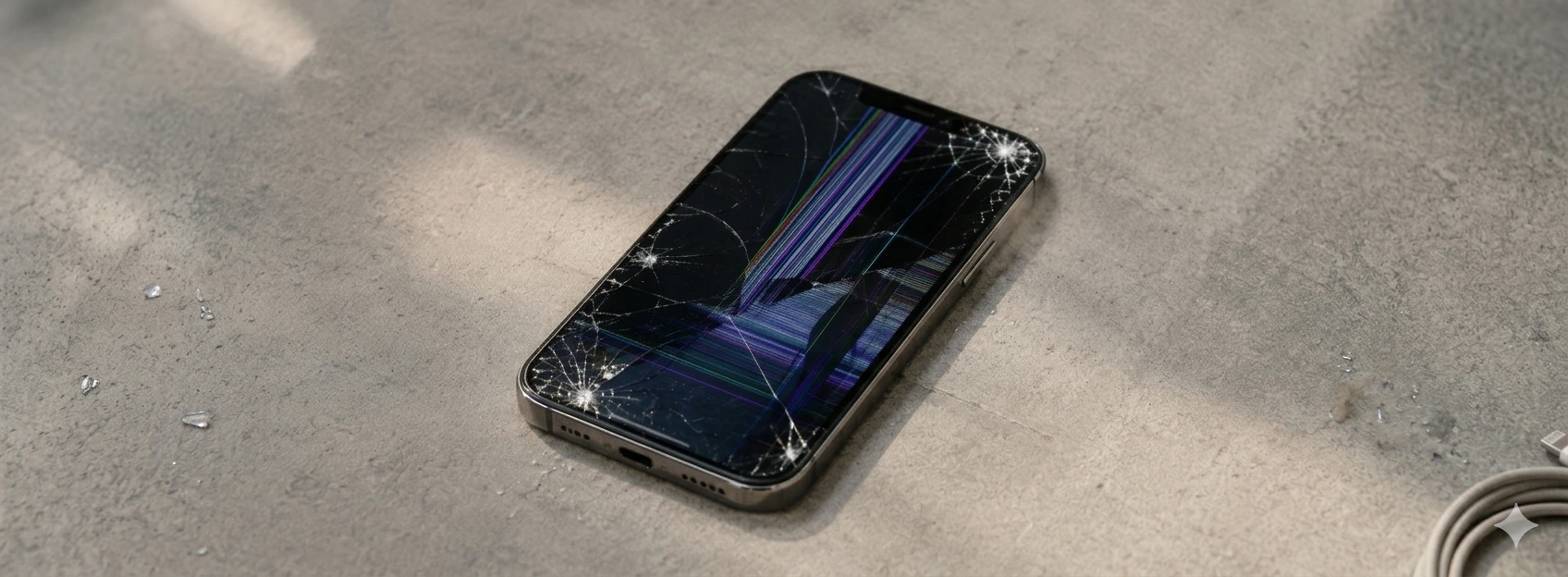
iPhone Screen with Distorted Colors: Causas e Soluções
iPhone screen with distorted colors? Learn the causes, solutions, and how iServices can repair your iPhone with warranty and technical assistance.
Your phone not charging? 5 steps to try and fix it
Your phone not charging? Don't panic! It might be a loose connection or accumulated dust. Follow our suggestions before seeking professional help.

iPhone Very Slow After Update: How to Fix It?
Is your iPhone slow after an update? Discover causes and effective solutions for models from iPhone X to iPhone 16 at iServices.
