





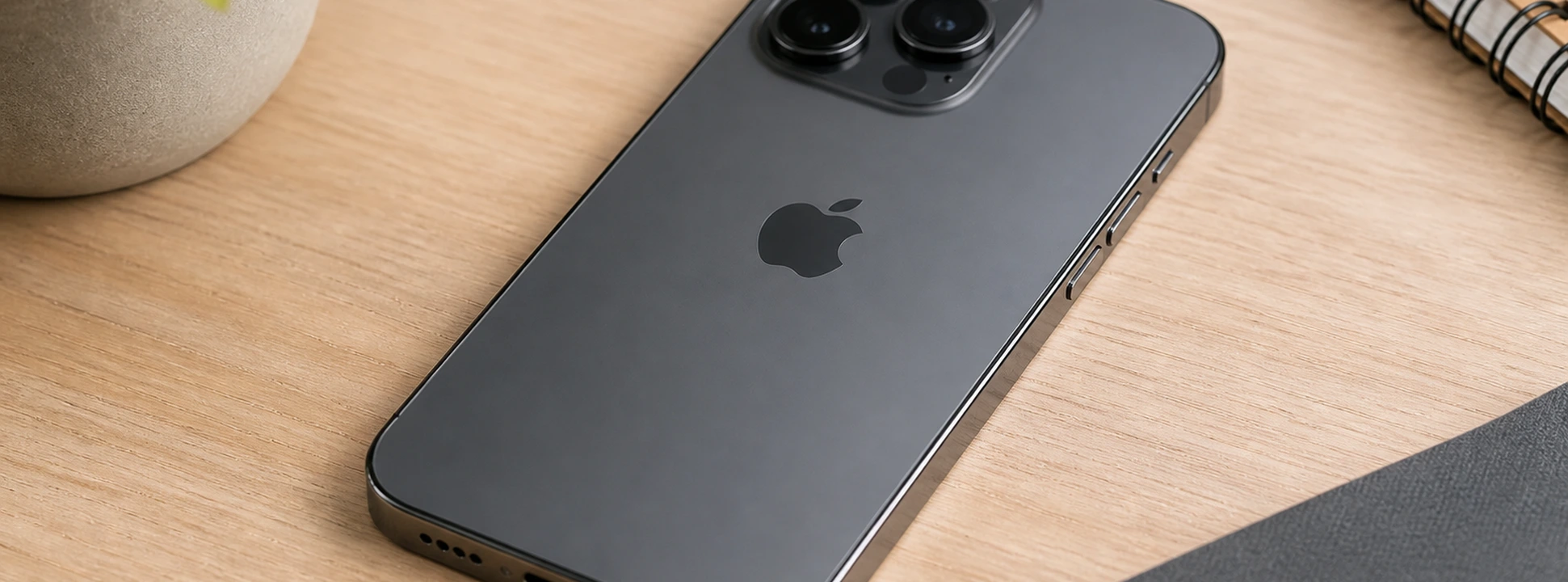




iPhone turns on silent mode by itself: causes and solutions
It's frustrating when your iPhone mutes itself, especially if you're using recent models like the iPhone X, iPhone 12, iPhone 14, or even the more advanced iPhone 17 Pro Max. This issue can affect your daily experience, causing calls, notifications, and alerts to go unnoticed, leading to inconvenience and loss of important information.
At iServices, we understand the importance of keeping your phone functioning correctly, which is why we've gathered in this article the main causes and solutions for your iPhone muting itself. If you're looking for a quick and effective resolution, join us to understand how you can prevent this problem and when it's necessary to seek specialized technical assistance.
Causes of iPhone Muting Itself
Defective mute button
The physical side button that controls silent mode may have mechanical or electrical problems, especially if the phone has suffered drops, liquid exposure, or intensive use. A faulty button can activate silent mode without the user intending to.
Incorrect settings or software conflict
iOS updates, app bugs, or inadvertently changed settings can cause the iPhone to enter silent mode automatically. For example, "Do Not Disturb" or "Focus" mode can be programmed to activate silently at certain times or locations.
Sensors or operating system failures
The iPhone uses sensors to detect when it's in sleep mode or specific environments, and this functionality might be miscalibrated. Additionally, errors in the iOS operating system, even in the latest versions, can lead to unexpected behaviors such as muting without user intervention.
Internal hardware issues
In more serious cases, failures in the logic board, internal contacts, or other electronic components can result in the automatic activation of silent mode. This type of problem requires advanced technical diagnosis for proper repair.
Table of Solutions
| Cause | Recommended Solution | Complexity |
|---|---|---|
| Defective mute button | Check button status and replace if necessary | Medium |
| Incorrect settings or bugs | Update iOS, reset settings, and check "Focus" modes | Low |
| Sensors or system failures | Restart phone, restore settings, and update software | Medium |
| Internal hardware issues | Technical diagnosis and repair at specialized assistance | High |
Step-by-Step Solutions
Check and repair the mute button
- 1. Visually inspect the side button to confirm if it's stuck or loose.
- 2. Test the button several times to check if it responds correctly.
- 3. If a defect is detected, go to an iServices store for technical diagnosis and eventual button replacement.
Update iOS and review settings
- 1. Go to Settings > General > Software Update and update to the latest version.
- 2. Check the settings for "Do Not Disturb" or "Focus" mode in Settings > Focus.
- 3. Temporarily deactivate these modes to test if the problem persists.
- 4. If necessary, reset network and general settings: Settings > General > Transfer or Reset iPhone > Reset > Reset Settings.
Restart and restore the system
- 1. Turn off your iPhone and turn it back on after a few seconds.
- 2. If the problem continues, back up your data and restore the iPhone via iTunes or Finder on Mac.
- 3. Set up the phone as new to eliminate potential accumulated errors.
Seek technical assistance for internal problems
- 1. If the previous solutions do not resolve the issue, contact iServices to schedule a diagnosis.
- 2. Our specialized technicians will analyze the hardware and proceed with the necessary repair.
- 3. We guarantee fast service, warranty, and technical assistance in any of our stores.
Why does my iPhone activate silent mode by itself?
Silent mode can be activated automatically due to issues with the physical button, software settings, scheduled "Focus" modes, or internal hardware failures. Each situation requires a specific diagnosis to identify the exact cause.
How can I disable "Focus" or "Do Not Disturb" mode on iPhone?
Go to Settings > Focus and disable all active modes. You can also configure schedules, locations, or automations that activate these modes automatically, adjusting them according to your preference.
What to do if the mute button is stuck?
If the button doesn't move or is stuck, avoid forcing it to prevent internal damage. The best solution is to take your iPhone to an iServices store for professional repair, ensuring the button functions correctly again.
Is it worth restoring the iPhone to solve the problem?
Restoring the iPhone can resolve software issues that lead to automatic silent mode. However, you should always back up your data beforehand, and if the problem persists, consider specialized technical assistance.
Need Professional Help? iServices Is Here for You
If your iPhone continues to mute itself and home solutions don't work, don't hesitate to visit one of our stores across Europe. At iServices, we offer professional diagnosis, fast repairs, and a warranty on all services.
Also count on express deliveries for greater convenience and specialized technical assistance for all models, from the iPhone X to the iPhone 16 Pro Max. Visit our website iservices.pt to locate the nearest store and schedule your appointment. We are ready to help get your phone working perfectly again!
Recommended Products
View all

 36 Months
 36 Months

€19.95
36 Months




Other Articles
See more
iPhone does not connect to 5G: how to fix
Learn how to solve the problem of an iPhone that won't connect to 5G. Discover common causes and effective solutions for the iPhone.
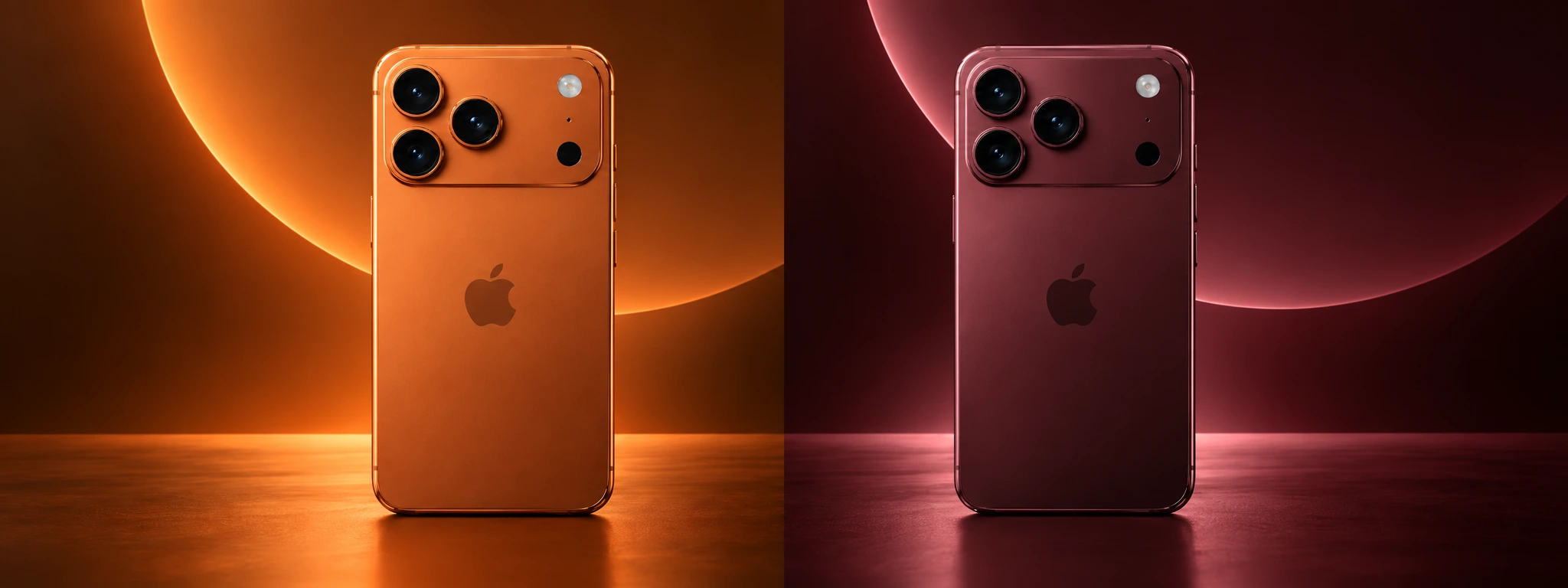
iPhone 17 Pro vs iPhone 18 Pro, which one to buy?
iPhone 17 Pro or iPhone 18 Pro? Discover the main differences in performance, cameras, battery and find out which one you should buy in 2026.
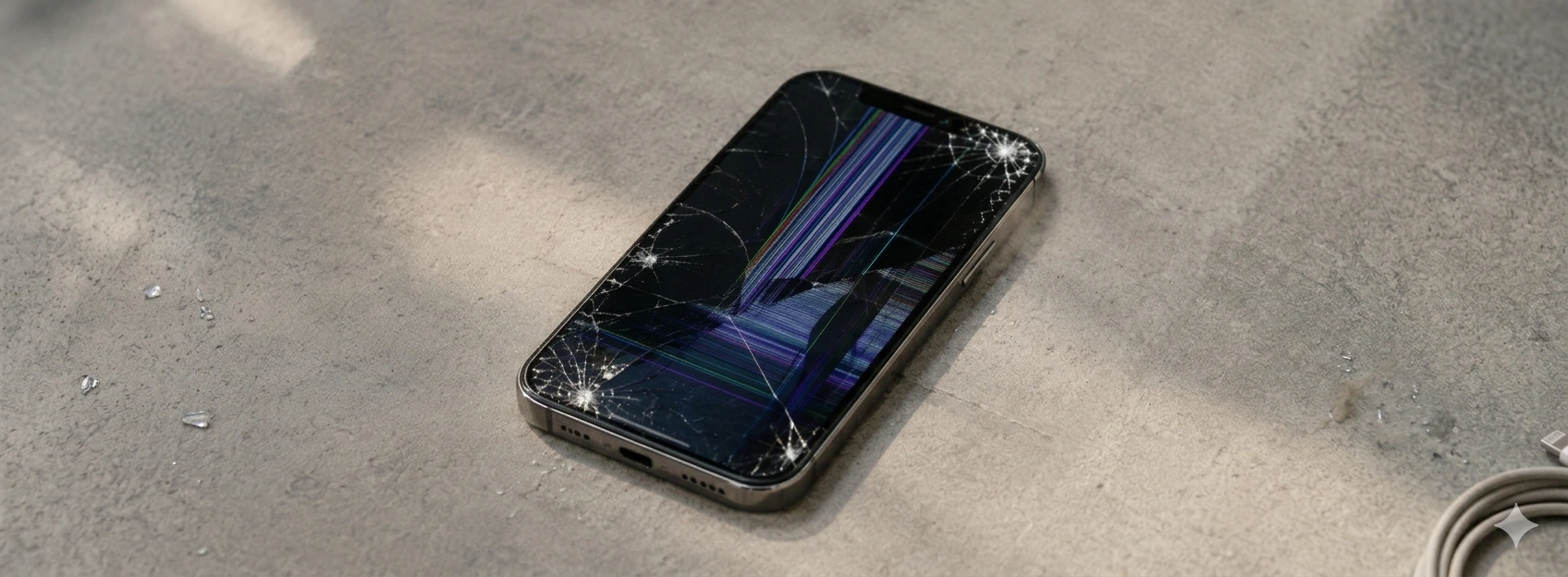
Green Lines on the iPhone Screen: Causes and Solutions
Learn how to fix green lines on the iPhone screen, from iPhone X to iPhone 17 Pro Max, with practical solutions and assistance from iServices.
