





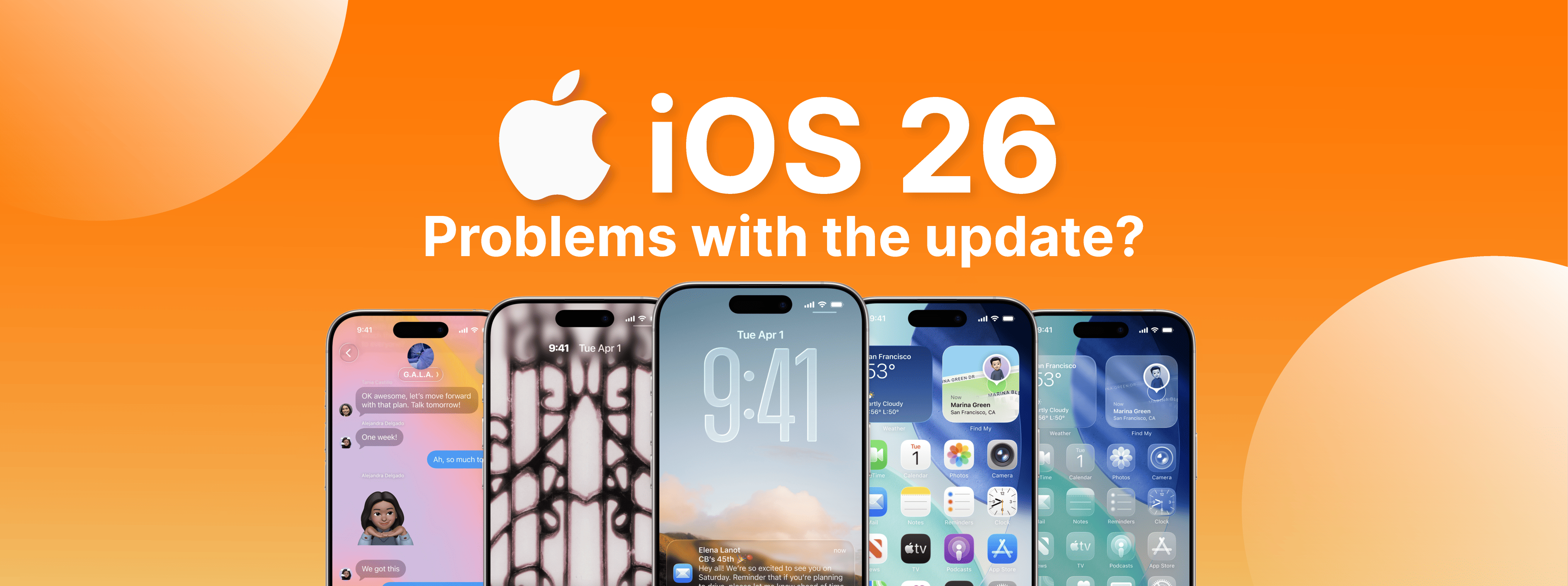




iOS 26: updateprobleem, moet ik mijn iPhone nu updaten?
The iOS 26 update is generating a lot of buzz, as many users are reporting issues after updating their iPhones.
These issues range from battery draining quickly to smartphone overheating. Not to mention Bluetooth and Wi-Fi issues and slow performance, especially on older models. There are also several instabilities reported in the new Liquid Glass design.
Update iPhone: Yes or No?
Software updates released by Apple are important for strengthening security, but also for fixing detected flaws. However, the first version of a major update can create headaches, as is the case with iOS 26. That's why Apple has already released iOS 26.0.1 to address some of the bugs found. However, there are still users who prefer to wait for the next version before installing.
Therefore, you should update to iOS 26 if you want new features and guaranteed security, because in this case, the update is a good option. But you should also update if your iPhone is newer because the performance impact is smaller. If problems and bugs are detected in the current system, the update can fix them.
When waiting may be the best option
If you have an older iPhone, iOS 26 can slow down your phone. So, what are you using your device for? If you depend on your smartphone for work, you may experience some issues. Reports of problems are still very common.
And how can iServices help?
At iServices, we always recommend backing up before updating! If you encounter any difficulties with iOS 26, you can come to one of our stores and we will assist you. We always perform a free diagnosis, providing a free, no-obligation quote to resolve any battery, performance, or hardware issues.
Recommended Products
View all
 36 Months
 36 Months

€19.95
36 Months




Other Articles
See more
Apple can't keep up with iPhone SE orders
As we've already mentioned, the iPhone SE didn't have the best start in terms of orders.
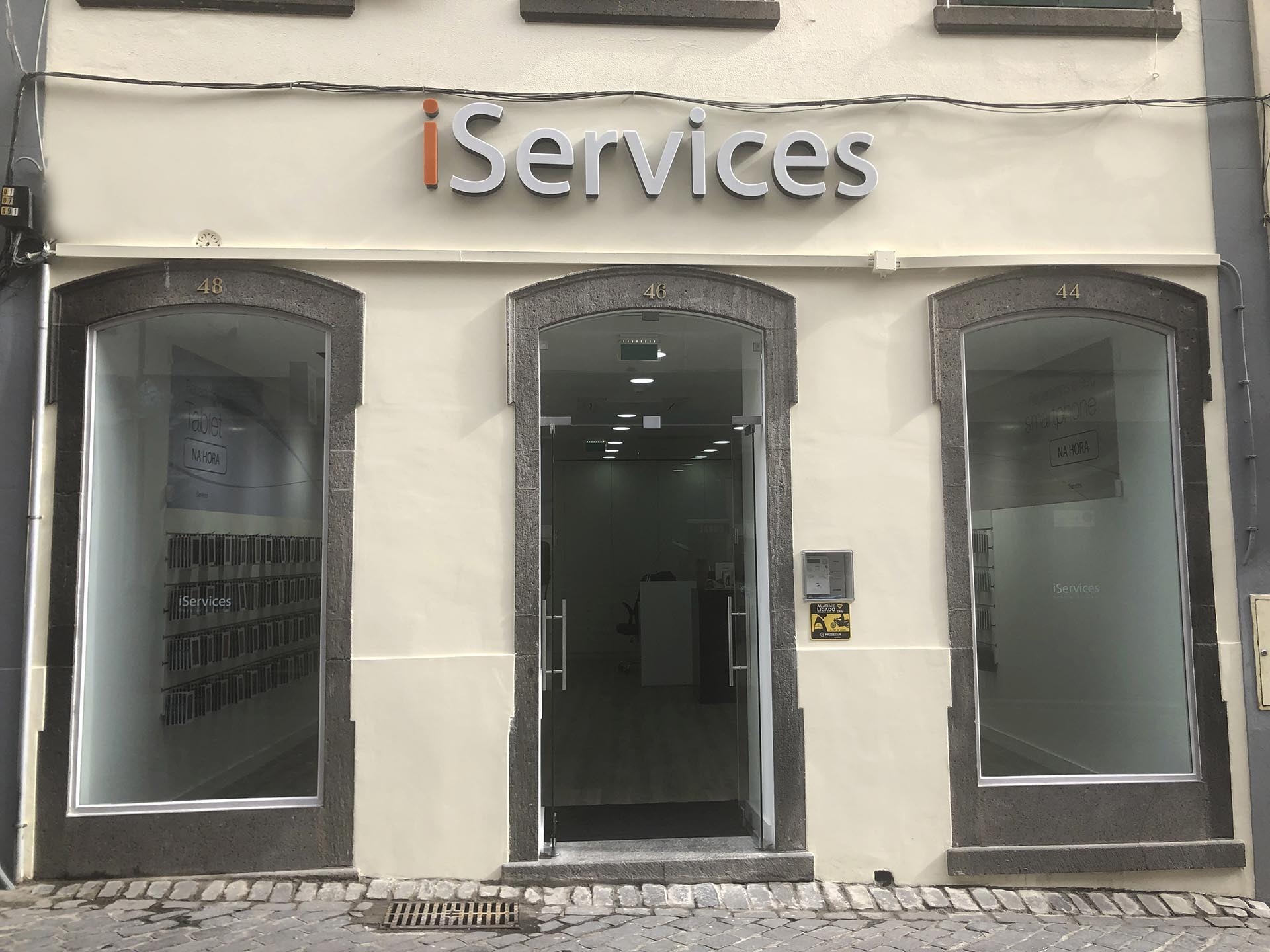
iServices now present in Funchal
Specialized in repairing iPhones, Smartphones, MacBooks and Tablets, iServices opens its new store in Funchal and thus takes its excellent work in the repair market to all Madeirans.
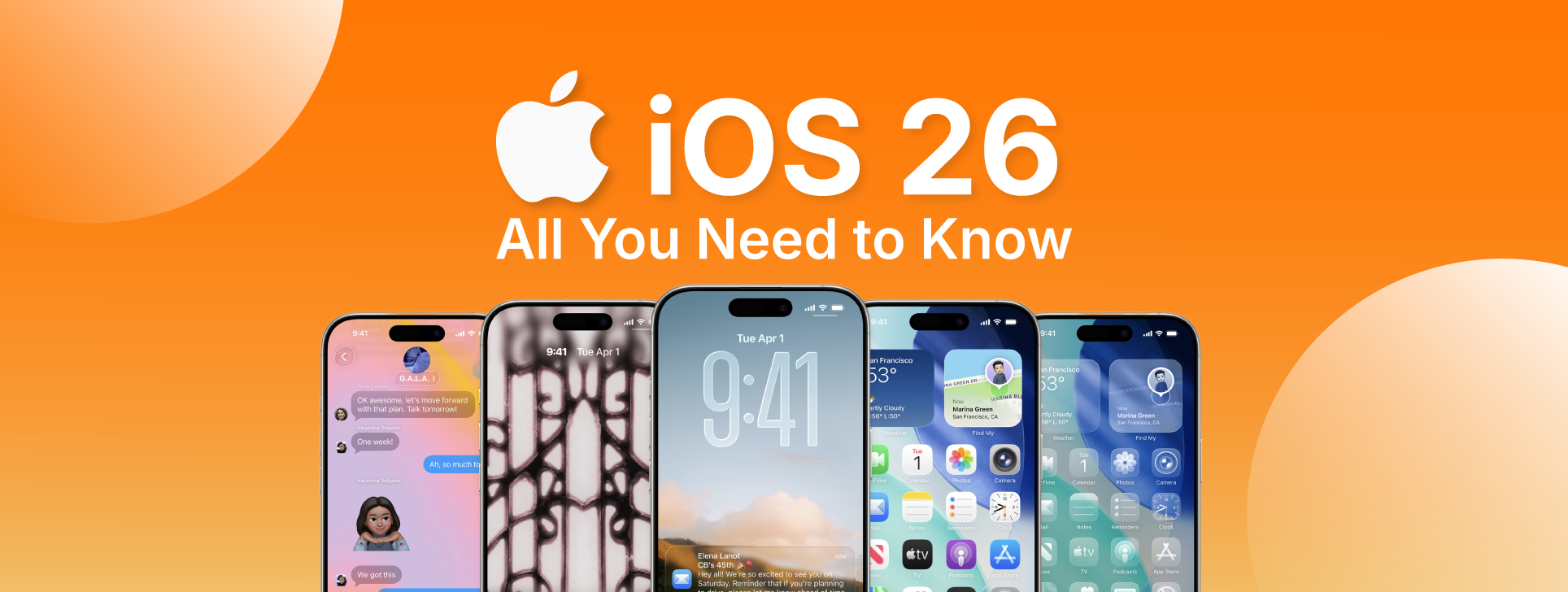
iOS 26: Apple anuncia grandes novidades!
A Apple anunciou o iOS 26 - a nova designação do sistema operativo. Há muitas novidades desde o design, às funcionalidades e experiência de utilização.
