





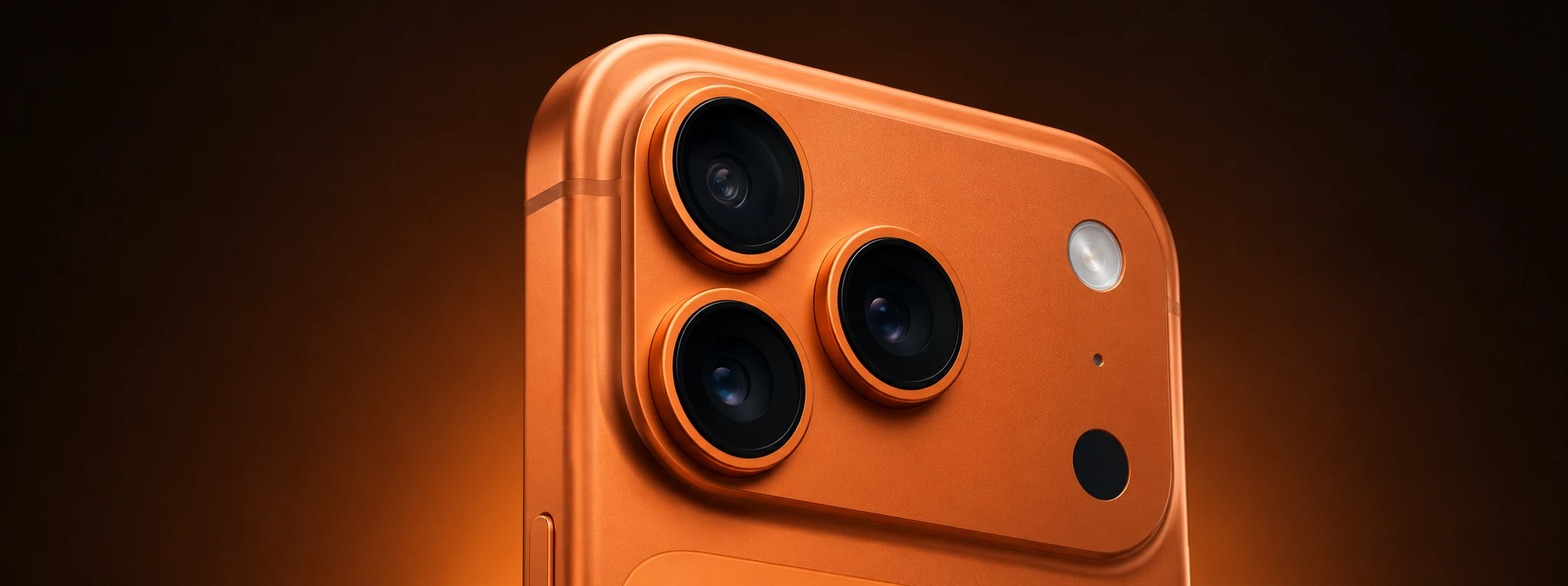




Spots on iPhone camera photos: Causes and solutions
If you are an iPhone user and have ever encountered spots in your photos, you know how it can compromise the quality of your images. This problem affects various models, from the iPhone X to the latest iPhone 17 Pro Max, and can have several origins. At iServices, we understand the importance of capturing moments with clarity and quality, so we have gathered the main causes and solutions for spots on your iPhone camera photos.
Spots in photographs can appear unexpectedly, affecting both the rear and front cameras. These imperfections appear as dark spots, smudges, or areas with irregular brightness in images, compromising the user experience. Fortunately, many of these situations can be resolved with simple care or specialized technical repair. In this article, we explain everything you need to know to identify and fix the problem.
Causes of spots on iPhone Camera photos
Dirty or Smudged Lenses
The most common cause of spots in photos is the presence of dirt, fingerprints, grease, or dust on the camera lens. This happens frequently due to contact with hands or when the phone is placed on dusty surfaces.
Moisture or Condensation inside the Camera
If your iPhone has been exposed to humid environments or rapid temperature changes, condensation can occur inside the camera module. This moisture causes spots or fogging in photographs.
Physical Damage or Scratches on the Lens
Drops, impacts, or contact with abrasive materials can scratch or damage the camera lens, resulting in permanent spots on captured images.
Internal Camera or Sensor Problems
Technical failures in the camera sensor or internal system can cause spots or distortions. This can happen due to manufacturing defects or wear and tear over time.
Solution Table
| Cause | Recommended Solution | Complexity |
|---|---|---|
| Dirty or Smudged Lenses | Careful cleaning with a microfiber cloth | Low |
| Moisture or Condensation | Professional drying and replacement if necessary | Medium |
| Physical Damage or Scratches | Replacement of the lens or camera module | High |
| Camera Sensor Problems | Technical diagnosis and specialized repair | High |
| Software Defects | iOS update or reset | Low |
Step-by-Step Solutions
Careful Lens Cleaning
- Turn off the iPhone to avoid accidental damage.
- Use a clean, dry microfiber cloth.
- Gently clean the camera lens in circular motions.
- Check if the spots have disappeared by taking a test photo.
- If it persists, repeat the cleaning or seek technical assistance.
Eliminating Moisture or Condensation
- Avoid using the phone in very humid environments.
- Leave the iPhone in a dry, ventilated area for a few hours.
- If the condensation does not disappear, contact iServices for professional drying.
- In case of severe internal damage, replacing the camera module may be necessary.
Lens or Module Replacement
- Identify if there are visible scratches or damage to the lens.
- Contact iServices for a free diagnosis.
- Our technicians recommend replacing the lens or the complete module.
- The repair is carried out with original parts, ensuring image quality.
- iServices offers a warranty and express deliveries for your iPhone.
Sensor Diagnosis and Repair
- If cleaning and lens replacement do not resolve it, suspect an internal problem.
- Bring your phone to any iServices store for technical evaluation.
- Our diagnosis will determine if the sensor or other components need to be repaired.
- Upon approval, we perform the repair with a warranty and certified quality.
iOS Update or Reset
- Check if your operating system is updated to the latest version.
- Update the iPhone via Settings > General > Software Update.
- If the problem persists, perform a reset or restore the device.
- Consult iServices for support with advanced procedures.
Why do my iPhone photos have dark spots?
Dark spots in photos usually result from dirt or dust on the camera lens. They can also be caused by physical damage or condensation inside the camera module, affecting image quality.
How can I clean my iPhone camera lens without causing damage?
We recommend using a clean microfiber cloth, using gentle circular motions. Avoid harsh chemicals or abrasive cloths that could scratch the lens.
What to do if the iPhone camera has moisture?
You should avoid using it in humid environments and leave the phone in a dry place. If the condensation does not disappear, we recommend bringing the device to an iServices store for professional drying and evaluation.
Is it worth repairing spots in photos or should I buy a new iPhone?
In most cases, spots in photos can be resolved with simple repairs, such as cleaning or lens replacement, at an affordable cost. iServices provides technical assistance with a warranty, extending the useful life of your iPhone.
Need Professional Help? iServices Is Here for You
If the spots continue to affect your photos and you don't know how to proceed, at iServices we have the solution for you. With our stores, we offer specialized technical assistance for all iPhone models, from the iPhone X to the iPhone 16 Pro Max. Our certified technicians perform accurate diagnostics and fast repairs, ensuring the quality and functionality of your mobile phone.
Furthermore, iServices offers a warranty on all repairs, express deliveries, and a dedicated customer support service. Visit one of our stores or consult our website to book your diagnosis. Trust iServices to recover the clarity of your photos and keep your iPhone working like new. We are waiting to help you!
Recommended Products
View all

 36 Months
 36 Months

€19.95
36 Months




Other Articles
See more
iPhone Stuck in Headphone Mode: How to Fix It?
Learn how to fix your iPhone stuck in headphone mode with practical solutions and professional technical support from iServices.
iPhone motherboard repair: what you need to know
iPhone motherboard repair: know the causes, solutions and when to seek specialized help from :iServices.

iPhone Error 4013: Causes and How to Fix It
Learn how to fix iPhone Error 4013 with effective solutions and expert technical support at iServices, the leader in mobile repairs.
