





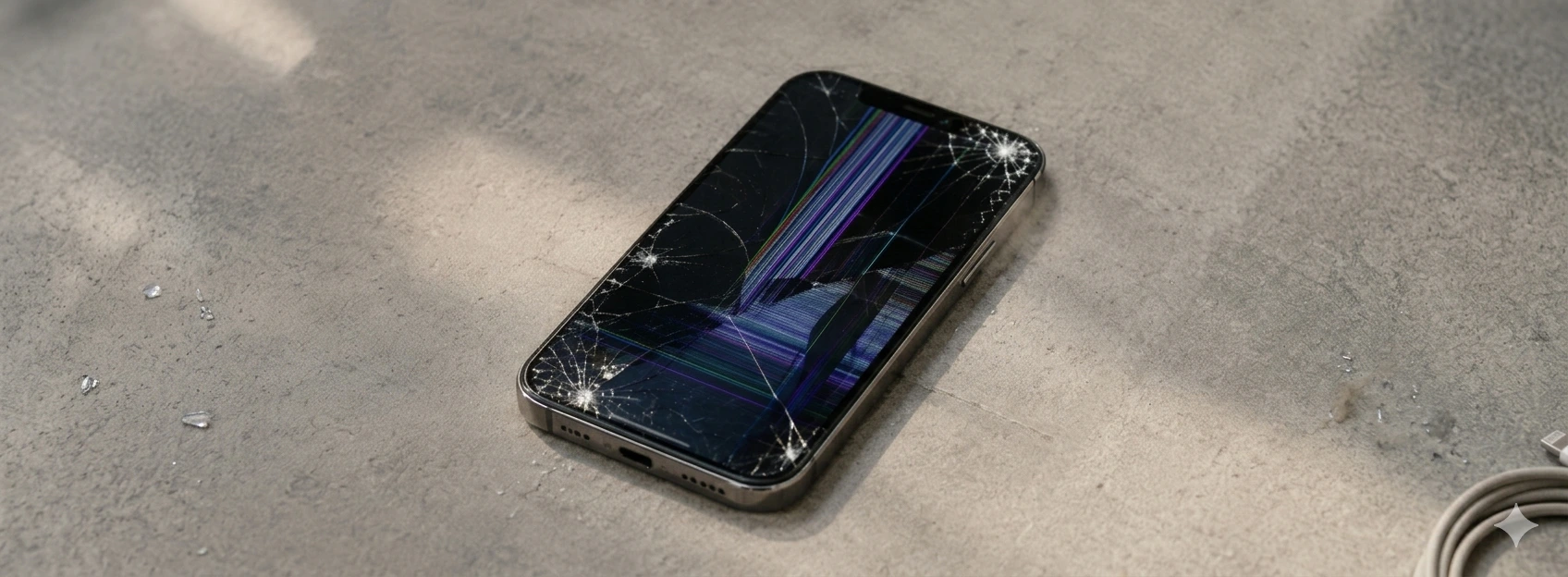




iPhone Screen Unresponsive to Touch: Causes and Solutions
The iPhone screen is one of its most sensitive and essential components for the user experience. If you own an iPhone from model X up to the latest iPhone 17 Pro Max and are experiencing issues with the screen not responding to touch, know that you are not alone. This type of problem can arise due to various causes, ranging from software failures to physical damage to the device.
At iServices, cellphone repair specialists, we understand the frustration these situations cause. Therefore, in this article, we explain the most common causes of the problem, present practical solutions, and indicate when you should seek professional help to ensure your iPhone returns to perfect working order.
Causes of iPhone screen not responding
Physical Damage to the Screen
One of the most frequent reasons for the iPhone screen not responding to touch is physical impact, such as drops or excessive pressure. Even if the glass shows no visible cracks, the internal components of the screen may be damaged, affecting touch sensitivity.
Software Issues
Failures in the iOS operating system or installed applications can cause freezes or failures in the screen's touch response. This can occur after system updates or the installation of incompatible applications.
Dirt or Moisture on the Screen
Contact of the screen with water, sweat, or dirt can interfere with the screen's ability to recognize user touch. Accumulated moisture can create temporary malfunctions in the screen's operation.
Internal Hardware Defects
Internal components connected to the screen, such as the flex cable or the touchscreen controller, may be defective or poorly connected. These problems are more common in iPhones that have undergone repairs or suffered falls.
Solutions Table
```html id="7bmv2"
| Cause | Recommended Solution | Complexity |
|---|---|---|
| Dirt or Moisture | Carefully clean the screen and dry the device | Low |
| Software Issues | Restart iPhone or update iOS | Low |
| Physical Damage to the Screen | Screen replacement by specialized technicians | Medium |
| Internal Hardware Defects | Diagnosis and repair at specialized technical assistance | High |
Step-by-Step Solutions
Clean the Screen and Dry the Device
- 1. Turn off the iPhone to prevent short circuits.
- 2. Use a soft, dry, lint-free cloth to carefully clean the screen.
- 3. If there are signs of moisture, leave the device in a dry and ventilated place for a few hours.
- 4. Avoid applying liquids directly to the screen.
Restart iPhone or Update iOS
- 1. Press and hold the side button and one of the volume buttons until the slider appears.
- 2. Slide to turn off the iPhone.
- 3. After a few seconds, turn the device back on.
- 4. Check if the problem persists.
- 5. Go to Settings > General > Software Update to ensure you have the latest version of iOS installed.
Screen Replacement
- 1. Schedule a visit to an iServices store for diagnosis.
- 2. Our specialized technicians will confirm the screen's condition and provide a quote.
- 3. Upon approval, the screen will be replaced with original parts.
- 4. The iPhone will be tested to ensure correct touch functionality.
Diagnosis and Repair of Internal Defects
- 1. Take your iPhone to an iServices store for a detailed examination.
- 2. Technicians will check cables and internal components related to the screen.
- 3. A repair plan will be presented, if necessary.
- 4. Repair with us to ensure quality and warranty on the repair.
Why does my iPhone screen suddenly stop responding to touch?
The screen may stop responding due to software issues, such as system failures, or physical damage caused by drops. It can also be caused by dirt or moisture on the screen, which interferes with touch detection. Restarting the device or cleaning the screen may temporarily resolve the problem.
How can I tell if the touch issue on my iPhone is software or hardware related?
If the screen doesn't respond after restarting or updating iOS, it's likely a hardware issue. If the problem only occurs in certain applications or after a system update, it might be software. A professional diagnosis at iServices can confirm the exact cause.
Is it safe to use my iPhone with a screen that doesn't respond to touch?
It is not recommended to continue using the iPhone under these conditions, as the problem may worsen, especially if it is related to internal damage or moisture. Use technical assistance to prevent further damage to the device.
How long does screen repair take at iServices?
At iServices, we offer express deliveries, and most screen repairs are completed on the same day or within 24 hours, depending on the store and parts availability. We always guarantee service quality and original parts.
Need Professional Help? iServices Is Here for You
If your iPhone screen doesn't respond to touch, don't hesitate to seek help from our specialized technicians at iServices. With several stores across Europe, we offer accurate diagnostics and quick repairs, ensuring the best service for your mobile phone.
At iServices, we know your iPhone is an essential tool in your daily life. That's why we provide a warranty on all repairs, express deliveries for faster service, and specialized technical assistance in Portugal. Visit our website iservices.pt to find your nearest store and book your repair with us today. We are ready to help your iPhone return to perfect working order.
Recommended Products
View all

 36 Months
 36 Months

€19.95
36 Months




Other Articles
See more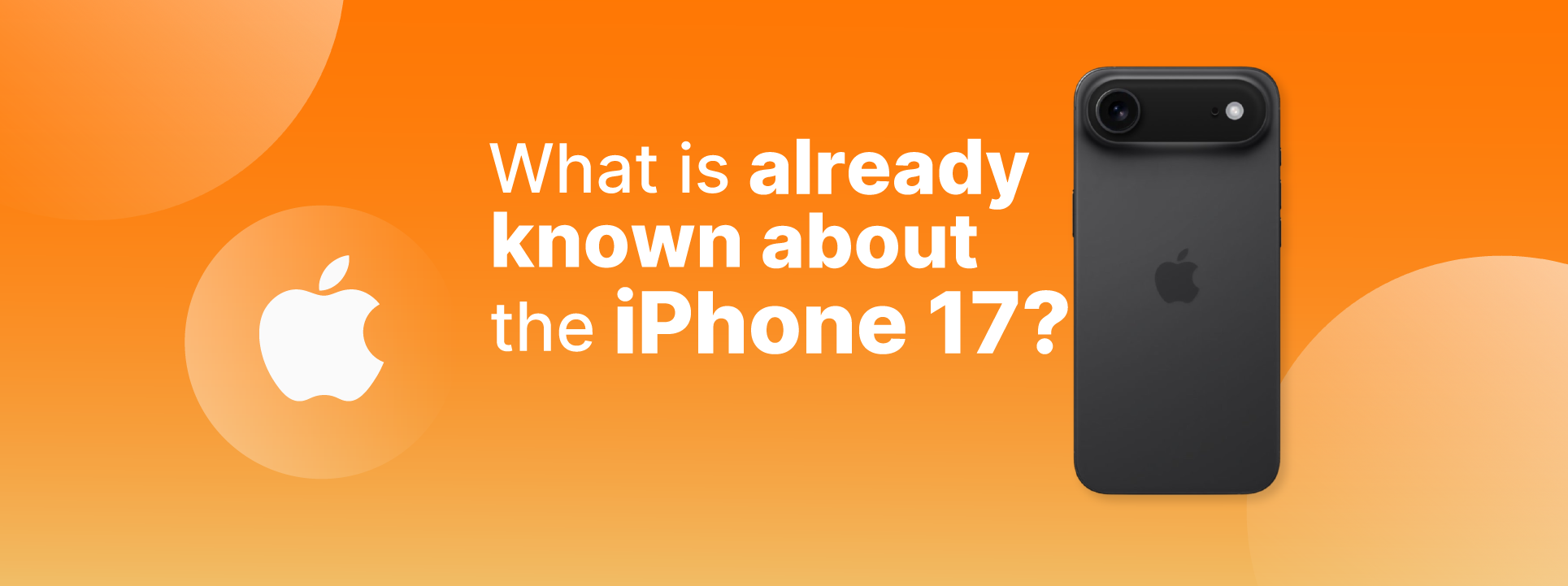
What we already know about the iPhone 17
The launch of the iPhone 17 is just around the corner. At iServices you will find all the information and news about Apple's new Smartphone.
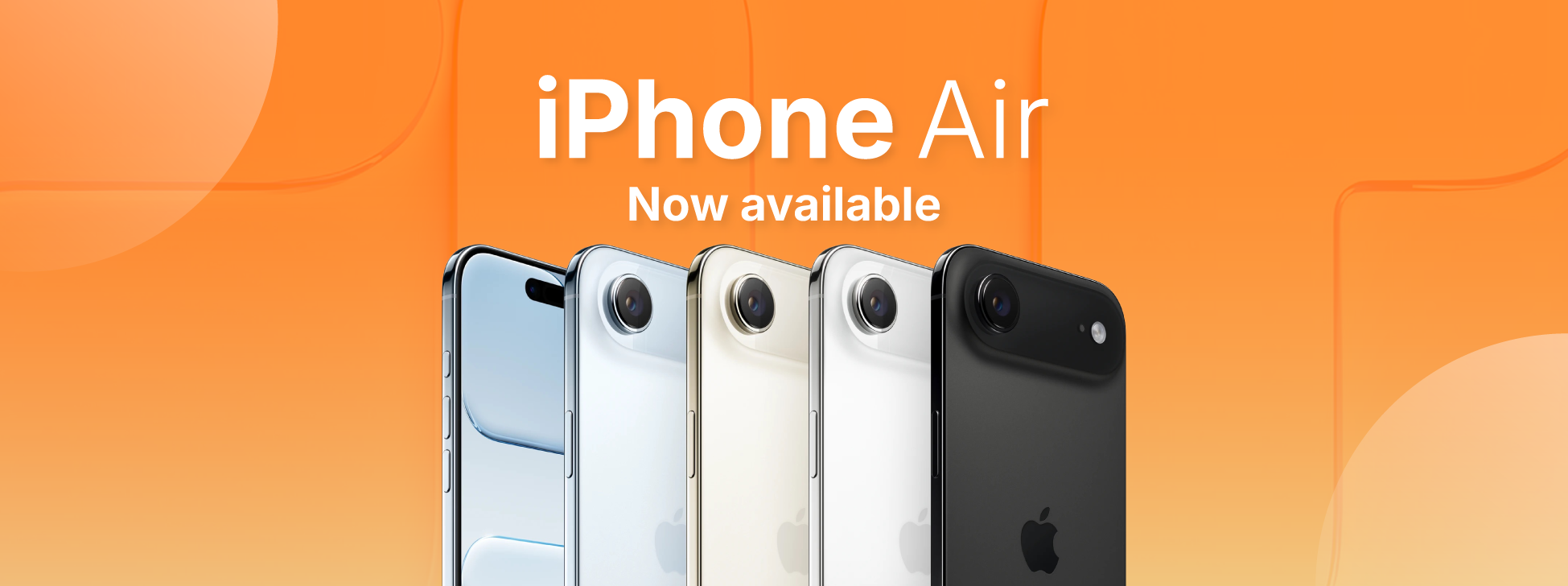
News: iPhone Air has arrived at iServices!
From now on you can buy the iPhone Air, or iPhone 17 Air as it is also known. Take advantage of the best price on the market and the 3-year warranty.
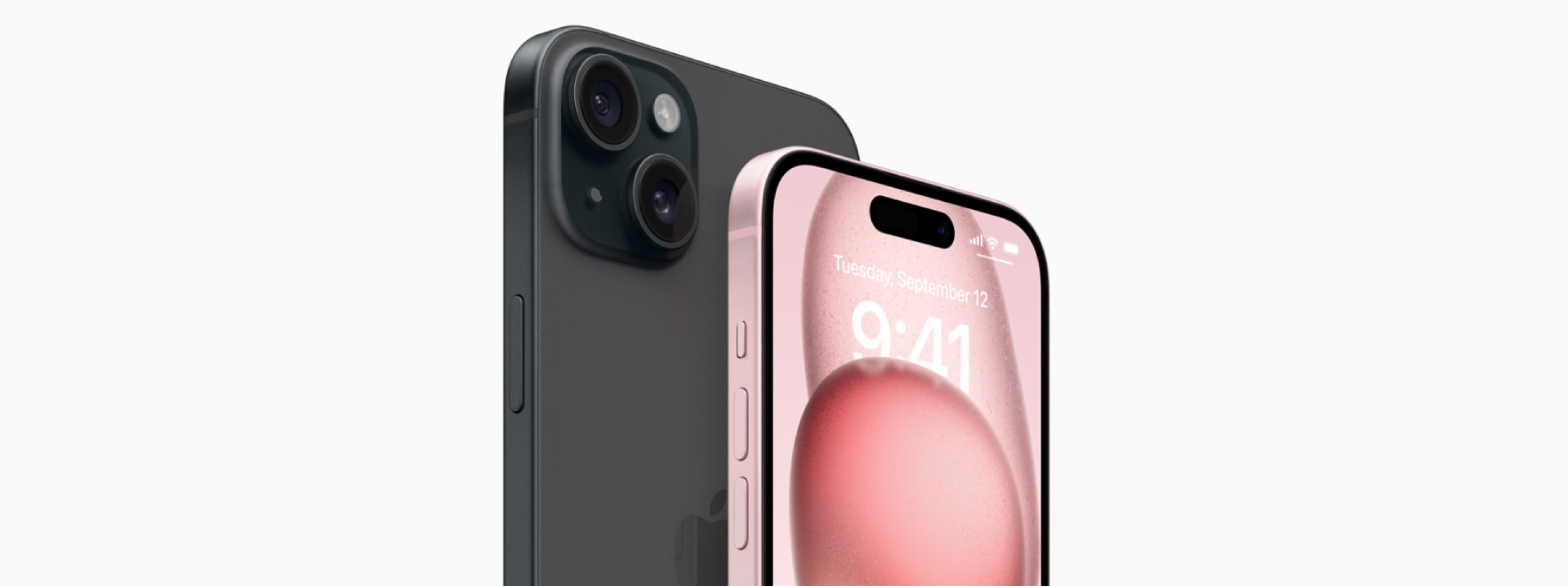
Como fazer o reset ao iPhone? Vê este tutorial
Queres fazer o reset ao teu iPhone? Backup? Aprende a restaurar o teu iPhone às configurações de fábrica com este tutorial/guia da iServices.
