


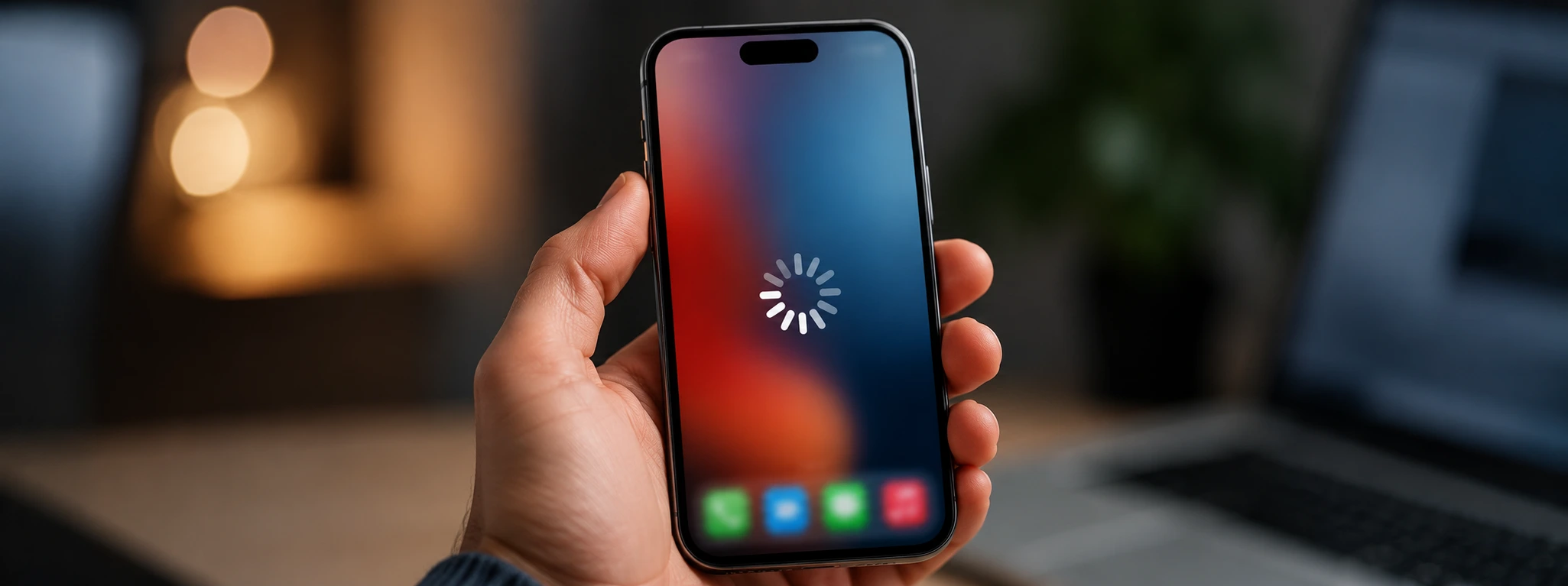




iPhone Asks for a Passcode I Don't Remember: What to Do?
Having an iPhone that suddenly asks for a passcode you have forgotten can be a frustrating and worrying situation. Whether it concerns an iPhone X model, iPhone 11, or even the latest iPhone 17 Pro Max, this problem is more common than you might think and can have several causes. At iServices, we understand how important your device is and we want to help resolve this inconvenience with effective and safe solutions.
If your iPhone is locked with a passcode you cannot remember, it is essential to understand the possible causes before proceeding with methods that may lead to data loss. This article explains why the iPhone may ask for the passcode, presents step-by-step solutions, and indicates when you should seek professional technical assistance.
When does the iPhone ask for the passcode?
Forgetting the passcode
The most obvious cause is simply forgetting the passcode set by the user themselves. Often, for security reasons, the code is complex or rarely used, making it difficult to remember.
Lockout after multiple invalid attempts
iPhones have a security system that blocks the device after multiple failed attempts to enter the passcode. This can result in an additional request for the code or even a complete lockout of the device.
Passcode set by third parties
Sometimes the iPhone may have been configured by someone else, such as a family member or a company, who set a code that the current user does not know.
Issues with Face ID or Touch ID
If facial recognition (Face ID) or fingerprint recognition (Touch ID) fails repeatedly, the iPhone requires the entry of the passcode to ensure the user's security.
Table with solutions
| Cause | Recommended solution | Complexity |
|---|---|---|
| Passcode forgotten | Restore via iCloud or recovery mode | Medium |
| Lockout after multiple attempts | Restore iPhone via iTunes/Finder | Medium to high |
| Passcode set by third parties | Contact the person who set the code or restore | High |
| Malfunction in Face ID or Touch ID | Enter passcode and reconfigure methods | Low to medium |
| Technical system issues | Specialized technical support at iServices | High |
Step-by-step solutions
Restore via iCloud (Passcode forgotten)
- Go to the icloud.com website via another device.
- Log in with your Apple ID.
- Select "Find My iPhone".
- Choose your iPhone from the list of devices.
- Click "Erase iPhone" to remove the code, but note: this will delete all data.
- After erasing, configure the iPhone again.
Restore the iPhone with iTunes or Finder (Lockout due to attempts)
Connect the iPhone to the computer on which iTunes is installed (Windows or macOS Mojave and older) or use Finder (macOS Catalina and newer).
Put the iPhone into recovery mode:
- For iPhone 8 and newer: press the volume up button briefly, then the volume down button, and hold the side button until the recovery mode appears.
- Choose "Restore" in iTunes or Finder to erase the device and remove the code.
- After the restore, configure the iPhone again.
Contact the person who set the code (Code by third parties)
- Try to contact the person who set the code.
- If this is not possible, proceed with a full restore via recovery mode as described in the previous steps.
- This process will delete all data, so a prior backup is necessary.
Reconfigure Face ID or Touch ID (Malfunction in biometric methods)
- Manually enter the passcode when prompted.
- Go to "Settings" > "Face ID & Passcode" or "Touch ID & Passcode".
- Remove the current Face ID or Touch ID and configure it again.
- Test the recognition to ensure it is working correctly.
Professional technical assistance (Technical issues)
If the problem persists after these solutions, there may be a technical defect with the iPhone. In such cases, we recommend seeking help from the specialized technicians at iServices. Our team has the tools and knowledge to diagnose and repair any defect related to the system or hardware.
Can I unlock the iPhone without data loss if I have forgotten the code?
Unfortunately, there are no official methods to remove the passcode without erasing the device. Apple's security ensures that only the user with the correct code has access, so unlocking typically implies restoring the iPhone, which results in the loss of data that has not been saved in a backup.
What to do if the iPhone is locked after multiple wrong attempts?
You must put the iPhone into recovery mode and restore it via iTunes or Finder. This process wipes the device and removes the lockout, allowing you to configure the device as new or restore it from a backup.
How do I prevent forgetting my iPhone passcode?
We recommend setting a code that is easy to remember but still secure, and using biometric features such as Face ID or Touch ID to avoid having to enter the code constantly. Furthermore, keep the code in a safe place and create backups regularly.
Can I ask iServices for help to unlock my iPhone?
Yes, iServices offers specialized technical support for unlocking and repairing iPhones.
Do you need professional help? iServices is here for you
If your iPhone is asking for a code you cannot remember and the do-it-yourself solutions have not helped, do not hesitate to visit one of the iServices stores across the country.
At iServices, our specialized technicians are prepared for any problem related to codes, lockouts, or technical defects. Visit our website iservices.pt to find the nearest store or to request assistance. Trust iServices to take care of your iPhone with the greatest care and quality.

 Gratis levering, verwacht dinsdag!



 36 Months
 36 Months
 36 Months
Other Articles
See more
iPhone Screen Flickering: Causes and Solutions
iPhone screen flickering? Learn the causes and the best solutions for models from iPhone X to iPhone 17 Pro Max with iServices, a specialist in repairs.
Broken iPhone back glass: causes and solutions
Discover how to repair a broken iPhone back glass, on all iPhone models, with practical and professional solutions at iServices.
iPhone 18 Pro red? A new rumor could change everything.
iPhone 18 Pro red? According to a new rumor, Apple may be opting for a daring color. Discover what is already known and what could change.
