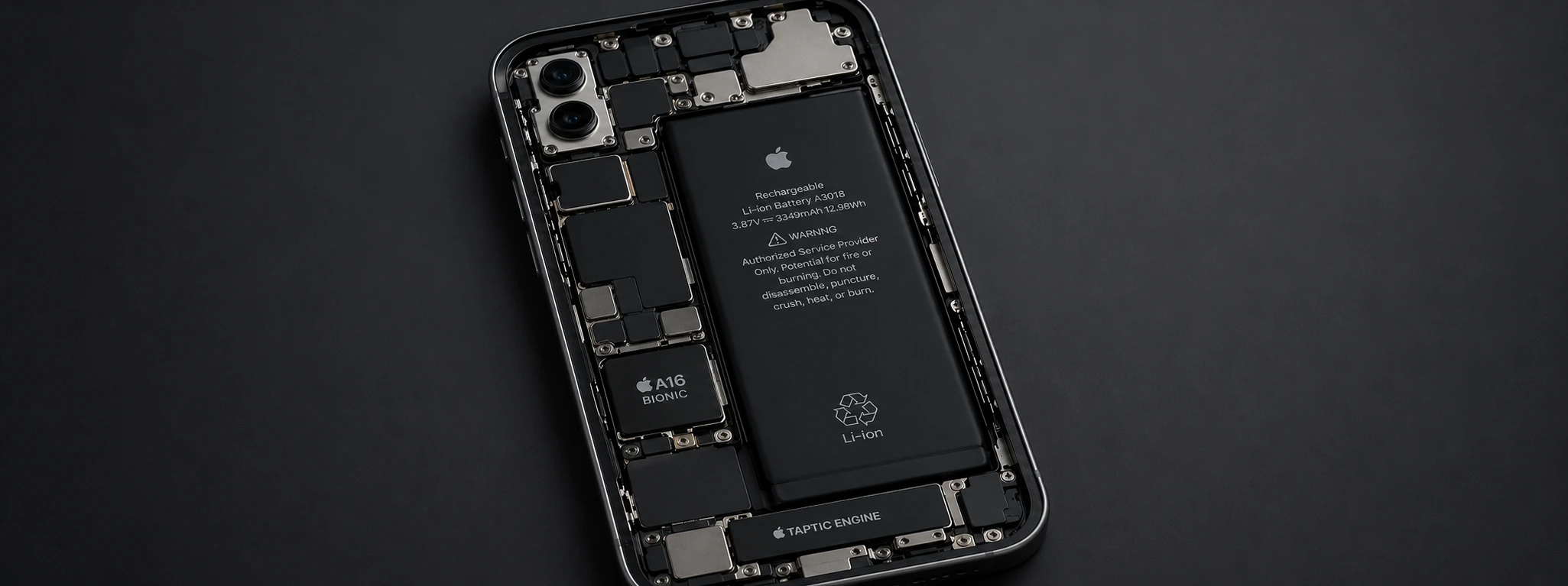




iPhone battery drains in the cold: causes and solutions
If you are an iPhone user — from the iPhone X to the latest iPhone 16 Pro Max —, you have probably already noticed that your phone's battery drains faster during winter or in conditions of intense cold. This problem is common and affects many devices, impacting the user experience, especially when we need the iPhone for communication, work, or entertainment.
At iServices, we understand the frustration that rapid battery drain can cause, especially when the cold limits your phone's autonomy. In this article, we explain the main causes of this phenomenon, present practical solutions, and advise when it's time to seek professional help. We guarantee that with us, your iPhone is always ready to accompany you, regardless of the outside temperature.
Causes of Rapid iPhone Battery Drain in Cold
1. Chemical Reaction of the Battery to Cold
Lithium-ion batteries, which equip iPhones, rely on chemical reactions to generate energy. At low temperatures, these reactions are slower, reducing the battery's ability to supply power to the device. This causes a temporary reduction in autonomy and can lead to the phone unexpectedly shutting down, even with remaining charge.
2. Higher Energy Consumption to Maintain Operation
The cold causes the iPhone's internal components to work harder to maintain usual performance, especially the processor and screen. This higher energy demand contributes to faster battery consumption, exacerbating the problem of depletion.
3. Incorrect Battery Level Indications
At low temperatures, the iPhone's operating system may display incorrect readings of the available charge. For example, the indicator might show 20% battery, when in reality it is much less charged, causing the phone to shut down abruptly.
4. Intensive Use of Apps and Features
During cold conditions, users tend to use more features that, in turn, consume more battery, such as warming their hands with the screen on, increasing brightness, using GPS, Wi-Fi, or energy-intensive apps. This further accelerates battery depletion.
Solutions Table
| Cause | Recommended Solution | Complexity |
|---|---|---|
| Chemical reaction of the battery | Avoid exposing the iPhone to very low temperatures | Low |
| Higher energy consumption | Reduce screen brightness and close background apps | Low |
| Incorrect level indications | Restart the iPhone and calibrate the battery regularly | Medium |
| Intensive use of functionalities | Use battery-saving modes and disable unnecessary features | Medium |
| Degraded battery | Replace the battery in an iServices store | High |
Step-by-step solutions
Prevent iPhone exposure to very low temperatures
- 1. If possible, keep the iPhone close to your body, in your jacket, to benefit from body heat.
- 2. Do not leave the phone outdoors, in the car, or in places where the temperature is below 0°C.
- 3. If you use the phone outdoors, protect it with special thermal cases.
Reduce screen brightness and close background apps
- 1. Go to the Control Center and lower the screen brightness to a comfortable, but low level.
- 2. Double-press the home button (or swipe up and hold, for models without a button) to see open apps.
- 3. Close apps you are not using by swiping them up.
Restart the iPhone and calibrate the battery regularly
- 1. Turn the iPhone off and on again to restart the operating system, which can fix temporary errors.
- 2. To calibrate the battery, let the iPhone fully discharge until it shuts down.
- 3. Charge it uninterruptedly to 100%.
- 4. Repeat this process once a month to maintain the accuracy of the charge indicator.
Use battery-saving modes and disable unnecessary features
- 1. Activate "Low Power Mode" in Instellingen > Batterij.
- 2. Turn off Wi-Fi, Bluetooth, and GPS when not in use.
- 3. Reduce notifications and background app refreshes in Settings > General > Background App Refresh.
Replace the battery in an iServices store
- 1. If the battery is degraded, its autonomy will always be limited, especially in cold weather.
- 2. Make an appointment at one of the iServices stores for a free diagnosis.
- 3. Our specialized technicians perform the replacement with high-quality parts and warranty.
- 4. Take advantage of express deliveries and technical assistance nationwide.
Why does the iPhone battery last less in the cold?
The iPhone battery uses chemical reactions that are less efficient at low temperatures, temporarily reducing its capacity to supply energy. This causes the phone to shut down earlier or its autonomy to appear drastically reduced.
Can I use the iPhone normally at sub-zero temperatures?
You can, but with some precautions. Avoid direct exposure of the phone to intense cold, keep it protected, and use Low Power Mode to prevent unexpected shutdowns.
Does replacing the battery solve the problem of drain in the cold?
Yes, a new and well-functioning battery responds better to temperature fluctuations and has a greater capacity, thereby reducing the impact of cold on the iPhone's performance and autonomy.
How do I know if my iPhone battery is degraded?
On the iPhone, you can check the battery status via Settings > Battery > Battery Health. If the maximum capacity is below 80%, replacement is recommended to ensure good performance.
Need professional help? iServices is here for you
If your iPhone battery continues to drain quickly during cold weather, you can count on us for a detailed assessment of your phone's condition. At iServices, we have several stores nationwide, where our specialized technicians perform free diagnostics and repairs with warranty.
Additionally, we offer express deliveries for those who prefer the convenience of receiving their device at home, always with the warranty and quality that distinguish us. Visit our website at iservices.pt to find the nearest store and schedule your technical assistance. At iServices, your iPhone is in good hands, even on the coldest days.
Recommended Products
View all
 36 Months
 36 Months

€19.95
36 Months




Other Articles
See more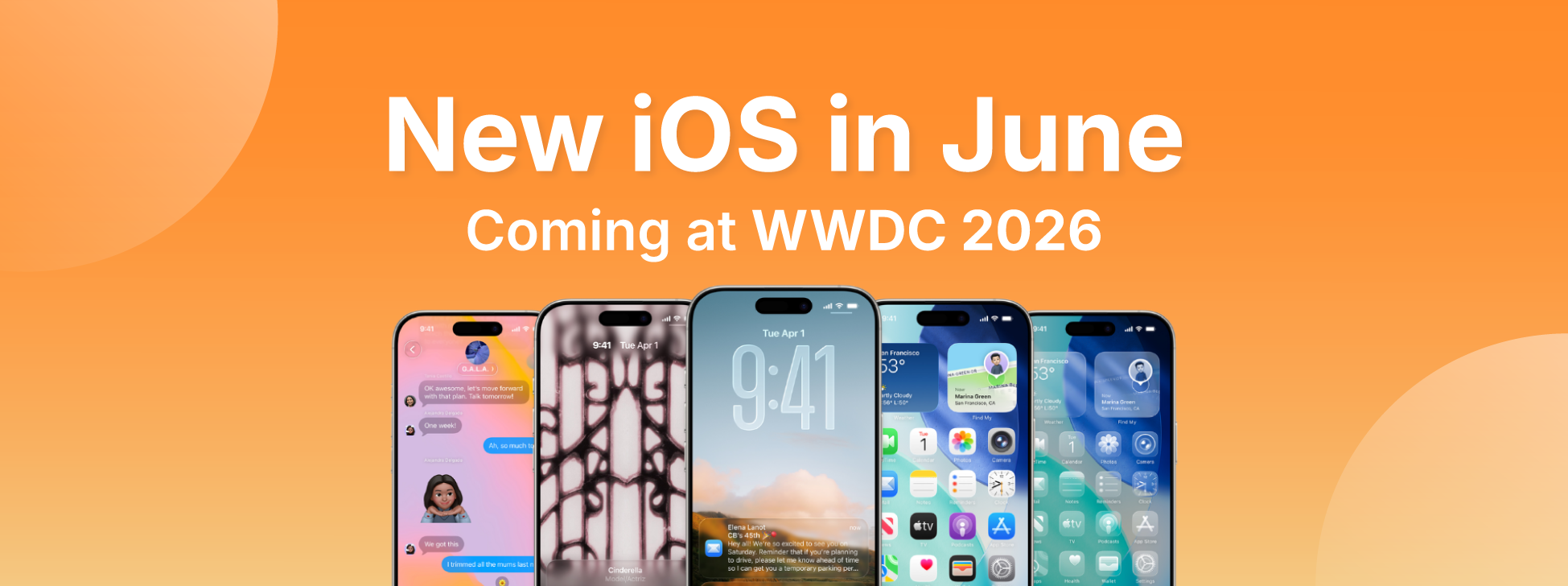
iOS 27, the new iPhone operating system, is coming
The WWDC 26 conference takes place between June 8th and 12th, where iOS 27 will be announced - the new iPhone operating system. Find out what's new.
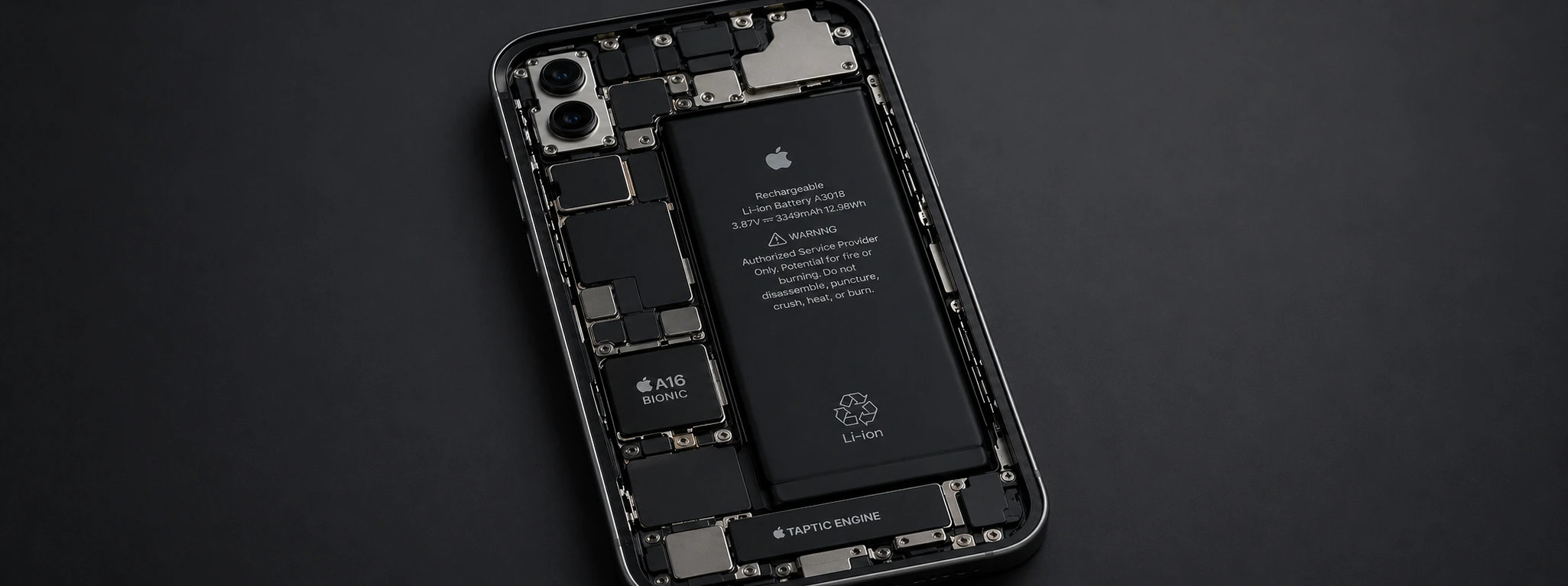
Swollen iPhone Battery: Dangers and Solutions
Discover how to identify and solve the problem of a swollen iPhone battery, from the iPhone X through the iPhone 17 Pro Max, with safe and professional solutions at iServices.