


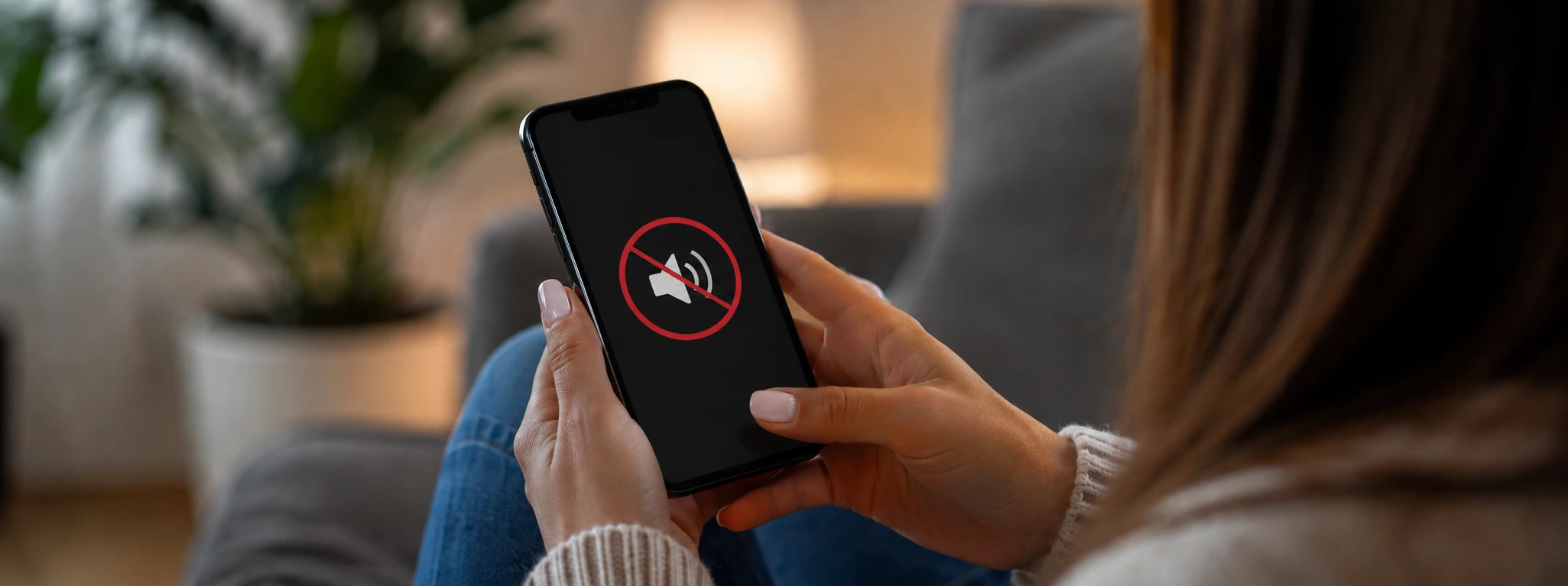




iPhone Earpiece Volume Too Low? Practical Solutions
If the sound from your iPhone speaker is very quiet, know that this is a common problem that can affect various models, from the iPhone X to the latest iPhone 17 Pro Max. Low sound from the speaker hinders the basic functions of the phone, making it difficult to conduct calls clearly. Fortunately, there are several common causes and solutions that can remedy this situation, whether it involves software issues, hardware problems, or even accumulated dirt.
At iServices, experts in phone repairs, we closely follow user issues and offer fast and effective solutions so you can enjoy your iPhone again as you did on the first day. In this article, we explain the common causes of quiet sound from the speaker, present a table with recommended solutions, and guide you step by step in solving this problem.
Causes of quiet sound from the iPhone speaker
Accumulated dirt in the speaker
One of the most common reasons for weak sound from the iPhone speaker is the presence of dirt, dust, or residue blocking the sound output. Through daily use, the speaker can collect particles that significantly reduce volume and sound quality.
Software error or audio setting
Problems with the iOS operating system or incorrect settings can cause a decrease in speaker sound. Poorly installed updates, temporary bugs, or lowered volume are common causes.
Problems with the speaker hardware
Worn or damaged internal components, such as the speaker module itself, can lead to very quiet sound. This problem is more common in iPhones that have been dropped, exposed to moisture, or are dealing with natural wear and tear.
Interference from accessories or cases
Poorly fitting protective cases or accessories connected to the phone can block the speaker sound, reducing the quality and volume of the voice during calls.
Table of Solutions
| Cause | Recommended solution | Complexity |
|---|---|---|
| Accumulated dirt | Careful cleaning of the speaker | Low |
| Software error | Update iOS and restart iPhone | Low |
| Incorrect settings | Adjust volume and audio settings | Low |
| Hardware problems | Replacement of the speaker module | High |
| Interference from accessories | Remove case or accessories | Low |
Step-by-step solutions
Careful cleaning of the speaker
- Turn off the iPhone to prevent damage.
- Use a soft brush or a thin needle to carefully remove the accumulated dirt in the speaker grille.
- You can use a bit of compressed air to help remove particles.
- Avoid using liquids that could penetrate the phone.
- Turn on the iPhone and test the speaker sound.
Update iOS and restart iPhone
- Go to "Settings" > "General" > "Software Update".
- If an update is available, download and install it.
- After the update, restart the iPhone to ensure all changes are applied.
- Test the speaker sound during calls or audio recordings.
Adjust volume and audio settings
- During a call, check if the volume is at maximum using the side buttons.
- Go to "Settings" > "Sounds & Haptics" and adjust the volume for ringtones and alerts.
- Ensure silent mode is not enabled.
- Temporarily disable Bluetooth to ensure the sound is not being redirected to other devices.
Replacement of the speaker module
- Contact an iServices store for a professional diagnosis.
- Our technicians check the condition of the speaker module and replace it if it is damaged.
- The replacement is done with original parts and warranty.
- After the repair, test the device to confirm the problem is resolved.
Remove case or accessories
- Remove any case or protective cover that could block the speaker.
- Disconnect connected accessories, such as Bluetooth earphones or adapters.
- Test the sound to check if the problem has disappeared.
Why is the sound of my iPhone speaker only very quiet during calls?
This could be due to software issues or the fact that the speaker is partially clogged with dirt. It is also possible that the volume is set to a low level or that "Do Not Disturb" mode is enabled. Checking audio settings and cleaning the speaker usually solves this problem.
How can I clean my iPhone speaker without damaging it?
We recommend using a soft brush and compressed air to gently remove dust and dirt from the speaker grille. Avoid using liquids and sharp objects that could damage the internal components of the phone.
Can an iOS update improve the speaker sound?
Yes, iOS updates often fix bugs and improve system performance, including audio. If your iPhone has outdated software, this can cause sound issues that a simple update can fix.
When should I seek technical assistance for quiet sound from the speaker?
If the problem persists after cleaning the speaker, adjusting the volume, and updating the system, it is a sign that there may be a hardware problem. In that case, you should go to an iServices store for a professional diagnosis and any necessary repair.
Do you need professional help? iServices is here for you
At iServices, we understand how frustrating a quiet speaker on your iPhone is, whether it's an iPhone X model or the latest iPhone 17 Pro Max.
Our specialized technicians use original parts and guarantee service quality, ensuring maximum satisfaction. In addition, we offer express delivery for those who need an urgent solution, as well as full technical support. Visit us in person at one of our stores or check our website for more information.
Trust iServices to give your iPhone the sound quality it deserves. We are ready to help you!

 Gratis levering, verwacht dinsdag!



 36 Months
 36 Months
 36 Months
Other Articles
See more
In 2026, discontinued iPhones are…
Apple will announce the discontinued iPhones in 2026, that is, Smartphones that will no longer be updated. Find out which ones with iServices.
Background Noise on iPhone Calls: Causes and Solutions
Discover how to eliminate background noise during iPhone calls with effective solutions and expert technical support from iServices.
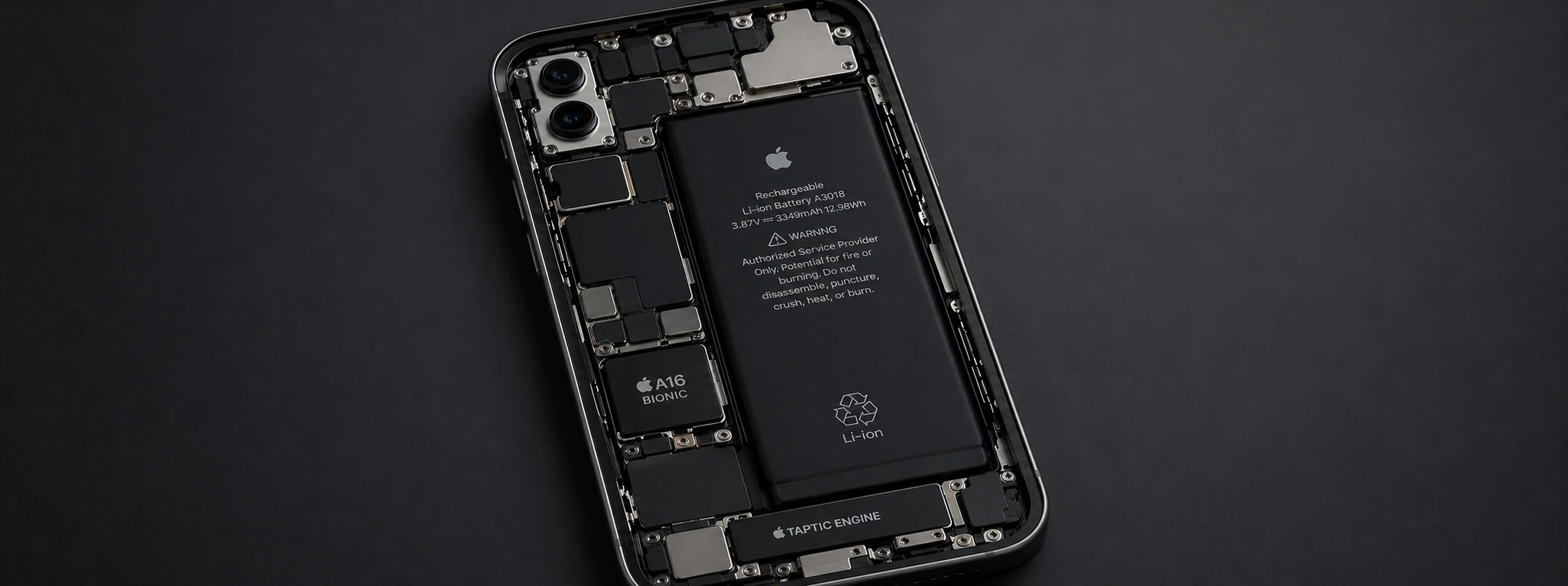
iPhone battery drains very quickly: Causes and Effective Solutions
Discover why the iPhone battery drains very quickly and discover effective solutions to extend your iPhone device's battery life, from the iPhone X to the iPhone 17 Pro Max.
