





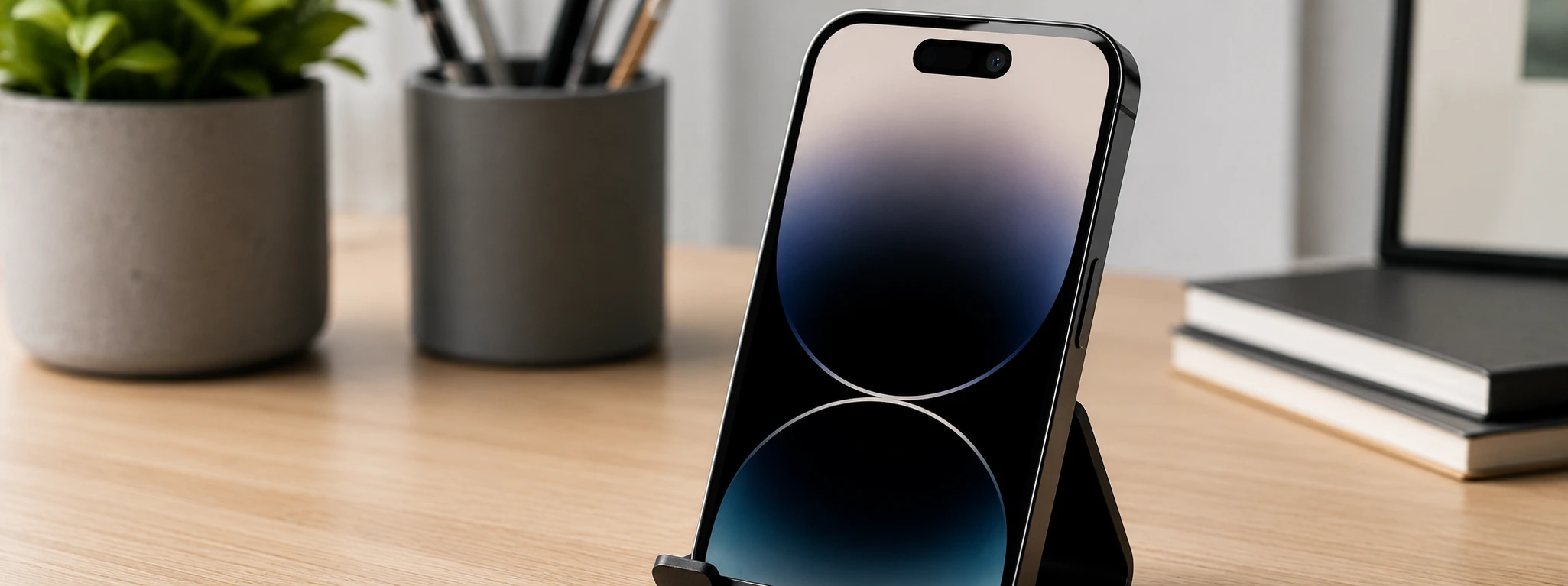




iPhone front camera not working: causes and solutions
If your iPhone's front camera has stopped working, you're not alone. This problem can affect various models, from the iPhone X to the latest iPhone 17 Pro Max. Whether for video calls, selfies, or facial recognition, the front camera is an essential component, and its failure can be quite frustrating for any user.
At iServices, we understand the importance of a perfectly functioning phone. Therefore, in this article, we have gathered the most common causes for the iPhone front camera not working, as well as practical and detailed solutions to try and solve the problem. Should you need a professional repair, our specialized technicians are available in 76 stores in Portugal, with warranty and express delivery.
Causes preventing the iPhone front camera from working
Software or operating system issues
Often, the front camera may stop working due to temporary errors in the iOS operating system or conflicts with applications that use the camera. Incomplete or failed updates can also cause this situation.
Physical defects in the camera module
The front camera component can suffer damage from drops, liquid exposure, or natural wear and tear. A loose or damaged cable inside the phone can also prevent its correct functioning.
Applications with incorrect permissions
If applications attempting to access the front camera do not have the necessary permissions, the device may block camera usage, making it seem like it's not working.
Configuration issues or temporary blocks
Some users may have disabled the front camera in iPhone settings, or there may be a temporary block due to excessive resource consumption, which requires a restart to restore functionality.
Solutions Table
| Cause | Recommended Solution | Complexity |
|---|---|---|
| Software issues | Restart iPhone and update iOS | Low |
| Applications without permissions | Check and adjust permissions in Settings | Low |
| Configuration issues | Restore factory settings | Medium |
| Physical defects in the camera | Diagnosis and camera replacement at iServices | High |
| Loose cable or internal damage | Specialized technical repair | High |
Step-by-Step Solutions
Restart iPhone and update iOS
- Press and hold the side button and one of the volume buttons until the "slide to power off" slider appears.
- Turn off the device and wait 30 seconds.
- Turn the iPhone back on.
- Go to "Settings" > "General" > "Software Update" and check if any updates are available. Install if there are.
Check and adjust permissions in Settings
- Open "Settings" on your iPhone.
- Scroll down to "Privacy" and select "Camera".
- Check if the applications you want to use have permission enabled to access the front camera.
Restore factory settings
- Back up your data to iCloud or your computer.
- Go to "Settings" > "General" > "Transfer or Reset iPhone".
- Select "Reset" > "Reset All Settings".
- Confirm the operation and wait for the iPhone to restart.
Diagnosis and camera replacement at iServices
- Visit one of our iServices stores.
- Our technicians will perform a complete diagnosis of your iPhone.
- If the problem is physical, we recommend replacing the front camera module.
- The repair is carried out with original parts and iServices warranty.
Specialized technical repair for loose cable or internal damage
- Go to an iServices store for technical analysis.
- Our specialists verify the integrity of the cables and internal components.
- We proceed with the necessary replacement or repair to restore camera functionality.
Why won't my iPhone's front camera open in apps?
This may occur due to denied permissions in the iOS operating system or a temporary error in the application. Check permissions in "Settings" > "Privacy" > "Camera" and restart your phone. If it persists, update iOS and the application in question.
How can I tell if the front camera is physically damaged?
If the front camera doesn't open, shows a black screen, or has visual glitches, even after restarting and updating the system, it's likely there's a physical defect. In these cases, you should contact iServices for a professional diagnosis.
Is it possible to repair the iPhone front camera at home?
Most basic solutions, such as restarting the device or adjusting permissions, can be done at home. However, physical repairs or replacements of the camera module should be performed by specialized technicians to avoid further damage.
How long does front camera repair take at iServices?
Repairs can often be done on the same day, depending on part availability and the store. iServices offers express delivery and warranty on all services performed.
Need Professional Help? iServices Is Here for You
If your iPhone's front camera still isn't working, the best solution is to trust the experts at iServices. With several stores, we guarantee fast service, accurate diagnosis, and quality repairs with a warranty. Our experienced technicians use only original parts to ensure the maximum reliability of your phone.
Don't let a camera problem interfere with your daily experience. Visit an iServices store near you or check our website to schedule your technical assistance. We are ready to help with express delivery and technical support nationwide. Count on us to restore your iPhone to all the functionality it deserves.
Recommended Products
View all
 36 Months
 36 Months

€19.95
36 Months




Other Articles
See more
iPhone Stuck on Apple Logo (Bootloop): How to Fix It
Learn how to fix your iPhone when it gets stuck on the Apple logo (bootloop) with effective solutions and professional support from iServices.

iOS 27, the new iPhone operating system, is coming
The WWDC 26 conference takes place between June 8th and 12th, where iOS 27 will be announced - the new iPhone operating system. Find out what's new.
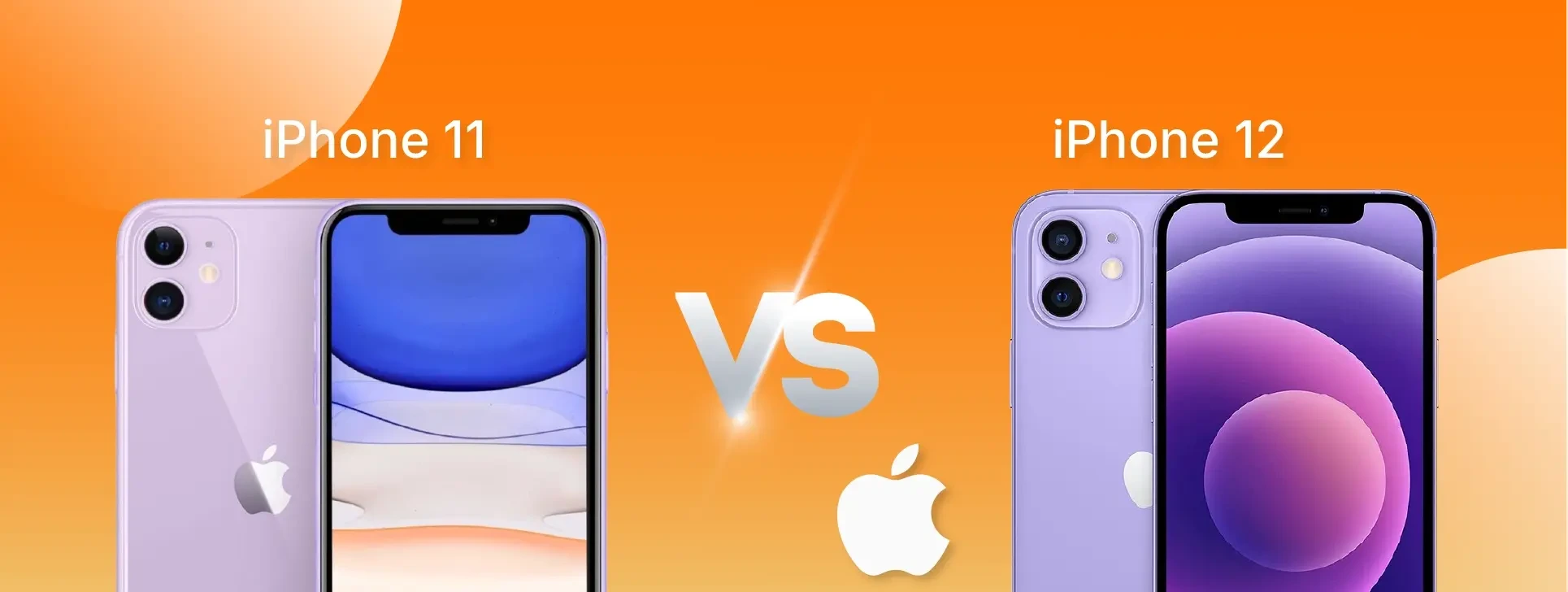
iPhone 11 vs iPhone 12: which one to buy in 2026?
Which smartphone should you choose in 2026: iPhone 11 or iPhone 12? Compare performance, camera, screen and price to make the best decision.
