


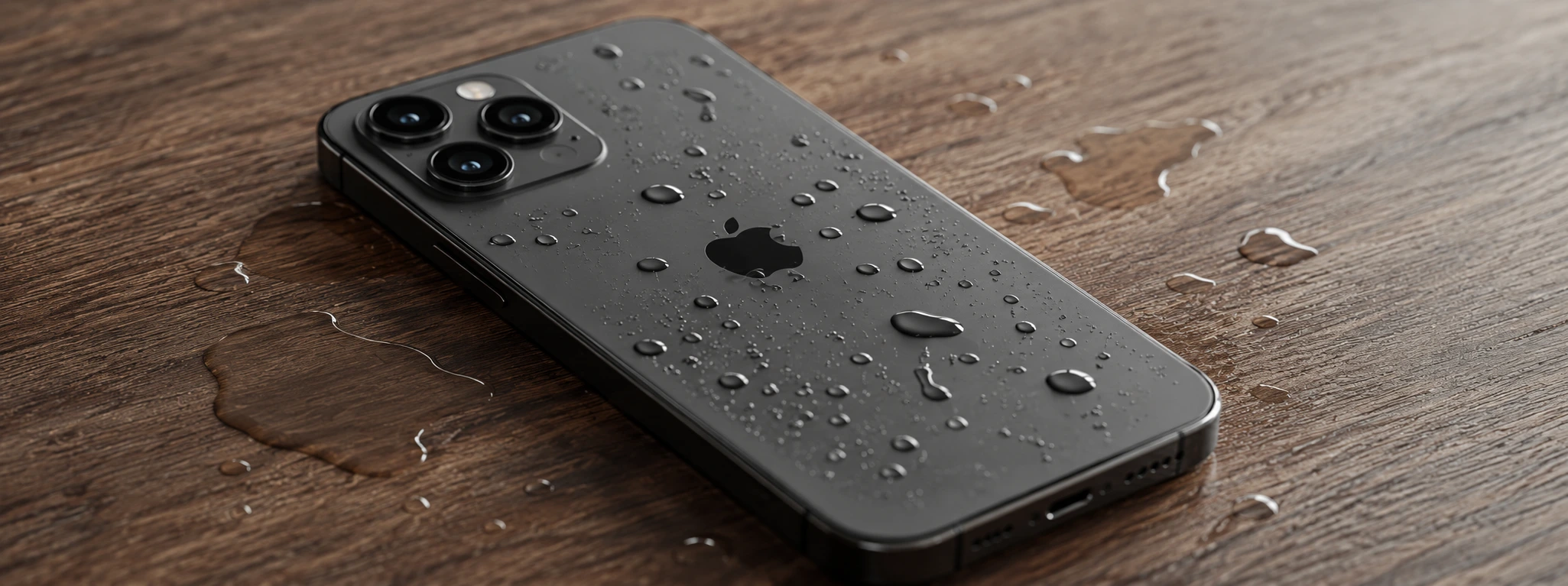




iPhone Sensors Affected by Humidity: Causes and Solutions
iPhone sensors are crucial components for the correct operation of the device, influencing everything from facial recognition to screen orientation. Recent models, from the iPhone X to the iPhone 17 Pro Max, incorporate advanced technology that can be sensitive to moisture. Excessive exposure to water or high-humidity environments can compromise the performance of these sensors, causing failures that hinder the user experience.
At iServices, we understand the importance of keeping your iPhone in perfect condition, especially when dealing with problems related to moisture and sensors. This article details the most common causes of these issues, presents practical solutions, and explains when it is essential to seek specialized technical assistance. If your iPhone is having difficulty with features such as the camera, proximity sensor, or Face ID, continue reading to learn how to act.
What lets moisture into iPhone sensors?
Accidental Exposure to Water or Excessive Moisture
Even though the iPhone has water resistance in several models starting from the iPhone X, prolonged exposure or exposure to extreme conditions can allow moisture to enter the internal components, directly affecting the sensitive sensors.
Failure in Seals and Protective Gaskets
With daily use, the seals that protect the inside of the phone can degrade, especially if the device has previously suffered drops or repairs. This degradation facilitates the entry of moisture that can damage the sensors.
Internal Condensation
Sudden changes in temperature, such as entering a very hot environment with a cold phone, can cause internal condensation. This temporary but harmful moisture can interfere with the operation of the sensors.
Damage Caused by Unspecialized Repairs
Technical interventions performed by unauthorized workshops may not guarantee the restoration of the original seals, leaving the iPhone vulnerable to moisture entry and subsequent sensor problems.
Solutions Table
| Cause | Recommended Solution | Complexity |
|---|---|---|
| Accidental Water Exposure | Dry the device and use a dehumidifier | Low |
| Failure in Seals and Gaskets | Replacement of seals and device inspection | Medium |
| Internal Condensation | Leave the iPhone off in a dry and controlled environment | Low |
| Damage from Unspecialized Repairs | Complete diagnostic and specialized repair at iServices | High |
Step-by-Step Solutions
Dry the Device and Use a Dehumidifier
- Turn off the iPhone immediately to avoid short circuits.
- Remove cases or accessories that may retain moisture.
- Place the phone in a dry environment, preferably with a dehumidifier or next to silica gel packets.
- Wait at least 24 to 48 hours before turning the device on again.
Replacement of Seals and Device Inspection
- Take your iPhone to an iServices store for a detailed diagnostic.
- Our technicians will replace the damaged seals and gaskets.
- Internal cleaning will be performed to remove any trace of moisture.
- Full testing of sensors to ensure correct operation.
Leave the iPhone Off in a Dry and Controlled Environment
- Turn off the iPhone as soon as you notice signs of condensation.
- Place the device in a dry place, without direct exposure to the sun.
- Avoid turning the phone on until it is completely dry, which may take up to 48 hours.
- Check the sensor functionality afterward.
Complete Diagnostic and Specialized Repair at iServices
- Schedule a visit to one of our stores or contact us online.
- Our specialized technicians perform a complete diagnostic to identify damage caused by moisture.
- We proceed with the repair of the affected sensors and the replacement of necessary parts.
- We offer a warranty and express delivery so that you have your iPhone working quickly.
How can I tell if my iPhone sensors are affected by moisture?
If your iPhone shows problems such as failure in facial recognition, a screen that does not respond correctly after a call, or cameras that do not focus well, it may indicate that the internal sensors are compromised due to moisture. A professional diagnostic at iServices can confirm the problem.
Is it safe to try to dry the iPhone with home methods, such as rice?
Rice is a popular method, but it is not the most effective nor the safest, as it can leave residues inside the device. We recommend placing the iPhone in a dry environment with silica gel or using a dehumidifier, and always turning the phone off until it is completely dry.
My iPhone has water resistance, why can the sensors still be affected?
The water resistance of iPhones is designed for specific and temporary conditions. Over time and with use, seals can degrade, and repeated exposure can allow moisture to enter, especially in situations that exceed the resistance limit.
Can I repair sensors affected by moisture at home?
Repairing sensors requires specialized equipment and advanced technical knowledge. Attempting to open the iPhone or repair the sensors on your own can worsen the problem. At iServices, we guarantee a safe, fast repair with a warranty.
Do You Need Professional Help? iServices Is Here for You
If your iPhone has problems related to moisture and sensors, do not hesitate to contact iServices. Our specialized technicians ensure that your phone is treated with the utmost care, using original parts and offering a warranty on all interventions.
Additionally, we provide express delivery services and complete technical assistance so that you can recover your iPhone quickly and without worries. Visit iservices.pt to find the nearest store or schedule your service with us. At iServices, we take care of your phone as if it were our own.

 Gratis levering, verwacht overmorgen!



 36 Months
 36 Months
 36 Months
Other Articles
See more
Non-genuine camera error on iPhone: How to identify and resolve
Learn how to fix the non-genuine camera error on iPhone, from the iPhone X to the iPhone 17 Pro Max, with effective solutions and iServices assistance.
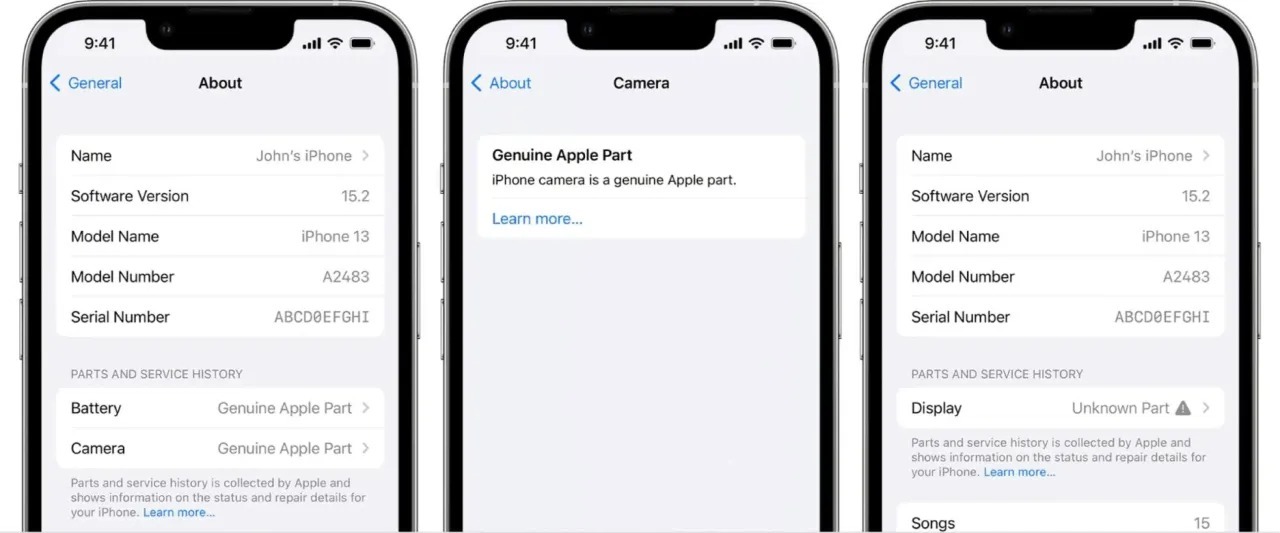
Unknown part in iPhone: how do you fix this?
When repairing an iPhone, it may generate a component check warning, but this will not affect its performance and disappears after a few days.
iOS 27, the new iPhone operating system, is coming
The WWDC 26 conference takes place between June 8th and 12th, where iOS 27 will be announced - the new iPhone operating system. Find out what's new.
