





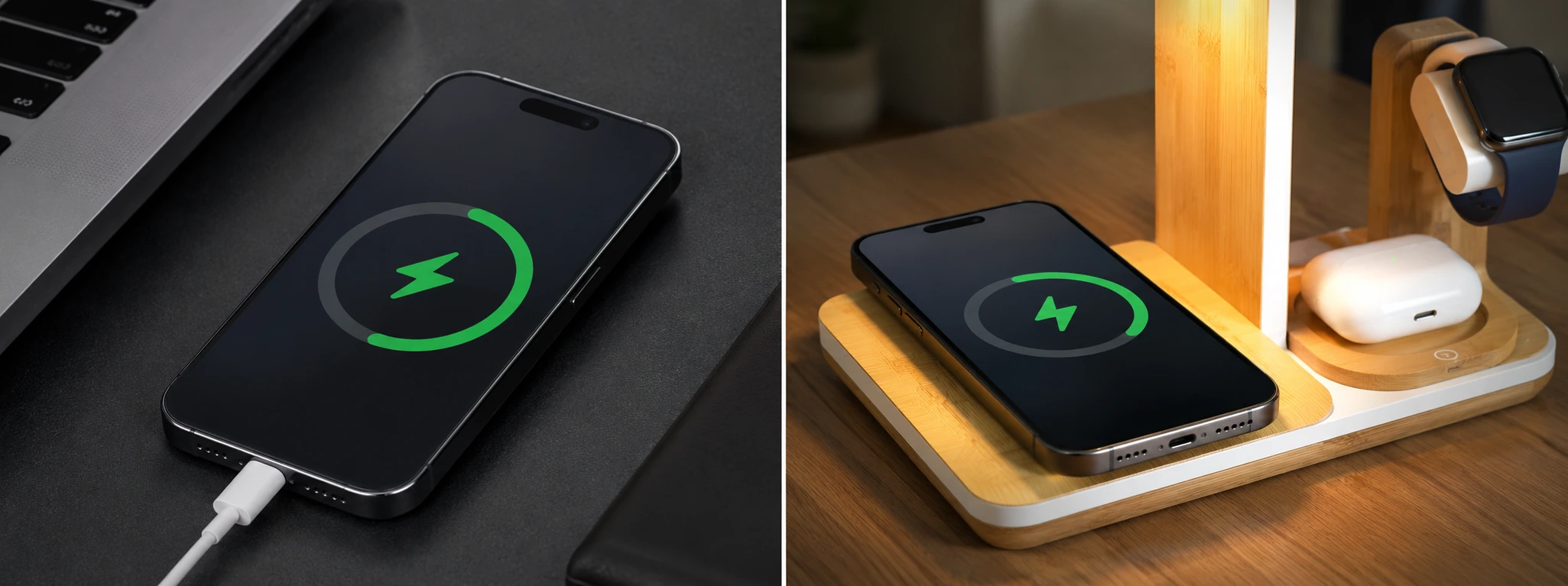




iPhone MagSafe not working: Oorzaken en Oplossingen
MagSafe has revolutionized the way we charge our iPhones and attach accessories, providing a safe and efficient magnetic experience. From the iPhone 12 to the latest models like the iPhone 17 Pro Max, this technology has become indispensable for many users. However, it often happens that some phones experience issues with MagSafe, which frustrates users because they cannot charge their device or attach accessories correctly.
At iServices, we understand the importance of MagSafe in your daily life and want to help you identify the most common causes of this problem, as well as the solutions you can try at home. Should the problem persist despite this, our stores are ready to provide specialized technical support so that your iPhone functions perfectly again.
Causes why MagSafe is not working on the iPhone
Problems with the magnetic connection
One of the most frequent causes of a MagSafe malfunction has to do with an insufficient or missing magnetic connection. This can happen if there are obstructions, such as cases that are too thick or incompatible materials, which prevent the proper alignment between the iPhone magnets and the MagSafe charger or accessory.
Defect in the MagSafe charger or accessories
The MagSafe charger or the accessories may be defective due to manufacturing defects, wear and tear, or damage caused by drops and moisture. A faulty charger delivers insufficient power, which prevents effective charging of the iPhone.
Outdated software or system errors
The iOS operating system must be up-to-date to ensure the compatibility and correct operation of MagSafe. Bugs or temporary software errors can prevent the recognition of the magnetic accessory or interrupt charging.
Problems with the charging port or internal hardware
Although MagSafe uses wireless charging, defects in the iPhone's internal hardware, such as the wireless charging coil or other related components, can result in the iPhone not being able to charge via MagSafe.
Table of solutions
| Cause | Recommended solution | Complexity |
|---|---|---|
| Blocked magnetic connection | Check and remove incompatible cases or dirt | Low |
| Charger defect | Test with another MagSafe charger or accessory | Low |
| Outdated software | Update iOS to the latest version | Medium |
| Internal hardware defect | Diagnosis and technical repair in iServices store | High |
Step-by-step solutions
Checking the magnetic connection for obstructions
- Remove the phone case if you are using one.
- Clean the back of the iPhone and the MagSafe charger with a soft, dry cloth.
- Try connecting the MagSafe charger or accessory again.
- Use thin and MagSafe-compatible cases to prevent future problems.
Testing the MagSafe charger or accessories
- Connect the MagSafe charger to a working power source.
- Place the iPhone on the charger and see if it starts charging.
- If the device does not charge, try another MagSafe charger or compatible accessory.
- If the problem lies with the charger, replace it with a new one from an authorized dealer.
Updating the iOS operating system
- On the iPhone, go to "Settings".
- Tap "General" and then "Software Update".
- If an update is available, tap "Download and Install".
- Wait until the update is finished and test MagSafe again.
Diagnosis and technical repair at iServices
- If none of the above steps solve the problem, there may be an internal defect.
- Visit one of our stores for a full diagnosis.
- Our specialized technicians will identify the cause of the problem and perform the necessary repair.
- We guarantee technical support with warranty and express repairs so that your iPhone works quickly again.
Why isn't my iPhone attaching properly to MagSafe?
An improper attachment of MagSafe can be due to thick cases or incompatible materials that block the magnetic force. It can also be the result of dirt or damage to the magnets of the charger or the phone. We recommend using official or certified cases and cleaning the contact points regularly.
How do I know if the problem is with the MagSafe charger or the iPhone?
You can test the MagSafe charger with another compatible iPhone or try charging your iPhone with a different MagSafe charger. If the problem only occurs with one of the devices, that is likely the cause of the defect.
Does MagSafe work on iPhones prior to the iPhone 12?
No. MagSafe technology was introduced starting with the iPhone 12. Older models do not have the internal magnets necessary for a MagSafe connection.
Can the iPhone software affect the operation of MagSafe?
Yes. iOS controls the communication between the phone and MagSafe accessories. Updates to the operating system fix bugs and improve the stability of wireless charging, so it is essential to keep your iPhone up-to-date.
Need professional help? iServices is here for you
If the MagSafe on your iPhone is not working correctly and at-home solutions do not help, we at iServices have the best technical support for your phone. In our stores, we offer quick diagnoses and high-quality repairs, with warranty and express service for your convenience.
Don't let a technical problem get in the way of your day: visit an iServices store near you or consult our website to book an appointment. Our specialized technicians are ready to ensure that your iPhone functions like new again, with the confidence and safety that only iServices can offer.
Recommended Products
View all

 36 Months
 36 Months

€19.95
36 Months




Other Articles
See more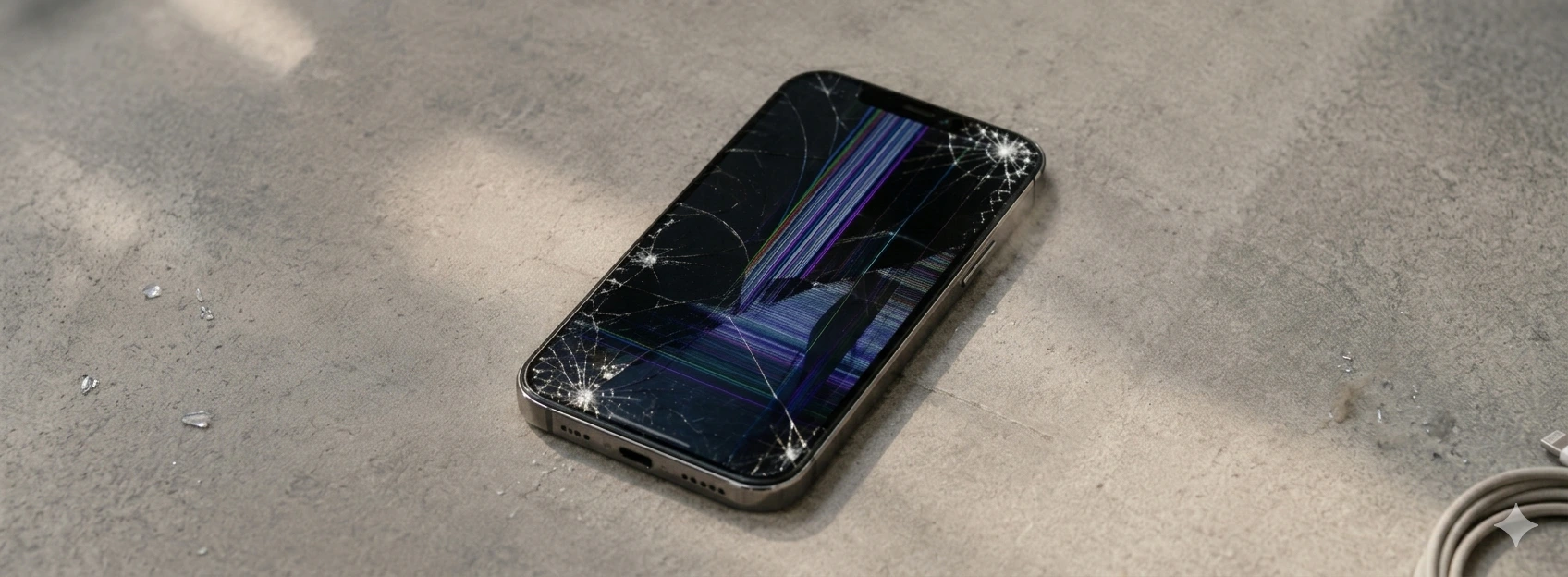
iPhone with a cracked screen: what to do?
iPhone with a cracked screen? Learn what to do, common causes, and effective solutions for models from iPhone X up to iPhone 17 Pro Max with iServices warranty.
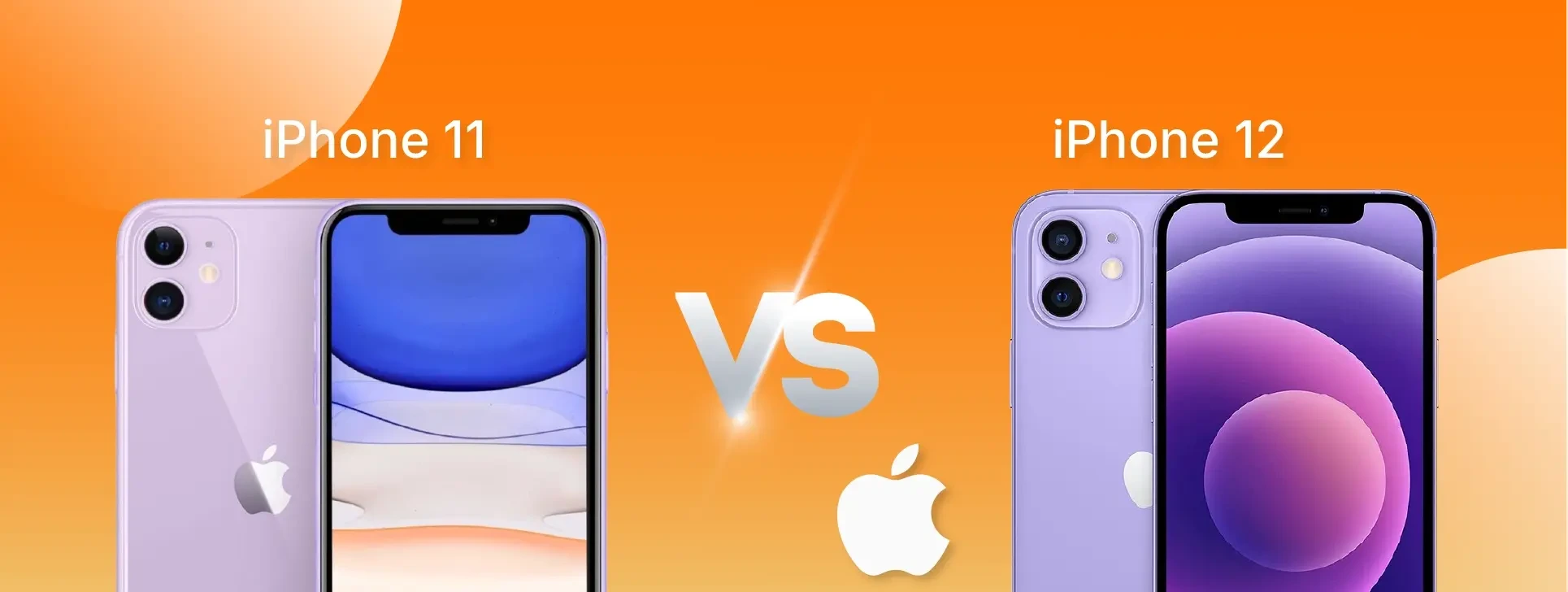
iPhone 11 vs iPhone 12: which one to buy in 2026?
Which smartphone should you choose in 2026: iPhone 11 or iPhone 12? Compare performance, camera, screen and price to make the best decision.
iPhone rear camera won't focus: saiba como resolver
iPhone rear camera not focusing? Discover the causes and solutions for iPhone X to iPhone 17 Pro Max models with iServices, a specialist in repairs.
