


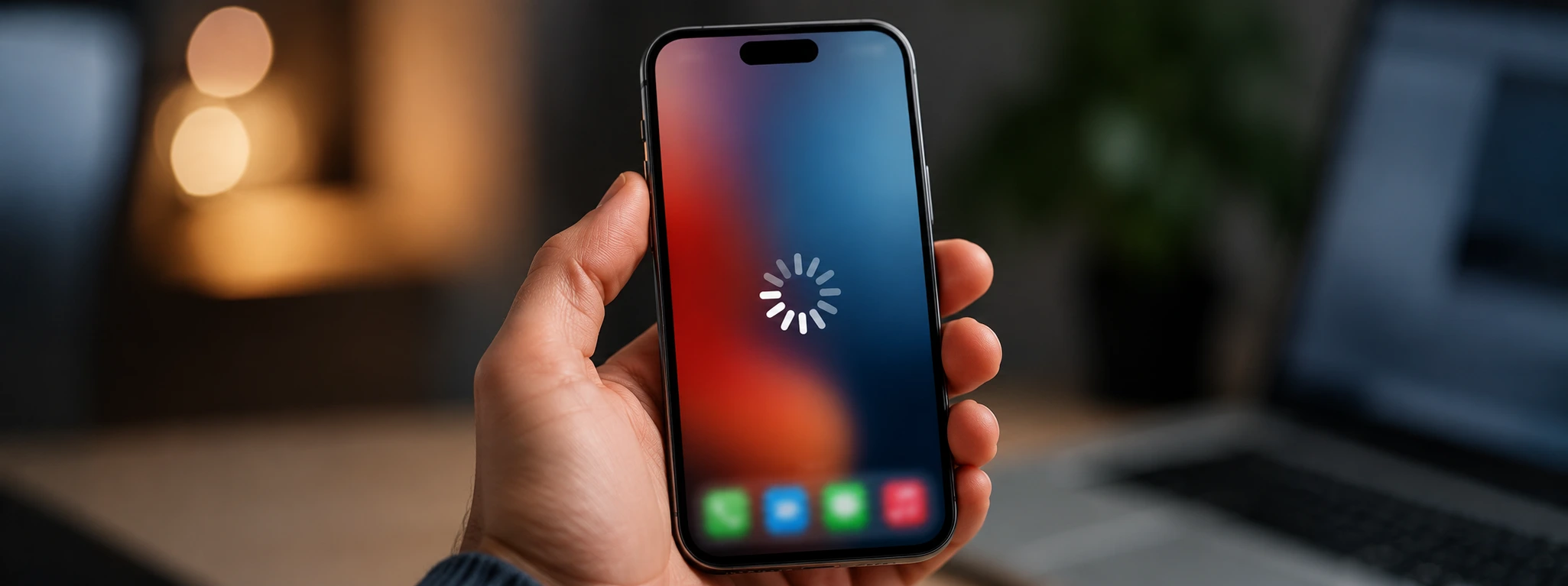




iPhone Very Slow After Update: How to Fix It?
If your iPhone is very slow after a recent update, know that you are not alone. Often, after updating the operating system, especially with models from the iPhone X to the latest iPhone 17 Pro Max, users notice a significant decrease in the phone's performance. This slowness can hinder your daily experience and cause frustration, but fortunately, there are various solutions you can apply to restore the smoothness of your device.
At iServices, we understand the importance of a fast and efficient iPhone. Updates are essential to improve security and functionality, but they sometimes bring temporary performance issues with them. In this article, we explore the most common causes for your iPhone slowing down after an update, present practical solutions, and indicate when you should seek professional help from us.
Causes of a very slow iPhone after an update
Background processes after the update
After an iOS update, the system performs various tasks in the background, such as indexing files, optimizing photos, and updating applications. These tasks consume CPU resources and storage space, which can temporarily make the iPhone slower.
Insufficient storage space
When an iPhone's storage space is nearly full, the operating system struggles to manage temporary files and caches, which can result in lower performance. After an update, this problem may become even more apparent because the system needs space to function correctly.
Outdated or incompatible applications
Some applications may not be optimized for the new version of iOS and can cause slowness or even crashes on the phone. This happens especially with apps that have not been updated for the latest versions of the operating system.
Software problems or bugs in the update
In some cases, the update itself may contain bugs or errors that affect performance. These issues can be resolved via patches or by reinstalling the operating system.
Table of solutions
| Cause | Recommended solution | Complexity |
|---|---|---|
| Background processes | Wait for the processes to finish | Low |
| Insufficient storage space | Free up space by deleting files and apps | Medium |
| Outdated applications | Update all applications | Low |
| Software problems or bugs | Restore iPhone via iTunes or iCloud | High |
| Incorrect system settings | Reset network settings or system settings | Medium |
Step-by-step solutions
Wait for background processes to finish
- Avoid intensive use of the phone after the update.
- Keep the device connected to a power source and Wi-Fi.
- Wait a few hours for the system to finish indexing and optimizing files.
Free up storage space
- Go to "Settings" > "General" > "iPhone Storage".
- See which applications take up the most space and delete the apps you don't use.
- Delete photos, videos, or files you no longer need, preferably after creating a backup.
- Clear application caches if possible.
Update applications
- Open the App Store.
- Tap your profile in the top right corner.
- Scroll down to "Available Updates".
- Update all applications to ensure compatibility with the new iOS version.
Restore iPhone via iTunes or iCloud
- Back up your iPhone via iCloud or iTunes so you don't lose data.
- Connect the iPhone to the computer and open iTunes (or Finder on recent macOS versions).
- Choose "Restore iPhone" to reinstall the operating system.
- After completion, restore the backup to get your data back.
Reset network settings or system settings
- Go to "Settings" > "General" > "Transfer or Reset iPhone".
- Select "Reset Network Settings" to fix Wi-Fi or mobile data issues.
- If the problem persists, you can choose "Reset All Settings" (this does not delete personal data, but resets system settings to factory defaults).
How long can the iPhone stay slow after an update?
Normally, the slowness after an update only lasts a few hours while the system performs optimization tasks. If the problem persists for longer than 24 to 48 hours, there is likely another underlying cause that needs to be investigated.
Can I lose data by restoring the iPhone to fix slowness?
If you create a backup before restoring, you will not lose data. iServices always recommends making a full backup in iCloud or on your computer before any restoration procedure to ensure the safety of your files, contacts, and settings.
Why is my iPhone X getting slower due to recent updates?
Older models such as the iPhone X can feel the impact of updates more strongly due to less powerful hardware compared to more recent models. The operating system may require more resources, which slows down the equipment. Keeping iOS up to date and deleting heavy applications can help improve performance.
When should I seek specialized technical help?
If you have already tried the basic solutions and the iPhone remains slow, or if you notice other problems such as excessive heating, constant crashes, or system errors, you should visit an iServices store. Our specialized technicians will perform a full diagnosis and offer quick solutions to restore the optimal performance of your iPhone.
Need help? iServices is here for you
At iServices, we have a network of various stores ready to help you with any problem with your iPhone. If your iPhone remains slow after trying the indicated solutions or shows other symptoms, our specialized technicians are prepared to make a detailed diagnosis and perform the correct repair.
We offer a warranty on repairs, express delivery for extra convenience, and certified technical support throughout the country. Visit us in one of our stores or consult our website to schedule your appointment. Trust iServices to restore the speed and efficiency of your iPhone, so you can enjoy your device optimally without any worries.

 Gratis levering, verwacht overmorgen!



 36 Months
 36 Months
 36 Months
Other Articles
See more
Tips to save battery on the iPhone
Learn how to save battery on iPhone with essential tips for models from iPhone X to iPhone 16 Pro Max. Improve your phone's battery life today.
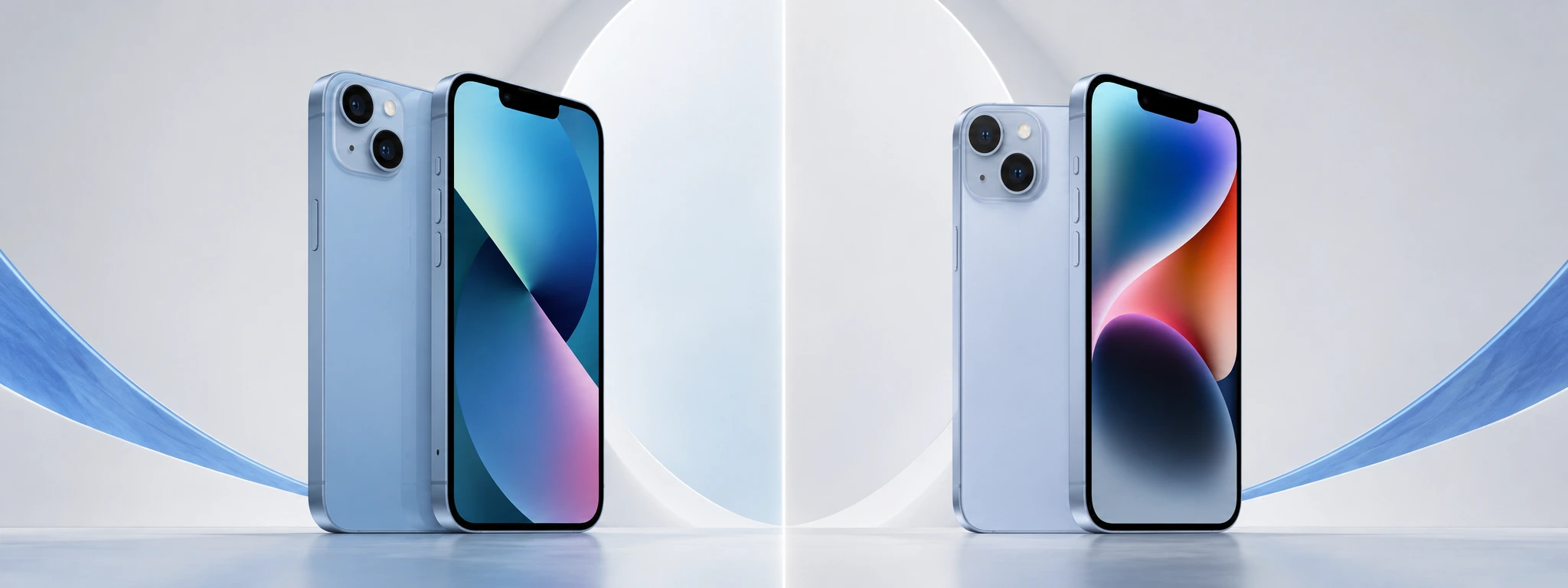
iPhone 13 vs iPhone 14: What is the best buy in 2026?
Compare the iPhone 13 and the iPhone 14 and discover the most important differences in cameras, battery, and performance to make your best iPhone purchase in 2026.
iPhone Action Button is not working: Causes and Solutions
iPhone action button not working? Discover the common causes and effective solutions for models from the iPhone X to the iPhone 17 Pro Max at iServices.
