





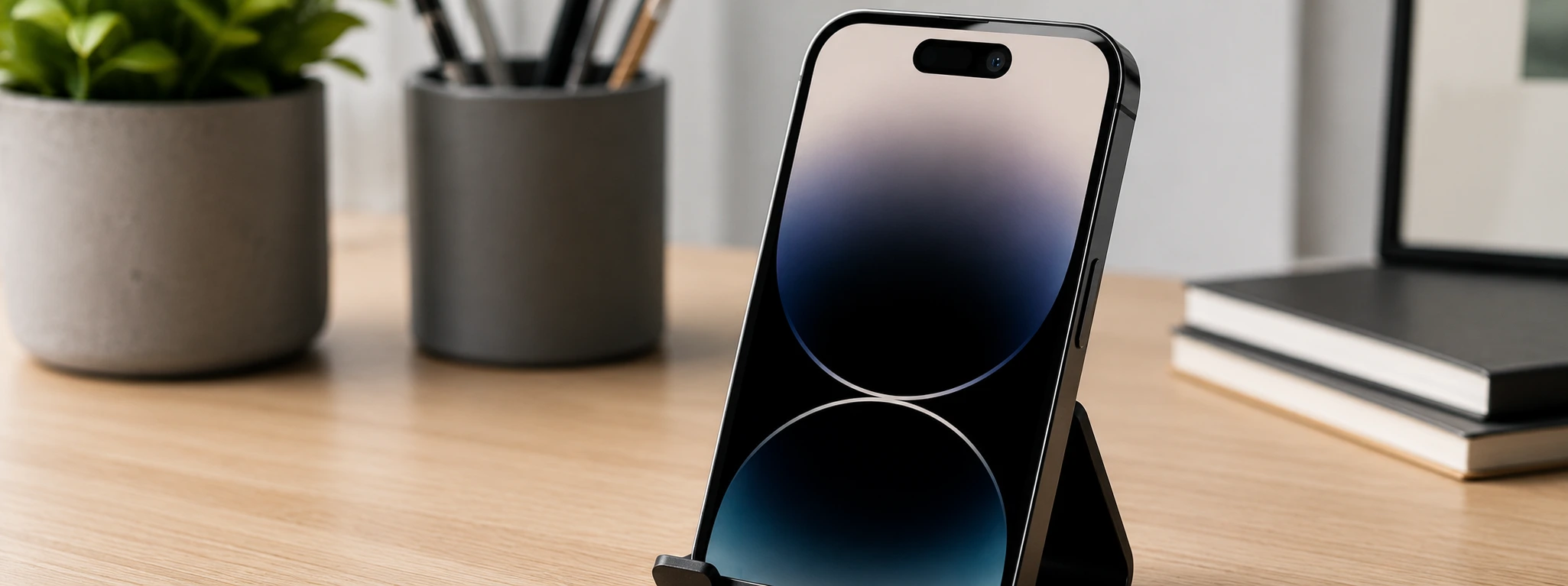




iPhone TrueDepth Camera Error: Causes and Solutions
The TrueDepth camera has been an essential component in iPhones from the iPhone X to the latest iPhone 17 Pro Max. This advanced technology powers features such as Face ID, Portrait mode selfies, and Animoji, making the user experience more secure and interactive. However, a "TrueDepth camera error" can occur, affecting daily phone usage, causing frustration, and preventing access to several key features.
At iServices, specializing in smartphone repairs, we understand the importance of an accurate diagnosis and fast solutions for this type of issue. The good news is that, in most cases, the error can be fixed through either software intervention or technical repair. In this article, we explain the most common causes of the TrueDepth camera error and provide practical solutions so you can return to using your iPhone without limitations.
Causes of iPhone TrueDepth Camera Errors
Software Glitches or Incomplete Updates
Often, the TrueDepth camera error is related to faults within the iOS operating system, especially following incomplete or corrupted updates. This can cause temporary camera deactivation or prevent facial recognition from initializing.
Sensor Obstruction or Dirt
The TrueDepth sensor is highly sensitive and can be affected by dirt, dust, or physical obstructions on the screen. This can block the emission and reception of signals necessary for both Face ID and camera functionality.
Physical Damage to the TrueDepth Module
Drops or impacts can damage the TrueDepth sensor array, which includes the front camera, dot projector, and infrared illuminator. This type of physical damage typically requires specialized technical repair.
Logic Board Issues
In more severe cases, the error may be linked to failures on the iPhone's logic board, affecting communication between the TrueDepth camera and the operating system, making the repair process more complex.
Solutions Overview
| Cause | Recommended Solution | Complexity |
|---|---|---|
| Software Glitch | iOS update or system reset | Low |
| Obstruction or Dirt | Sensor and screen cleaning | Low |
| Physical Module Damage | TrueDepth module replacement | Medium |
| Logic Board Issues | Advanced technical diagnosis and repair | High |
Step-by-Step Solutions
iOS Update or System Reset
- Ensure your iPhone is running the latest iOS version by going to Settings > General > Software Update.
- If an update is available, download and install it.
- If the problem persists, perform a forced restart: quickly press and release the volume up button, then the volume down button, and finally hold the side button until the Apple logo appears.
- Check if the TrueDepth camera returns to normal operation.
Sensor and Screen Cleaning
- Turn off your phone to avoid accidental touches.
- Use a clean, dry microfiber cloth to gently clean the TrueDepth sensor area at the top of the screen.
- Check if any protective film or case might be causing an obstruction.
- Turn the phone back on and test Face ID and the front camera.
TrueDepth Module Replacement
- Visit an iServices store for a detailed professional diagnostic.
- If replacement is confirmed necessary, our technicians will proceed with the repair using high-quality parts.
- The replacement is performed with full security and a warranty, ensuring Face ID and camera functions are restored.
- Collect your repaired iPhone with express delivery available at various locations.
Logic Board Diagnostic and Repair
- For issues associated with the logic board, an advanced diagnostic at an iServices store is essential.
- Specialized technicians will analyze the fault and recommend the best solution, which may include component repair or replacement.
- This process is more complex and may require a longer intervention time.
- We guarantee technical assistance nationwide and quality parts to ensure your iPhone's perfect functionality.
FAQ: TrueDepth Camera Troubleshooting
Why does my iPhone say "TrueDepth Camera Error" after an iOS update?
This often happens due to software glitches during the update process, which can prevent the sensors from being correctly recognized. We recommend restarting the device and checking for further updates that might patch the bug.
Can I clean the TrueDepth sensor at home without damaging my iPhone?
Yes, as long as you use a soft, clean microfiber cloth to avoid scratches. Avoid using liquids or abrasive products that could damage the sensor or the screen coating.
How long does a TrueDepth module repair take at iServices?
Typically, a TrueDepth module replacement can be completed in a few hours, especially at our stores with express service. The exact time depends on part availability and the complexity of the damage.
Does a TrueDepth camera error affect other iPhone functions?
Yes. Besides Face ID, it can affect apps that use the front camera for facial recognition, Portrait mode selfies, and other sensor-dependent features.
Need Professional Help? iServices is Here for You
If you are experiencing TrueDepth camera errors on your iPhone, don't hesitate to visit an iServices store. Our specialized technicians are ready to provide a fast diagnostic and effective solutions, ranging from simple cleaning to advanced technical repairs.
At iServices, we guarantee high-quality parts, expert technical assistance, and express service so you can have your iPhone working perfectly as soon as possible. Visit our website for more information and to schedule your visit. Count on us to restore your TrueDepth camera’s full functionality with confidence and security.
Recommended Products
View all
 36 Months
 36 Months

€19.95
36 Months




Other Articles
See more
People Can't Hear Me on iPhone Calls: Causes and Solutions
Is your iPhone microphone acting up? Learn how to identify if it's a software or hardware issue and how to fix it to get back to clear calls.
iPhone front camera with inverted image: causes and solutions
iPhone front camera with reversed image? Discover causes, solutions and how iServices can help with specialized technical assistance.
iPhone battery worn out: Signs and What To Do
Learn to recognize if your iPhone's battery is worn out and discover what you can do to extend its lifespan and ensure the best performance.
