









5 important rules when cleaning your MacBook
Cleaning your MacBook correctly is very important for two important reasons: (1) to ensure the equipment is hygienic which, nowadays, is absolutely critical to the fight against the pandemic caused by COVID-19; and (2) prolong the device's life.
MacBooks are renowned for their unique design with a magnesium-aluminium alloy finish. It is therefore necessary to be careful when cleaning the equipment, in order to preserve the paintwork and prolong the excellent appearance of the materials. The practice of regular and careful cleaning helps to prevent a depreciation of the equipment over time. Therefore, the user needs to consider some aspects, such as the material to be used for cleaning and which critical points to clean, to avoid problems that occur after the equipment's cleaning procedure. Check out the five essential rules to properly clean your MacBook!
1. Turn off the device
The first rule is crucial: keep the MacBook turned off to perform any kind of external or internal cleaning. Beforeng, remove all attached devices and turn off the power supply. In this way, you will avoid damage to accessories and the equipment itself caused by products in contact with electrical energy.
2. Attention to the material when cleaning the screen and keyboard
To clean the screen, it is important to use a lint-free microfiber or 100% cotton cloth. Synthetic cloth or toilet paper, for example, can scratch the surface of the display. Likewise, cleaning cloths that shed hairs are not recommended for the correct cleaning of the Macbook keyboard. In either case, the cloth should be passed dry and lightly around the monitor and keyboard. If the device has grease stains, you can lightly dampen it with 70% isopropyl alcohol or a cleaning solution, but never spray cleaning products directly onto the screen or keyboard, as they may run through the keys, or into the interior. monitor and cause damage. You can also use specific cleaning wipes for electronic equipment. Also avoid leaving moisture in the grooves.
3. Be careful with the amount of products
Clean the components at intervals: first the outside and then the inside and be careful with the use and exaggerated amount of products used for cleaning. Excessive isopropyl alcohol or abuse of cleaning solution on your MacBook can stain the surface or even damage important components. It is also worth remembering that you should not, under any circumstances, use household cleaning products such as detergents, liquid soaps, or products containing acetone. Do not use window cleaners, sprays, solvents, ammonia, abrasives or cleaning products that contain hydrogen peroxide.
4. Clean air inlets and outlets
Air inlets and outlets can be damaged by the accumulation of dust and other types of dirt. To clean these entrances, you can use a soft brush, passing it gently to remove excess dirt in these regions. An interesting tip is to avoid the use of compressed air for the task, which can push the dirt inside the equipment.
5. Keep a conscious use
An indispensable rule to keep the Macbook sanitized is its conscious use. Habits such as eating close to the keyboard, drinking coffee or simply leaving it open when not in use, are practices that can compromise the hygiene of the equipment.
In addition to these simple rules, protecting the Macbook with a protective cover or a backpack can be a simple way to avoid contacting the device with dust, food scraps and other examples of dirt when it is not in use.
Recommended Products
View all
 36 Months

 36 Months

 36 Months

€39.95


Other Articles
See more
Clean Computer Day: Best Practices
We celebrate Computer Cleanup Day with the best tips from our technicians.

iPhone, Huawei or Xiaomi: which has the best cameras?
After being the subject of Cinema Mode demonstrations, the iPhone 13 Pro was reviewed this week and achieved an overall score of 137 in this ranking but did not reach the podium.
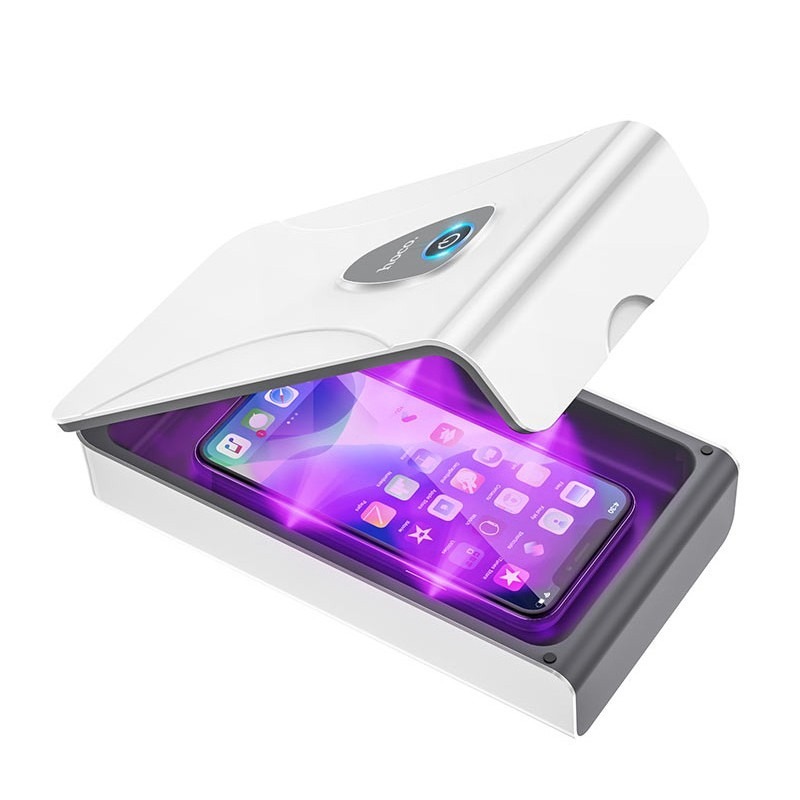
UV sterilization box kills coronavirus
For the disinfection process of small objects, there is a device that can help carry out the task by ensuring the sterilization of pocket items!
