










9 Tips for using technology safely on your vacation
If vacations some time ago were synonymous with being disconnected from the world, today the concept is different. Does going on vacation mean sharing on social media, replying to emails, researching restaurants, sharing photos with family, watching series and even seeing what others are up to? So that you can have a safe vacation without leaving technology aside, we bring you some tips.
#1 - Backup your data Before going on vacation, it is important to save everything on your smartphone or tablet. In fact, this is a practice that you should have constantly, but if you do it once a year, it's already better than nothing. So take advantage of the holiday season to keep your photos in a safe place, your most important messages, your contacts, videos, documents? This management will be useful not only to free up space on your smartphone, so you don't have to stop taking photos and videos of your holidays, but it will also guarantee that everything important is stored in a safe place, in case you lose it. your gadget or it breaks down while on vacation. There are several services provided by Google or Apple, which you certainly already have installed on your devices and then there are a number of third-party services like the ones we present in the article below. The top was made for Android, but many of the solutions are also available for Windows, MacOS, iOS and even Linux.
#2 - Activate a way to unlock your equipment Security is the watchword and if you have not yet defined any way to unlock your equipment, it is important that you do so now. They contain information that is too valuable to be accessible to anyone. In the Security and Privacy settings of your devices, you must activate one of the existing unlocking methods, which can range from unlocking via password, PIN, Fingerprint, or even facial recognition.
#3 - Enable the options to locate your device If you have an iPhone, an Android smartphone or even a Windows PC, you can activate the options that allow you to locate your device. With this option active, you will not only be able to locate your device, but also remotely lock it. In any of the cases, iOS, Android or Windows, remember that you will always have to have an associated account connected, it must have Internet access and active location. If you have any difficulty in these settings described above, you can use of the iServices stores across the county, which will have the necessary help.
#4 - Do not leave anything in the hotel room This seems like an obvious tip, but are many technology users who rely too much on hotel services and leave their computer, headphones, tablet in the room? While room service and housekeeping staff can be trusted, people walking through the hallways while rooms are being cleaned with the doors open may not. Care must be taken and, therefore, if you do not have access to the hotel room safe, choose to carry your devices with you, or keep them hidden in unlikely places so that they are not easily accessible.
#5 - Do't open your most important accounts on devices you don't trust Need to make an important payment, need to respond to an email urgently while on vacation? Do not use any device. Computers and tablets that are available to anyone in hotels, shopping centers or on the beaches are not reliable equipment. Therefore, use them only to search for the best restaurant in the region or the best beach, never enter your data!
#6 - Take an HDMI cable and a smartphone full of movies and series Holidays are for resting and you will certainly spend a few hours lying in your hotel bed. And how about following the moment with that movie you haven't been able to see yet, or that series that never ends? Put all this on your smartphone, tablet or PC in digital format, take a cable or an HDMI adapter, connect it to the TV and enjoy the moment. There are streaming services, such as Netflix, that allow you to watch your content offline and this could be a good option to see everything in good quality but without spending data.
#7 - SmartTV in hotel room, don't connect to it On the other hand, if you have a smartTV in your room, it might be tempting to set up your Spotify, Netflix or YouTube accounts, or even connect your smartphone to the TV. Avoid doing so for the same reason as just now: it's not a reliable call!
#8 - Do not share your location It's tempting to be on a paradise beach and make an Insta Story showing the time and place where you are. For those with bad intentions, this can be the motto to meet you or to go to your empty house. Avoid sharing your location on social networks, don't even disclose that you've entered 'vacation mode', for your safety.
#9 - Beware of Public Wi-Fi Networks Public Wi-Fi networks can hide some dangers you're not prepared for. These may be under the surveillance of hackers who can easily intercept your communications, gain access to your passwords, credit card numbers or other personal information. Using the mobile network or connecting to these public networks through a VPN are the recommended ways to stay safe while accessing the Internet. Article published in Pplware.
Recommended Products
View all
 36 Months

 36 Months

 36 Months

€39.95

Other Articles
See more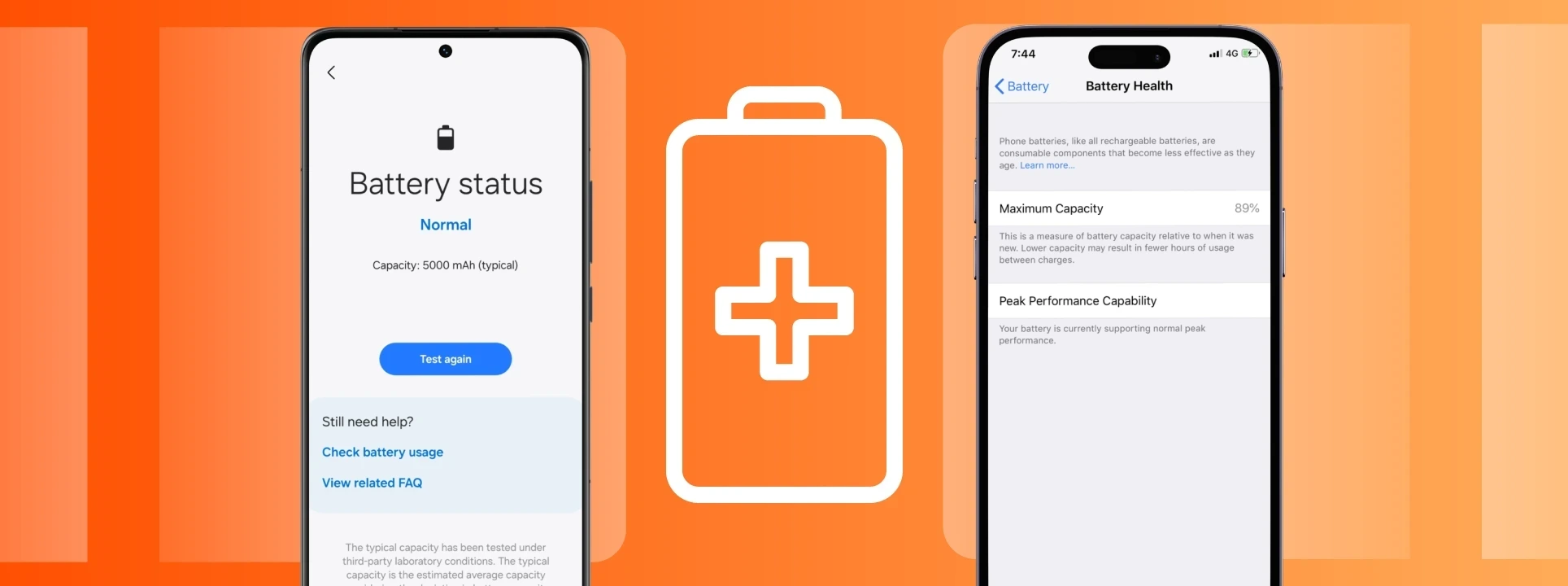
Sabes ver o estado da saúde da bateria do iPhone e Android?
Sabes como verificar o estado da bateria do iPhone ou do Android? No blog da iServices vais aprender como podes ver a saúde da bateria do teu telemóvel.
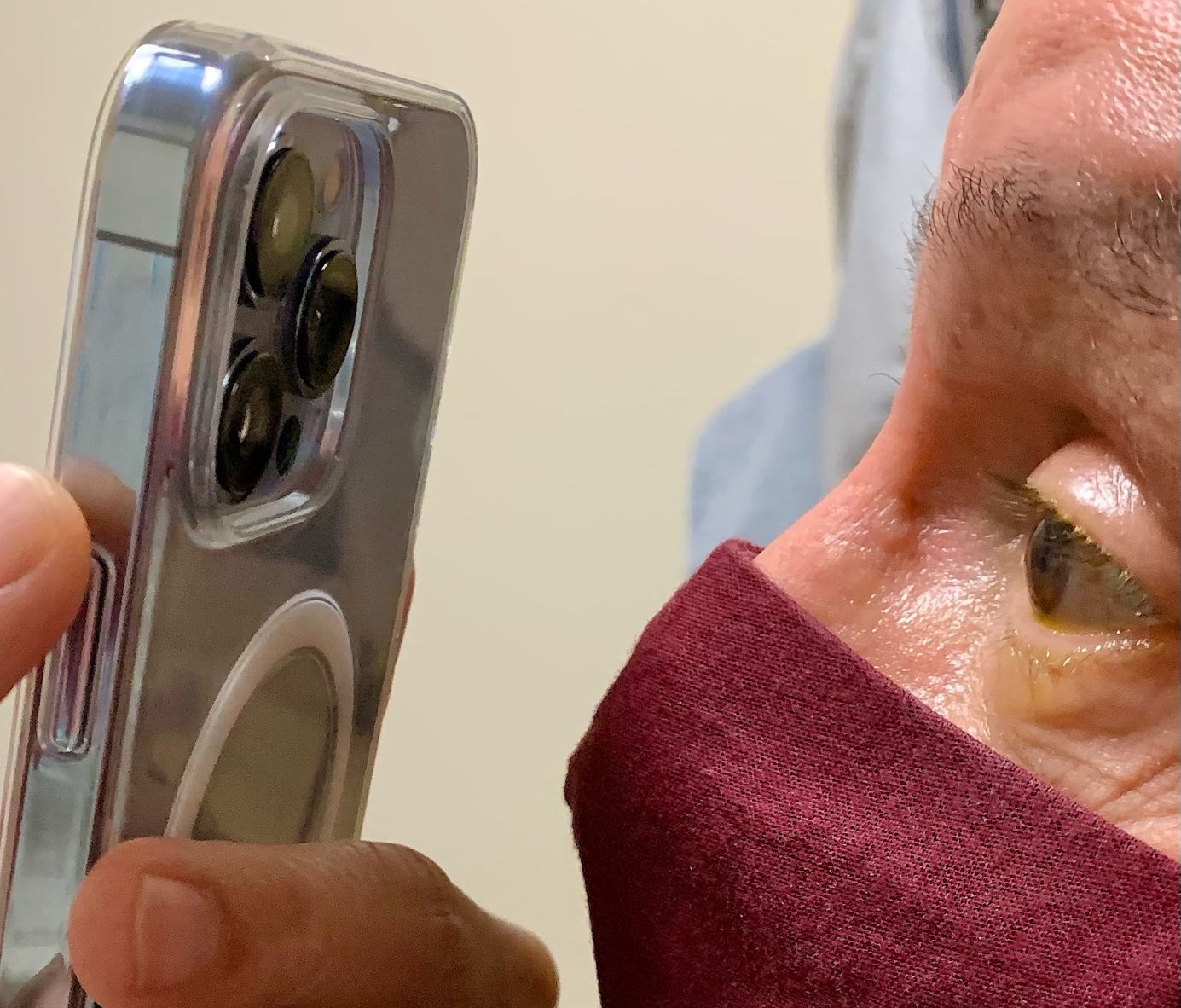
The iPhone 13 Pro's Macro Mode Is Also Helpful For Doctors
Doctor Tommy Korn shared how the new Macro mode of the iPhone 13 Pro camera is very useful for the medical treatment of the eyes.
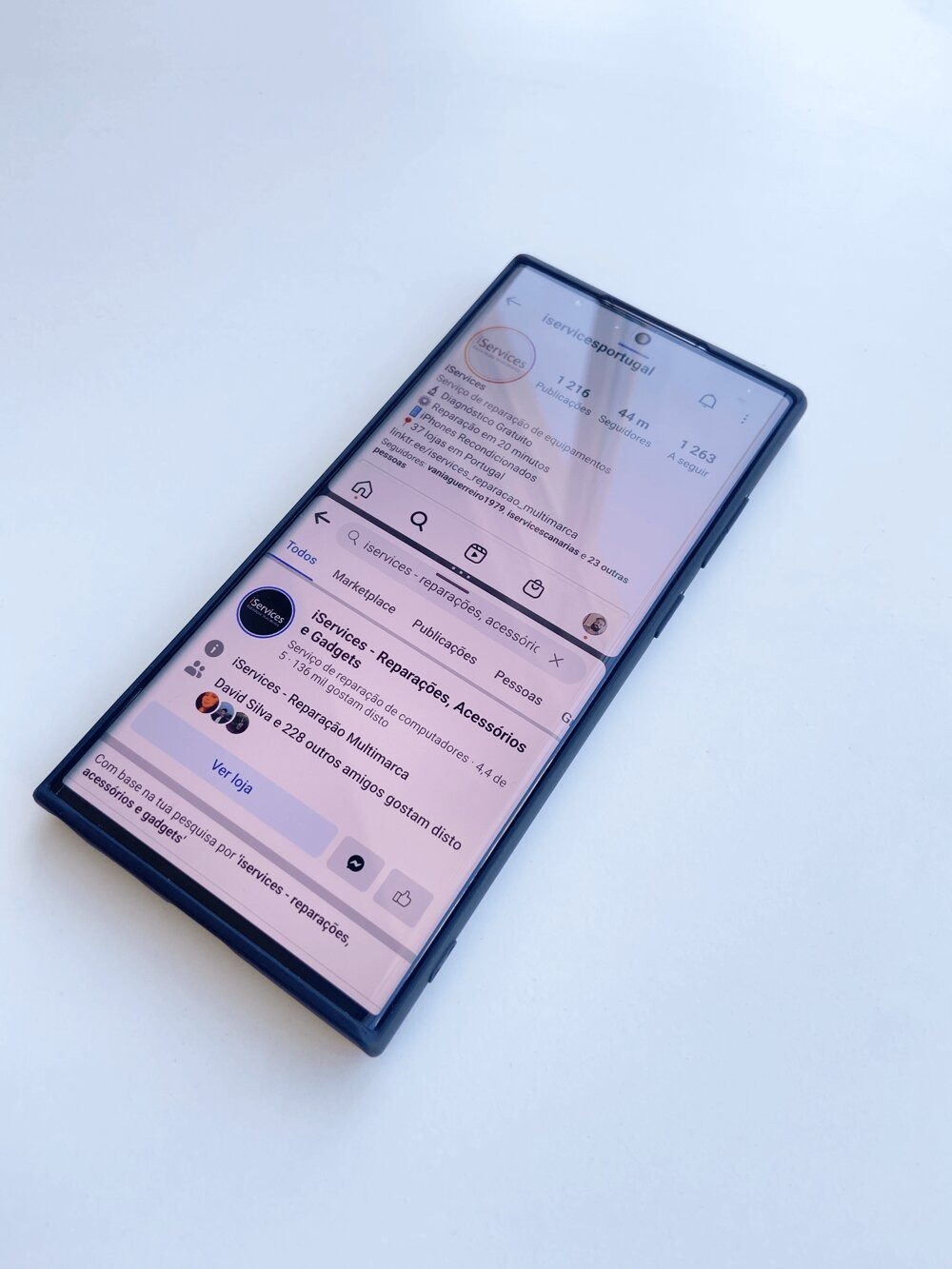
Tip: How to use Android Multitasking
Is your mobile phone your productivity companion? Did you know that it allows you to have two apps running at the same time, dividing the screen space in two? Find out everything on our blog.
