





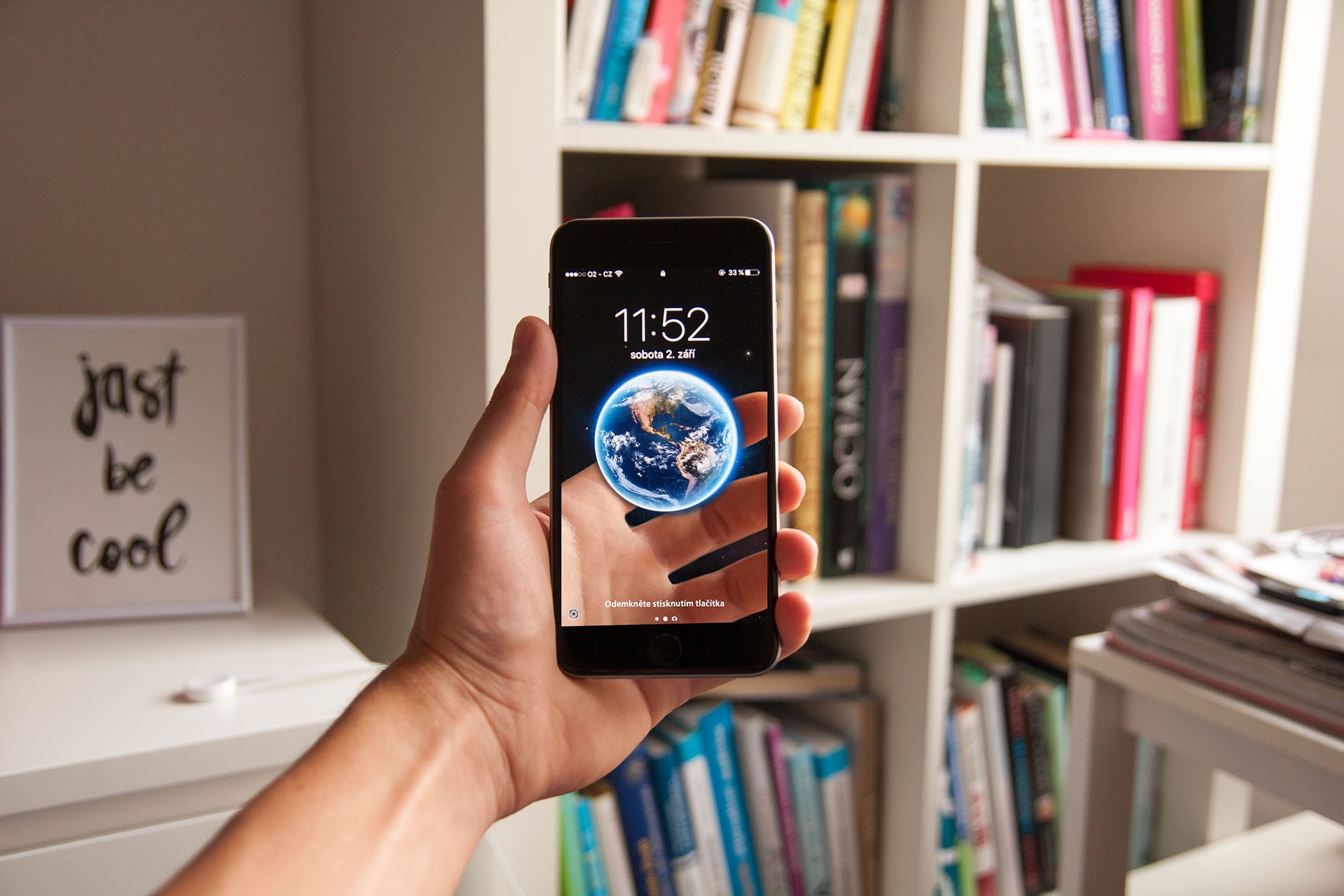




Discover 10 tricks on your iPhone!
If you still don't know all the tricks of your iPhone, at iServices we can help. From videos with the iPhone glass turned off, to the best usage tips, learn about some tricks that you will be missing in the near future.
1- Video recording with iPhone glass off< /p>
It is very simple to record a video with the iPhone glass off, just click the camera button and swipe to be halfway up the screen. Then you just have to switch to video recording mode and click the 'Home' button three times. This way, it will continue recording even when the display turns off.
2- Audio timer
Do you like to fall asleep listening to music or audiobooks? On iPhone it is possible to program the clock timer for audio playback, whether on Spotify or Deezer. Now you can sleep soundly without the worry of having to turn off the music, as your smartphone takes care of everything for you and with the iPhone glass turned off.
3 - Creating vibration patterns
You no longer need to have sound on your smartphone to understand what type of notification treat. On the iPhone display, under 'Settings' and 'Sounds & Touch', you will find the ringtone and vibration option, where you can create a completely customized vibration pattern, which will be saved in the 'Custom' list, under 'Vibration'.
4 - See the exact time a message was sent
In 'Messages' choose a conversation and on the iPhone LCD swipe left or right. Soon after, you will be able to see the exact time of sending each message.
5 - Counting characters in messages
If you used to count characters in your messages manually until now, know that your iPhone does it for you. Just go to 'Settings' and under 'Messages' you have the option of 'character count'. Once you start writing messages you will see the count.
6 - Video rewind speed
When using the slider to rewind videos, you will have a yellow, a red and a green zone. In yellow you can rewind faster. In the red zone you can rewind twice as slowly and the green zone makes it slower.
7 - Disable ads in apps
If you don't like to be bothered by ads while playing an app, just put your iPhone in sleep mode flight or alternatively turn off the wi-fi and/or mobile data, and you will be able to enjoy the game without any interruptions.
8 - Creating panoramic photos
Do you want to take a panoramic photo on your iPhone and don't know how? It's very simple. In the camera, in panorama, click on the arrow on the iPhone's viewfinder and in this way it will change the orientation of the photograph creating the panoramic photo.
9 - Erase numbers easily on the calculator
If you have an iPhone, you can erase numbers on the calculator by just swiping to left or right in the text box.
10 - Medical record
If you fill out your medical record on iPhone in advance, anyone can present this information to doctors in an emergency. In this medical file, you must indicate, mainly, your blood group and which medicines you are allergic to.
In iPhones it is possible to find several tricks that are not available on other smartphones, but for you to be able to enjoy all of them it is important not to have the display damaged.
In case the iPhone glass is broken, at iServices you will find certified technicians who carry out free diagnosis and repairs on the spot. Visit the iServices store closest to you!
Recommended Products
View all
 36 Months
€1,539.18
36 Months

 36 Months

 36 Months

€39.95
Other Articles
See more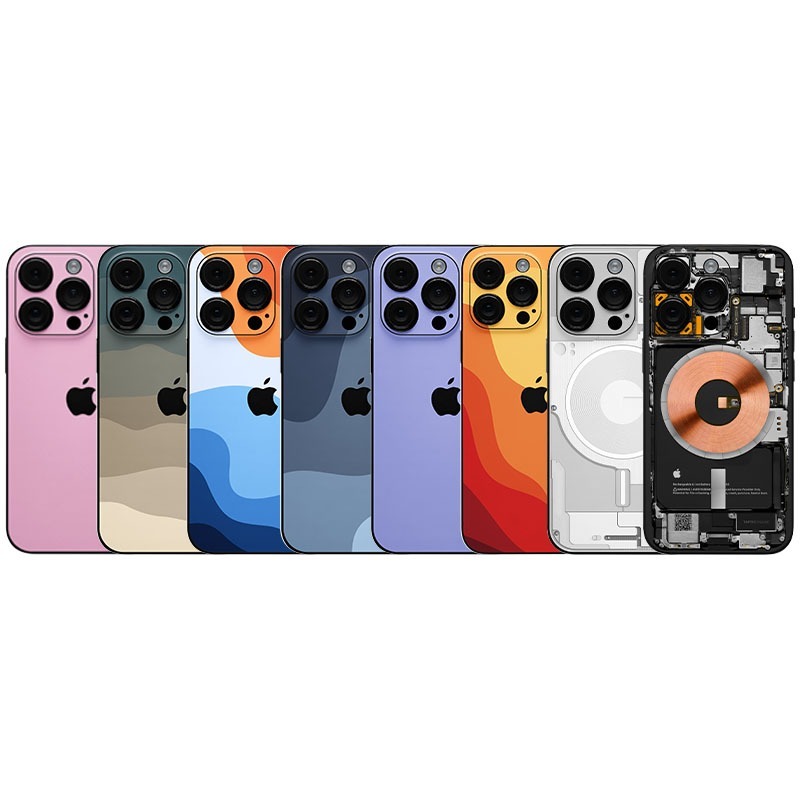
Do you already know iServices iPhone Skins?
A new way to customize your iPhone is the iPhone Skins available on iServices. Visit one of our stores to place your Apple Smartphone.
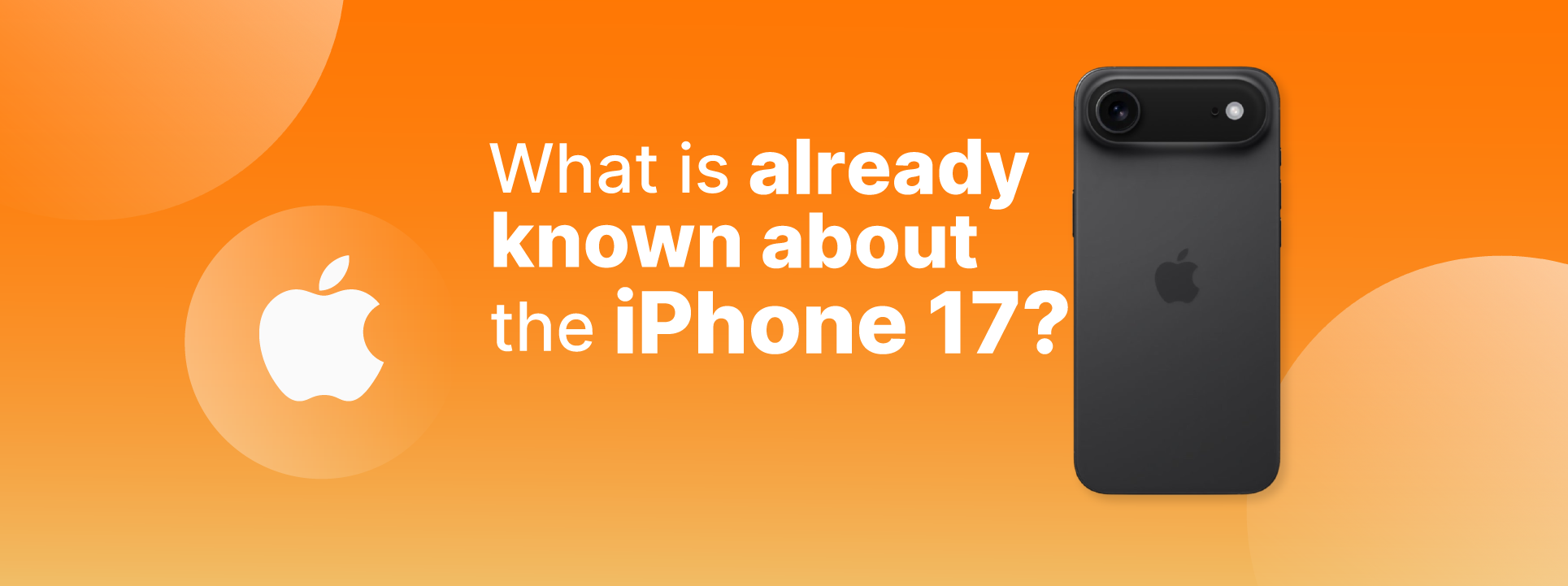
What we already know about the iPhone 17
The launch of the iPhone 17 is just around the corner. At iServices you will find all the information and news about Apple's new Smartphone.
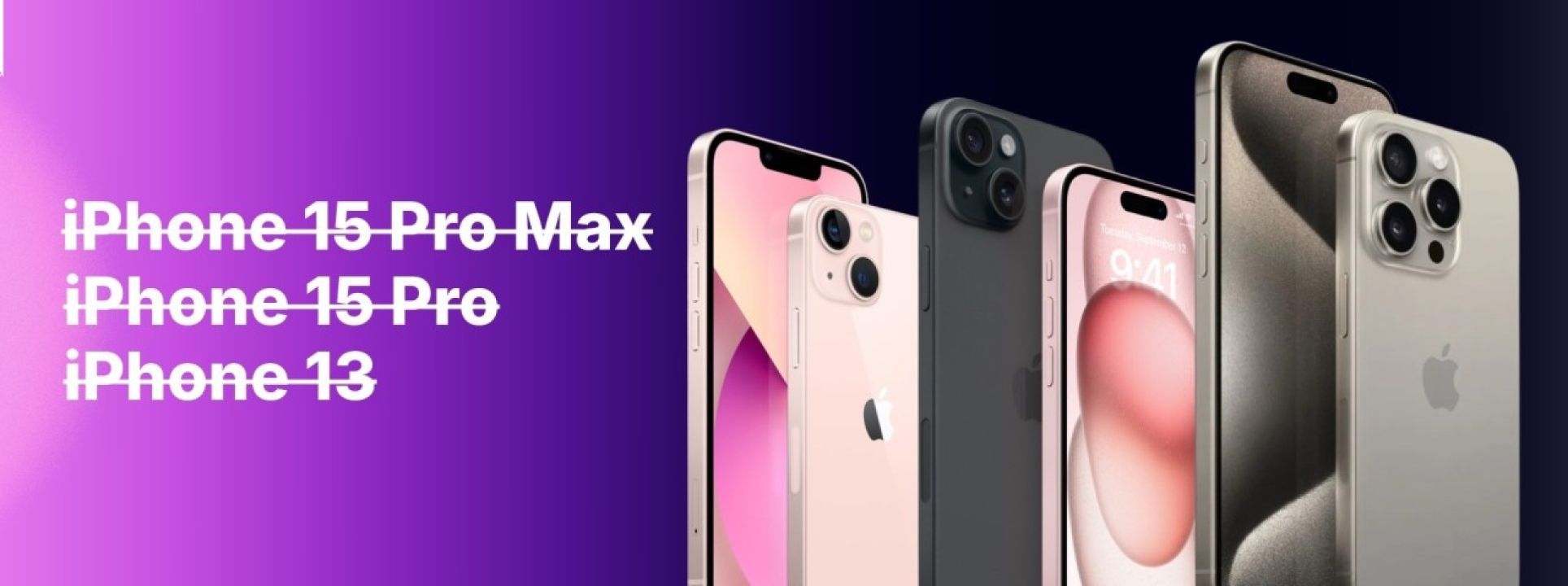
Apple vai descontinuar 3 iPhones. Sabe quais!
Com o lançamento do iPhone 16, a Apple anunciou os Smartphones que vão ficar descontinuados na sua loja. No blog da iServices fica a saber quais são.
