No store found
Try searching for a different store or check your spelling

Favourite Store
Select your favourite store
No store found
Try searching for a different store or check your spelling

The new iOS 17 became available yesterday and some conclusions can now be drawn regarding its new features and performance. This update takes up 6 GB of memory and as expected, is not compatible with iPhones X and older versions.
The iOS 17 experience on iPhone 13
Starting with the social features of the new software, it allows you to customize the contact poster, which is the image that your contacts will see when they receive a call from you. And for the most forgetful, the new iOS 17 also allows you to share confirmation with friends and family that you have reached your destination. When checking Messages, by clicking “+” and then “verification”, the iPhone monitors your arrival. If it doesn't happen within the scheduled time, it sends a warning to a friend or family member with whom you choose to share this route. Furthermore, if you are about to meet up with friends, you can also share and ask them to share their locations, making the meeting much faster.
Updates to Messages and FaceTime
Exchanging messages is now much more practical. With iOS 17 you can reply to messages by swiping them to the right, you can use new filters to search for certain words and you can even read the audio transcription. In the first experience of this new software on the iPhone 13, it was still not possible to read the audio transcription in Portuguese. In messages you will also find a new “+” button, which brings together all available apps, making access easier and more practical.
With this new update, if you try to call someone via FaceTime and don't get a response, you can now leave a video or audio message without having to wait for them to call you back. Unfortunately, these new features are only available if all devices have the new update.
The new horizontal perspective with iOS 17
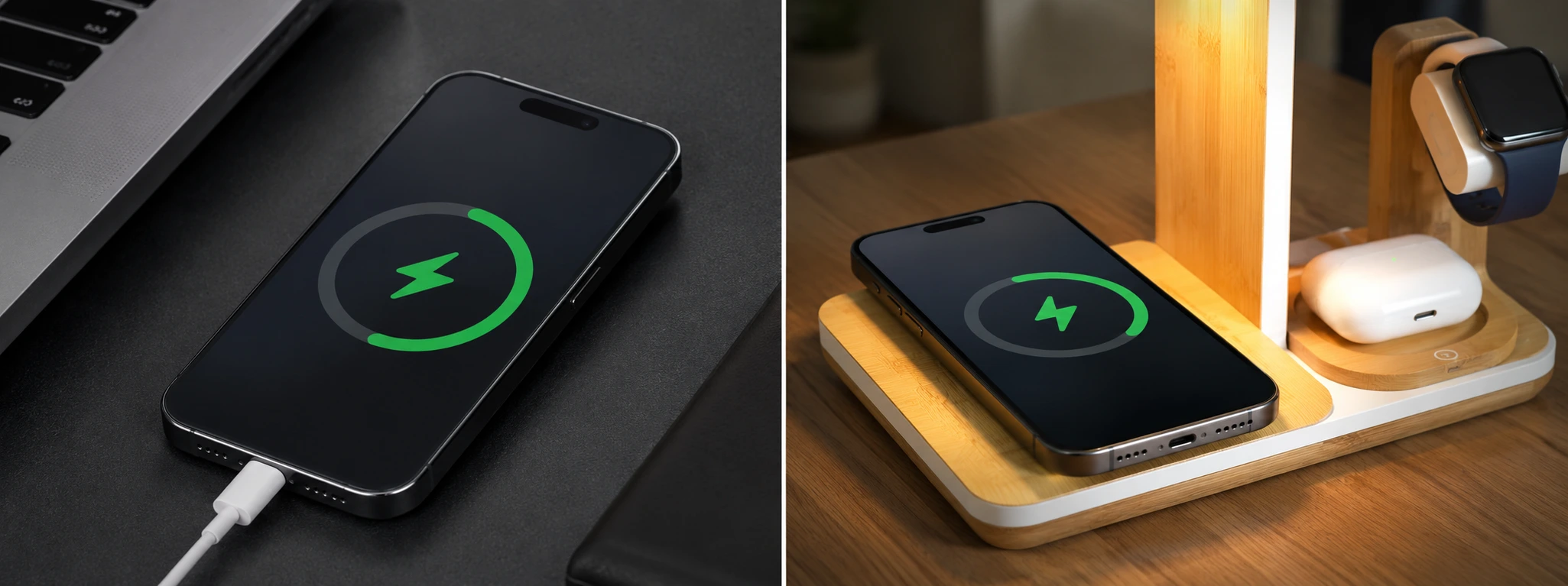
If you update your operating system to the new iOS 17 you will also be able to enjoy the potential of the new horizontal standby screen. Place it on a vertical stand and view your activities in real time, such as the calendar or weather. In this mode, the screen is full and gives you a different perspective than usual. It's a feature that works perfectly with our 2-in-1 Magnetic Wireless Chargers and 3-in-1 Wireless Charging Stands.
The new dynamic in contact sharing
It's much simpler to share contacts with the new iOS! Now just bring your iPhone closer to another, and from AirDrop, you can share any contact simply and quickly, with the new Contact Drop.
The new App on iOS 17: Diary
In addition to all the improvements and new features, the new iOS 17 also brings a new application. The Journal serves to save your memories in a more appealing and dynamic way. Using the format of a digital diary, this app allows you to view and personalize your moments and thoughts with photos and descriptions. This diary is private, meaning only you will have access to it. This new application is expected to be available by the end of the year.
The Smart Keyboard
The keyboard has been updated and you can now go back after correcting a word with just one tap. Furthermore, if you click on the space bar you can complete words and even sentences.
These are some of the new updates to the new iOS 17 software, which can be seen in the first few days of its debut. As expected, this complete software is only available from the iPhone 12 onwards, although it is possible to install it on older models, from the iPhone XR onwards.
If you want to use these and many other functions of Apple's new operating system, consider purchasing a Refurbished iPhone. At iServices we have the most recent models, compatible with all the latest developments. Also find out on our blog whether it is worth upgrading to iOS 17 on your iPhone 11.
Text written by Matilde Pêgas and edited by João Patrício

Discover how to safely buy a refurbished iPhone. In this guide, we explain what to check, from the battery and warranty to the condition of the device.

Learn how to fix your iPhone sound issues during music playback with effective solutions from iServices experts.
Is iPhone wireless charging not working? Discover common causes and practical solutions for models from iPhone X to iPhone 17 Pro Max.