





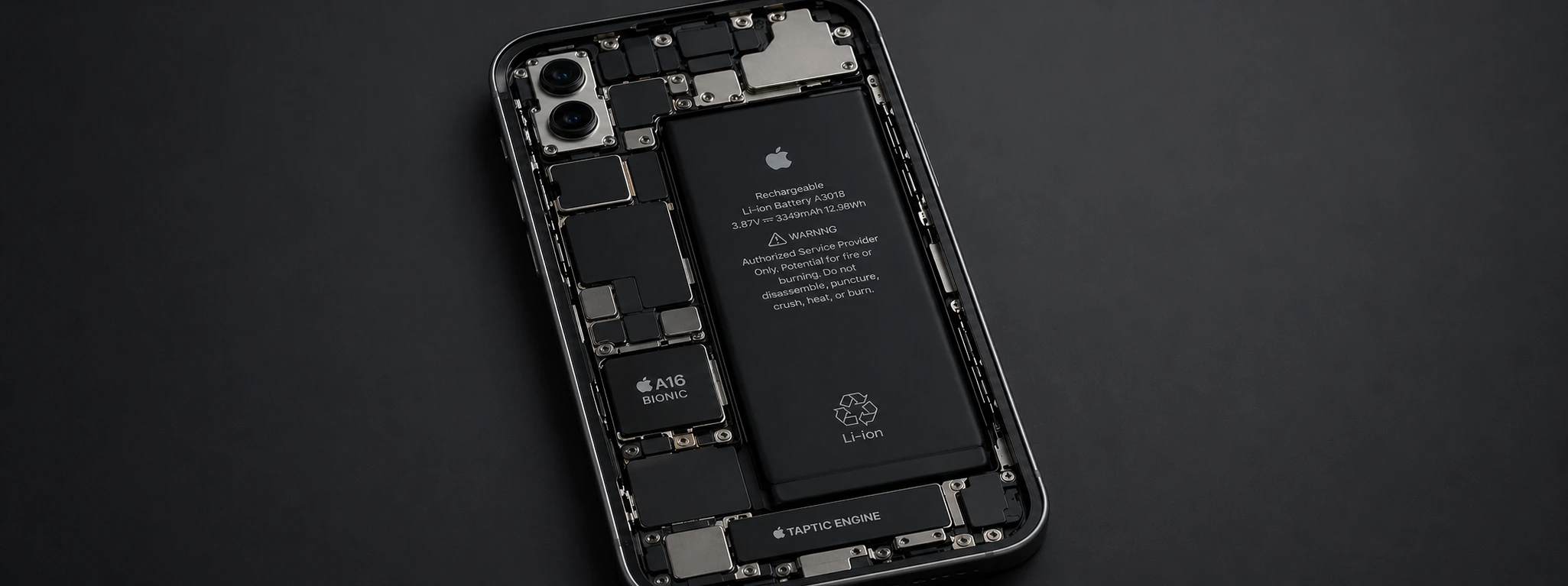




iPhone won't charge past 80%: causes and effective solutions
If you have an iPhone and have noticed that the battery charge does not exceed 80%, you are not alone. This is a common issue in models from the iPhone X to the latest iPhone 17 Pro Max. Although it may seem like a serious defect, it is often an intentional feature or a problem that can be resolved with a few simple steps.
At iServices, experts in mobile phone repairs, we know that this issue can be inconvenient, especially when you need your iPhone with a full battery. In this article, we explain the main causes of this behavior and present practical solutions so that you can return to charging your iPhone to 100%, thus ensuring the best performance of your device.
Causes of iPhone not exceeding 80% when charging
Optimized Battery Charging
Apple has implemented a feature called "Optimized Battery Charging" that limits charging to 80% to protect battery life. This function learns your charging habits and only completes the charge to 100% when it predicts you are going to use the phone.
Problems with the Cable or Charger
A damaged cable or a non-certified charger can prevent the iPhone from charging completely. Even if it charges up to 80%, the process may get blocked due to power failures or current instability.
Excessive iPhone Temperature
When the iPhone overheats during charging, the system limits the charge to protect internal components. The phone may stay at 80% until the temperature drops to safe levels.
Software Problems
Errors or glitches in the iOS system can cause charging issues, including the battery getting stuck at 80%. Pending updates or incorrect settings also influence charging behavior.
Solutions Table
| Cause | Recommended Solution | Complexity |
|---|---|---|
| Optimized Battery Charging | Disable the function in iPhone settings | Low |
| Defective Cable or Charger | Replace cable and charger with original ones | Low |
| Excessive Temperature | Charge the iPhone in a cool, ventilated place | Medium |
| Software Problems | Update iOS and restart the phone | Medium |
| Worn battery | Battery replacement at an iServices store | High |
Step-by-Step Solutions
Disable Optimized Battery Charging
- 1. Open your iPhone Settings.
- 2. Select Battery and then Battery Health.
- 3. Turn off the Optimized Battery Charging option.
- 4. Charge your iPhone again and check if the charge exceeds 80%.
Replace Cable and Charger
- 1. Check the condition of the Lightning cable and the charger.
- 2. Use only Apple-certified (MFi) accessories.
- 3. If the problem persists, try another original cable and charger.
- 4. Avoid charging the iPhone from unstable power sources.
Charge the iPhone in a Cool Place
- 1. Turn off the phone during charging to reduce heating.
- 2. Avoid exposing the iPhone to the sun or hot surfaces.
- 3. Use a location with good ventilation to dissipate heat.
- 4. If heat is the problem, the charge should exceed 80% once the temperature drops.
Update iOS and Restart the iPhone
- 1. Go to Settings > General > Software Update.
- 2. Install the latest available version of iOS.
- 3. Restart the phone to apply the changes.
- 4. Test the charging again to see if the issue is resolved.
Battery Replacement
- 1. If your iPhone has been used for several years, the battery may be degraded.
- 2. Visit an iServices store for a professional diagnosis.
- 3. Our technicians can replace the battery with an original Apple one.
- 4. After replacement, the limited charging issue should disappear.
Why does my iPhone only charge to 80%?
The iPhone may be using "Optimized Battery Charging," which limits the charge to preserve battery health over time. This feature is common since the iPhone X and is present in all the latest models up to the iPhone 16 Pro Max.
Can turning off optimized charging damage the battery?
Turning off this function allows charging up to 100%, but it can accelerate battery wear if the phone is frequently plugged into power. We recommend keeping the function active to prolong battery life.
What to do if the iPhone gets very hot when charging?
Avoid intensive use of the phone while charging and charge it in a cool, ventilated place. If the problem persists, there may be a battery or hardware issue that requires technical evaluation.
How do I know if my iPhone battery needs to be replaced?
In the iPhone settings, under Battery > Battery Health, you can check the maximum capacity. If it is below 80% or if the iPhone shows charging problems, we recommend replacing the battery at an iServices store.
Need Professional Help? iServices is Here for You
If your iPhone still doesn't charge beyond 80% even after trying the indicated solutions, iServices has the answer. With several stores spread across the country, we offer specialized technical assistance, repair warranty, and express deliveries so that your phone works like new again quickly.
Visit one of our stores for a free diagnosis and let our technicians handle the battery replacement or any other problem affecting your iPhone's charging. Check the iservices.pt website to find the nearest store and schedule your visit. At iServices, we are always ready to offer effective solutions and ensure your total satisfaction.
Recommended Products
View all
 36 Months


 36 Months

€19.95
36 Months


Other Articles
See more
iPhone Earpiece Volume Too Low? Practical Solutions
Is your iPhone earpiece volume low? Discover common causes and effective solutions for all models from iPhone X to 16 Pro Max at iServices.
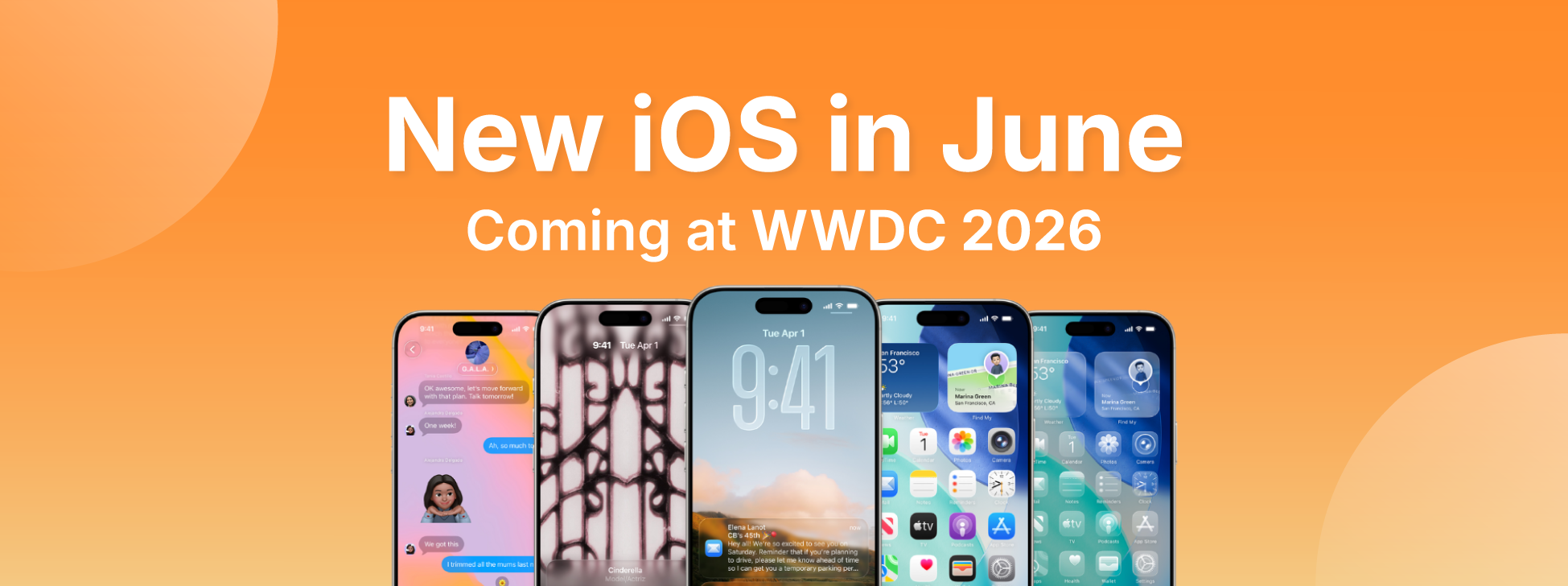
iOS 27, the new iPhone operating system, is coming
The WWDC 26 conference takes place between June 8th and 12th, where iOS 27 will be announced - the new iPhone operating system. Find out what's new.
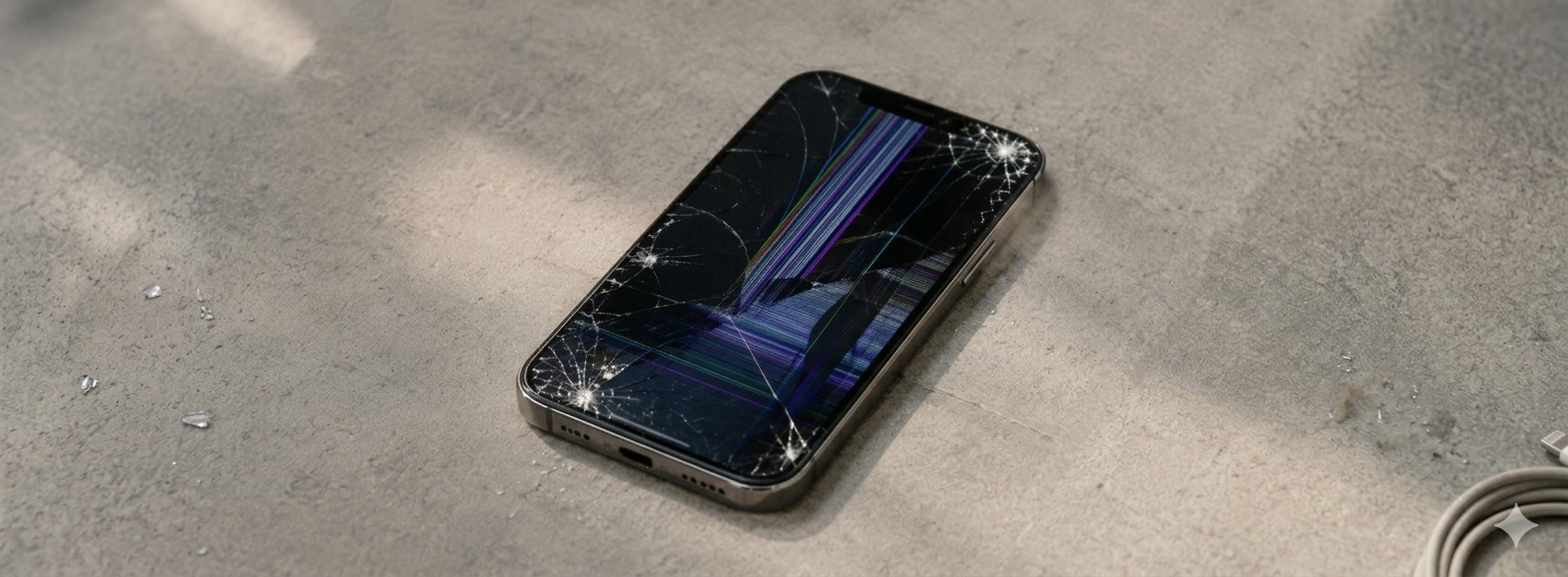
iPhone Screen with Burn-in (Image Retention): How to fix
Learn how to identify and solve the burn-in problem on the iPhone screen, from iPhone X to iPhone 17 Pro Max, with iServices solutions and assistance.
