





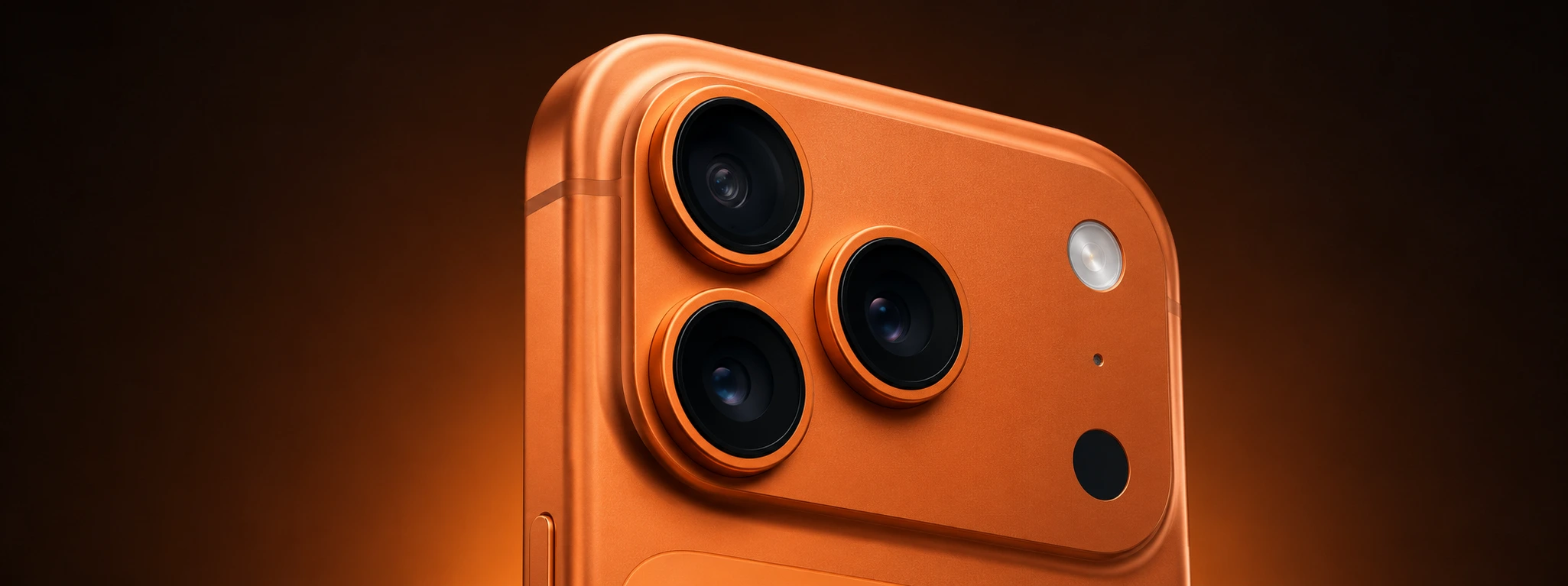




iPhone flash not working: causes and solutions
The iPhone flash is an essential feature for capturing clear photos in low-light environments and for use as a flashlight in everyday situations. However, many users face the problem of the iPhone flash not working, which can compromise the user experience, especially on models from the iPhone X to the latest iPhone 17 Pro Max.
At iServices, we understand the importance of a properly functioning device and know that the problem can be related to various causes, from software issues to hardware failures. In this article, we explain the main reasons why your iPhone flash may stop working and present practical solutions to resolve the problem safely and effectively.
Causes for the Flash not working on iPhone
Software or Configuration Problems
One of the most common causes for the iPhone flash not working is an incorrect setting or a software error. It may happen that an iOS update was not installed correctly, or that an application is interfering with the flash's operation.
Flash Disabled or Misconfigured Application
Sometimes, the flash may simply be disabled in the Camera app, or the app you are trying to use the flash in does not support this feature. There may also be a conflict between different phone settings that block the flash.
Hardware Problems with the Flash Module
The LED flash module may be damaged due to drops, moisture, or natural wear and tear. In these cases, even if the software works correctly, the flash does not turn on because the physical component is broken.
Battery or Power Management Issues
If the iPhone battery is having problems or if the power management system is limiting the use of the flash to save energy, the flash may not work or may work intermittently.
Solution Table
| Cause | Recommended Solution | Complexity |
|---|---|---|
| Software or Configuration Problems | Update iOS and restart the iPhone | Low |
| Flash Disabled or Misconfigured Application | Check flash settings in the Camera app | Low |
| Hardware Problems with the Flash Module | Repair or replacement of the flash module | High - Technical assistance |
| Battery or Power Management Issues | Battery diagnosis and replacement if necessary | Medium - Technical assistance |
Step-by-Step Solutions
Update iOS and Restart the iPhone
- Check if your iPhone is updated to the latest version of iOS: go to Settings > General > Software Update.
- If an update is available, download and install it.
- After the update, restart your iPhone so that the changes are applied correctly.
- Test the flash in the Camera app to confirm if the problem is resolved.
Check Flash Settings in the Camera App
- Open the Camera app on your iPhone.
- Tap the flash icon in the top left (or right, depending on the model).
- Ensure that the flash is set to "On" or "Auto".
- Try taking a photo with the flash working to check if the problem persists.
- If you are using another application that requires the flash, check the settings of that application.
Repair or Replacement of the Flash Module
- If you suspect physical damage, such as a drop or exposure to moisture, avoid trying to open the phone yourself.
- Go to an iServices store near you for a professional diagnosis.
- Our technicians specialized in iPhone repairs will check the flash module and proceed with the replacement if necessary.
- We guarantee original parts and technical assistance with a warranty.
Battery Diagnosis and Replacement
- If the flash only fails when the battery is low or the phone is in power-saving mode, there may be a power management issue.
- At iServices, we perform a complete diagnosis of the battery and power system.
- If necessary, we replace the battery with a new one, ensuring the good functionality of the flash and the phone.
Why doesn't my iPhone flash turn on even when it is enabled?
The flash may not turn on due to software problems, incorrect settings, or physical damage to the flash module. Updating iOS, checking flash settings, and, if necessary, seeking technical assistance are the best ways to resolve this.
Can I use the iPhone flash in all applications?
Not all applications support the use of the flash. The native iPhone Camera app has full support, but third-party applications may not have access to the flash or may have their own settings that disable it.
What to do if the flash works intermittently?
Intermittent flash operation may indicate battery problems or failures in the flash module. Professional diagnosis is recommended to avoid further damage and ensure the phone's safety.
How long does an iPhone flash repair take at iServices?
At iServices, most repairs are carried out on an express service basis, often on the same day, depending on the model and availability of parts. We guarantee quality technical assistance with a warranty for your peace of mind.
Need Professional Help? iServices Is Here for You
If your iPhone flash is not working and simple solutions haven't solved the problem, iServices has the answer you're looking for. With our stores, we offer quick diagnoses, certified repairs, and a warranty on all interventions. Our team of specialized technicians is prepared to handle everything from the iPhone X to the latest iPhone 16 Pro Max, ensuring maximum quality and safety.
Visit the nearest iServices store for personalized service or check our website for more information about our services and express deliveries. At iServices, your phone is in good hands – trust us to restore full functionality to your device.
Recommended Products
View all

 36 Months
 36 Months

€19.95
36 Months




Other Articles
See more
iPhone Ghost Screen: How to Fix Accidental Touches
Learn how to fix the iPhone ghost screen problem with accidental touches. Effective solutions for models from iPhone X up to iPhone 17 Pro Max.
iPhone sound muffled after falling in water: causes and solutions
Muffled iPhone sound after water drop: causes, solutions and specialized technical assistance at iServices.
Water in the iPhone charging port: How to identify and fix
Learn how to identify and resolve issues caused by water in your iPhone's charging port with helpful tips and expert support.
