





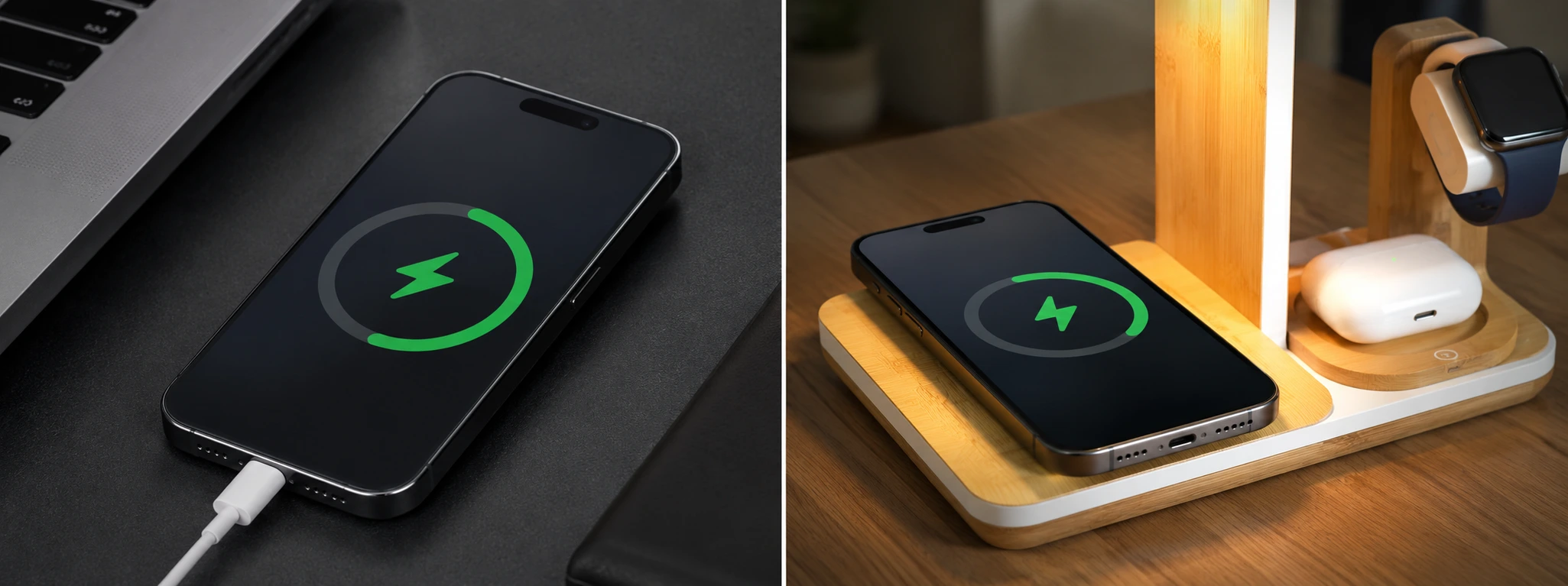




iPhone charging port with poor contact: causes and solutions
The iPhone charging port is a fundamental component to ensure your device stays operational and fully charged. From the iPhone X to the latest iPhone 17 Pro Max, this element can experience poor contact issues, affecting the user experience. At iServices, we understand the frustration these problems cause and are here to help with effective solutions.
This article addresses the main causes of poor contact in the iPhone charging port, presents practical solutions to resolve the problem, and clarifies the most common user questions. If your iPhone is having difficulty charging or does not recognize the charging cable, continue reading to discover how to act.
Causes of poor contact in the iPhone charging port
Accumulation of dirt and debris
With daily use, it is common for the charging port to accumulate dust, clothing fibers, or other particles. This dirt can prevent proper contact between the cable and the internal pins, causing charging failures or interruptions.
Physical damage to the charging port
Drops, impacts, or the use of incompatible cables can damage the metal pins or the charging port connector. This physical damage hinders a stable cable connection, resulting in poor contact.
Defective cable or charger
Sometimes, the problem does not lie in the iPhone port, but rather in the cable or charger used. Damaged cables, with broken wires or deformed connectors, do not establish an adequate connection.
Software issues and iOS updates
In rare situations, software bugs or incompatibilities after iOS operating system updates can affect the iPhone's recognition of the charger, appearing as poor contact.
Table of Solutions
| Cause | Recommended Solution | Complexity |
|---|---|---|
| Accumulation of dirt | Careful cleaning of the port with appropriate tools | Low |
| Physical damage to the port | Replacement of the charging port | High |
| Defective cable or charger | Test with original or certified cable and charger | Low |
| Software problems | Update iOS or restore the iPhone | Medium |
| Loose or broken internal connector | Specialized technical repair at iServices | High |
Step-by-Step Solutions
Careful cleaning of the port with appropriate tools
- Turn off your iPhone to avoid short circuits.
- Use a soft-bristled brush or a wooden toothpick to gently remove the dirt.
- Avoid using metal objects that could damage the pins.
- If necessary, blow compressed air to remove stubborn particles.
- Test the charging again.
Replacement of the charging port
- Take your iPhone to an iServices store for diagnosis.
- Our specialized technicians evaluate the damage and confirm the need for replacement.
- We proceed to replace the port with original components.
- We test full functionality before delivery.
- We offer a warranty on the repair.
Test with original or certified cable and charger
- Use an official Apple cable and charger or MFi certified products.
- Check if the cable shows signs of wear or damage.
- Try charging the iPhone with another cable to identify if the problem persists.
- If the problem disappears, replace the cable or charger.
Update iOS or restore the iPhone
- Go to “Settings” > “General” > “Software Update”.
- Install the latest version of iOS available.
- If the problem continues, back up and restore the iPhone via iTunes or Finder.
- Contact iServices if you need technical assistance for this process.
Specialized technical repair at iServices
- If the port is loose, has broken pins, or other internal damage, head to an iServices store.
- Our technicians have the tools and parts to perform a safe and lasting repair.
- After the intervention, the iPhone is exhaustively tested.
- We guarantee technical support and a warranty on the repair.
How to identify if the problem is in the charging port or the cable?
To distinguish, try charging your iPhone with another original or certified cable and charger. If the problem persists, the port is likely the source of the poor contact. Otherwise, replace the cable or charger.
Is it safe to clean the charging port at home?
Yes, provided you use appropriate tools, such as a soft brush or wooden toothpick, and take precautions not to damage the internal pins. Avoid metal objects and perform the cleaning with the iPhone turned off.
How long does the charging port repair take at iServices?
In most situations, the repair can be performed on the same day, especially with our express deliveries. The time may vary depending on the availability of parts and the iPhone model.
Does the charging port repair affect the iPhone warranty?
At iServices, we use original or high-quality compatible parts and offer a post-repair warranty. However, interventions outside of authorized channels can sometimes affect the official Apple warranty.
Need Professional Help? iServices Is Here for You
If your iPhone shows poor contact in the charging port, do not hesitate to visit one of the 76 iServices stores spread across Portugal. Our specialized technicians perform a rigorous diagnosis and offer fast, guaranteed solutions for your device. With express deliveries and technical support throughout the country, we ensure that your iPhone works like new again.
Visit our website to find the nearest store and schedule your appointment. At iServices, we are always ready to help extend the life of your mobile phone with quality repairs and trust.
Recommended Products
View all

 36 Months
 36 Months

€19.95
36 Months




Other Articles
See more
Dirty iPhone Earpiece: How to Clean It Safely?
Learn how to clean your iPhone earpiece safely and effectively. Expert solutions for iPhone models at iServices.
iPhone's silence button doesn't work: causes and solutions
iPhone mute button not working? Discover common causes and effective solutions for iPhone X to iPhone 17 Pro Max models.

Conhece o Kit para o iPhone 16 da iServices
A iServices preparou um Kit para o iPhone 16, com Powerbank, Capa Transparente MagSafe e uma Película para proteger o mais recente Smartphone da Apple.
