





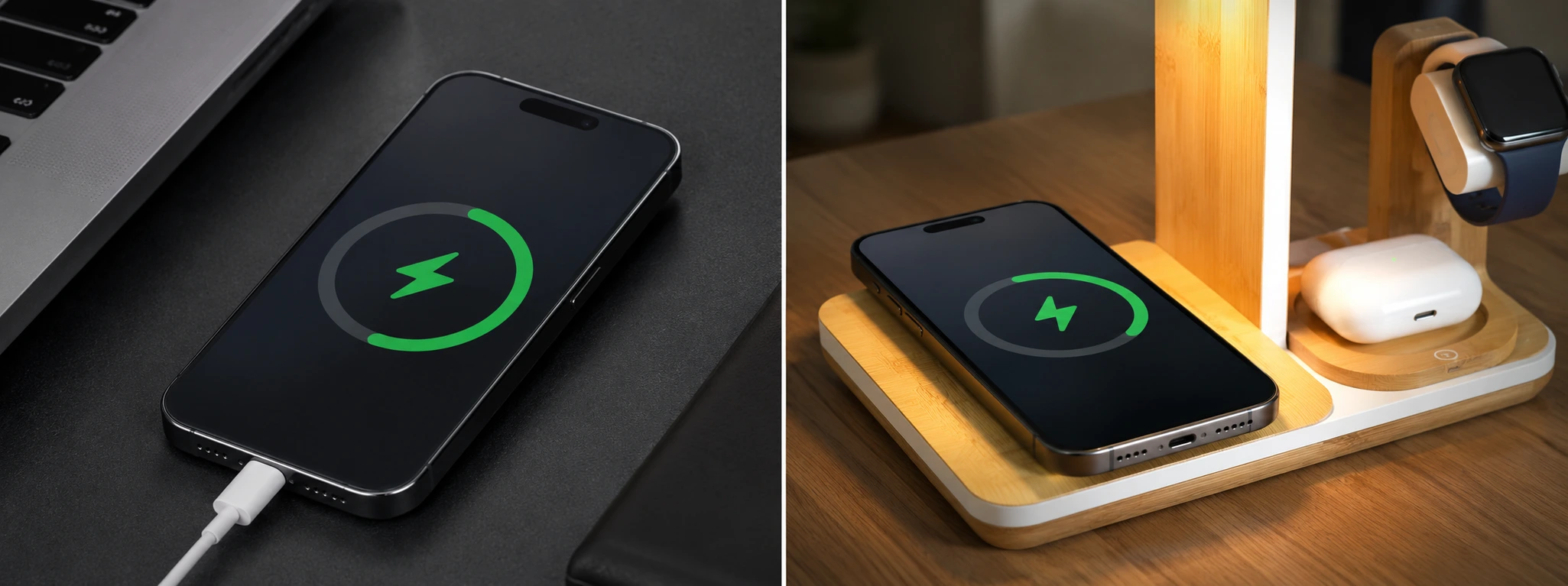




iPhone does not recognize charging cable: causes and solutions
If your iPhone, from the X model to the latest iPhone 17 Pro Max, does not recognize the charging cable, you know how frustrating this situation can be. This problem prevents not only the charging of the device, but also data synchronization, affecting your daily user experience. At iServices, we understand the importance of keeping your iPhone functional, which is why we have gathered the main causes and solutions for this common problem.
Many users face this difficulty due to factors ranging from physical problems with the cable or connector to software issues that prevent the correct recognition of the accessory. Identifying the source of the problem is essential to ensure an effective repair and avoid unnecessary costs. Our technical team is prepared to help, but before visiting us, check out the solutions you can try at home.
In this article, we will explore the most frequent reasons why the iPhone does not recognize the charging cable and present a complete guide with detailed solutions for each situation. This way, you will be prepared to solve the problem or know when it is necessary to seek specialized technical assistance.
Why does the iPhone not recognize the charging cable?
Damaged or incompatible charging cable
One of the most common reasons for the iPhone not recognizing the cable is physical wear and tear on the charging cable or the use of cables not certified by Apple (non-MFi). Damaged cables may have broken wires or connectors with dirty contacts, preventing proper connection.
Dirty Lightning port or debris
The iPhone's Lightning port can accumulate dust, lint, or other debris that blocks the connection between the cable and the phone. Even small obstructions can prevent the cable from being recognized, affecting charging and data transfer.
Software or operating system issues
Sometimes, the problem is not in the hardware but in the software. An error may occur in the iOS operating system that prevents the recognition of the cable, especially after updates or when the device is locked with restrictions.
Defects in the Lightning port or internal hardware
If the Lightning port is internally damaged or if there are problems with the iPhone's logic board, the device may not recognize the cable. These defects require a technical assessment to determine the extent of the problem and the necessary repair.
Solutions Table
| Cause | Recommended Solution | Complexity |
|---|---|---|
| Damaged charging cable | Use original or certified cable and replace cable | Low |
| Dirty Lightning port or debris | Carefully clean the port with proper tools | Low |
| Software problems | Restart iPhone or update operating system | Medium |
| Lightning port defects | Technical assistance for repair or replacement | High |
| Logic board problems | Advanced diagnosis and specialized repair | Very High |
Step-by-Step Solutions
Use original or certified cable and replace cable
- Check if you are using an original Apple or MFi certified cable.
- Visually inspect the cable for signs of wear, cuts, or bends.
- If possible, test the cable with another iPhone to confirm if it is functional.
- If the cable is faulty, replace it with a new certified one to ensure compatibility.
Carefully clean the Lightning port
- Turn off the iPhone to avoid electrical damage.
- Use a thin tool, such as a plastic toothpick or an anti-static brush.
- Carefully remove dust, lint, or debris accumulated in the port.
- Avoid using metal objects that could damage the internal contacts.
- Test charging after cleaning.
Restart iPhone or update operating system
- Restart the iPhone by holding the side button and the volume button until the power off slider appears.
- Drag to power off and turn it on again after a few seconds.
- Check if there are iOS updates in Settings > General > Software Update.
- Install available updates to fix any potential bugs.
- Test cable recognition again.
Technical assistance for repair or replacement of the Lightning port
- If the previous solutions do not work, head to an iServices store.
- Technicians will perform a complete diagnosis of the Lightning port.
- If necessary, they will proceed with the replacement of the connector using original parts.
- The repair is performed with a warranty, ensuring the quality of the service.
Advanced diagnosis and logic board repair
- If the failure persists, it may be a problem with the logic board.
- At iServices, we have specialized equipment for detailed diagnosis.
- The repair may involve replacing internal components.
- This service is performed by certified technicians, ensuring the integrity of the iPhone.
Why is my iPhone not charging even though it is connected to the cable?
This may be due to a damaged cable or adapter, a dirty Lightning port, or a software problem. Test with another cable and charger, clean the port, and restart the iPhone. If the problem persists, technical assistance may be required.
How do I know if the charging cable is original or certified?
Original Apple cables have an MFi (Made for iPhone) marking. You can buy certified cables in official stores or at iServices to ensure compatibility and charging safety.
Can I clean the Lightning port myself?
Yes, provided you do it carefully. Use non-metallic tools and avoid applying excessive force so as not to damage the internal contacts. If you do not feel comfortable, consult the iServices technicians.
How long does the Lightning port repair take at iServices?
In most cases, the repair is performed on the same day, thanks to our express service. We have 76 stores in Portugal where you can leave your iPhone for diagnosis and repair with a warranty.
Need Professional Help? iServices Is Here for You
If your iPhone still does not recognize the charging cable, do not hesitate to visit one of the iServices stores. Our specialized technicians will perform a complete diagnosis and offer you the best solution so that your phone returns to working perfectly.
At iServices, we offer a warranty on all repairs, express deliveries for greater convenience, and dedicated technical assistance for all iPhone models, from the iPhone X to the iPhone 17 Pro Max. Trust the leader in mobile phone repairs in Portugal and visit our website iservices.pt for more information or to book your appointment.
We are ready to help your iPhone charge again, with the quality and speed that only iServices can guarantee you. Come see us!
Recommended Products
View all

 36 Months
 36 Months

€19.95
36 Months




Other Articles
See more
iPhone Camera Blurry in All Photos: How to Fix
iPhone camera blurry in all photos? Discover the common causes and effective solutions for iPhone X to iPhone 17 Pro Max models at iServices.

It's official: The iPhone 17e and iPad Air are coming
Apple has just announced the launch of the iPhone 17e and a new tablet - the iPad Air. Come and discover the latest Apple news with iServices.
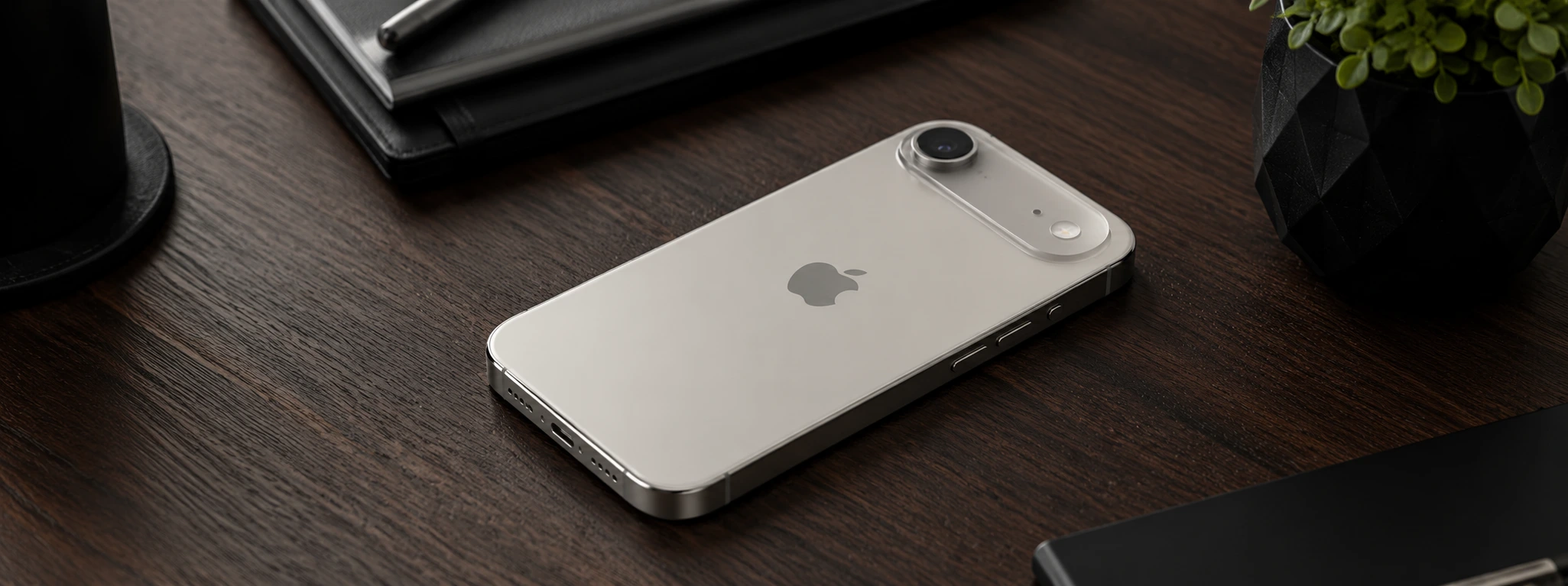
iPhone Air 2: Discover the new features of Apple's latest model
The iPhone Air 2 is coming and with potential major innovations in the battery, a second camera on the back and various features that could surprise.
