





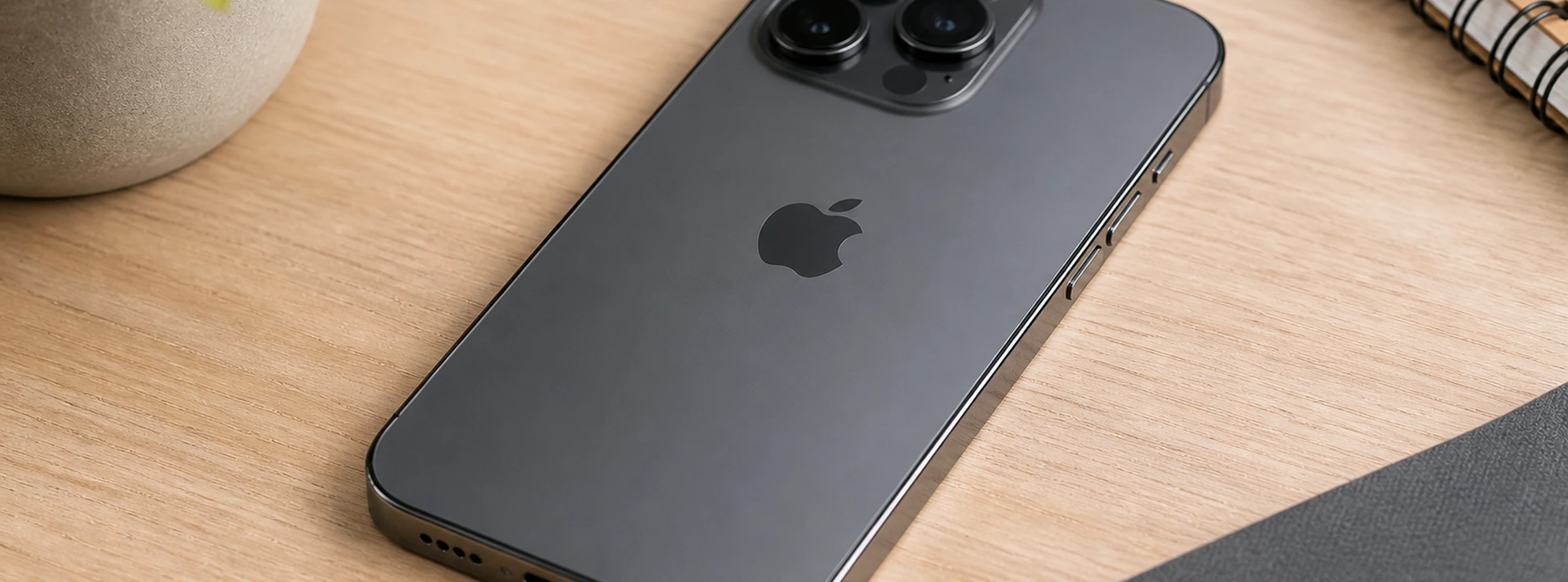




iPhone Power button doesn't work: causes and solutions
The Power button is one of the most important components of your iPhone, allowing you to easily turn it on, turn it off, and lock the screen. If you have an iPhone from model X up to the latest iPhone 17 Pro Max, you may eventually face problems with the Power button not working correctly. This malfunction can compromise the daily use of your phone, affecting your experience and productivity.
At iServices, we understand the frustration this problem can cause. Therefore, in this article, we have gathered the main causes of the iPhone Power button malfunction, as well as practical solutions you can try at home and information on how our specialized technicians can help resolve this situation quickly and with a guarantee.
Causes of the iPhone Power Button Not Working
Intensive Use and Natural Wear and Tear
The Power button is a mechanical part subject to wear and tear over time. Constant use, from the iPhone X to the latest models, can cause the internal mechanism to loosen or fail, making it less responsive or completely inoperable.
Entry of Dirt, Dust, or Moisture
The accumulation of dust, dirt, or even exposure to moisture can interfere with the Power button's operation. This is common in iPhones used in dusty environments or in contact with liquids, causing physical blockages or damage to the internal contacts.
Software Issues
In some cases, the problem is not with the physical button, but with an iOS operating system failure. Incomplete updates, bugs, or conflicts with applications can prevent the Power button from responding as expected, giving the impression that it is faulty.
Damage from Drops or Impacts
If your iPhone has suffered a fall or strong impact, the Power button may have been affected by internal damage, even if it appears intact externally. This type of malfunction is common and can cause mechanism failures or even damage to the logic board associated with the button.
Solutions Table
| Cause | Recommended Solution | Complexity |
|---|---|---|
| Intensive use and wear | Power button replacement at iServices | High |
| Entry of dirt or moisture | Professional cleaning of the button and components | Medium |
| Software issues | Restart, update, or restore iOS | Low |
| Damage from drops or impacts | Complete diagnosis and specialized repair | High |
| Accessibility settings | Activate AssistiveTouch to use a virtual button | Low |
Step-by-Step Solutions
Restart, update, or restore iOS
- 1. Try restarting the iPhone by holding down the Volume button and the Volume Up button (on models without a functional Power button, use the alternative button combination).
- 2. Check for available iOS updates in Settings > General > Software Update.
- 3. If the problem persists, back up and restore your iPhone via iTunes or Finder on Mac.
Activate AssistiveTouch to use a virtual button
- 1. Go to Settings > Accessibility > Touch > AssistiveTouch.
- 2. Enable the AssistiveTouch option, which creates a virtual button on the screen.
- 1. Use this button to simulate the Power button's function until you can physically repair the button.
Professional cleaning of the button and internal components
- 1. Turn off your iPhone and take it to an iServices store for an internal cleaning.
- 2. Our technicians carefully remove any dirt or residue that may be blocking the button mechanism.
- 3. Test the functionality after cleaning to ensure the problem has been resolved.
Power button replacement
- 1. Schedule an appointment at an iServices store.
- 2. Our technicians perform a complete diagnosis to confirm the malfunction.
- 3. We proceed with the replacement of the Power button with original parts, ensuring the functionality and durability of your iPhone.
Diagnosis and repair of impact damage
- 1. Take your iPhone to iServices for a detailed analysis.
- 2. We identify possible internal damage affecting the Power button.
- 3. We perform the necessary repairs, including replacement of internal components or the logic board, as appropriate.
Why did my iPhone's Power button suddenly stop working?
It could be due to a hardware problem, wear and tear, accumulated dirt, or even a software failure. It's important to check if iOS is updated, and if the problem persists, seek technical assistance for a detailed diagnosis.
Can I continue to use my iPhone without the Power button?
Yes, you can activate the AssistiveTouch feature in your iPhone settings. This creates a virtual button on the screen that simulates the Power button and other functions, allowing you to continue using your phone normally until it's repaired.
How long does Power button repair take at iServices?
Typically, Power button replacement or cleaning is done in a few hours, depending on store availability. We offer express deliveries so you receive your repaired iPhone as quickly as possible.
What happens if I ignore the Power button issue?
Ignoring it can lead to difficulties in turning on, turning off, or locking your iPhone's screen, affecting the device's security and performance. Furthermore, it can worsen the problem, causing more complex and expensive internal damage.
Need Professional Help? iServices Is Here for You
If your iPhone's Power button is not working, don't hesitate to visit one of the iServices stores across Europe. Our specialized technicians perform a complete diagnosis and offer quick solutions, from cleanings and repairs to button replacement, ensuring original parts and a solid warranty.
At iServices, we value our customers' trust and offer excellent technical assistance, express deliveries, and support nationwide. For more information or to schedule your visit, check our website at iservices.pt. Count on us to restore your iPhone's functionality and performance it deserves.
Recommended Products
View all
 36 Months
 36 Months

€19.95
36 Months




Other Articles
See more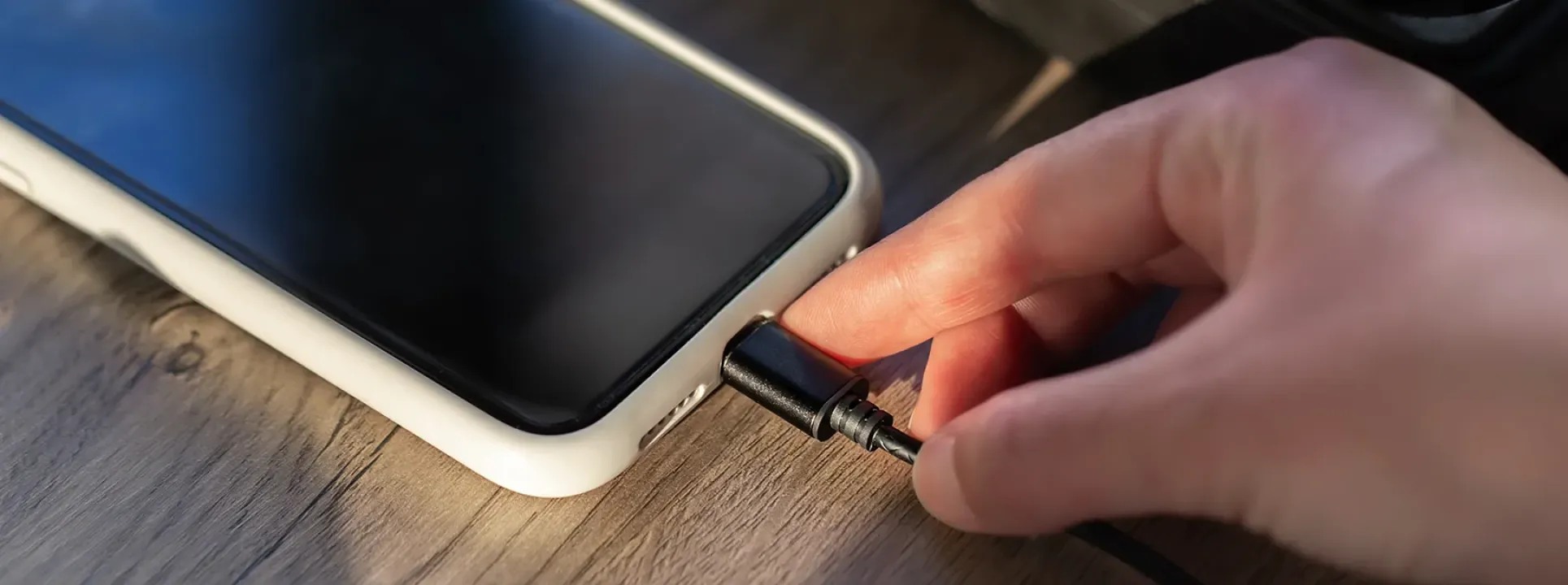
Your phone not charging? 5 steps to try and fix it
Your phone not charging? Don't panic! It might be a loose connection or accumulated dust. Follow our suggestions before seeking professional help.
In 2026, discontinued iPhones are…
Apple will announce the discontinued iPhones in 2026, that is, Smartphones that will no longer be updated. Find out which ones with iServices.
iPhone mobile data not working: How to fix it
Discover how to fix it when mobile data is not working on the iPhone, with effective solutions for models from the iPhone X to the iPhone 17 Pro Max.
