





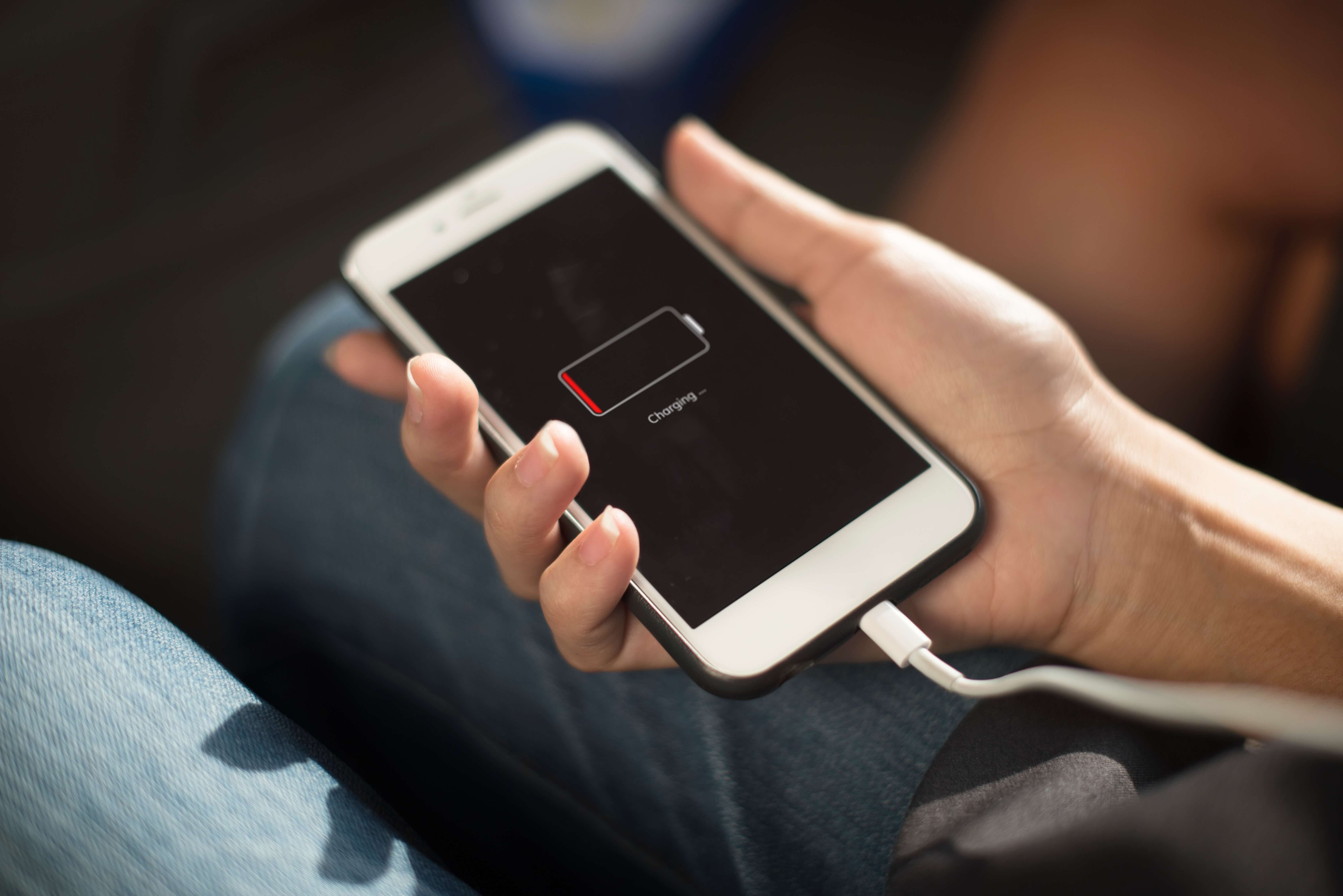




12 tips that extend your battery life
As with everything in life, there is a beginning, middle and end when it comes to batteries!
According to experts, a Lithium battery is about a year old a year and a half of useful life ? somewhere between 300 and 500 cycles. But we can prolong this life a lot, just follow a set of good practices in the daily use that we give to our smartphones.
So what are the good practices that can help extend smartphones battery? Follow iServices advice!
- Put a dark background image. It may seem unimportant, but the more brightness you need on your screen, the more battery you will spend. So, opt for a dark background image that doesn't need so much light.
- Keep your smartphone away from the sun, as exposure to heat is harmful to smartphones. A lithium-ion battery, in a place at 25ºC, can lose more than 20% of its capacity per year. So preserve your equipment: don't expose it to heat!
- Keep Wi-fi, Mobile Data, Bluetooth and Location Services off. Use these options only when necessary. This way you will save energy.
- Turn off notifications. How many notifications do you get on your phone that are really important? See which notifications you don't need and turn it off in the app's settings. If your phone is constantly receiving notifications (like emails), it will be consuming more energy.
- Uninstall apps you don't use. You certainly don't use all the Apps you have on your phone, review how many you've installed and leave only the ones you really need. In addition to saving your battery, you are also improving your smartphone's performance.
- Turn off automatic updates. Whenever your smartphone connects to a Wi-Fi network, it will look for new updates for all applications. This feature, in addition to being unnecessary, consumes a lot of battery to your smartphone. Update your apps at night, before bed, manually.
- Close background apps. Many times after using an App, we think that it was closed the moment we left it, but most of the time this is not the case. Always make sure you have all applications closed.
- Turn on energy saving mode. The energy saving mode is automatically activated when our smartphone has battery equal to or less than 20%, however this can be a measure that is always active on your smartphone.
- Deactivate the vibration mode of the your smartphone. The phone's vibration is already more than essential when in silent mode, but if it is active for all notifications, calls and messages, it will end up consuming more battery.
- Reduce the blocking time of the screen. If your screen takes longer than 30 seconds to freeze after disuse, battery consumption is excessive and unnecessary.
- Avoid consuming battery of your smartphone until it reaches less than 20%. Although it was considered a myth for a long time, the fact that we charge the phone many times, or let the battery below 20%, greatly reduces its performance.
- Mode SOS! If you really need battery for a certain moment and you're low on battery, put your phone in Airplane Mode, this feature uses the least battery however, it doesn't receive SMS, calls and doesn't allow internet usage. Use only in case of SOS battery.
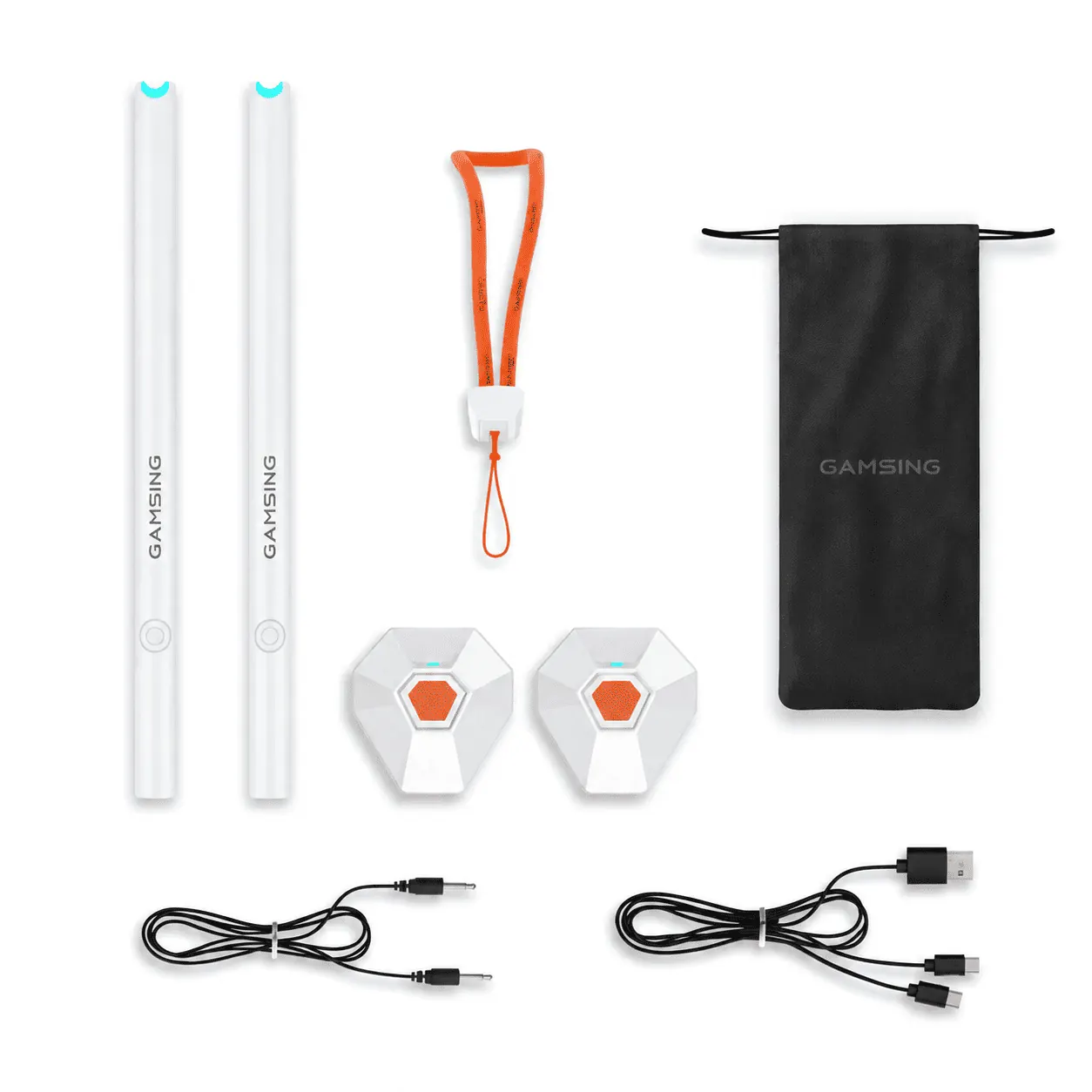
These are the 12 tips that we bring you to make your battery last longer. But we still leave a final tip: get a powerbank or a charger auto. This is the simplest way to guarantee that you'll never run out of power and you can charge your phone anywhere and anytime.
If your smartphone is slow, apps won't respond, shut down or restart unexpectedly or discharges too fast...If you've tried everything and your battery still can't keep up with your rhythm, you probably need a new battery. Come visit us at iServices we replace your battery on the spot, with a two-year warranty.
Recommended Products
View all
 36 Months
 36 Months

€19.95
36 Months




Other Articles
See more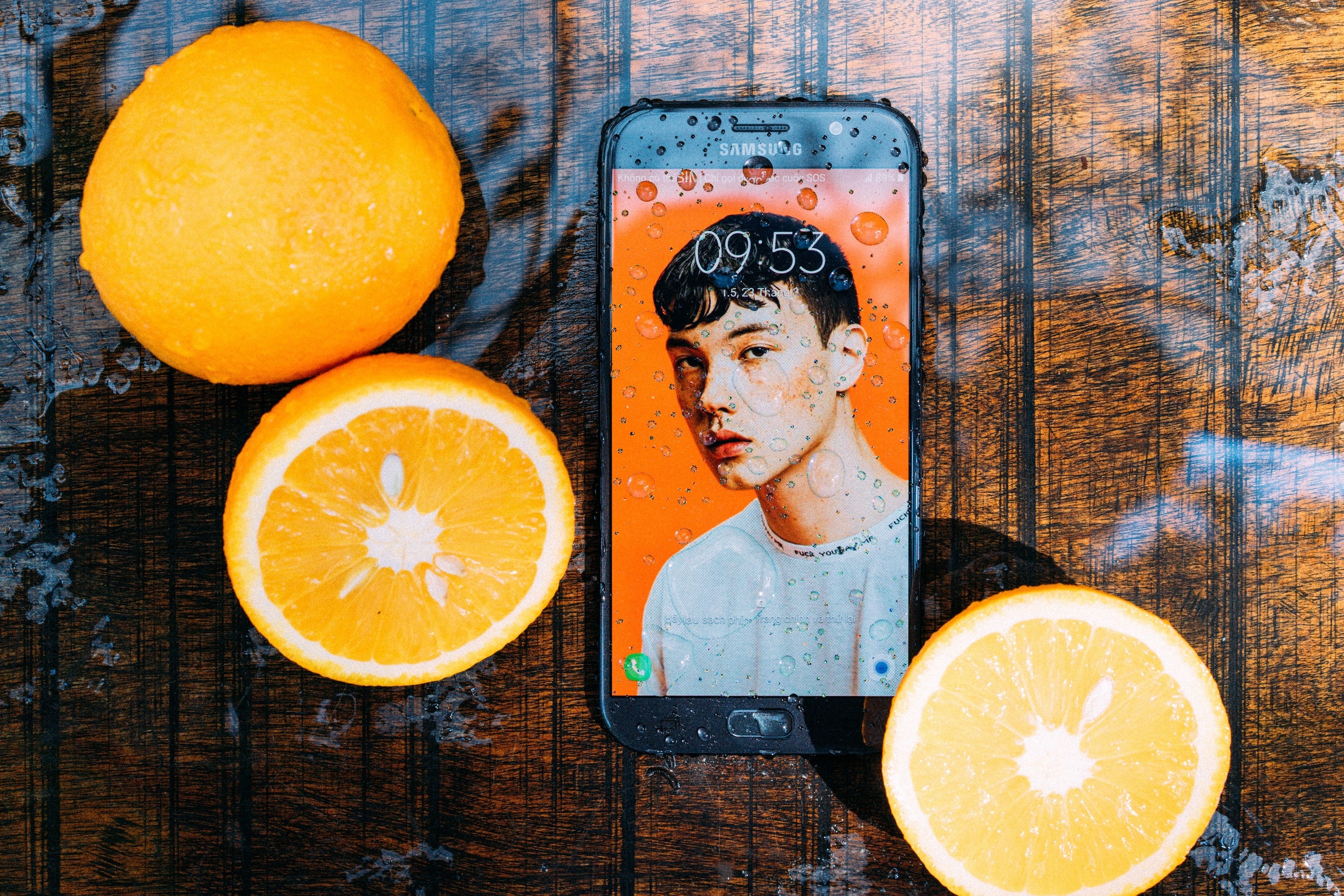
Did your smartphone fall into the water? Calm. There is solution!
It's easy for a smartphone to fall into the water and stop working. If this has happened to you, first know that you must turn it off immediately. And don't think that all is lost, there are survival maneuvers. Follow our tips!
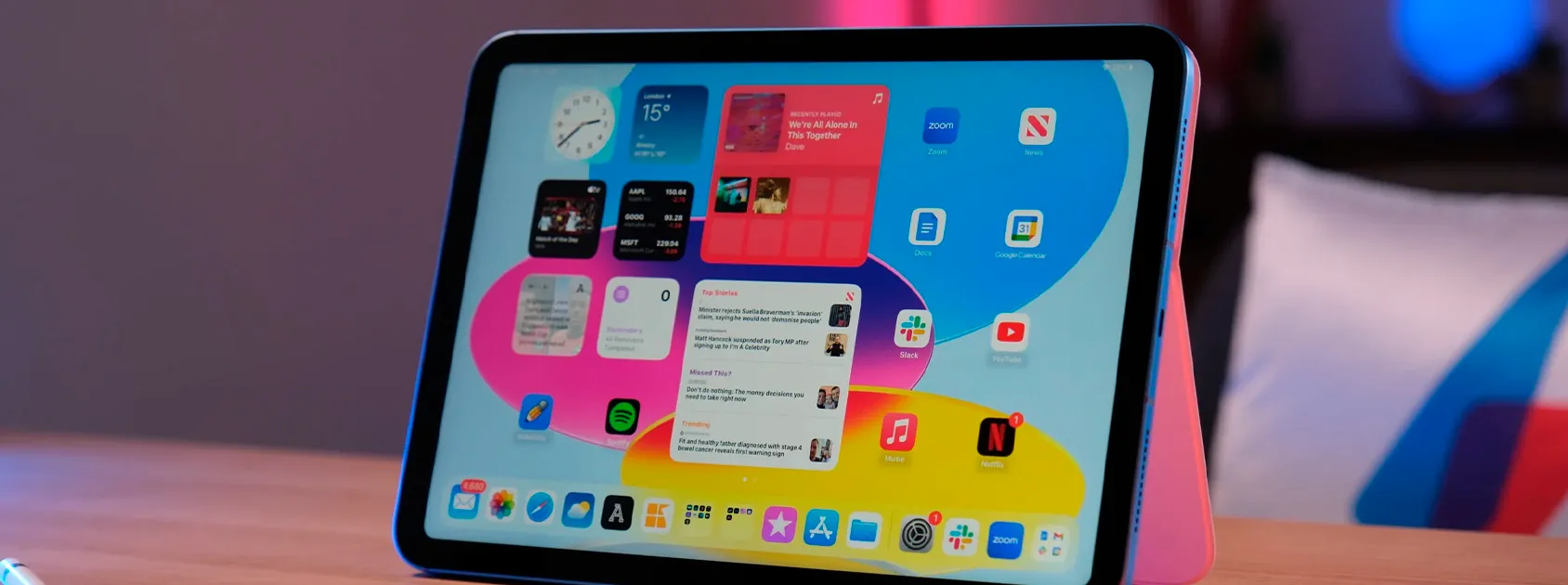
Já viste os novos iPads Recondicionados da iServices?
Conhece os iPads Recondicionados que chegaram à Loja Online da iServices. São vários modelos de iPad Pro a iPad Air de qualidade e a preço acessível.

Maintaining a Refurbished Item: Essential Tips and Care
Learn the best tips to have with a refurbished product. These are precautions that aim to extend the lifespan of this equipment.
