





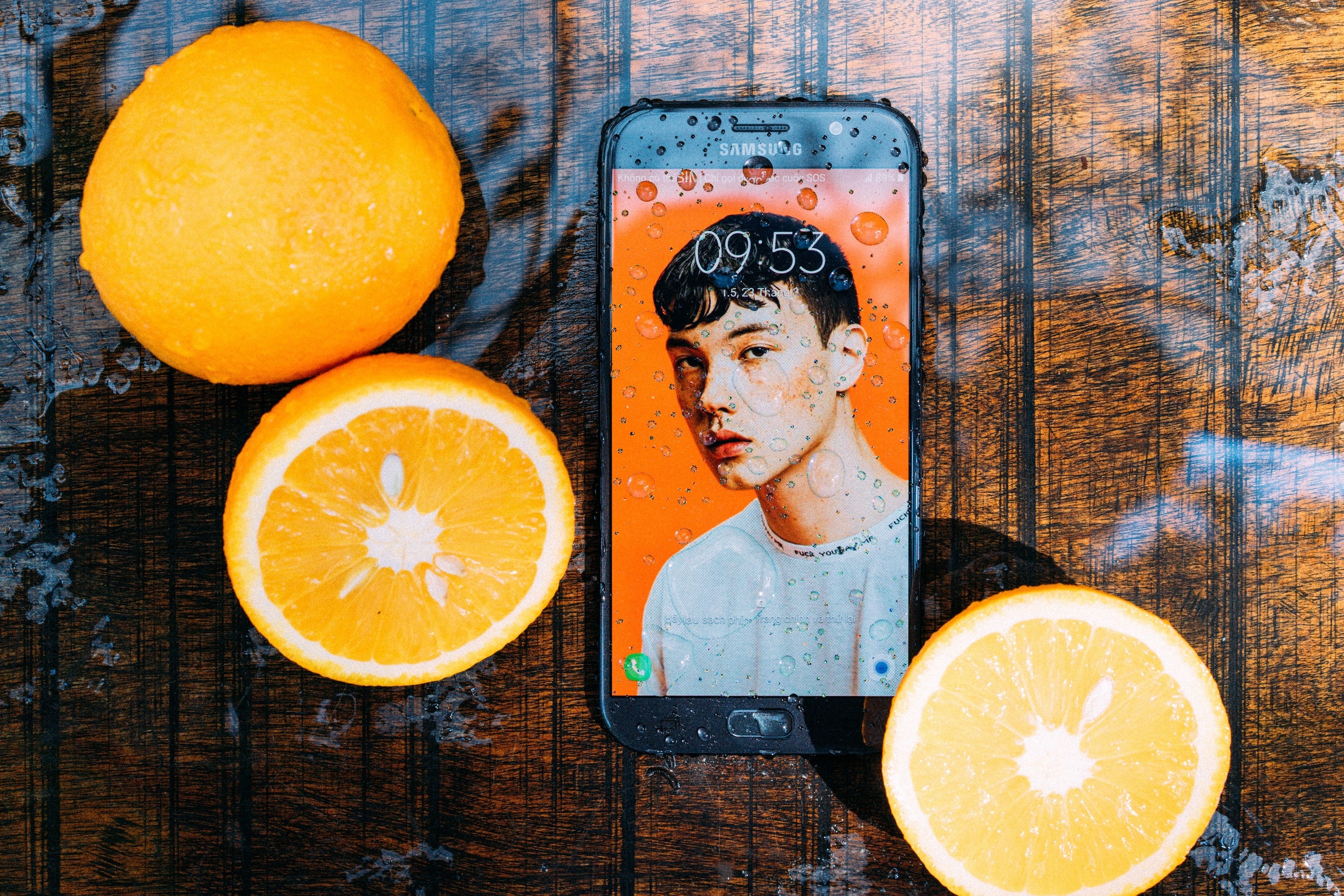




Did your smartphone fall into the water? Calm. There is solution!
Electronic equipment is not the best friend of liquids, and they often end up dictating the end of life. life of our appliances, with irreparable damage.
Actually, water damage is much more common than you might think. An American study. concluded that a third of smartphones that suffer water damage were due to falling into toilets or sinks. So, if an unforeseen event happens and your mobile phone or tablet comes into contact with liquids, what should you do immediately to save the equipment?
Follow our four essential tips!
1- Turn off your device if it is working
Even if your mobile phone continues to work, it is important that you turn it off, as when it has been in contact with liquids, a short circuit. If you cannot turn it off by the conventional method, you can remove the battery if you have access to it.
2- Keep the device turned off< /strong>
Do not try to turn on your phone after the damage to see if it is working or not. Turning on the equipment can further damage the components or cause a short circuit that makes repair impossible.
3-Leave it in a place dry
Until you go to our store, leave your phone in a dry place, do not try to dry it with hairdryers or other types of objects. Do not put it in contact with any substance as it can make its repair more difficult and will not bring significant benefits.
4- Move- if to a store iServices
This is the most important step and should be done as soon as possible. All our stores are equipped with specific machines to remove any trace of liquids, without damaging any component of the mobile phone or tablet. Cleanings may vary depending on the level of damages. If the equipment is not repaired after cleaning, it is completely free.
How does the internal cleaning work?
The internal cleaning goes through an ultrasound machine, which will eliminate the traces of liquid on the smartphone. The faster we carry out this cleaning, the greater the probability of full recovery of the equipment. Android smartphones are more difficult to recover compared to the iPhone, as most of their components are soldered to the board.
And does rice help...?
Does rice absorb moisture? Yes, the outside and very slowly. It is not the recommended solution, since the rice will not be able to absorb the internal humidity of your equipment, which will be affecting the internal parts of your mobile phone. For this reason, often after turning on the equipment after a water damage, there are failures in the microphone, charging or other component.
In short, immediately turn off your equipment and visit a iServices store as soon as possible!
Recommended Products
View all
 36 Months

 36 Months

 36 Months

€39.95
Other Articles
See more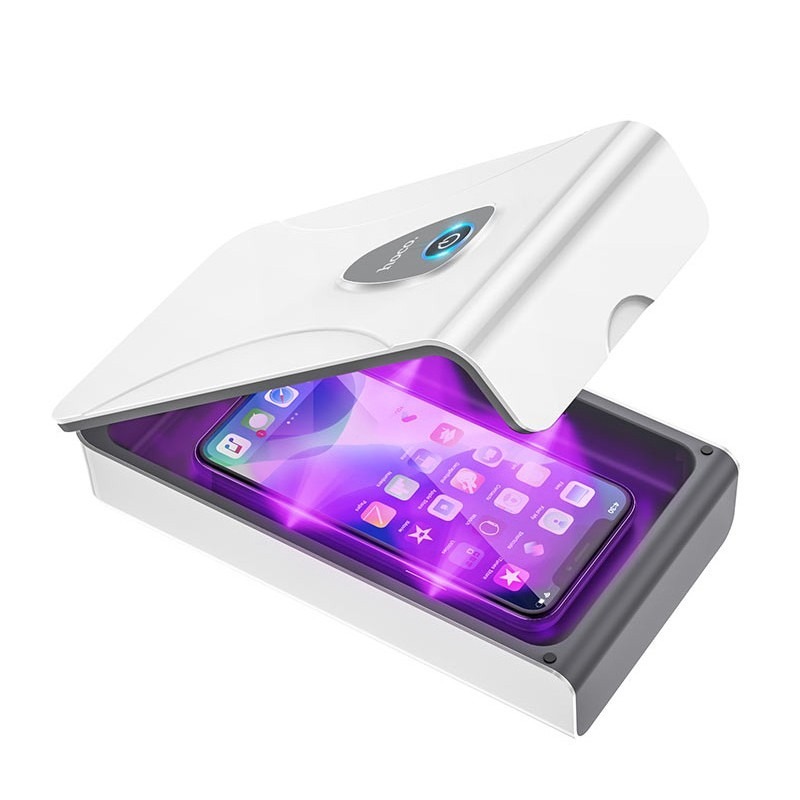
UV sterilization box kills coronavirus
For the disinfection process of small objects, there is a device that can help carry out the task by ensuring the sterilization of pocket items!

5 important rules when cleaning your MacBook
MacBooks are renowned for their unique design. It is therefore necessary to be careful when cleaning the equipment, in order to preserve the paintwork and prolong the excellent appearance of the materials.
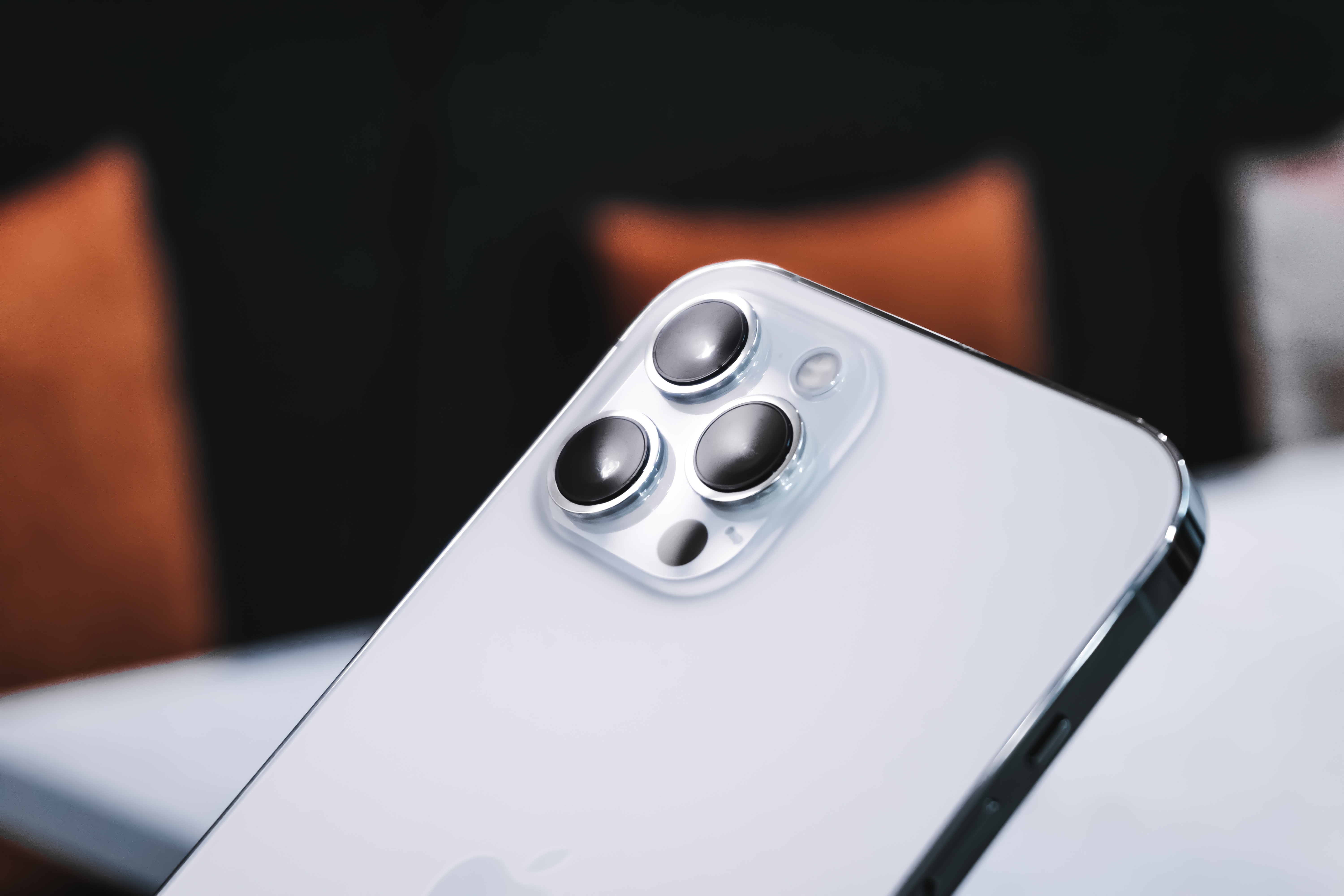
iPhone, Huawei or Xiaomi: which has the best cameras?
After being the subject of Cinema Mode demonstrations, the iPhone 13 Pro was reviewed this week and achieved an overall score of 137 in this ranking but did not reach the podium.
