





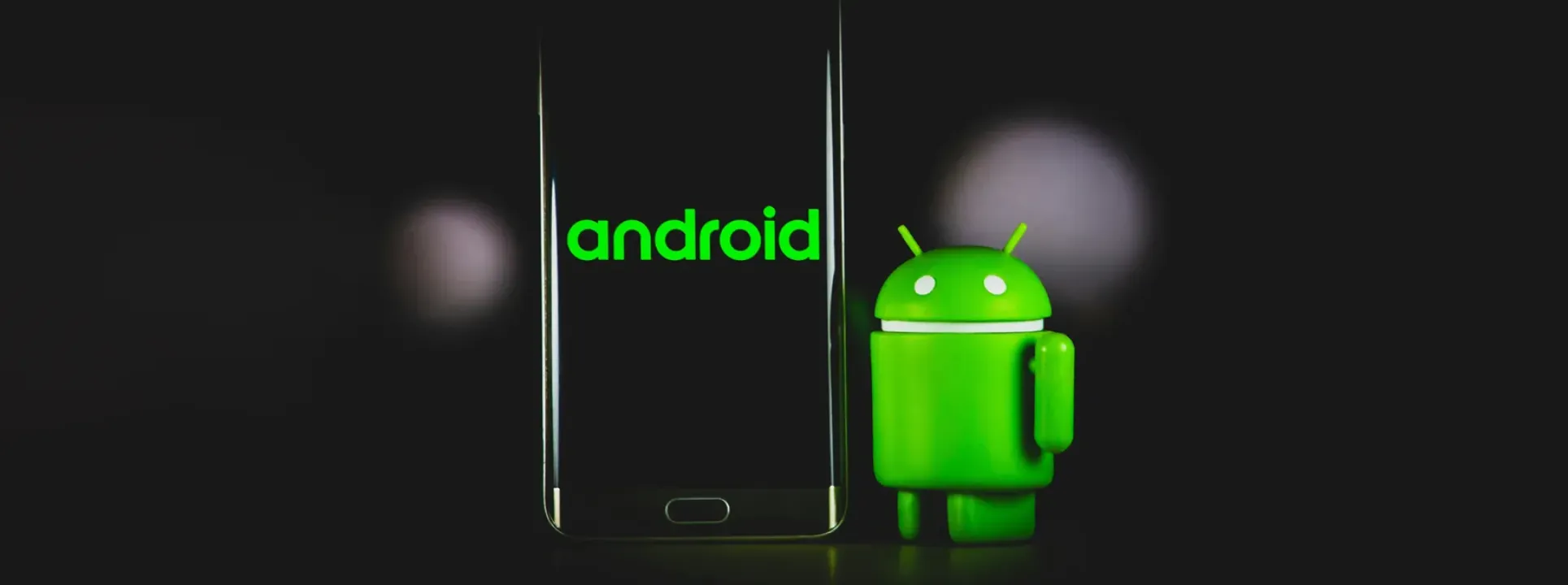




Find out how Android 15 on Smartphones will replace the PC
Android 15 will be Google's big bet, considering all the news that is emerging in the news. The good news does not stop at privacy security, with updates going beyond what is usual. Recently, it was reported that this new Android update will have a desktop mode, which means it will be able to replace the computer.
In other words, with this new feature of Android 15 your Smartphone will increase all its capabilities. And we're not just talking about performance, but also in terms of interface. Since to use this new mode a single workspace will be created.
This area will give new use to the multi-window experience, in addition to a title bar with a menu at the top. This menu will have, among the various options, the possibility of using this app as a full screen and split screen mode. There is also room for a third format - the free one, with the possibility of dragging and resizing the windows.
It is worth remembering that desktop mode was launched for the first time when Android 10 was released. Although in a very basic way, at that time this mode was essentially for developers to test their apps in scenarios with several windows open. Now, years later, this mode will have several improvements and will be available for any type of user to work as if. like a computer.
Reactions to this new feature were quick to come, with internet users and internet forum users showing great enthusiasm for this new desktop mode. It is expected that this new feature will make Android 15 and Smartphones even more useful in each of our lives. In this way, a simple cable can replace the PC on any device, which will create a new way of working on a new work base that is even more portable and completely accessible anytime, anywhere.
Recommended Products
View all
 36 Months

 36 Months

 36 Months

€39.95
Other Articles
See more
Slow smartphone? 10 reasons and how to solve this
Is your smartphone slow? Discover 10 reasons that can affect the performance of your mobile phone and know what to do to make it faster.
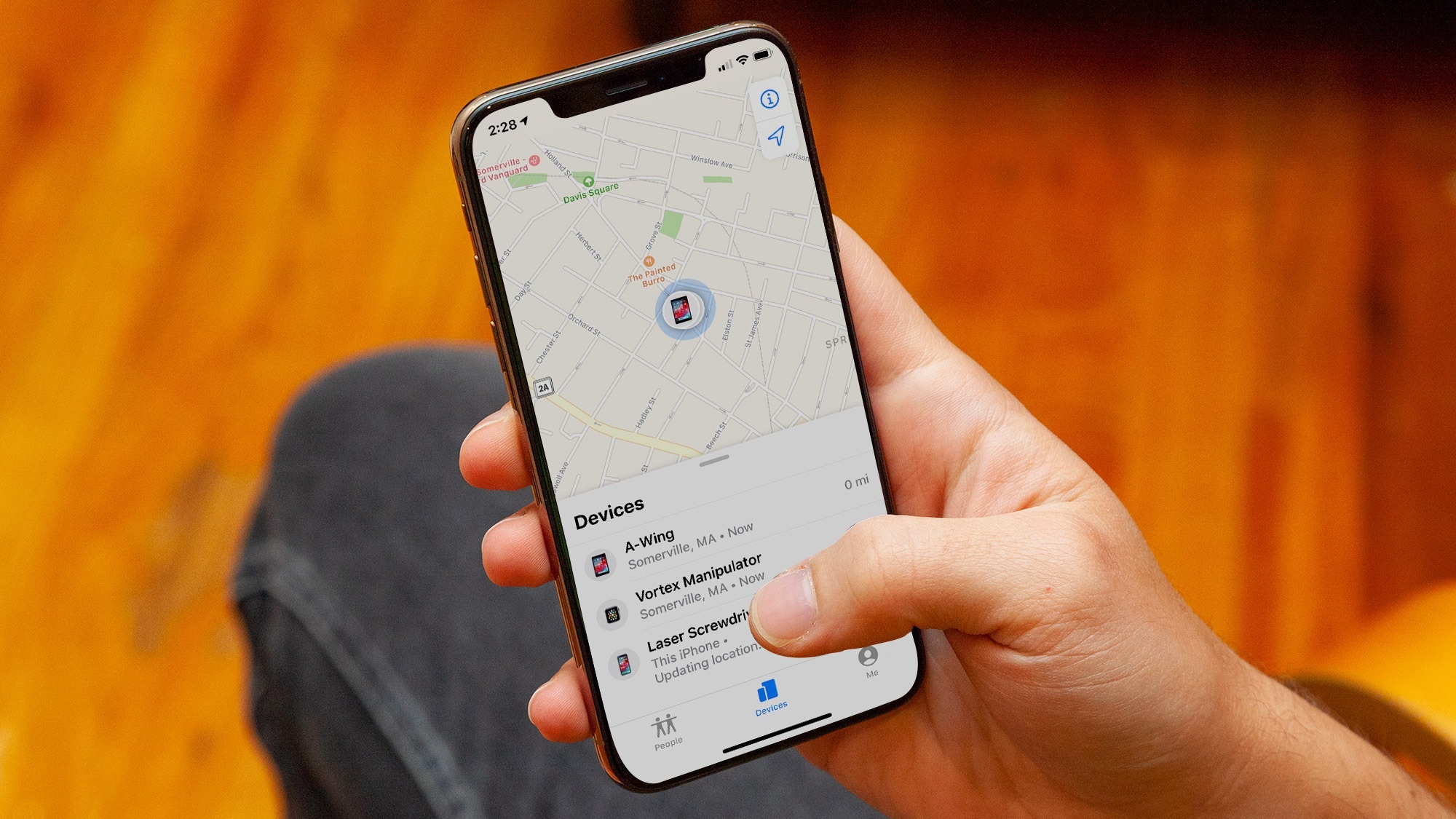
How to find your lost iPhone even if it's turned off
The "Find My" feature has improvements in iOS15 and now allows you to track some iPhones, even if they are turned off
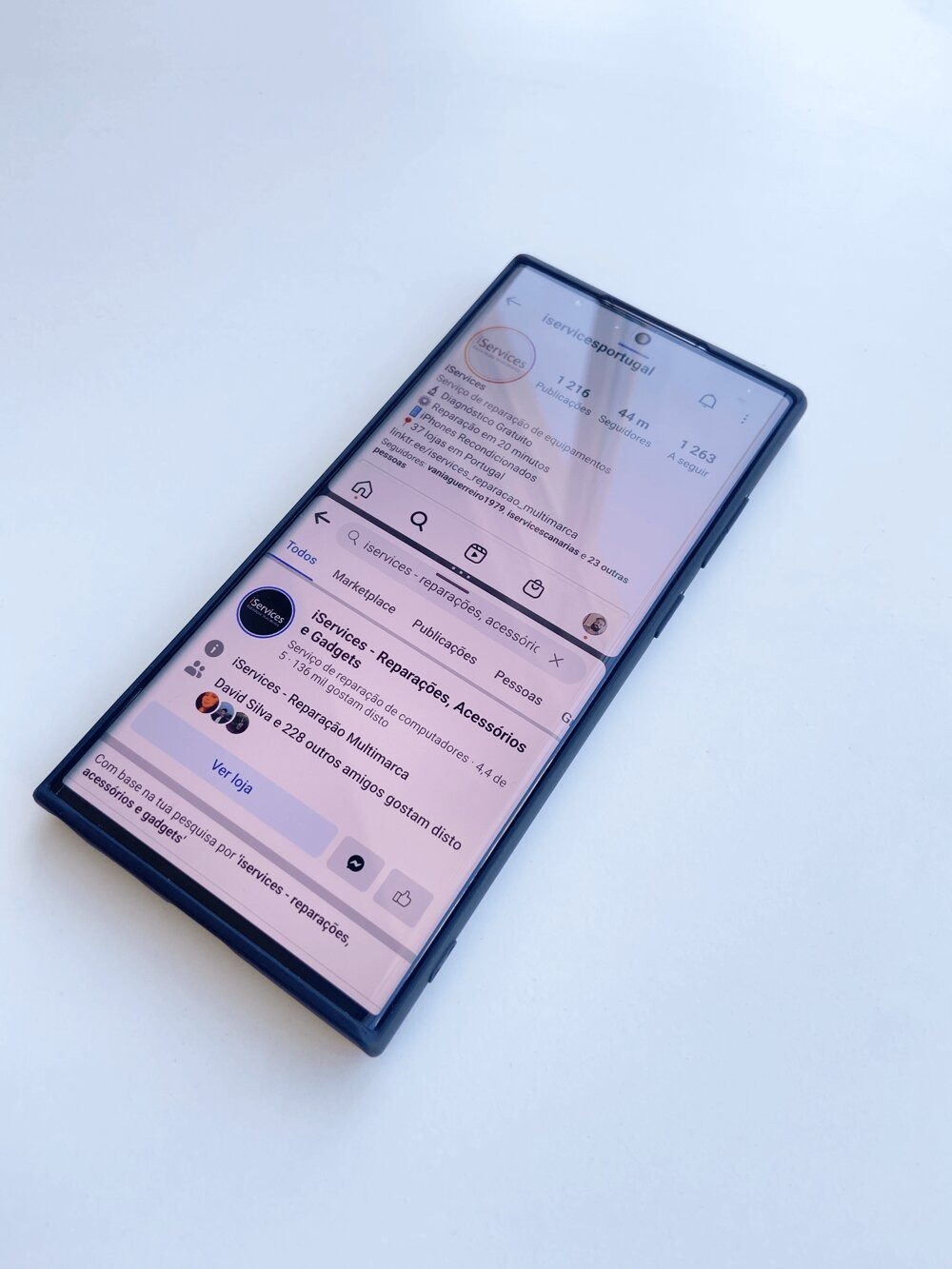
Tip: How to use Android Multitasking
Is your mobile phone your productivity companion? Did you know that it allows you to have two apps running at the same time, dividing the screen space in two? Find out everything on our blog.
