





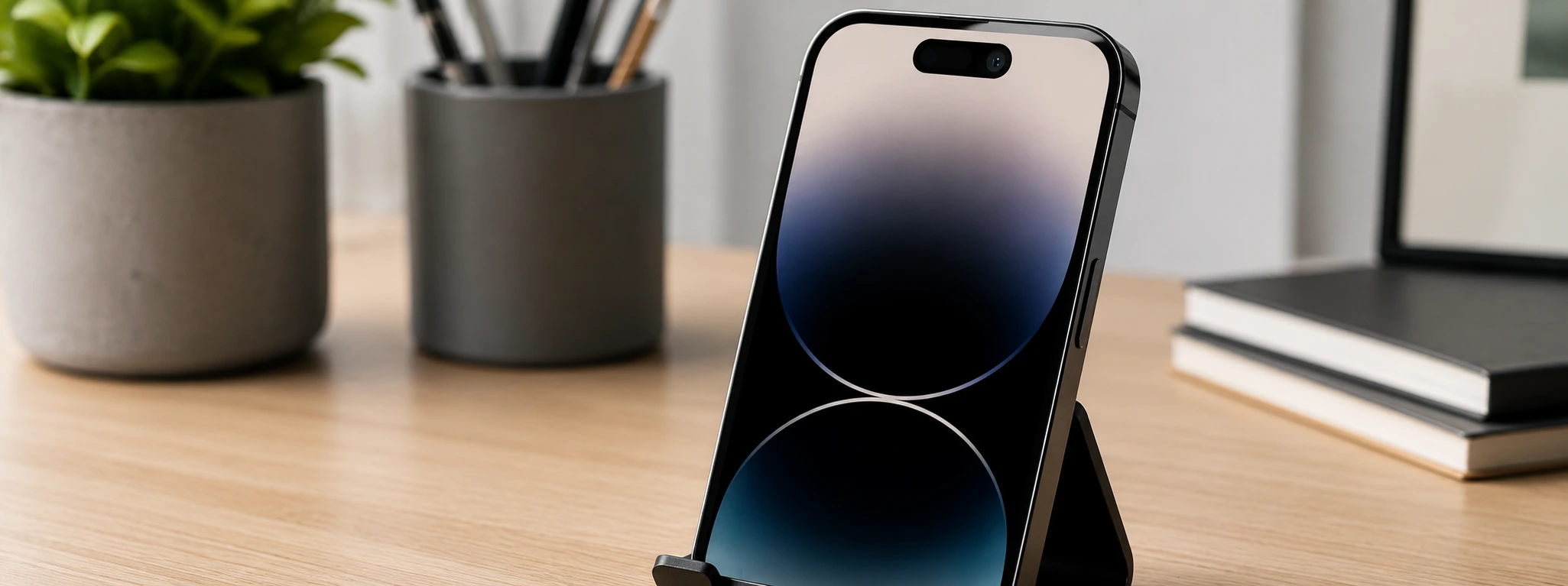




iPhone Front Camera Black: Causes and Solutions
If your iPhone's front camera is showing a black screen when you try to take selfies or make video calls, you're not alone. This problem is common across various models, from the iPhone X to the latest iPhone 16 Pro Max. At iServices, we understand how frustrating it is to lose front camera functionality, especially when it's essential for users' daily lives.
In this article, we explain the main causes that can lead to a black front camera and present practical solutions so you can effectively resolve this issue. Whether due to software, hardware, or temporary glitches, we'll guide you step-by-step to help you enjoy your iPhone's front camera again without worries.
Causes of a Black Camera on iPhone
Software or Operating System Issues
The iOS system can present errors that affect the front camera's operation. Incomplete updates, system bugs, or conflicting applications can cause the camera to display a black screen. Often, these problems are temporary and can be resolved with a simple restart or software update.
Camera App Failure
In some cases, the native camera application may become corrupted or present internal errors. This can prevent the front camera from functioning correctly, showing only a black screen. Third-party applications that access the camera can also cause conflicts that affect the image.
Front Camera Hardware Problem
Physical damage, such as drops or exposure to liquids, can cause front camera failures. Internal components like the camera module or its cables may be damaged, leading to a black screen. This type of problem usually requires specialized technical intervention.
Loose or Damaged Connector
The connector that links the front camera to the main board may be loose or damaged. This is common after drops or poorly executed previous repairs. A connector with poor contact prevents the correct image transmission, resulting in a black screen.
Table of Solutions
| Cause | Recommended Solution | Complexity |
|---|---|---|
| Software Issues | Restart iPhone and update iOS | Low |
| Camera App Error | Close and reopen app; reinstall | Low |
| Hardware Problem | Diagnosis and module replacement | High |
| Loose or Damaged Connector | Verification and repair by technicians | Medium to High |
| Privacy Settings | Check camera permissions in iOS | Low |
Step-by-Step Solutions
Restart iPhone and Update iOS
- Press and hold the side button and one of the volume buttons until the power off slider appears.
- Turn off the iPhone and wait 30 seconds.
- Turn the device back on.
- Go to Settings > General > Software Update and install any available updates.
- Test the front camera to check if the problem has been resolved.
Close and Reinstall the Camera App
- Swipe up from the bottom of the screen (or double-click the Home button on models with a button) to open the app switcher.
- Find the Camera app and swipe up to close it.
- Open the app again and test the front camera.
- If the problem persists, delete the app and reinstall it from the App Store (the native app can be reinstalled).
Camera Module Diagnosis and Replacement
- Visit an iServices store for a professional diagnosis.
- Our technicians will check the status of the front camera module.
- If necessary, it will be replaced with original parts.
- This intervention ensures your iPhone functions perfectly again.
Camera Connector Check and Repair
- Go to an iServices store so our technicians can open your iPhone with the appropriate tools.
- The status of the front camera connector will be checked.
- If it is loose or damaged, it will be repaired or replaced.
- After the intervention, a complete test will be performed to ensure functionality.
Check Camera Permissions in iOS
- Go to Settings > Privacy > Camera.
- Confirm that the applications you want to use have permission to access the camera.
- If an application does not have permission, activate it.
- Test the front camera again in the application in question.
Why is my iPhone's front camera black even after restarting?
If the problem persists after restarting, it may be related to a hardware issue or an application blocking camera access. We recommend checking camera permissions and, if necessary, seeking specialized technical assistance.
How can I tell if the problem is software or hardware?
One way to test is to use different applications that use the front camera. If all of them show a black screen, it might be a hardware problem. Another option is to restore your iPhone to factory settings (after backing up); if the problem persists, it's likely a hardware issue.
Is front camera module replacement guaranteed?
Yes. At iServices, all camera module replacements are done with original parts and come with a warranty. We guarantee professional technical assistance so you can have peace of mind after the repair.
How long does front camera repair take at an iServices store?
In most cases, the repair can be done on the same day, thanks to our express deliveries and available stock of parts. The exact time depends on the model and the complexity of the intervention, but our technicians always provide an estimated timeframe.
Need Professional Help? iServices Is Here for You
If your iPhone's front camera continues to display a black screen, don't hesitate to visit one of our stores. At iServices, we have a specialized technical team ready to diagnose and repair your phone quickly and efficiently. We offer a warranty on all repairs, so you can have complete confidence in the service provided.
Furthermore, we offer express deliveries and technical assistance nationwide, making the experience simple and convenient for you. For more information or to schedule a visit, check our official website at iservices.pt. Count on us to restore your front camera's functionality and keep your iPhone working as it should.
Recommended Products
View all
 36 Months
 36 Months

€19.95
36 Months




Other Articles
See more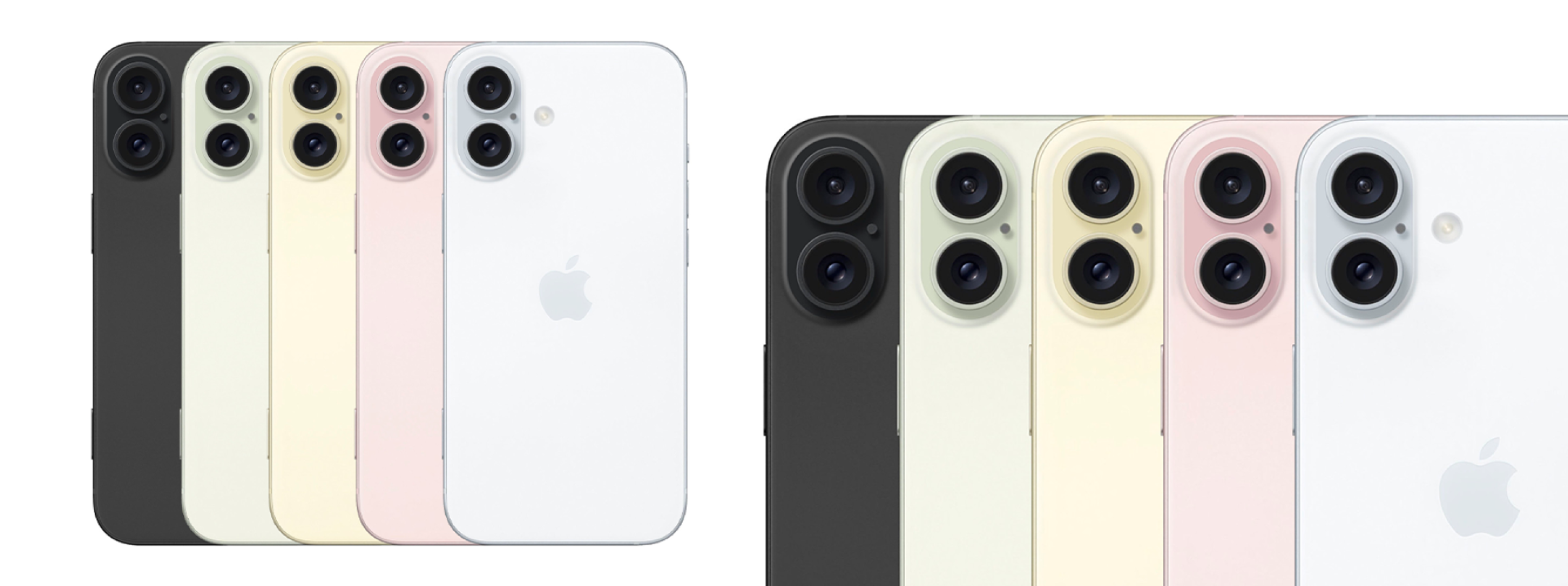
iPhone 16, everything we already know
The launch of the iPhone 16 could be soon. At iServices you will find all the information about the new Apple iPhone, which will contain innovations in terms of the screen and in colors.
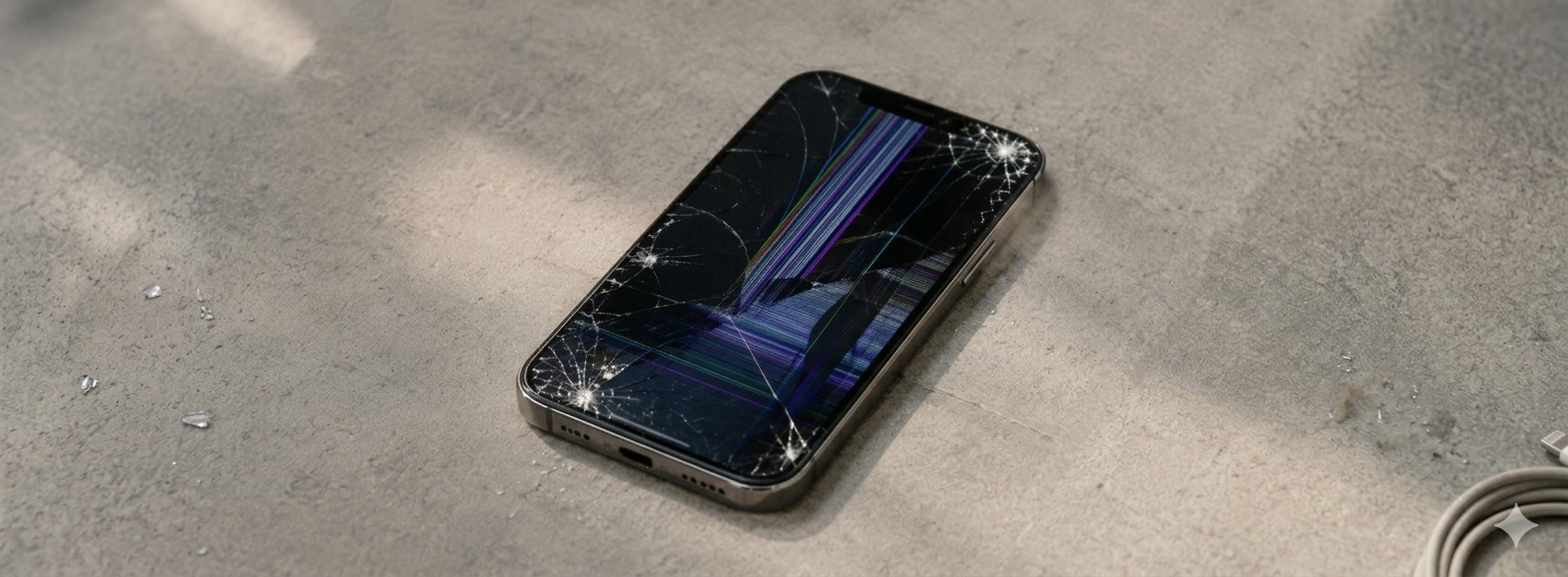
iPhone Screen with Burn-in (Image Retention): How to fix
Learn how to identify and solve the burn-in problem on the iPhone screen, from iPhone X to iPhone 17 Pro Max, with iServices solutions and assistance.
iPhone front camera with inverted image: causes and solutions
iPhone front camera with reversed image? Discover causes, solutions and how iServices can help with specialized technical assistance.
