





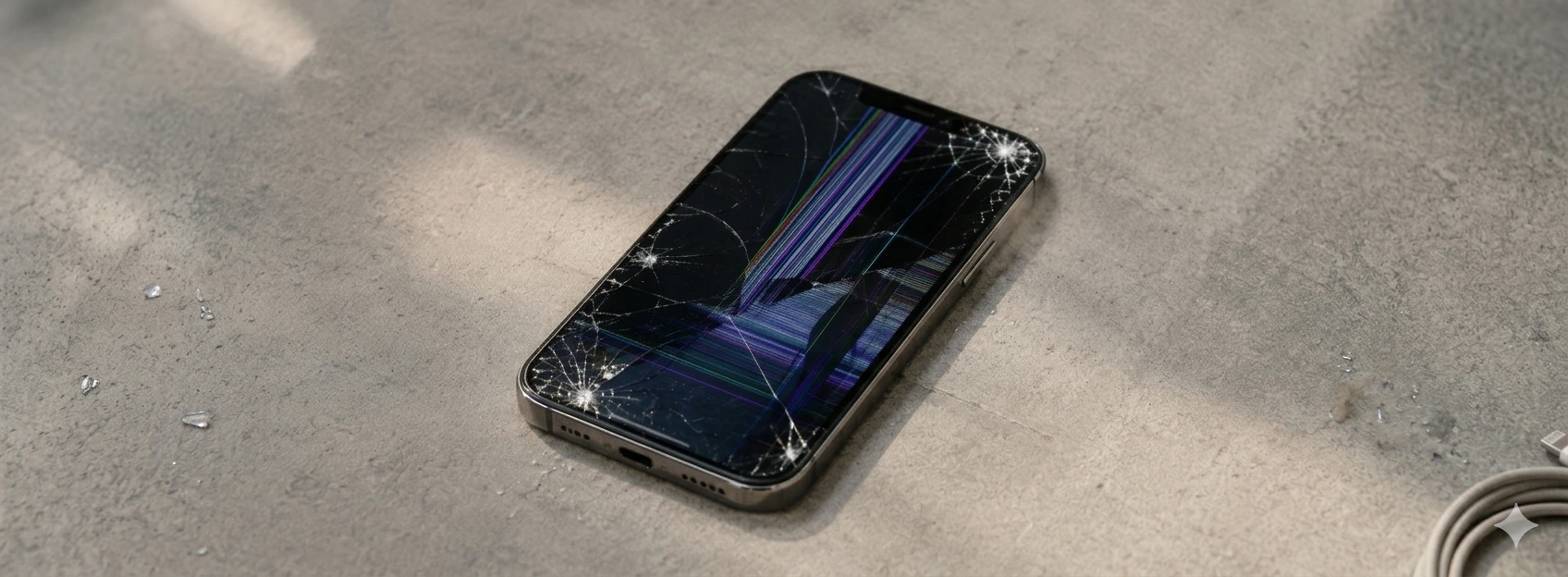




iPhone Screen with Distorted Colors: Causas e Soluções
Having your iPhone screen display distorted colors is a problem that can seriously affect the user experience, from the iPhone X to the latest models like the iPhone 17 Pro Max. Whether you're noticing strange hues, overly vibrant or faded colors, or even colored lines, this issue can indicate anything from software glitches to physical damage to the device.
At iServices, we understand the importance of a functional screen with faithful colors, especially on a device as frequently used in daily life as the iPhone. Therefore, in this article, we explain the most common causes of this problem and present effective solutions so you can once again enjoy your phone with the best possible visual quality.
Causes of iPhone Screen Color Distortion
Physical Screen Damage
One of the most frequent reasons for an iPhone screen to display distorted colors is physical damage caused by drops, impacts, or excessive pressure. Even if the screen isn't visibly broken, internal components, such as the LCD or OLED panel, can be damaged, leading to color changes.
Software Issues or Settings
Sometimes, distorted colors on the screen can be caused by errors in the iOS operating system or incorrect accessibility settings, such as color filters or changes in color balance. Unsuccessful updates or buggy applications can also cause these types of anomalies.
Logic Board Defects
In more severe cases, the problem's origin may lie in the iPhone's logic board, especially if there are faults in the circuit responsible for processing the screen's signal. This can happen due to liquid infiltration, overheating, or natural wear and tear of the device.
Screen Cable Issues
The cable connecting the screen to the logic board may be loose, damaged, or improperly secured, causing failures in image transmission and, consequently, distorted colors. This is a common problem after poorly executed repairs or recent drops.
Table of Solutions
| Cause | Recommended Solution | Complexity |
|---|---|---|
| Physical Screen Damage | Screen replacement by specialized technicians | High |
| Software Issues | Restart, update iOS, or restore system | Low |
| Logic Board Defects | Professional diagnosis and possible repair or replacement | Very High |
| Screen Cable Issues | Readjust or replace screen cable | Medium |
Step-by-Step Solutions
Screen Replacement due to Physical Damage
- 1. Take your iPhone to an iServices store for a detailed diagnosis.
- 2. Our technicians will confirm the damage and recommend screen replacement.
- 3. If you accept, we will proceed with the replacement using original or high-quality components.
- 4. After the repair, we test the device to ensure colors are fully restored.
- 5. We offer a warranty on the repair for your peace of mind.
Software Troubleshooting
- 1. Restart your iPhone to eliminate potential temporary glitches.
- 2. Check for available iOS updates in Settings > General > Software Update and install them.
- 3. If the problem persists, back up your iPhone and restore it via iTunes or Finder.
- 4. Check accessibility settings to ensure color filters are disabled: Settings > Accessibility > Display & Text Size.
Diagnosis and Repair of Logic Board Defects
- 1. Book a visit to an iServices store for a complete diagnosis.
- 2. Our specialized technicians will assess the condition of the logic board.
- 3. Depending on the diagnosis, repair or replacement of internal components may be necessary.
- 4. After intervention, we conduct rigorous tests to ensure full screen functionality.
Readjustment or Replacement of the Screen Cable
- 1. Bring your iPhone to an iServices store for assessment.
- 2. Technicians will check the connection of the screen cable to the logic board.
- 3. If necessary, the cable will be readjusted or replaced to ensure correct image signal transmission.
- 4. We test the device to confirm that colors are normal.
Why does my iPhone screen show strange colors after a drop?
Drops can cause internal damage to the screen panel, even without cracking the glass. This changes how the screen reproduces colors, resulting in distortions. In such cases, screen replacement is usually the best solution.
Can I fix distorted iPhone screen colors with a simple update?
If the origin is a software issue, an iOS update or system restore might solve the problem. However, if the cause is hardware, the update will have no effect.
How long does screen repair for distorted colors take at iServices?
In most cases, screen replacement is done on the same day through an express delivery service. The exact time depends on part availability and the iPhone model.
What if the screen colors remain distorted after repair?
We recommend returning to the iServices store where the repair was performed for a quality check and possible adjustment. We offer a warranty on repairs to ensure your satisfaction.
Need Professional Help? iServices Is Here for You
If you're facing problems with your iPhone screen, don't hesitate to contact iServices. With several stores in Europe, we offer a vast network of specialized technical assistance so you can resolve the issue near you. Our experienced technicians guarantee repairs with original or certified parts, ensuring the quality and durability of the service.
Furthermore, we provide express deliveries for those who need a quick and effective solution. All repairs performed with us come with a warranty, so you can have complete confidence in the work done. Visit our website to find the nearest store and schedule your diagnosis. At iServices, we help your iPhone display true colors with all the fidelity it deserves.
Recommended Products
View all

 36 Months
 36 Months

€19.95
36 Months




Other Articles
See more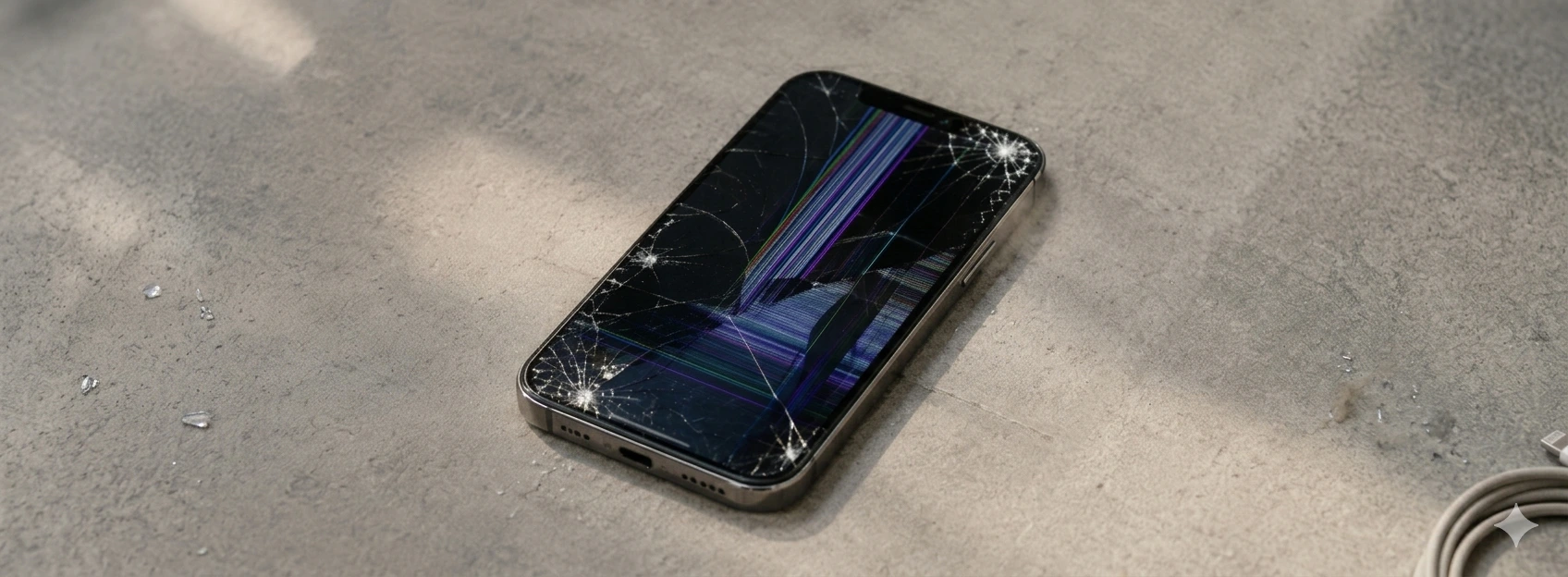
iPhone Screen Unresponsive to Touch: Causes and Solutions
Learn what to do when the iPhone screen doesn't respond to touch. Diagnostics and solutions for iPhone X models up to iPhone 17 Pro Max at iServices.
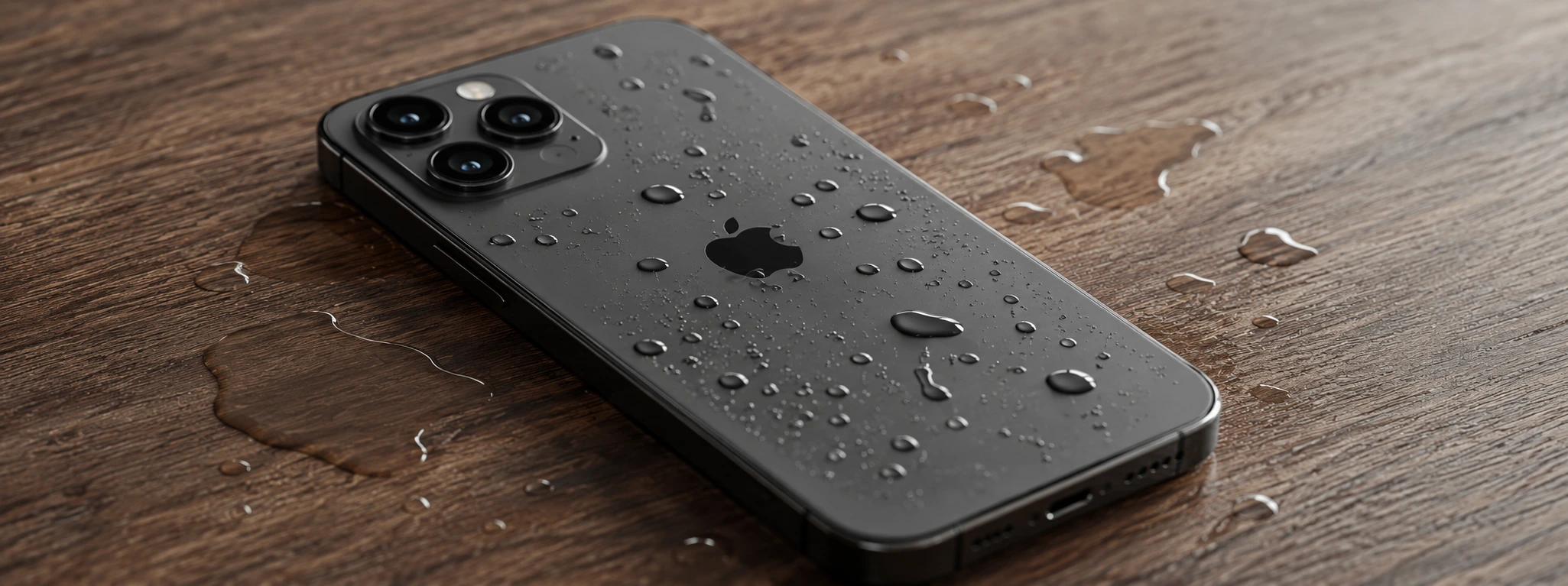
iPhone with Humidity in the Cameras: Causes and Solutions
Learn how to solve the humidity problem in iPhone cameras with effective solutions and specialized iServices assistance.
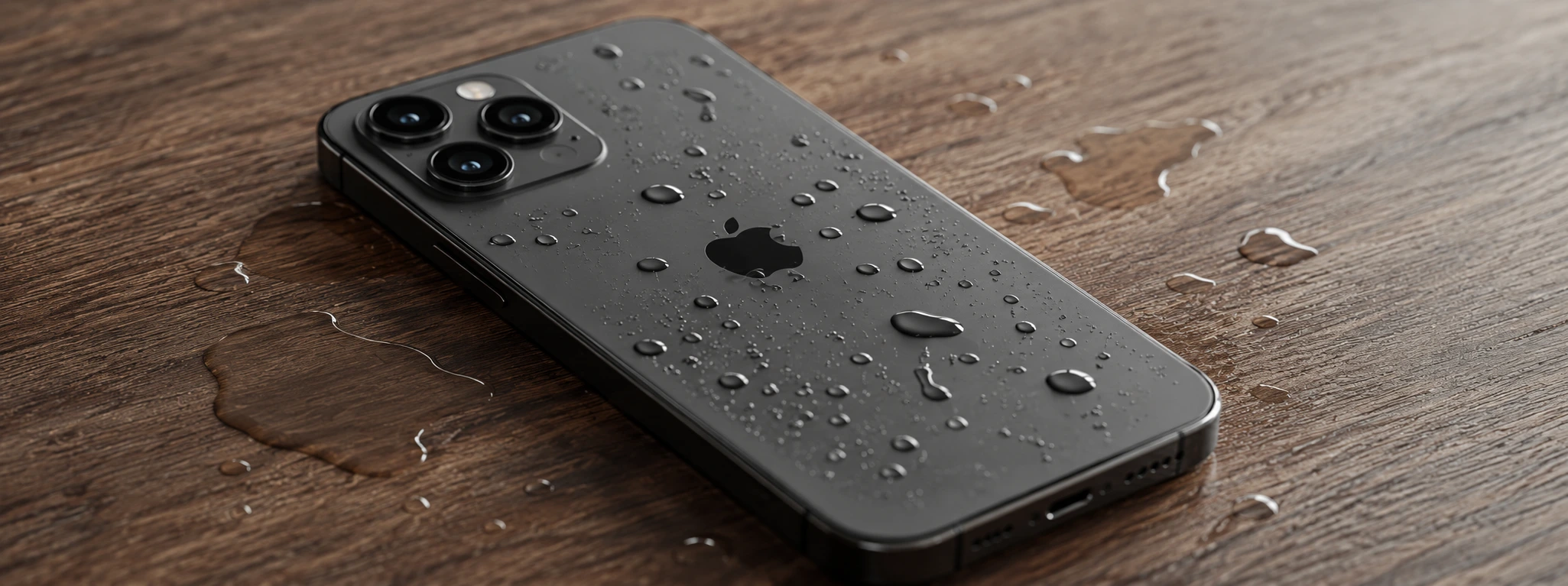
iPhone Sensors Affected by Humidity: Causes and Solutions
Learn how humidity affects iPhone sensors and discover effective solutions for iPhone X to iPhone 17 Pro Max models at iServices.
