


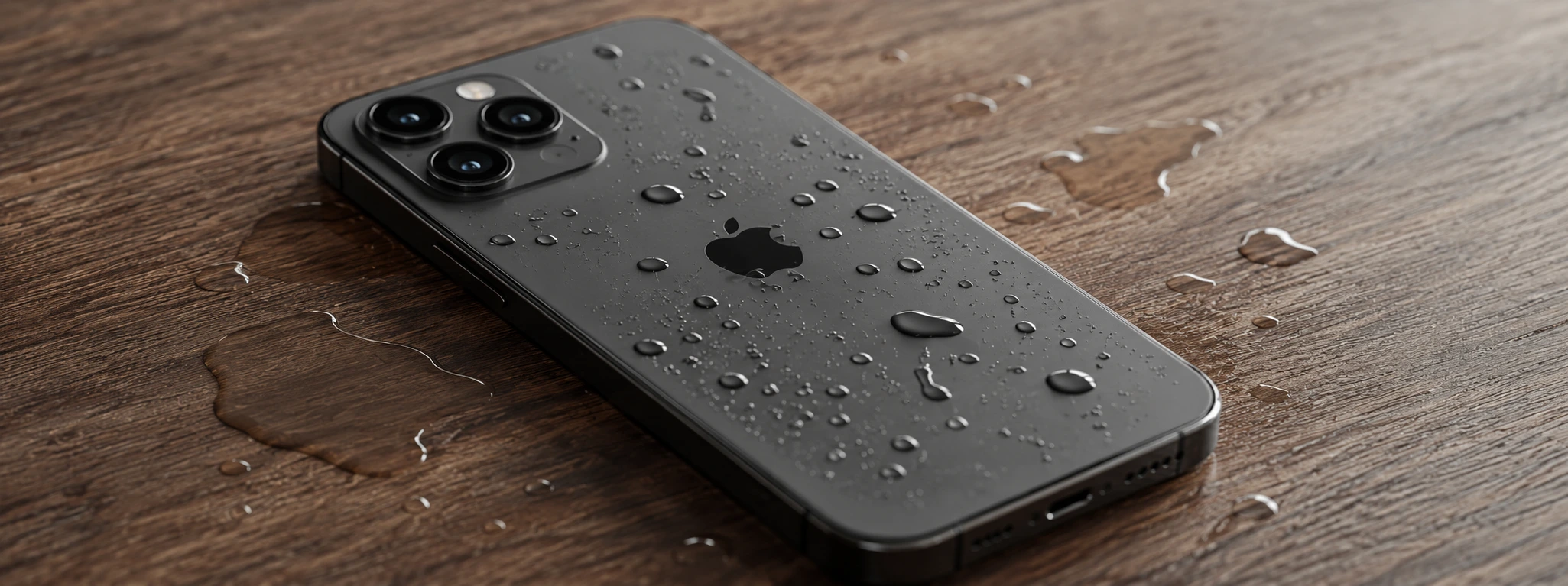




iPhone won't turn on after falling into water: causes and solutions
It is a situation no iPhone user wants to face: your phone falls into water and, when you try to turn it on, nothing happens. This problem can affect models from the iPhone X to the latest iPhone 17 Pro Max, causing anxiety and an urgent need for an effective solution. At iServices, we understand the frustration this situation causes and we are prepared to help.
iPhones are sophisticated and delicate devices, with electronic components that can suffer significant damage when they come into contact with liquids. Therefore, it is essential to act quickly and correctly to minimize the damage. In this article, we explain the most common causes for an iPhone not turning on after falling into water, present step-by-step solutions, and indicate when you should seek professional help from us.
Why won't the iPhone turn on after falling into water?
Water entering internal components
When the iPhone comes into contact with water, especially if it is saltwater or dirty water, the liquid can infiltrate the inside of the device. This causes short circuits and corrosion on the electronic boards, which prevents normal operation and can lead to the total blockage of the device.
Battery damage
Exposure to water can damage the iPhone's battery, causing power supply failures. A compromised battery can cause the phone to not respond to attempts to turn it on, even if the rest of the equipment is intact.
Screen failure
Sometimes the iPhone turns on, but the screen remains black or shows lines and spots, due to short circuits or damage to the screen connectors caused by water. This makes the user think the phone is not turning on.
Power button issues
Water can infiltrate the power button mechanism, making it difficult to operate or blocking it completely. In this case, the iPhone may not respond to the command to turn on.
Solution Table
| Cause | Recommended Solution | Complexity |
|---|---|---|
| Internal water ingress | Professional drying and internal cleaning | High |
| Battery damage | Battery replacement | Medium |
| Screen failure | Repair or replacement of the screen | Medium to high |
| Power button issues | Repair of the button or component | Medium |
| General system failure | Operating system restore (DFU) | Medium |
Step-by-Step Solutions
Professional drying and internal cleaning
- Turn off the iPhone immediately, if it is still on.
- Do not try to turn on the device or charge the battery.
- Go quickly to an iServices store for a complete diagnosis.
- Our technicians perform internal cleaning to remove water and prevent corrosion.
- The device is placed in professional drying equipment to eliminate residual moisture.
Battery replacement
- After diagnosis, we confirm if the battery is damaged.
- We replace the battery with an original one, ensuring the performance and safety of the iPhone.
- We test the device to ensure it turns on and works correctly.
Repair or replacement of the screen
- We confirm if the screen is functional or damaged.
- If necessary, we replace the screen with a new one, compatible with the model (iPhone X, 11, 12, 13, 14, 15, 16 Pro Max, etc.).
- We test the screen to ensure image quality and touch response.
Repair of the power button
- We verify the operation of the button with specialized equipment.
- We proceed with cleaning or replacing the faulty button.
- We confirm that the button responds correctly to all commands.
Operating system restore (DFU mode)
- We connect the iPhone to a computer with appropriate software.
- We place the device in DFU mode to reinstall iOS.
- We restore the operating system to eliminate faults caused by exposure to water.
What to do immediately after the iPhone falls into water?
Turn off the iPhone immediately to avoid short circuits. Do not attempt to turn on or charge the device. Dry it carefully with a soft cloth without pressing, and take it to an iServices store for a quick technical evaluation.
Is the iPhone water-resistant and shouldn't it be damaged?
Although recent models, such as the iPhone 12, 13, 14, and 15, have IP68 certification, which offers water resistance, this protection is not absolute. Prolonged exposure, saltwater, or drops that damage the seal can allow liquids to enter, causing malfunctions.
How long does it take to repair a wet iPhone?
Repair time depends on the extent of the damage. At iServices, many interventions are done on the same day, especially screen or battery replacements. For more complex cases, detailed diagnosis and cleaning may take a few days.
Can I use rice to dry my wet iPhone?
The rice method is popular, but ineffective and can leave residues inside the phone. The best solution is to take the iPhone to a specialized center like iServices, where professional equipment is used for drying and cleaning.
Need Professional Help? iServices Is Here for You
If your iPhone won't turn on after falling into water, don't risk causing more damage by trying DIY repairs. We offer accurate diagnosis, fast repair, and a warranty on all services.
With express delivery and technical support throughout the country, ensuring the functionality of your iPhone is our priority. Visit the nearest iServices store or check iservices.pt to schedule your appointment. Trust iServices to bring your phone back to life with the quality and safety that only experts can guarantee.

 Gratis levering, verwacht dinsdag!



 36 Months
 36 Months
 36 Months
Other Articles
See more
iPhone Front Camera Black: Causes and Solutions
iPhone front camera black? Discover common causes and effective solutions for models from iPhone X to iPhone 17 Pro Max with iServices.
iPhone MagSafe not working: Oorzaken en Oplossingen
Discover why your iPhone's MagSafe is not working and how you can fix it with simple solutions or specialized technical support at iServices.
iPhone Screen Flickering: Causes and Solutions
iPhone screen flickering? Learn the causes and the best solutions for models from iPhone X to iPhone 17 Pro Max with iServices, a specialist in repairs.
