


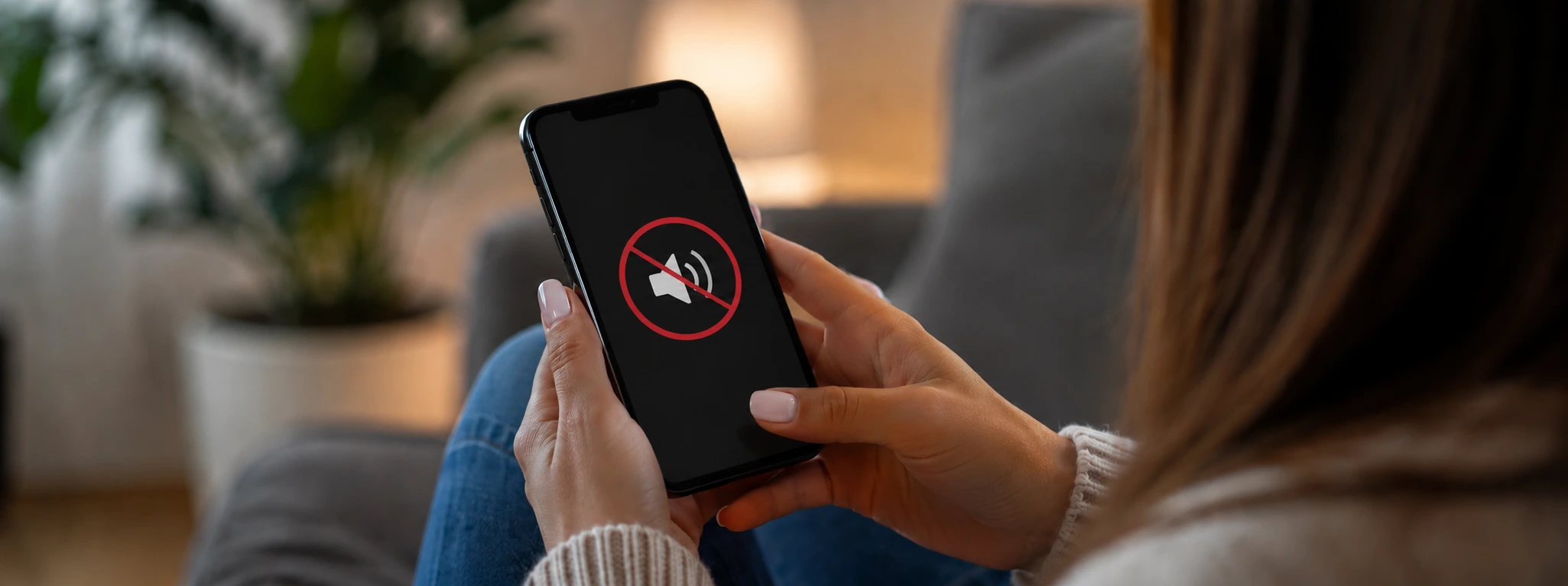




People Can't Hear Me on iPhone Calls: Causes and Solutions
Many iPhone users, from the iPhone X to the latest models like the iPhone 17 Pro Max, struggle with a common problem: during phone calls, people on the other end of the line cannot hear us. This situation is frustrating and can hinder daily communication, whether for work or leisure. At iServices, we understand how important a functioning phone is, and we are here to help you identify and resolve this issue.
This article explains the main reasons why you might not be heard during iPhone calls, presents practical solutions, and provides guidelines to help you restore your device's microphone functionality. Whether it is a software or hardware issue, our specialized technicians are ready to support you.
Why can't people hear me during calls on my iPhone?
Clogged or dirty microphone
The iPhone microphone can accumulate dust, dirt, or debris, especially if the phone is used without a protective case or in dusty environments. This obstruction prevents sound from being picked up correctly, resulting in calls where the person on the other end cannot hear you.
Software or configuration issues
Errors in the iOS operating system, poorly executed updates, or incorrect phone settings can affect microphone operation. For example, restricted app permissions or active silent modes can interfere with sound transmission during calls.
Defective internal microphone
The microphone may have suffered physical damage due to drops, exposure to liquids, or natural wear and tear. In models from the iPhone X to the iPhone 16 Pro Max, the microphone is integrated into delicate components that, when defective, compromise sound quality.
Issues with accessories
Sometimes, the use of accessories connected to the iPhone, such as headphones with a microphone or adapters, can cause interference with the internal microphone. If these accessories are defective or poorly connected, the person you are calling may not be able to hear your voice.
Solution Table
| Cause | Recommended solution | Complexity |
|---|---|---|
| Clogged or dirty microphone | Carefully clean the microphone | Low |
| Software or configuration issues | Restart the iPhone and check permissions | Low to medium |
| Defective internal microphone | Repair or replacement of the microphone | High |
| Issues with accessories | Test calls without accessories | Low |
| Incorrect audio settings | Adjust audio settings and reset settings | Medium |
Step-by-step solutions
Carefully clean the microphone
- Turn off the iPhone. Use a soft brush or compressed air to remove dust or dirt from the microphone openings, which are usually located at the bottom of the phone. Avoid using liquids or sharp objects that could damage the microphone. Turn on the iPhone and test a call.
Restart the iPhone and check permissions
- Restart your iPhone to correct potential temporary system errors. Go to Settings > Privacy > Microphone and ensure that calling apps have permission to access the microphone. Check if "Do Not Disturb" or "Silent" mode is disabled. Test a call to confirm if the problem persists.
Repair or replacement of the microphone
- If you suspect physical damage, visit an iServices store for a professional diagnosis. Our technicians will assess the microphone and proceed with the necessary repair or replacement. We guarantee specialized technical assistance and a warranty on all performed repairs.
Test calls without accessories
- Disconnect or remove any headphones, adapters, or other accessories connected to the iPhone. Make a call to check if the internal microphone is working correctly. If it works, test the accessories on another device to confirm if the problem lies there.
Adjust and reset audio settings
- Go to Settings > General > Transfer or Reset iPhone > Reset > Reset All Settings.
- Confirm the reset and wait for the device to restart.
- Test the microphone during a call to see if the issue is resolved.
Why can't people hear me during my iPhone calls?
The most common causes are a dirty or clogged microphone, software issues, incorrect settings, physical damage to the microphone, or interference from connected accessories.
How can I test if my iPhone microphone is working?
You can record a voice memo in the Voice Memos app or make a test call. If the recording or call contains no sound, there is likely an issue with the microphone.
Can I clean the iPhone microphone myself?
Yes, but be careful not to damage the components. Use a soft brush or compressed air and avoid liquids. For stubborn dirt, we recommend professional technical assistance.
How long does a microphone repair take at iServices?
At iServices, we offer express service, and in most cases, the repair can be completed on the same day, depending on the model and availability of parts.
Need professional help? iServices is here for you
If the above solutions do not resolve the issue where people cannot hear you during iPhone calls, do not hesitate to visit one of the 76 iServices stores throughout Portugal. Our specialized technicians are ready to perform a detailed diagnosis and carry out the necessary repair, always ensuring the highest quality and warranty.
At iServices, we offer full technical support, express deliveries, and reliable service that supports you across the entire country. For more information, you can schedule your visit or visit our website at iservices.pt. Count on us to keep your iPhone working perfectly.

 Gratis levering, verwacht overmorgen!



 36 Months
 36 Months
 36 Months
Other Articles
See more
Does a refurbished iPhone have a warranty?
Does a refurbished iPhone have a warranty? iServices offers a 3-year warranty. Discover how it works, what is included, and how to buy safely.
What we already know about the iPhone 17
The launch of the iPhone 17 is just around the corner. At iServices you will find all the information and news about Apple's new Smartphone.
iPhone Action Button is not working: Causes and Solutions
iPhone action button not working? Discover the common causes and effective solutions for models from the iPhone X to the iPhone 17 Pro Max at iServices.
